
LEXOGRINE HUD
Powered by « Lexogrine HUD Manager »
# Lexogrine HUD Fullfledged example of the React HUD made for HUD Manager. ## Preview 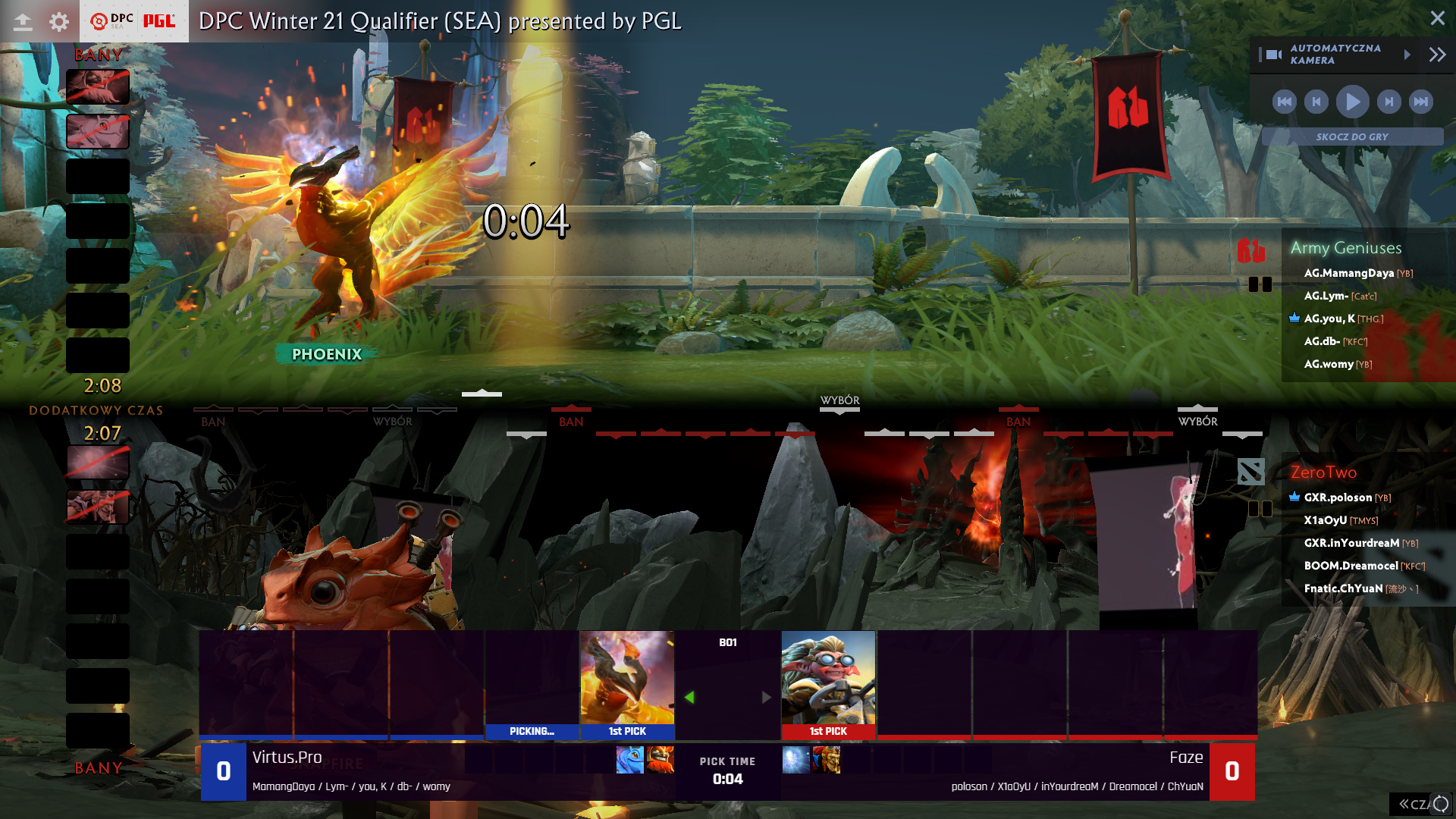 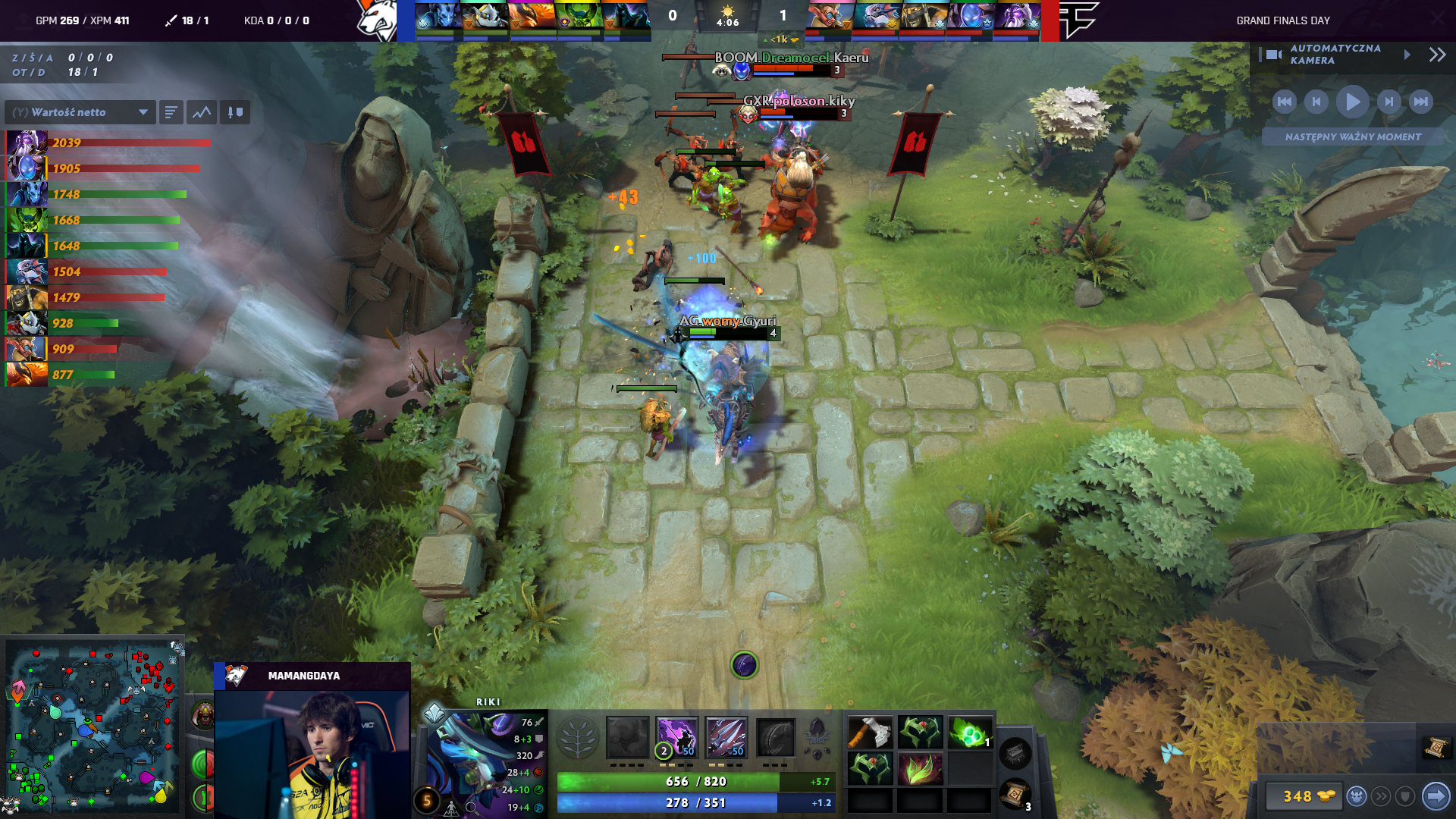 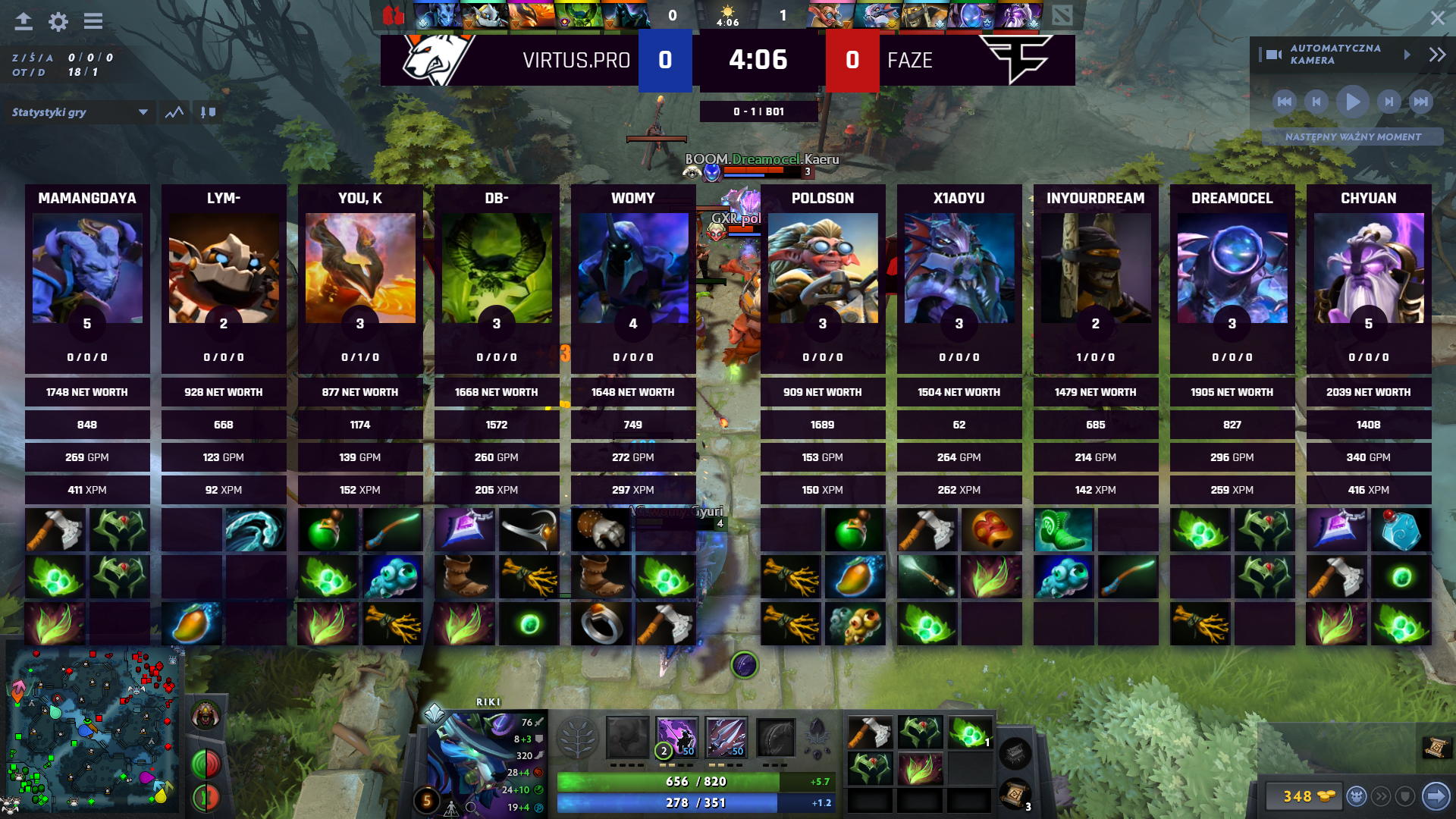 ## Setting up Fork this repo, clone it, and then run `npm install` and `npm start`. HUD should start on the 3500 port. For this to work have HUD Manager opened so it will pass CS:GO data to the HUD. ## Identifying HUD In `/public` directory edit hud.json so it fits you - fill HUD's name, author, version, specify the radar and killfeed functionalities. At the end replace the thumb.png with your icon :) ## Building & distributing To build version to distribute and move around, in the root directory run `npm run pack`. It will create the zip file for distribution. Now you can just drag and drop this file into the HUD Managers upload area. ## Signing To create Signed HUD to prevent at least from modyfing compiled Javascript files run `npm run sign`. It's the same as `npm run pack` command but with additional step of signing .js and .css files and hud.json. ## `panel.json` API To get the incoming data from the HUD Manager, let's take a look at the `src/HUD/SideBoxes/SideBox.tsx` `componentDidMount()` method: ```javascript import {configs} from './../../App'; ... configs.onChange((data:any) => { if(!data) return; const display = data.display_settings; if(!display) return; if(display[`${this.props.side}_title`]){ this.setState({title:display[`${this.props.side}_title`]}) } if(display[`${this.props.side}_subtitle`]){ this.setState({subtitle:display[`${this.props.side}_subtitle`]}) } if(display[`${this.props.side}_image`]){ this.setState({image:display[`${this.props.side}_image`]}) } }); ``` To retrieve incoming data, you should just import `configs` object and then listen for the changes with `onChange` method. Usually you want to check for the specific data, as in the callback it will always serve the full form from the Manager. However it looks different in the case of action input. In this case, let's look at the `src/HUD/Trivia/Trivia.tsx`: ```javascript import {configs, actions} from './../../App'; ... actions.on("triviaState", (state: any) => { this.setState({show: state === "show"}) }); ``` For the action input we need to import the `actions` object and create listener with the parameter on it. ## `keybinds.json` API Keybinds API works in very similiar to `panel.json` action API. One more time the example will be from `src/HUD/Trivia/Trivia.tsx`: ```javascript import {configs, actions} from './../../App'; ... actions.on("toggleTrivia", () => { this.setState({show: !this.state.show}) }); ``` Keybinds listener works on the same object as action input, in this case however there are no parameter to retrieve. # Download To download it just click here: [DOWNLOAD HUD](https://github.com/lexogrine/dota2-react-hud/releases/latest)