








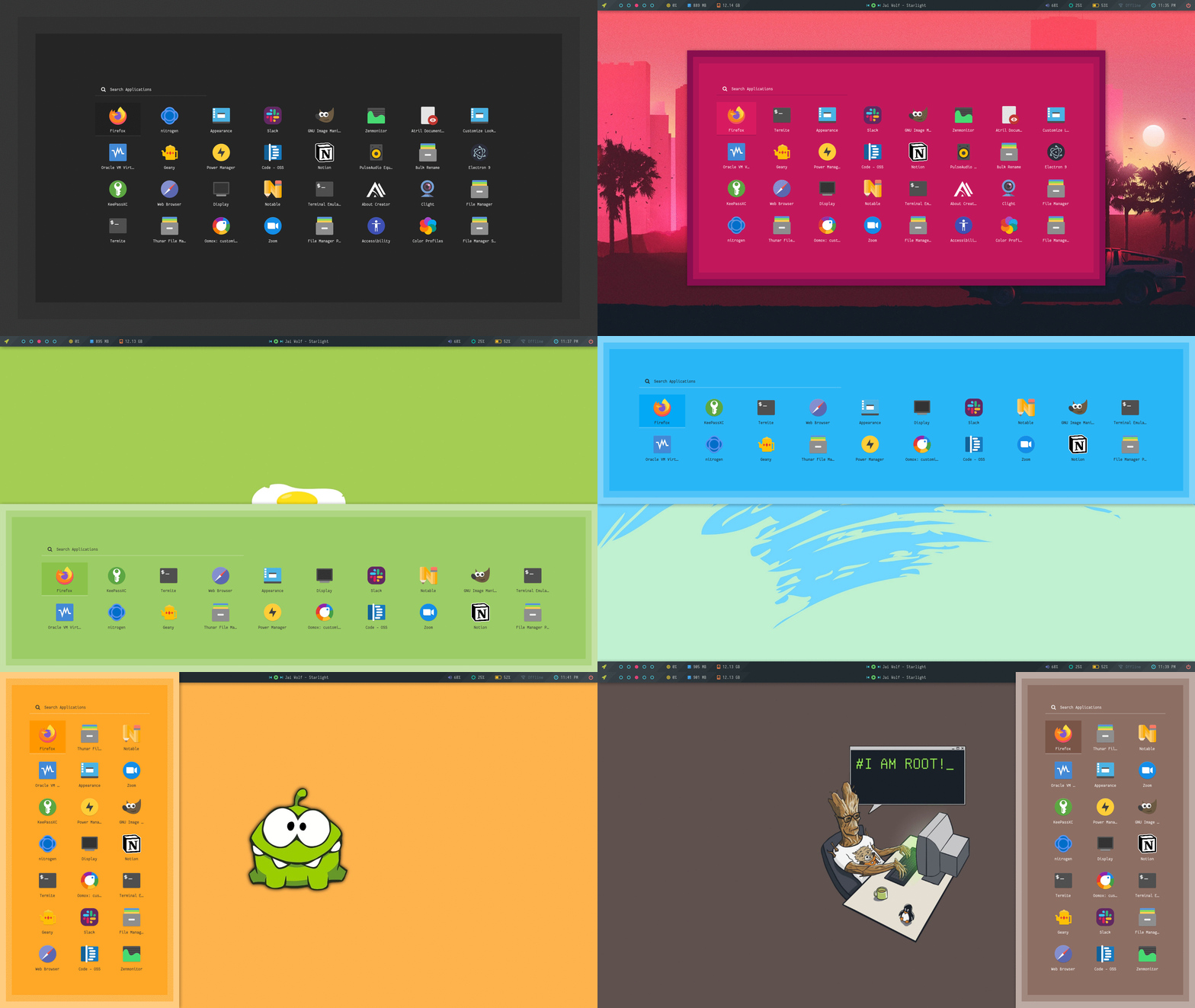
A large collection of Rofi based custom Menu, Applets, Launchers & Powermenus.
|Applets|Menu|Android|
|-|-|-|
||||
|Powermenu|Colorful|Misc|
|-|-|-|
||||
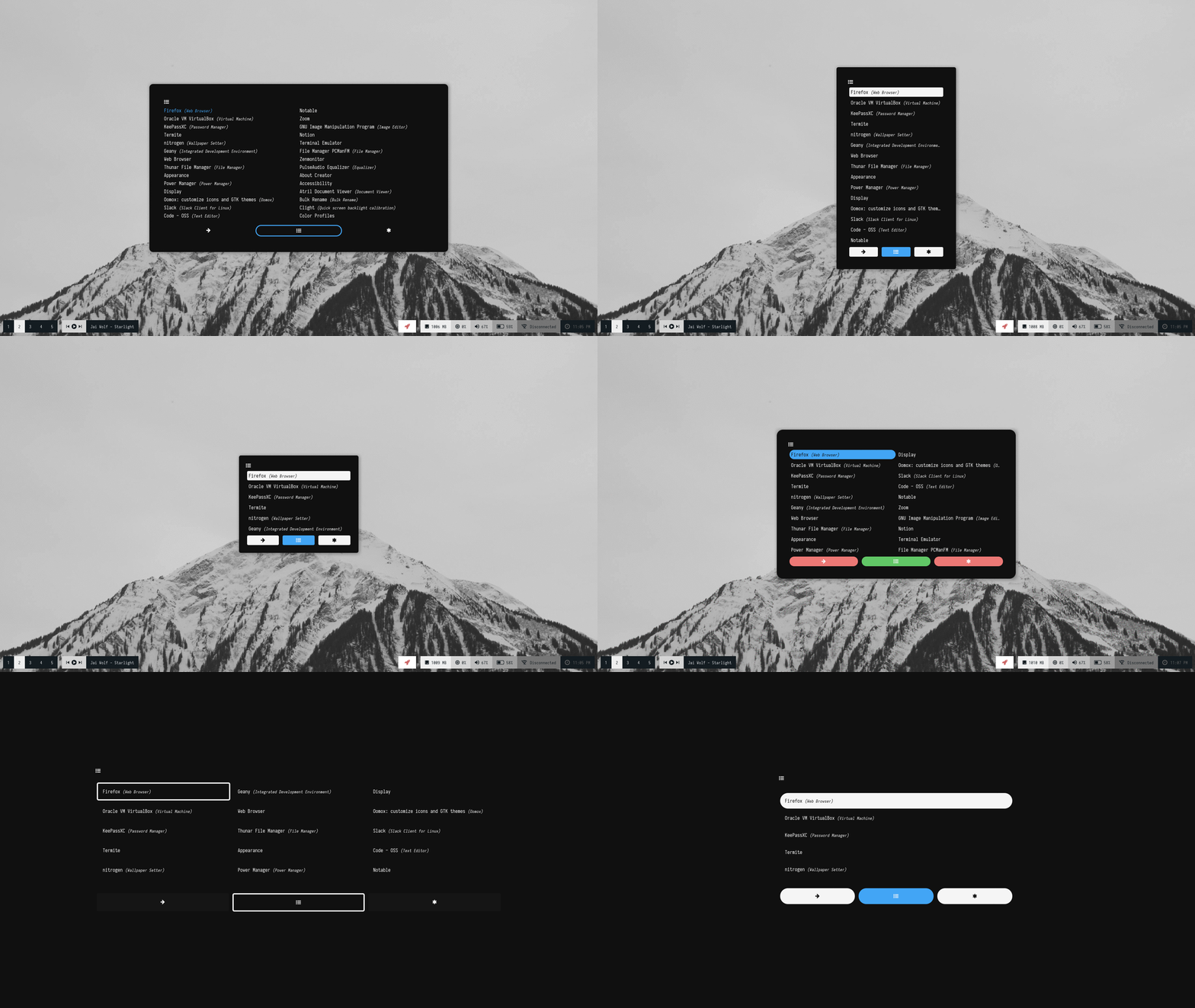
|Ribbon|Text|Slate|
|-|-|-|
||||
#
# These themes might not work on the latest rofi release (1.7.0), I'll update this repository soon.
## What is Rofi?
Rofi is A window switcher, Application launcher and dmenu replacement. Rofi started as a clone of simpleswitcher and It has been extended with extra features, like an application launcher and ssh-launcher, and can act as a drop-in dmenu replacement, making it a very versatile tool. Rofi, like dmenu, will provide the user with a textual list of options where one or more can be selected. This can either be running an application, selecting a window, or options provided by an external script. More here...
## Installation
> **Everything here is created on Rofi version : 1.6.1-1**
* First, Make sure you have the same (stable) version of rofi installed.
- On Arch / Arch-based : **`pacman -S rofi`**
- On Debian / Ubuntu : **`apt-get install rofi`**
- On Fedora : **`dnf install rofi`**
- Then, Clone this repository -
```
$ git clone --depth=1 https://github.com/adi1090x/rofi.git
```
- Change to cloned directory and make `setup.sh` executable -
```
$ cd rofi
$ chmod +x setup.sh
```
- Run `setup.sh` and select your screen resolution -
```
$ ./setup.sh
[*] Installing Rofi Themes...
[*] Choose your screen resolution -
[1] 1920x1080
[2] 1366x768
[?] Select Option : 1
[*] Installing fonts...
[*] Creating a backup of your rofi configs...
[*] Successfully Installed.
```
- That's it, These themes are now installed on your system.
> **Note** : These themes are like an ecosystem, everything here is connected with each other in some way. So... before modifying anything by your own, make sure you know what you doing.
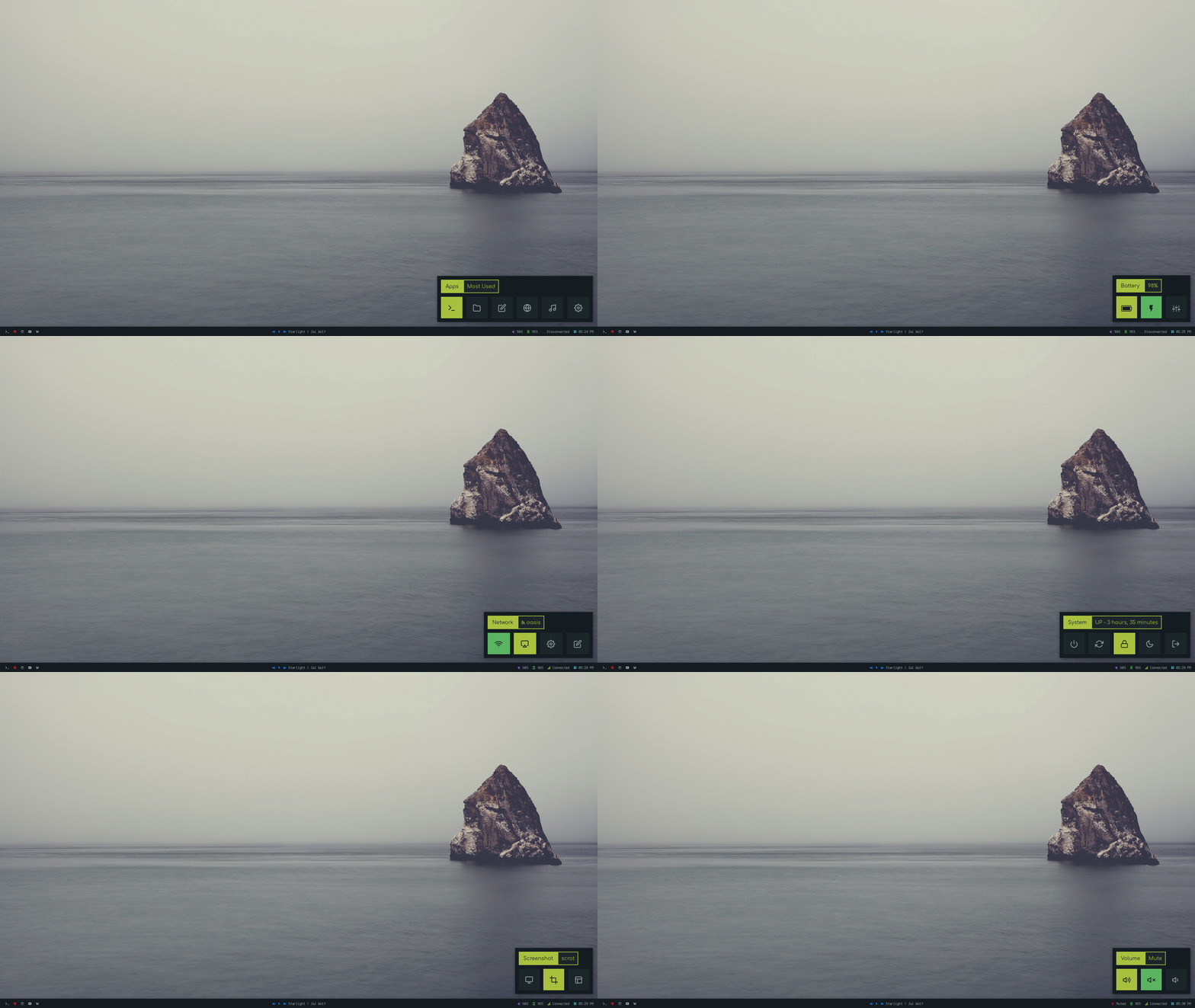
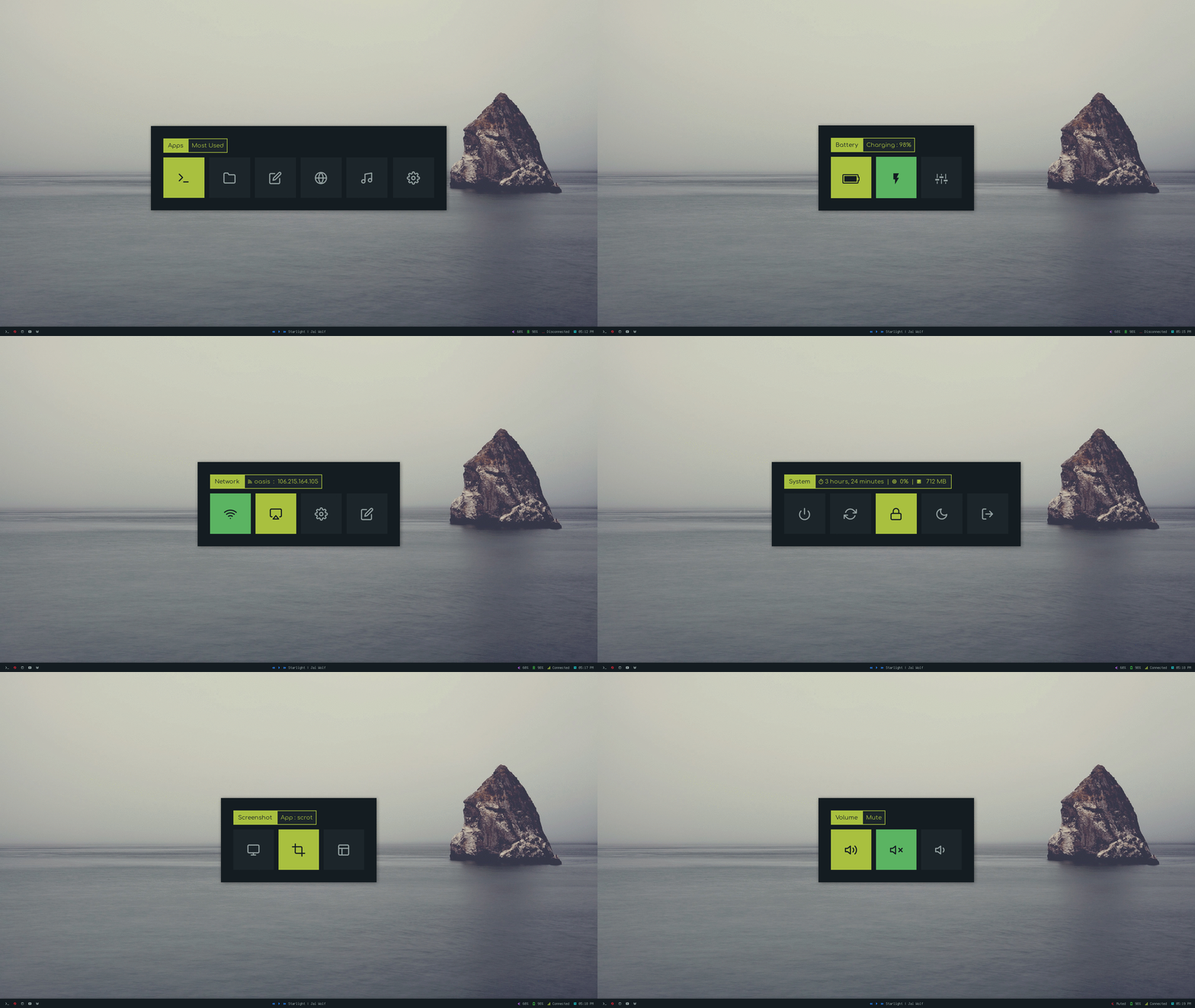
## Applets & Menus
|Applets|Description|Supported / Required Applications|
|:-|:-|:-|
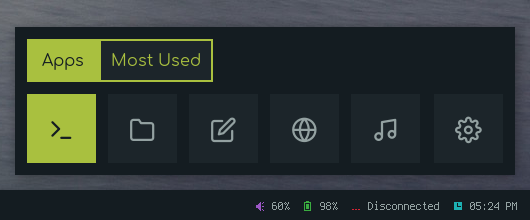
|**`Apps`**|Shortcuts for most used applications.|`termite`/`urxvt`/`kitty`/`xterm`, `thunar`/`pcmanfm`, `geany`/`leafpad`/`mousepad`/`code`, `firefox`/`chromium`/`midori`, etc|
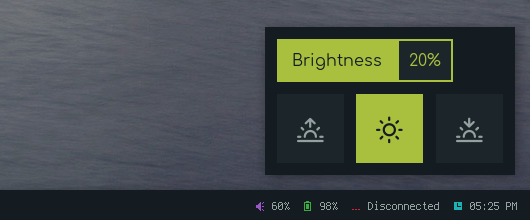
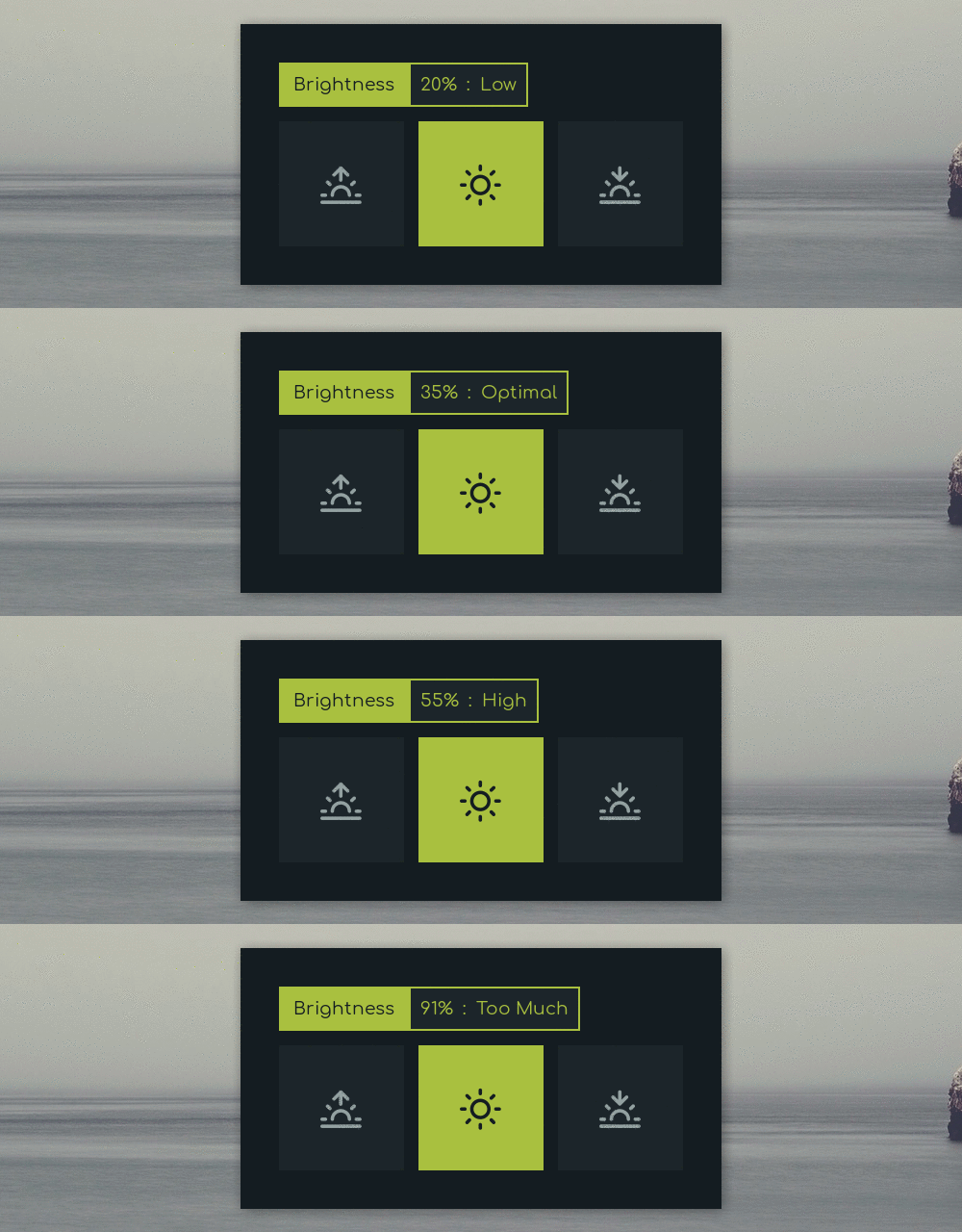
|**`Backlight`**|Display and adjust screen brightness.|`blight` and `xbacklight`|
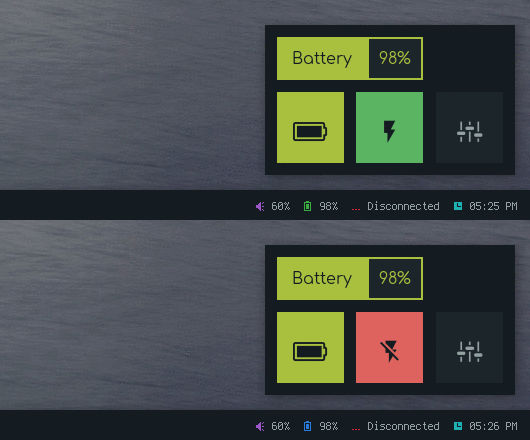
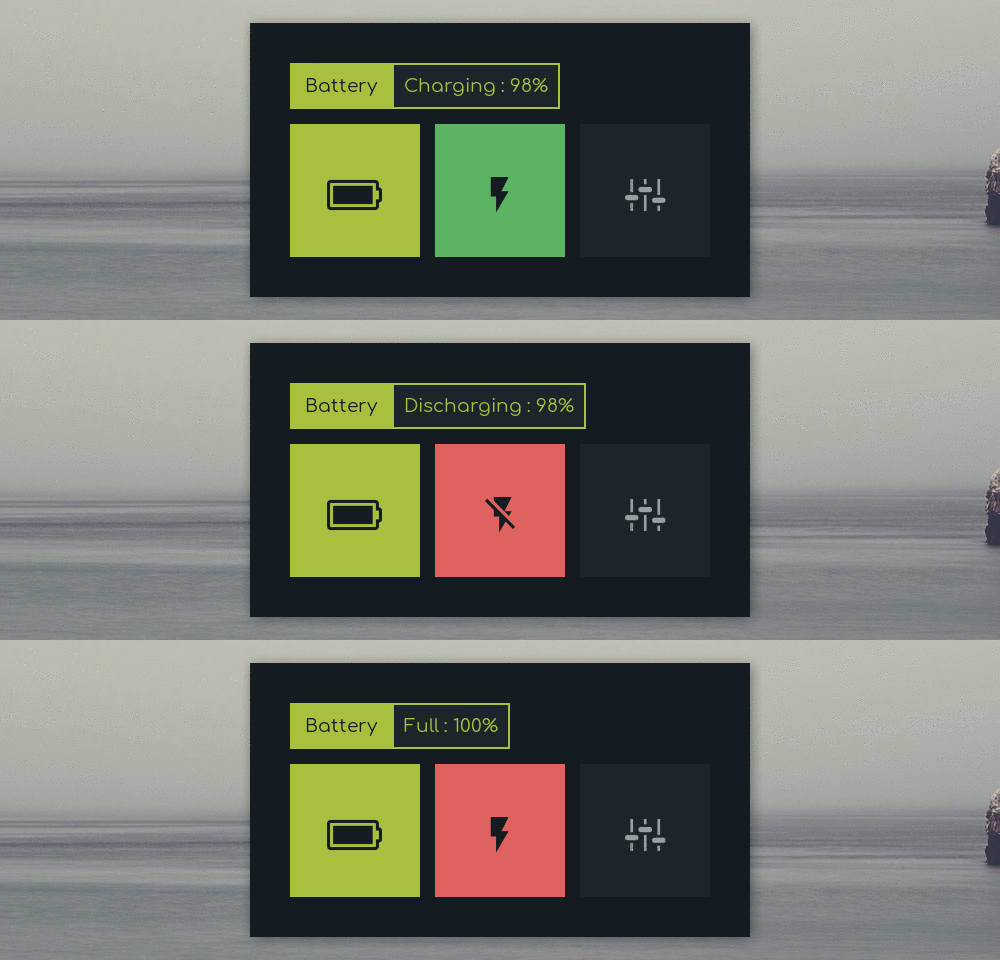
|**`Battery`**|Display battery percentage & charging-discharging status with dynamic icons.|`acpi` and `xfce4-power-manager-settings`|
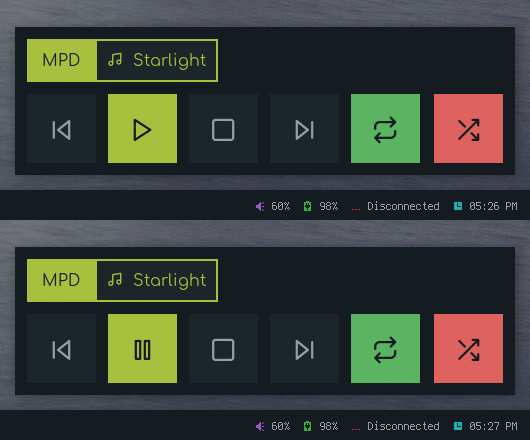
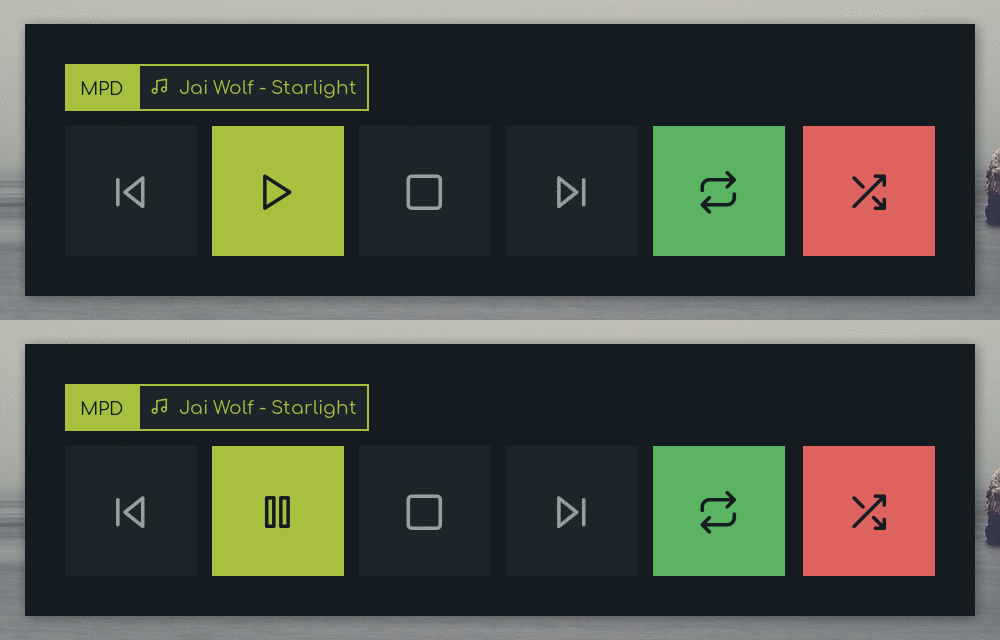
|**`MPD`**|Control the song play through [mpd](https://github.com/MusicPlayerDaemon/).|`mpd`, `mpc` and `dunst`|
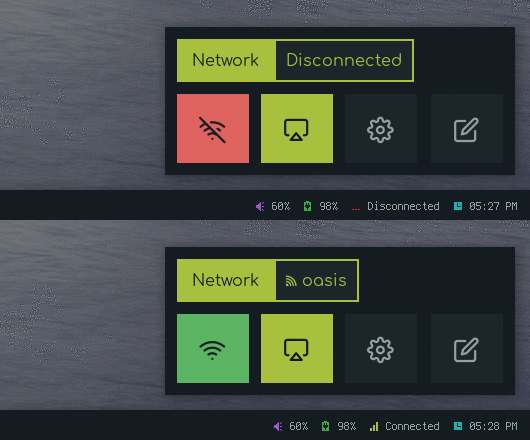
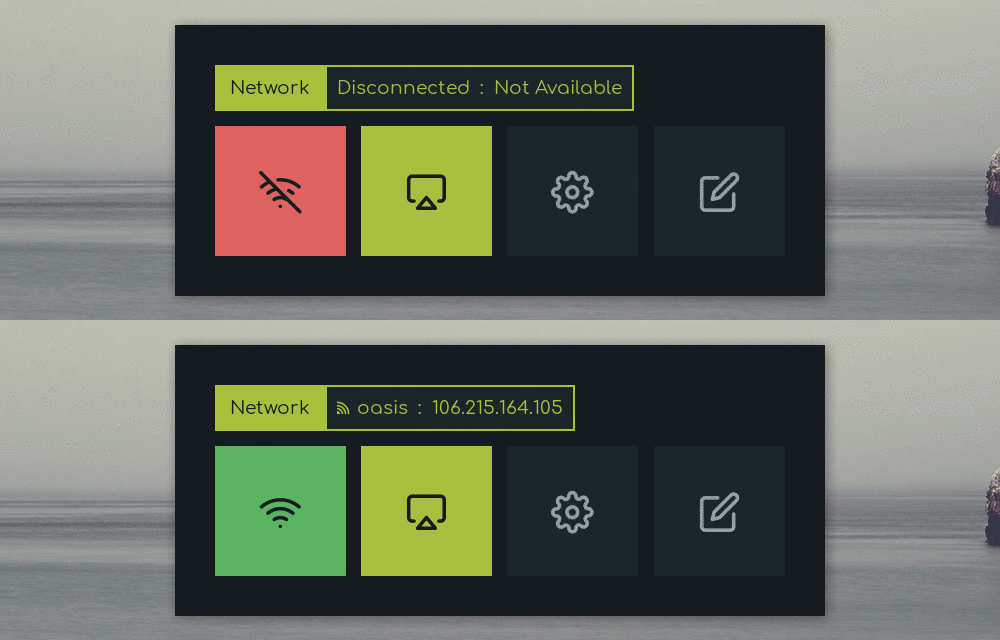
|**`Network`**|Display Online-Offline status with dynamic icons.|`dnsutils`, `nmcli`, `nmtui`, `bmon`, `nm-connection-editor` and `termite`|
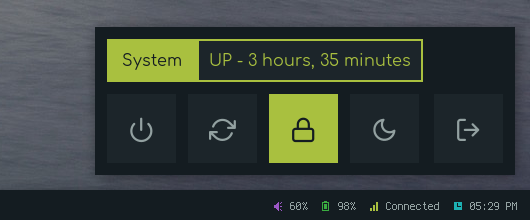
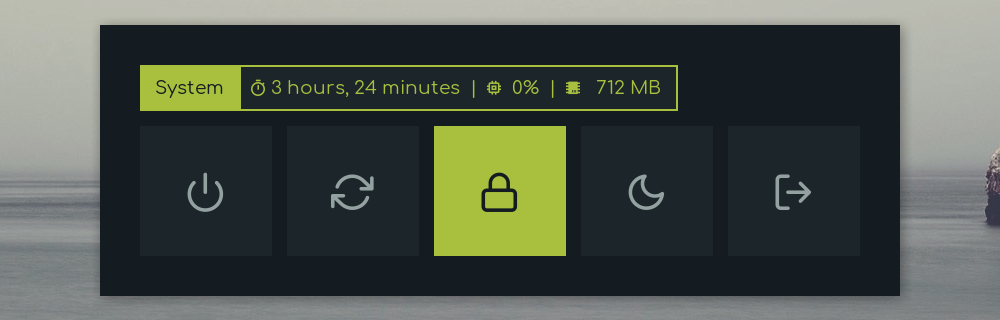
|**`Powermenu`**|A classic power menu, with Uptime.|`systemd`, `i3lock`/`betterlockscreen` etc|
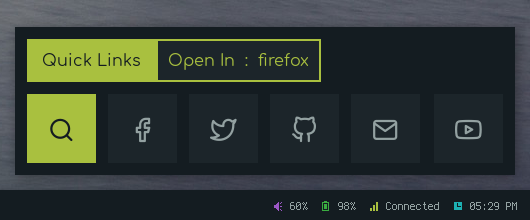
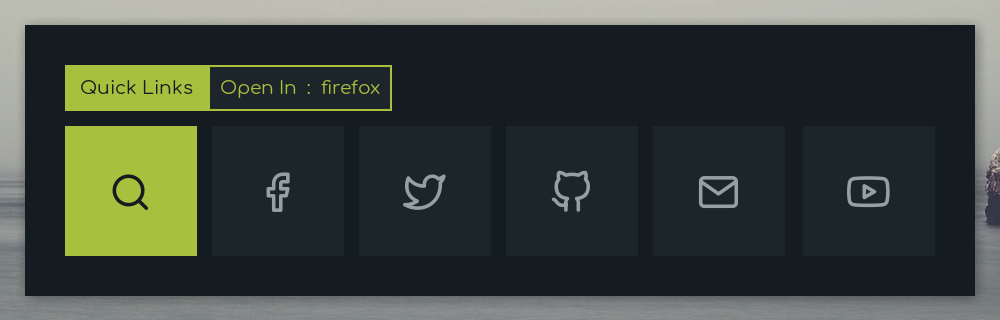
|**`Quicklinks`**|Bookmarks shortcuts for most used sites.|`firefox` or `chromium` or `midori`|
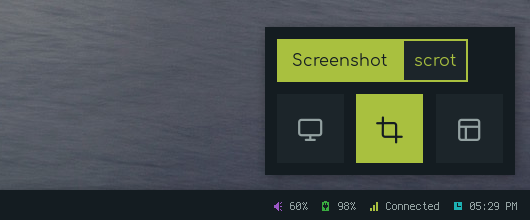
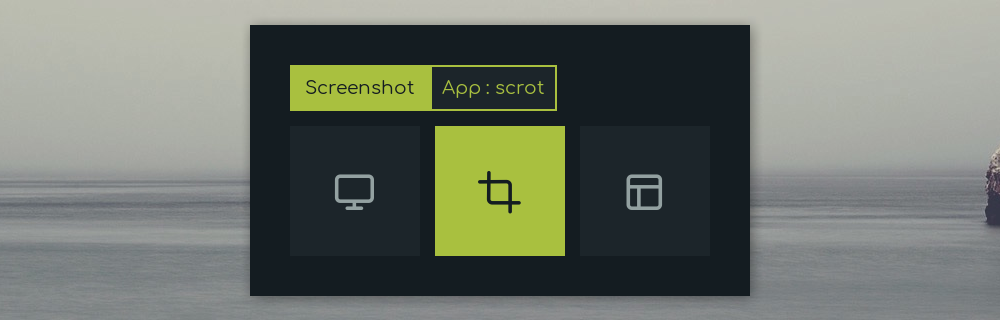
|**`Screenshot`**|Take screenshots using [scrot](https://github.com/dreamer/scrot).|`scrot` and `viewnior`|
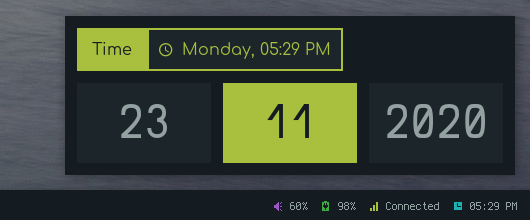
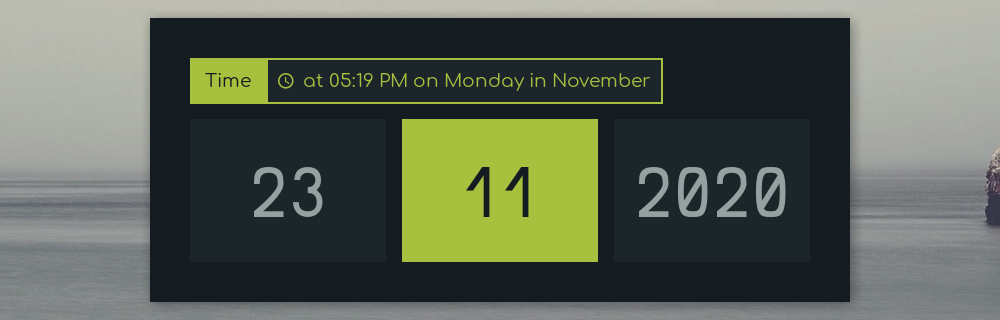
|**`Time`**|Display Time, Day & Date.|`date`|
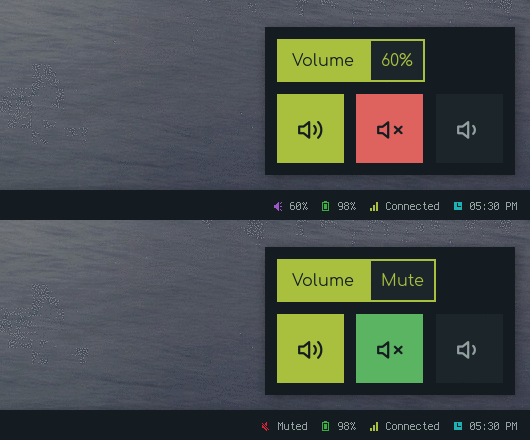
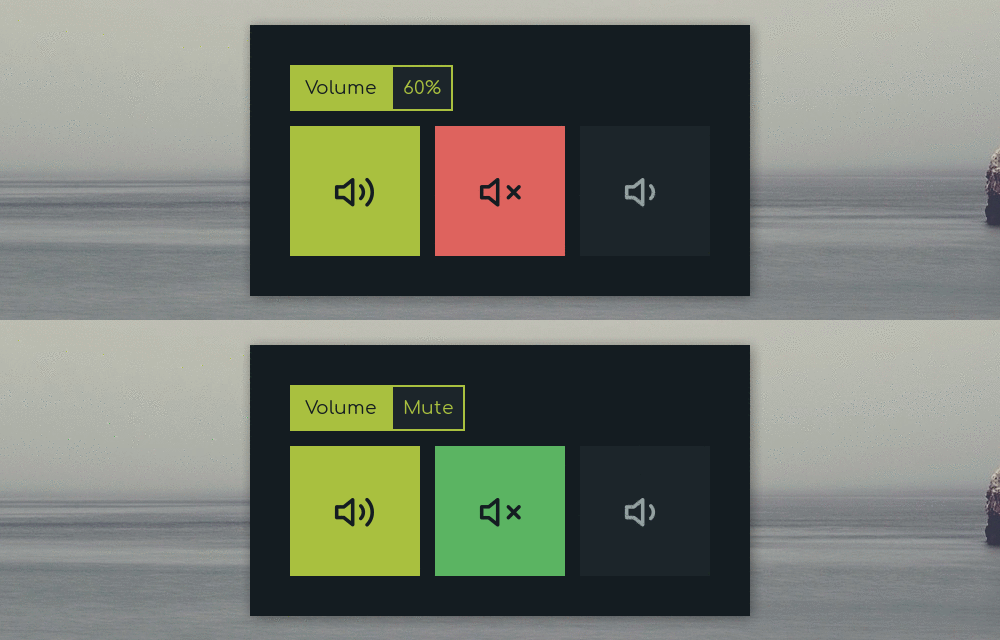
|**`Volume`**|Display and control volume with dynamic icons with mute status.|`amixer` and `dunst`|
> To use your programs, You can edit each script located inside following directories :
>
> `$HOME/.config/rofi/applets/applets`
> `$HOME/.config/rofi/applets/menu`
> `$HOME/.config/rofi/applets/android`
### Applets
Few useful applets that can be used with status bars like polybar, lemonbar etc. See usage

**`Change Colors`** : Edit `$HOME/.config/rofi/applets/styles/colors.rasi` to change the color-scheme.
```
@import "dark.rasi"
```
**`Change Style`** : Edit `$HOME/.config/rofi/applets/applets/style.sh` to change the style.
```
style="square"
```
> You can enable random styles as well.
Previews
|Apps|Quick Links|
|-|-|
|||
|MPD|Powermenu|
|-|-|
|||
|Network|Time|
|-|-|
|||
|Brightness|Battery|
|-|-|
|||
|Screenshot|Volume|
|-|-|
|||
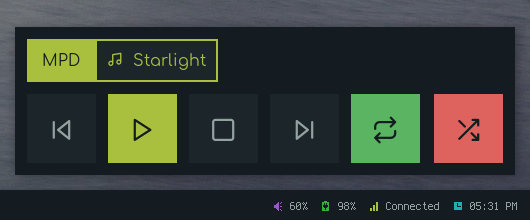
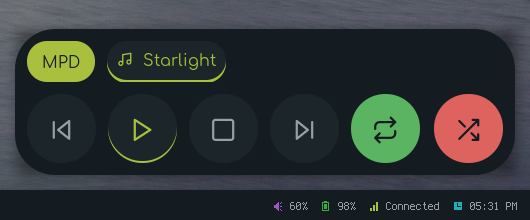
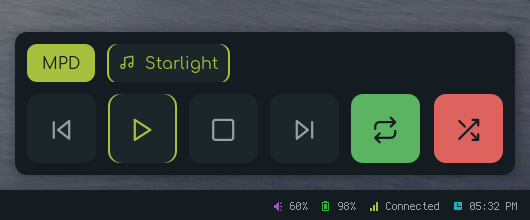
Styles
|Square|Circle|Rounded|
|-|-|-|
||||
### Menu
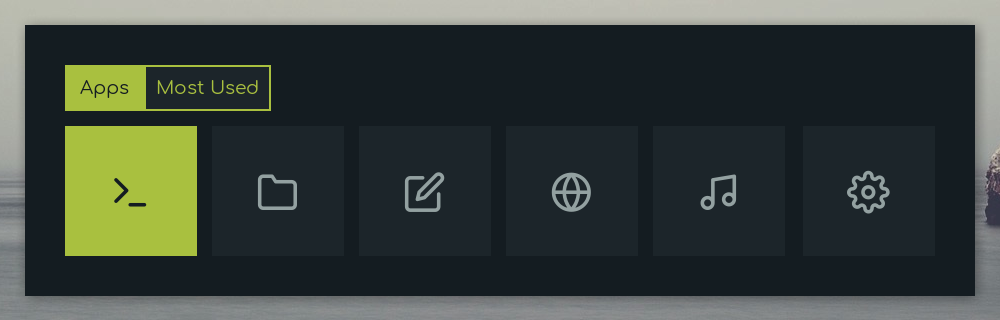
Few useful menu that can be used with window manager keybindings. See usage

**`Change Colors`** : Edit `$HOME/.config/rofi/applets/styles/colors.rasi` to change the color-scheme.
```
@import "dark.rasi"
```
**`Change Style`** : Edit `$HOME/.config/rofi/applets/menu/style.sh` to change the style.
```
style="square"
```
> You can enable random styles as well.
Previews
|Apps|Quick Links|
|-|-|
|||
|MPD|Powermenu|
|-|-|
|||
|Network|Time|
|-|-|
|||
|Brightness|Battery|
|-|-|
|||
|Screenshot|Volume|
|-|-|
|||
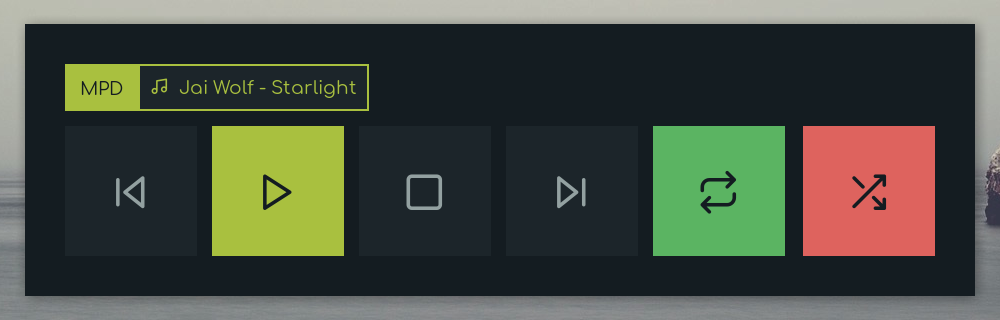
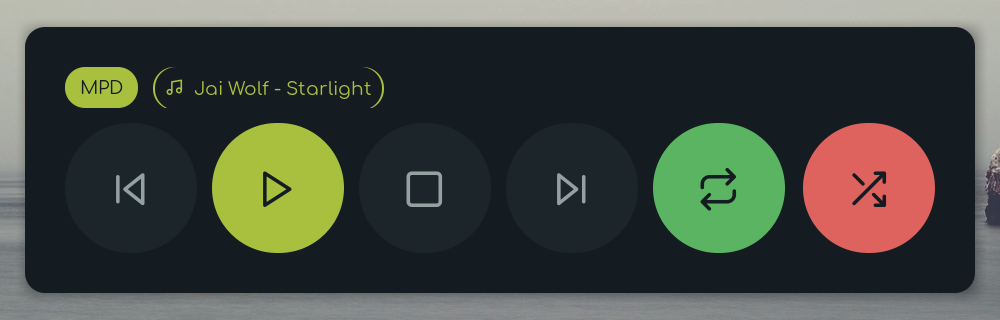
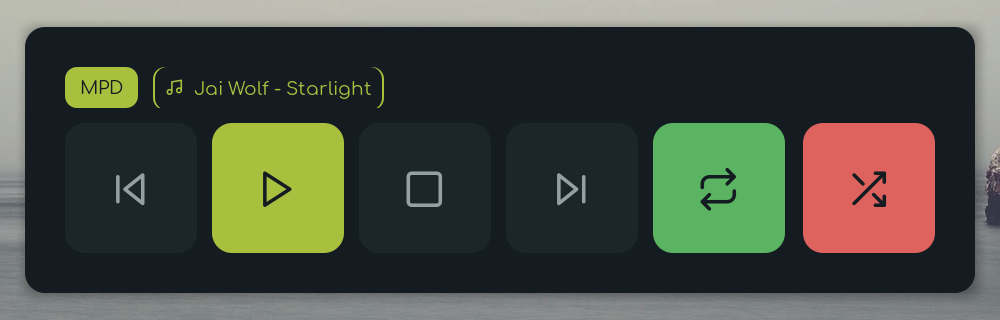
Styles
|Square|Circle|Rounded|
|-|-|-|
||||
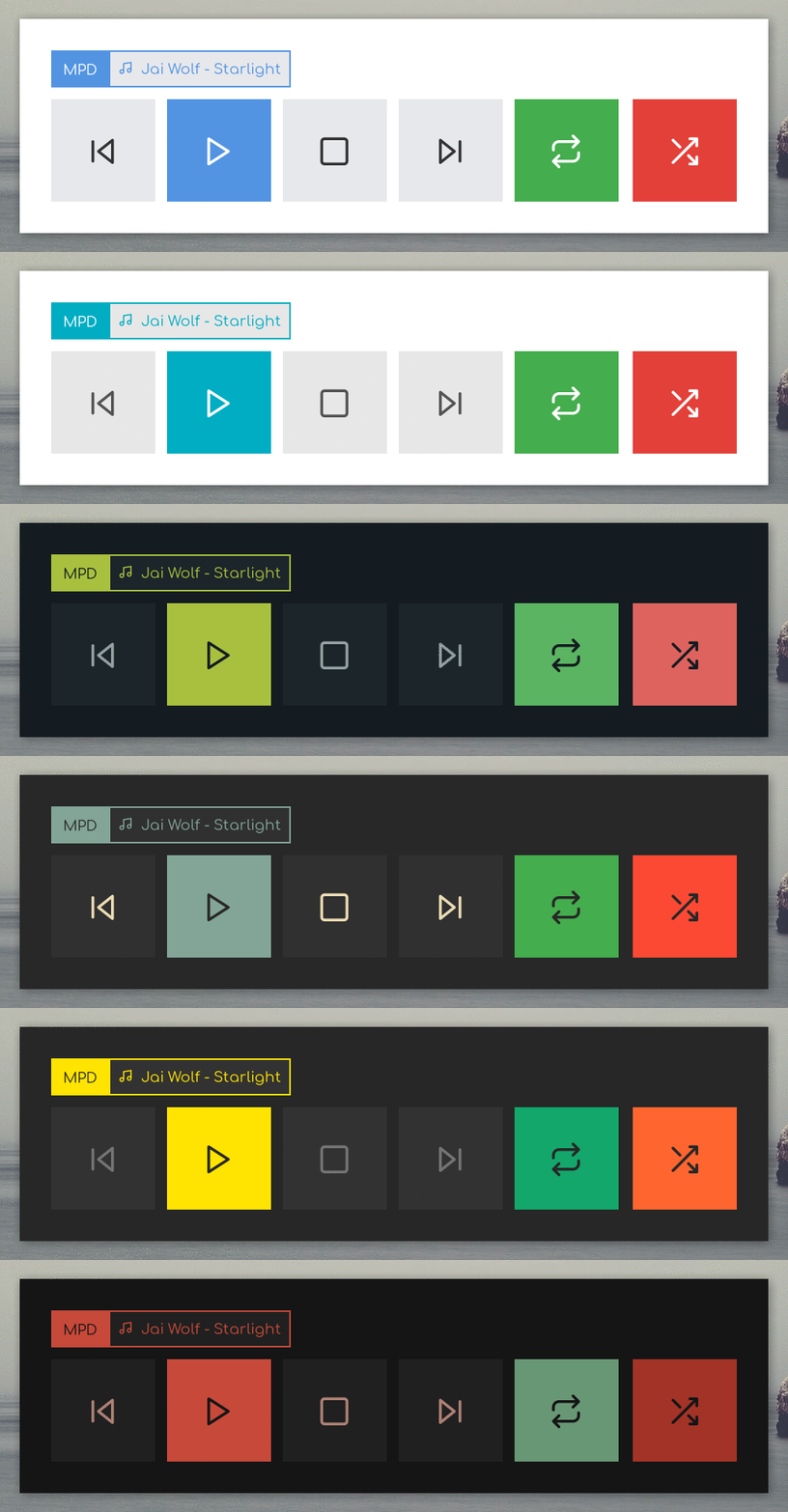
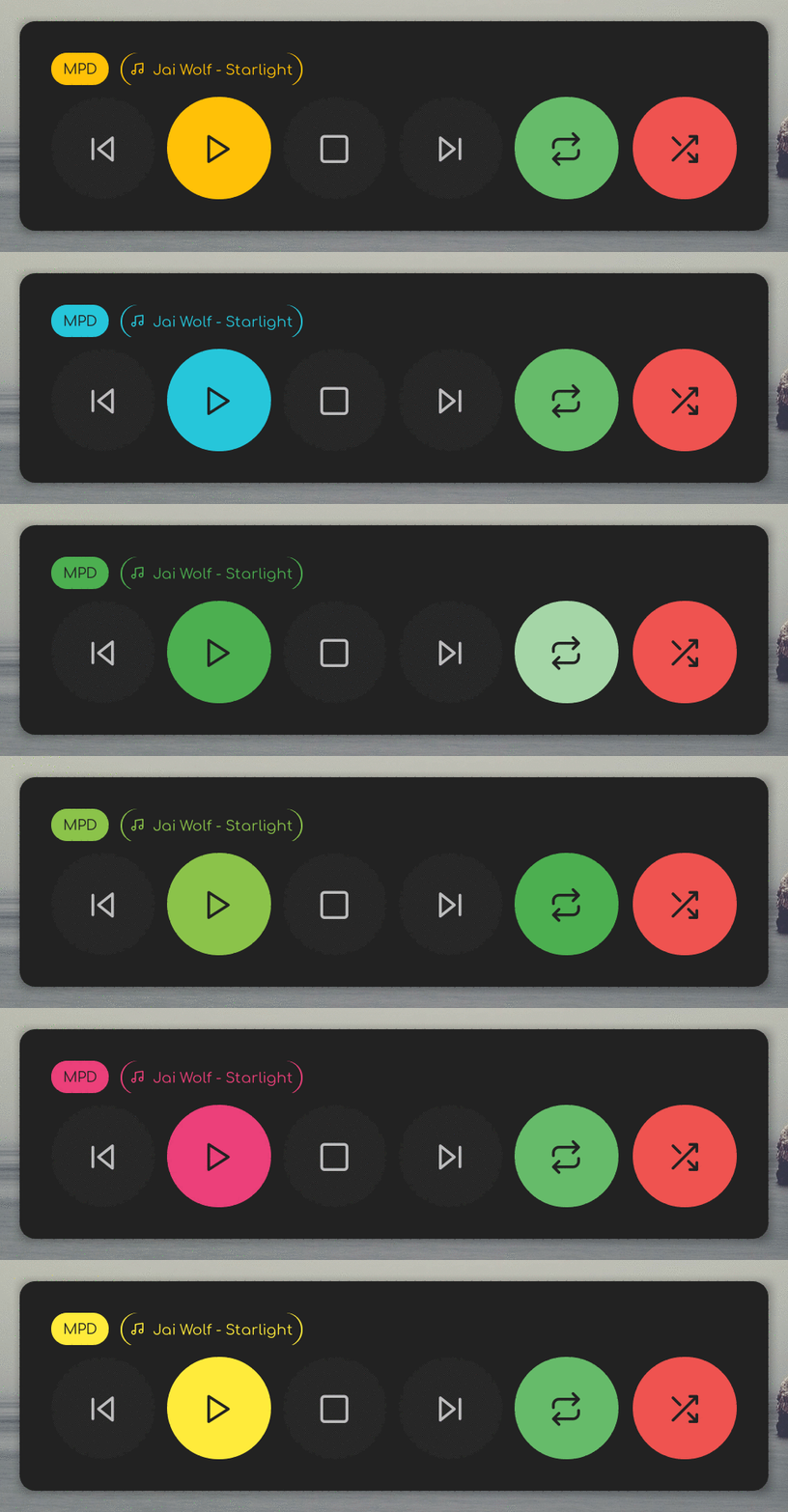
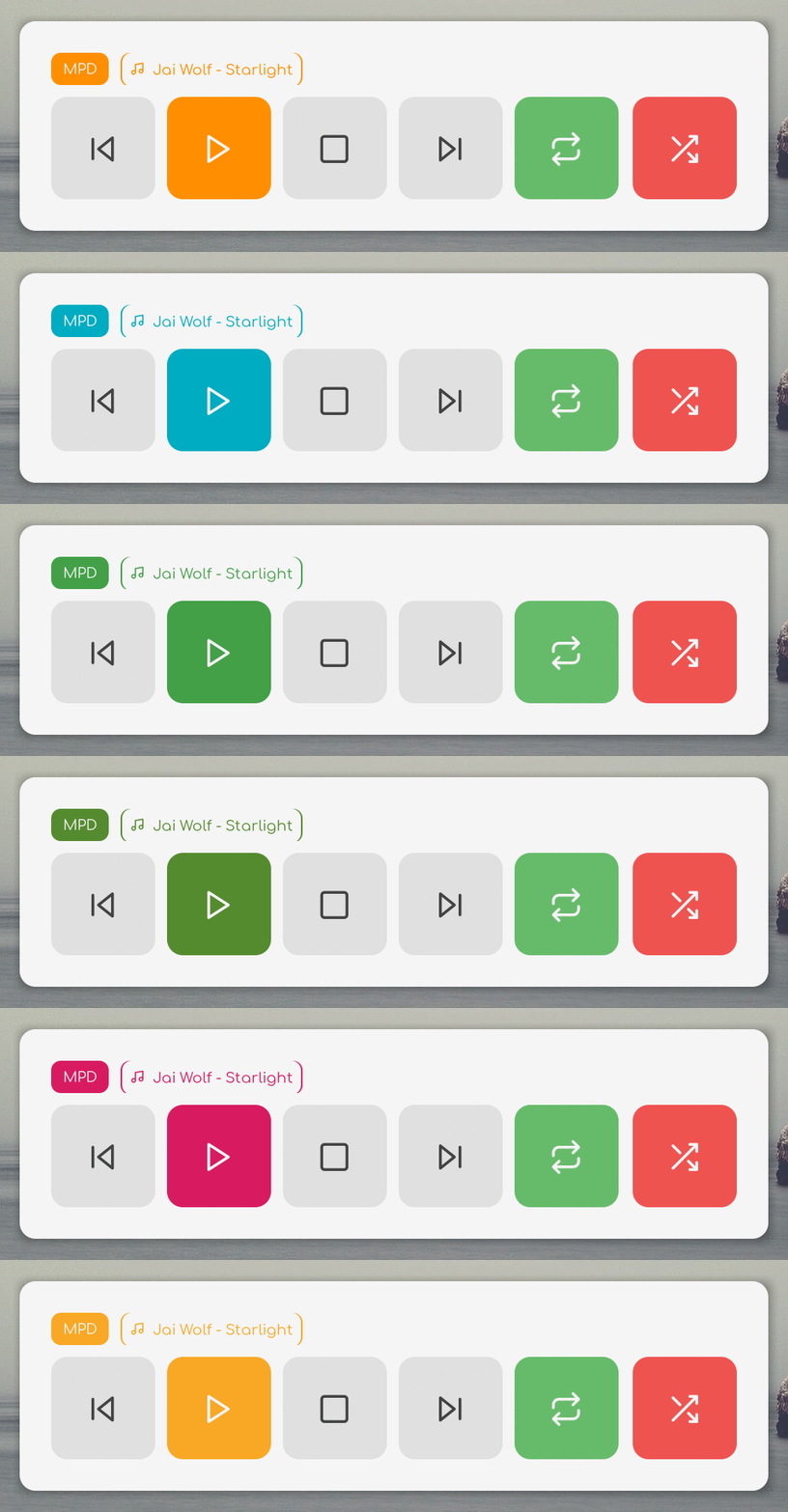
Color Schemes
|Popular|Material Dark|Material Light|
|-|-|-|
||||
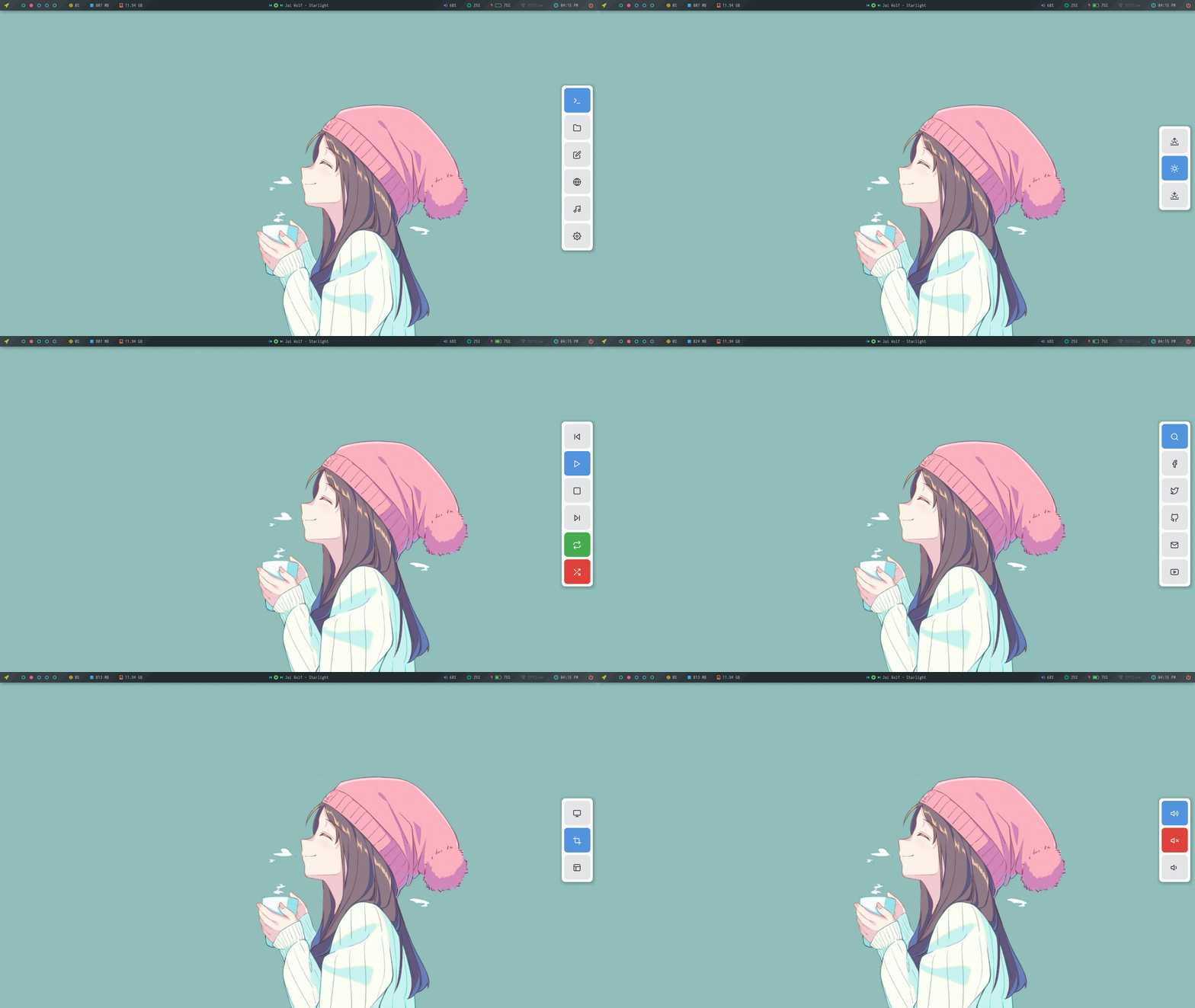
### Android
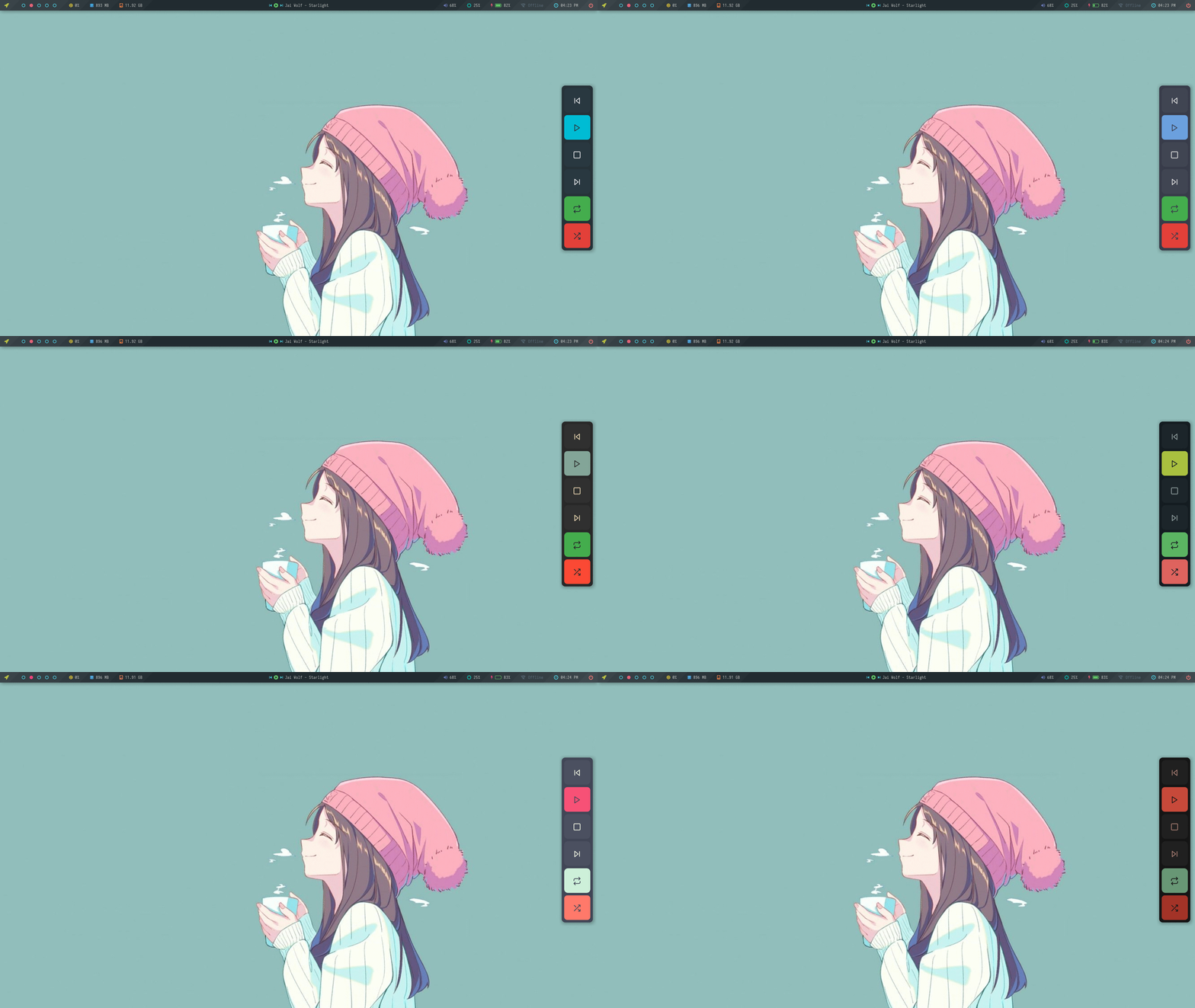
Android style applets that can be used as shortcuts and quick action. See usage

**`Change Colors`** : Edit `$HOME/.config/rofi/applets/android/colors.rasi` to change the color-scheme.
```
@import "../styles/arc.rasi"
```
Color Schemes
## Application Launchers
### Colorful
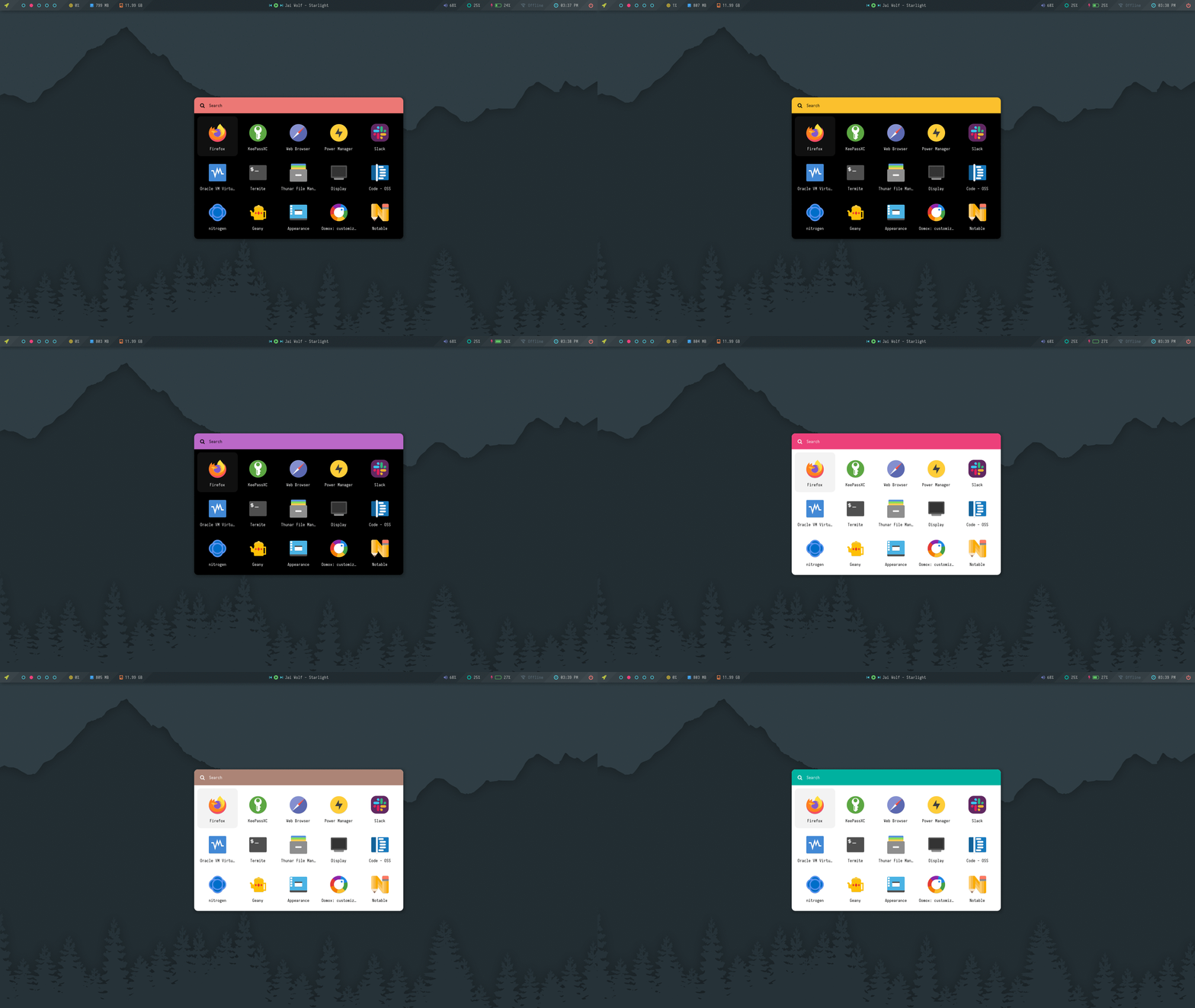
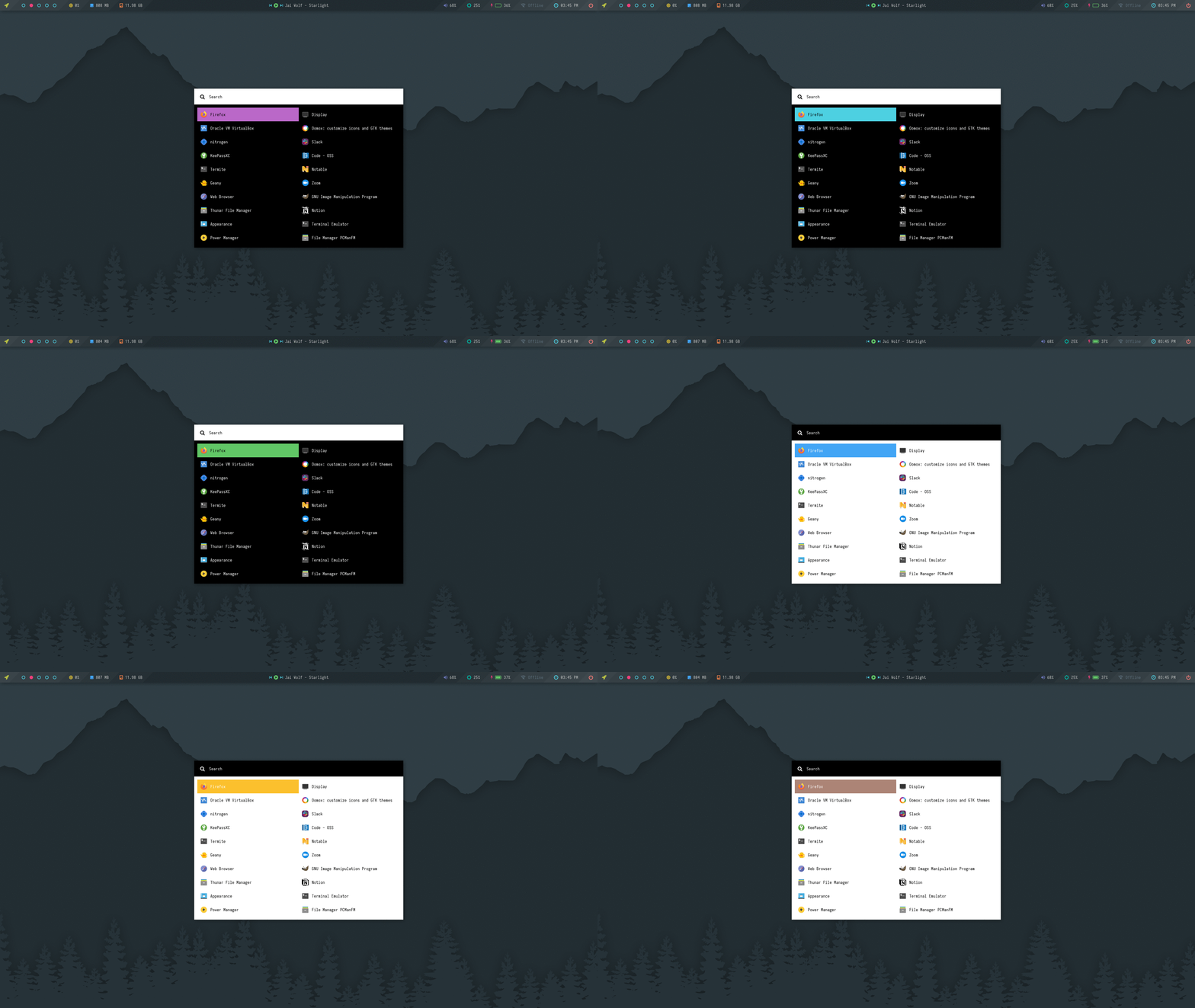
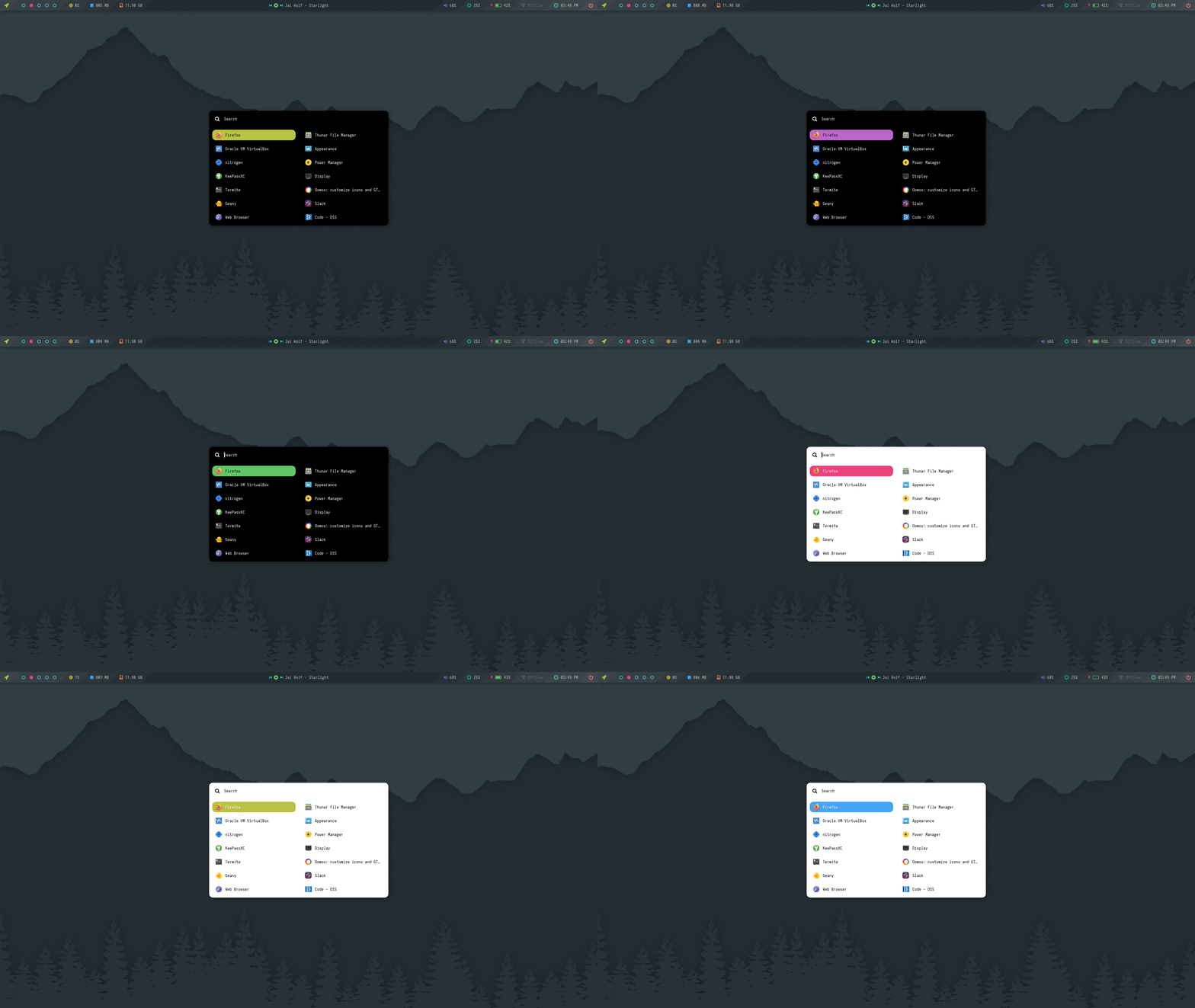
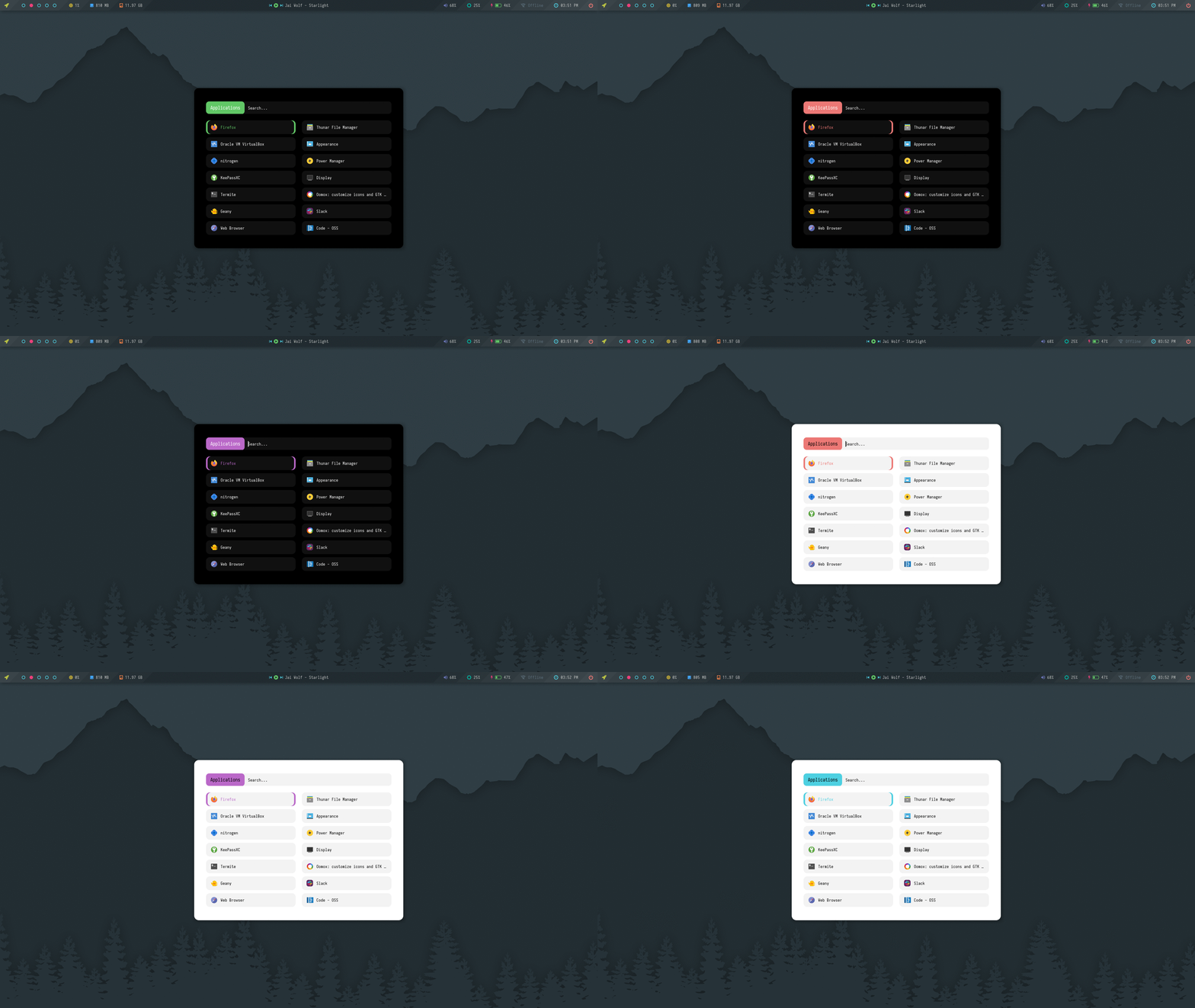
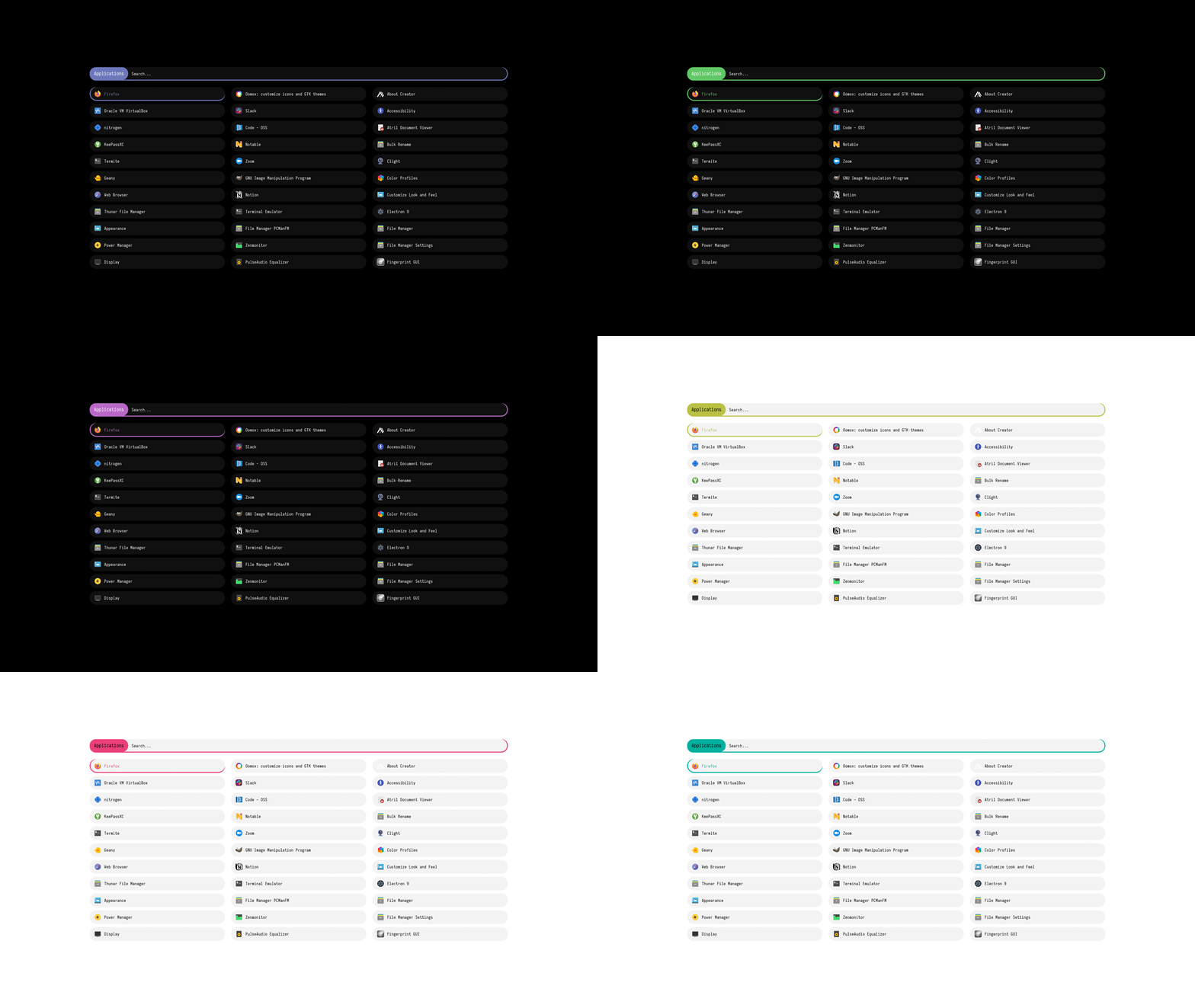
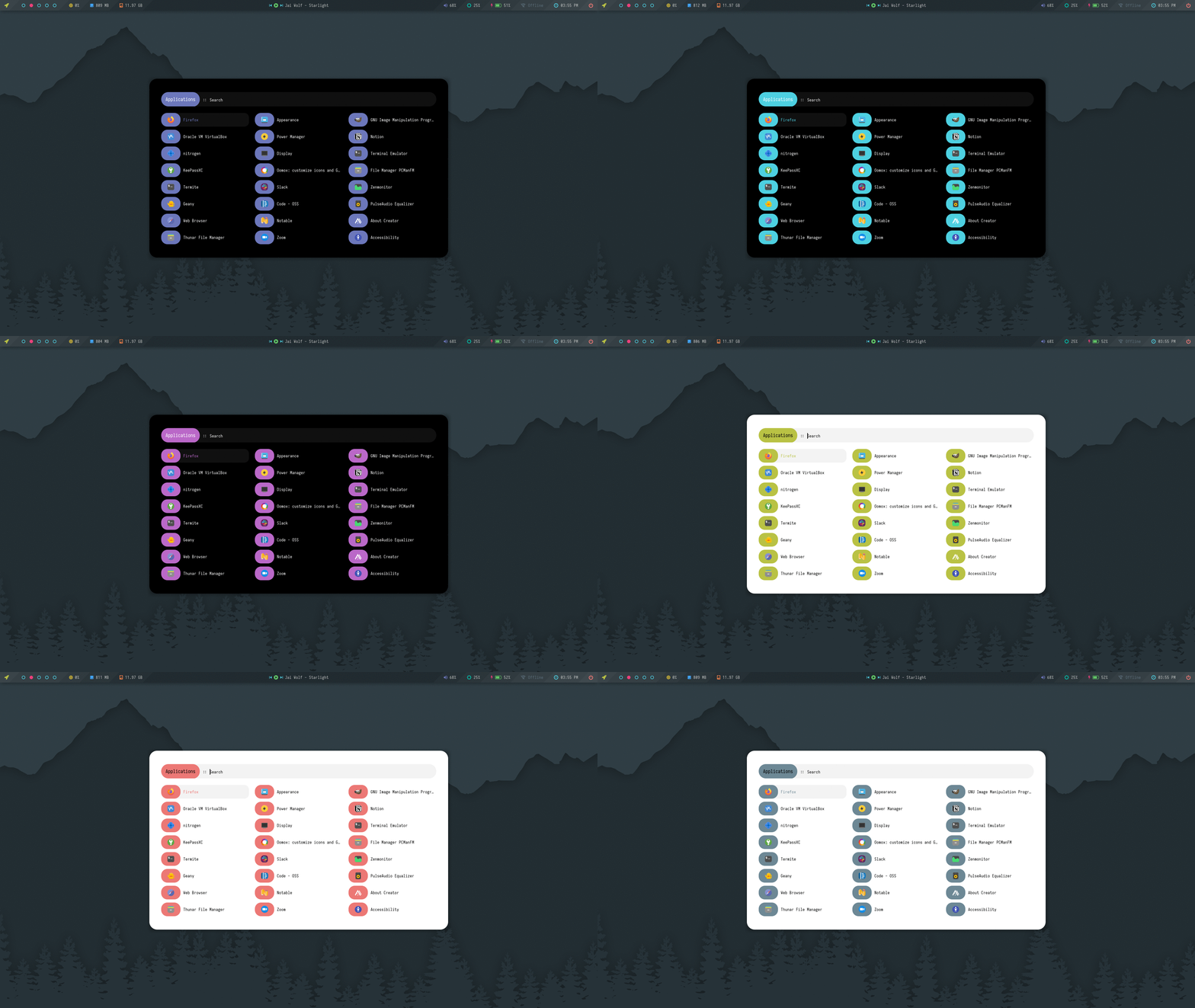
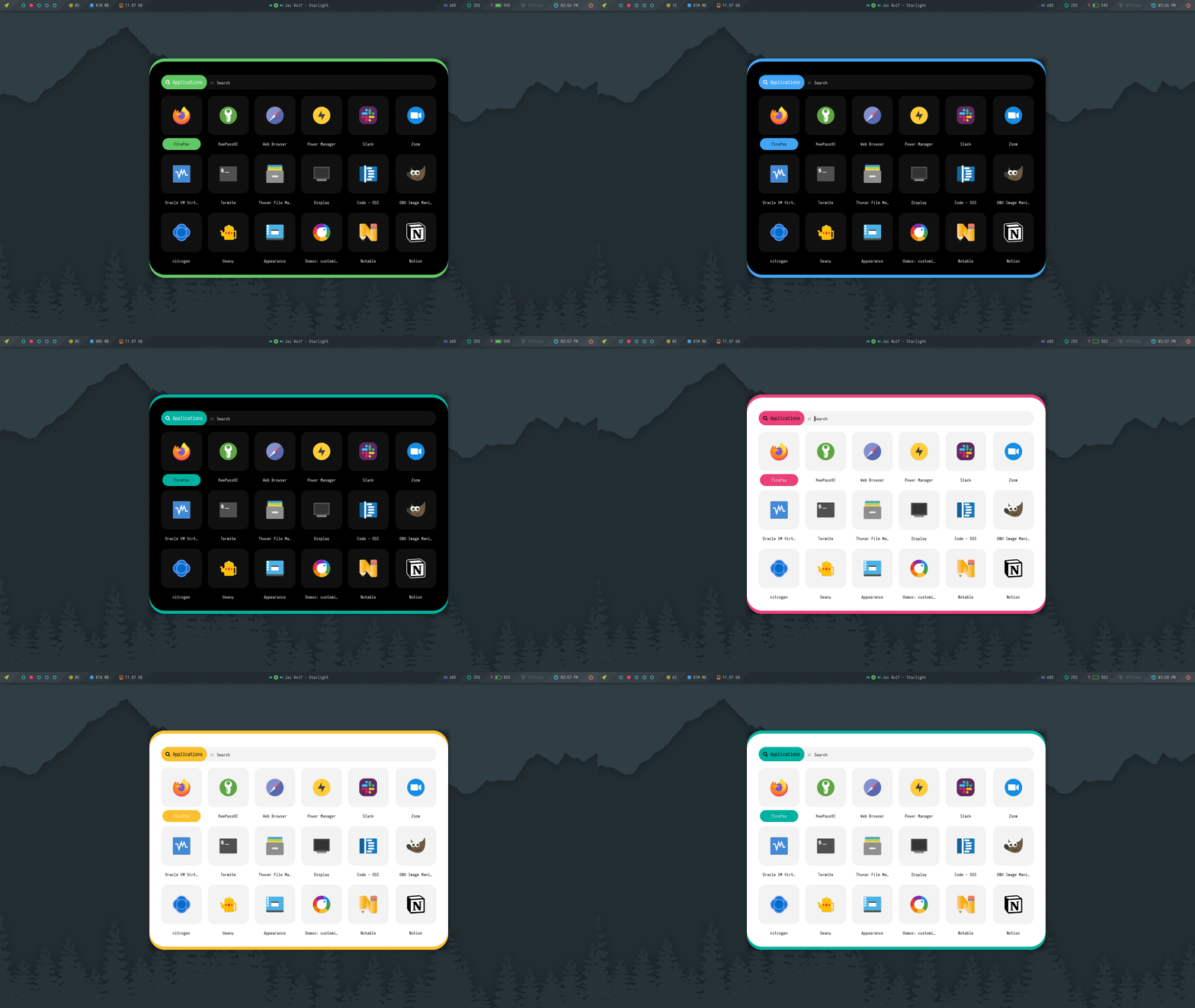
A collection of launchers with random colors and styles.

**`Change Colors and Style`** : Edit `$HOME/.config/rofi/launchers/colorful/launcher.sh` to change the colors and style. To use light mode, uncomment the light colors. If you want to use a single accent color, assign `ACCENT` variable a single color code.
```
theme="style_1"
```
> Make sure you disable the random mode in the same script before using a single style.
Previews
|Style_1|Style_2|Style_3|Style_4|
|-|-|-|-|
|||||
|Style_5|Style_6|Style_7|Style_8|
|-|-|-|-|
|||||
|Style_9|Style_10|Style_11|Style_12|
|-|-|-|-|
|||||
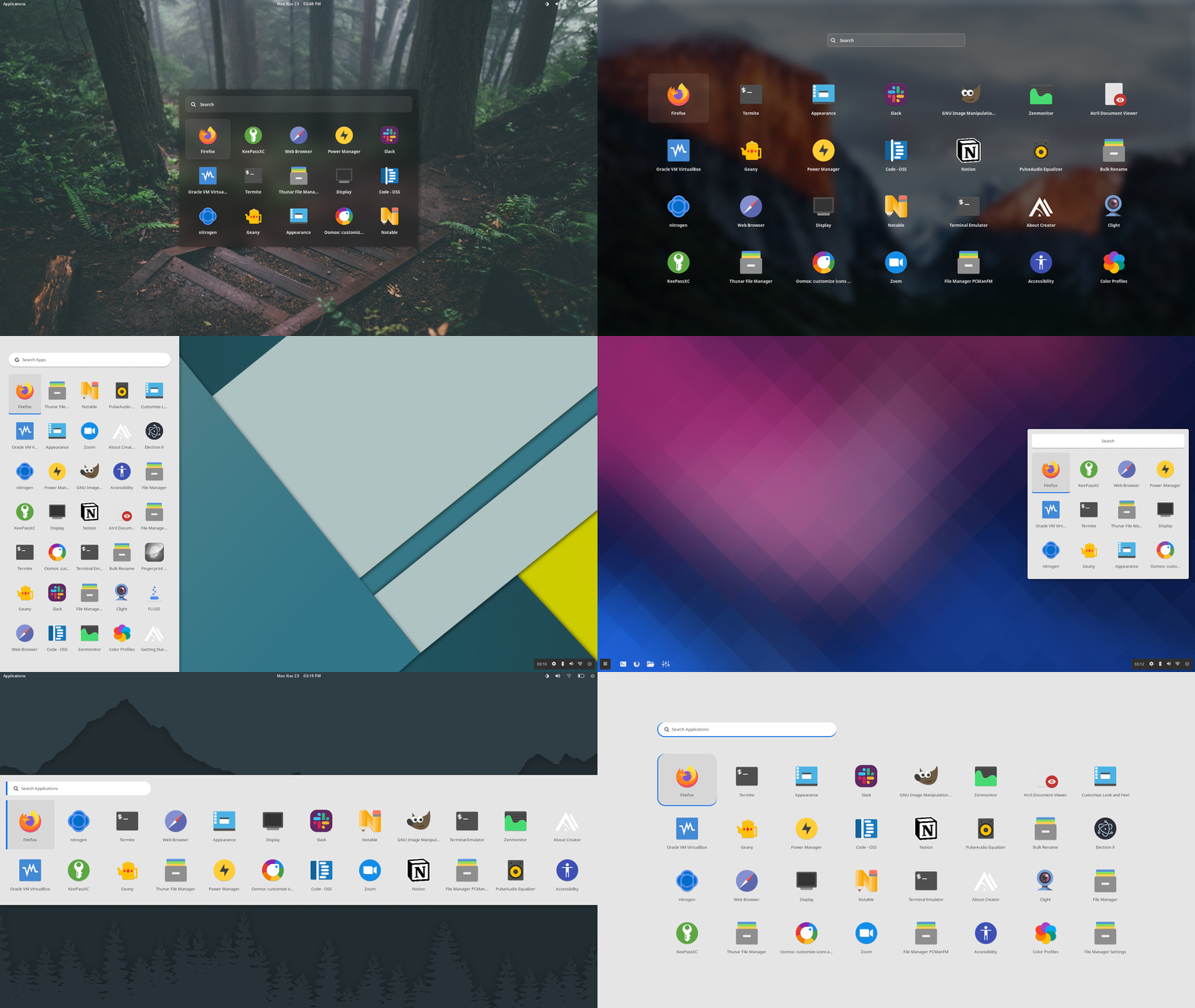
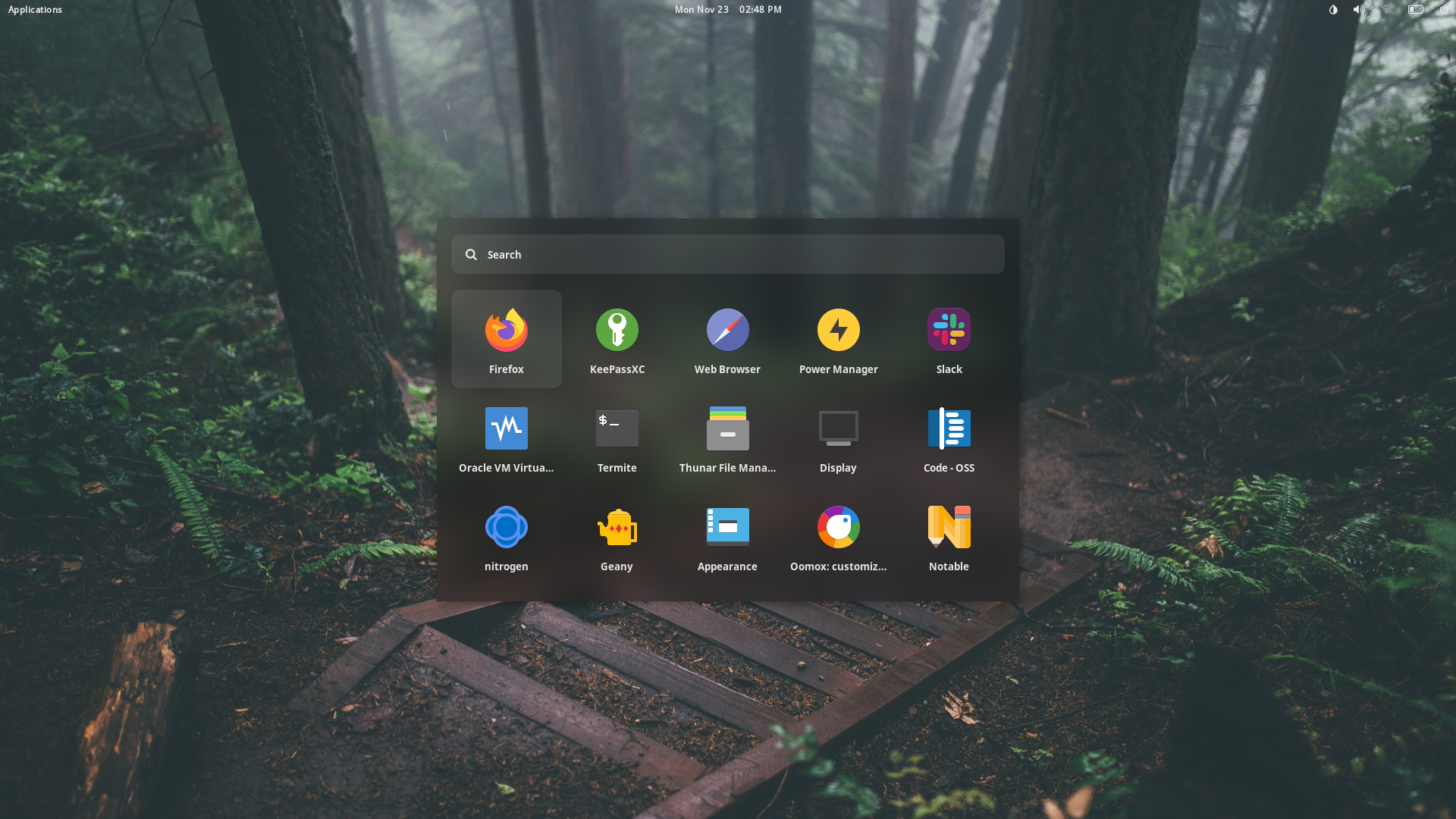
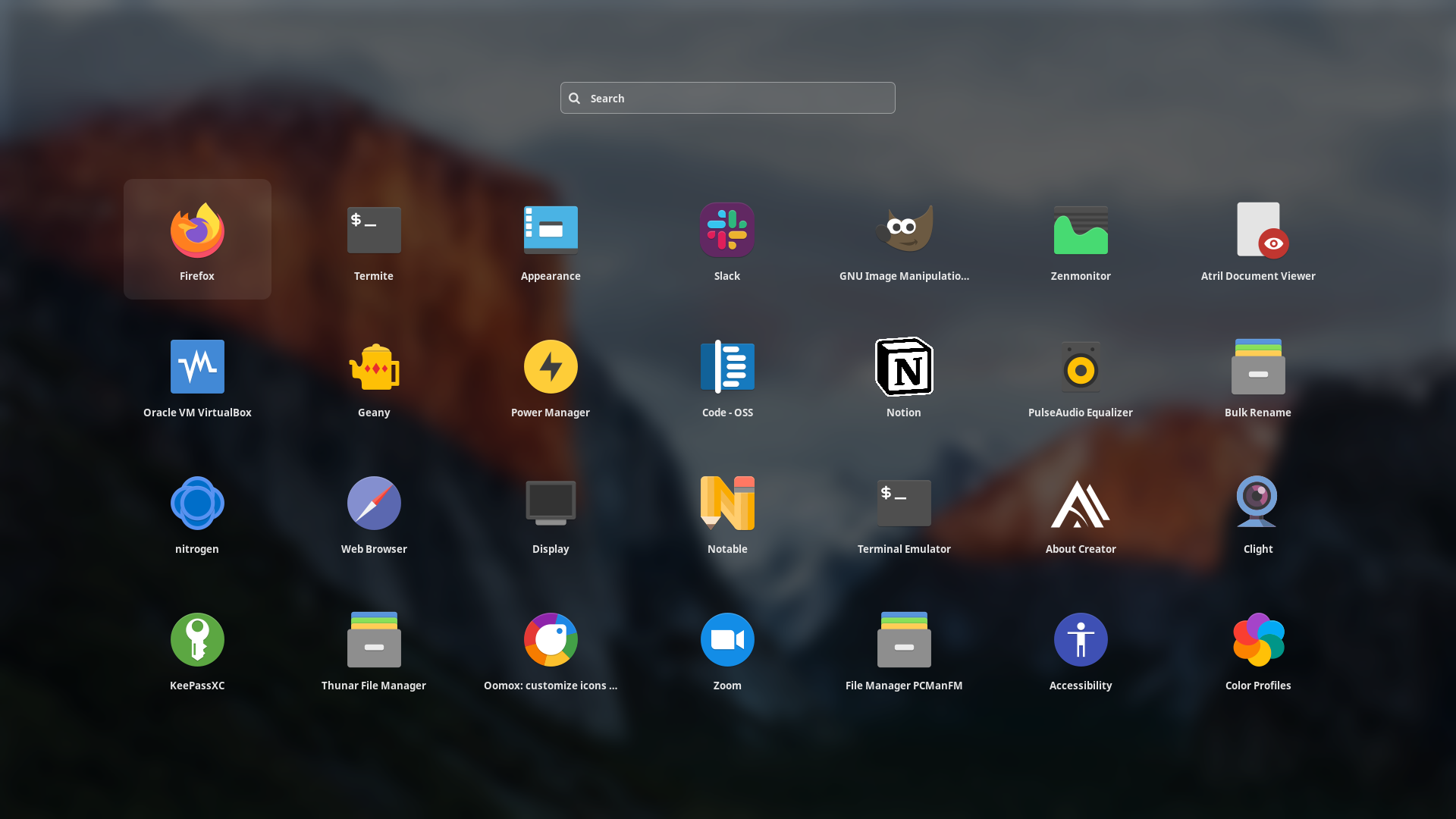
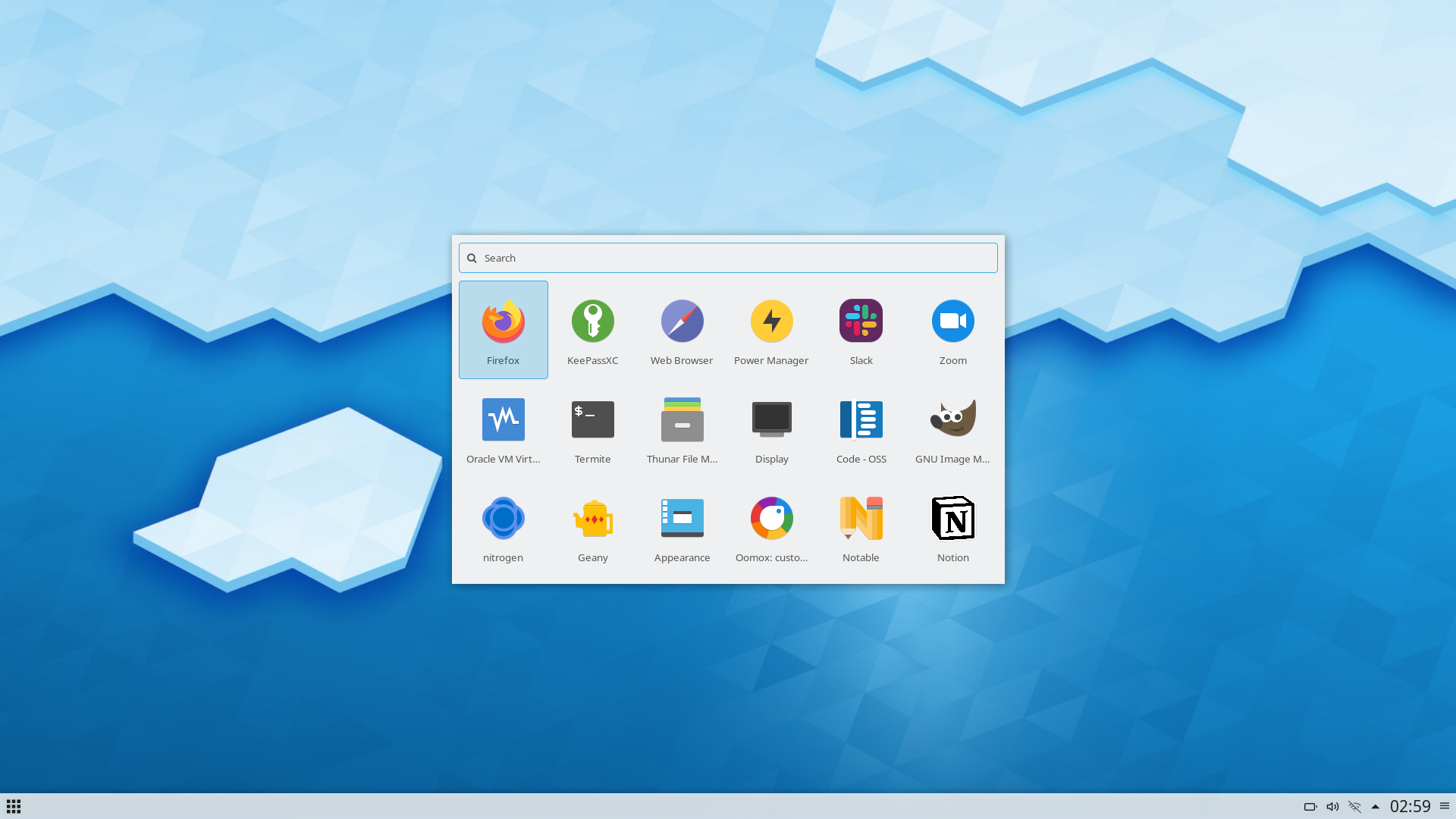
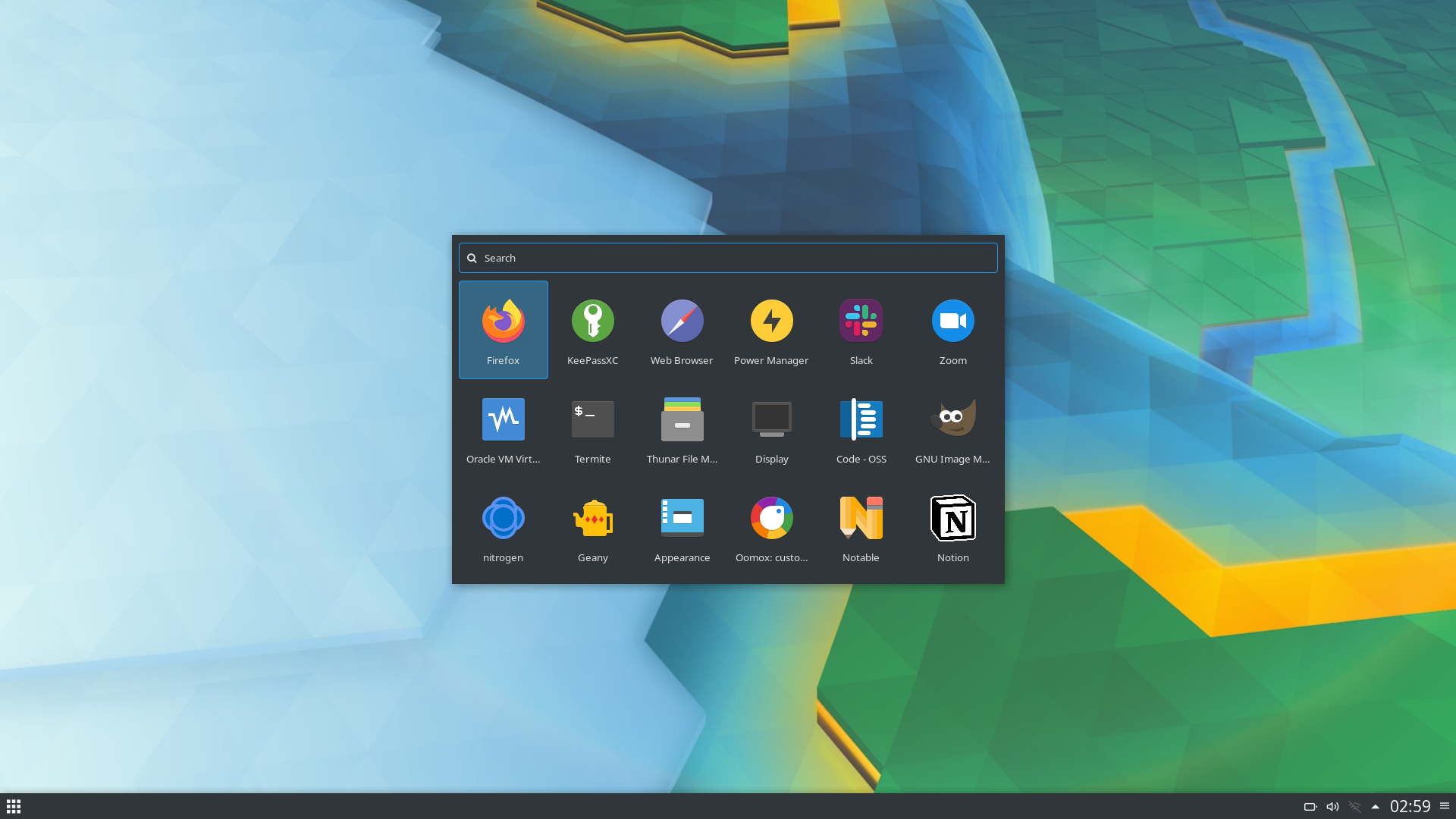
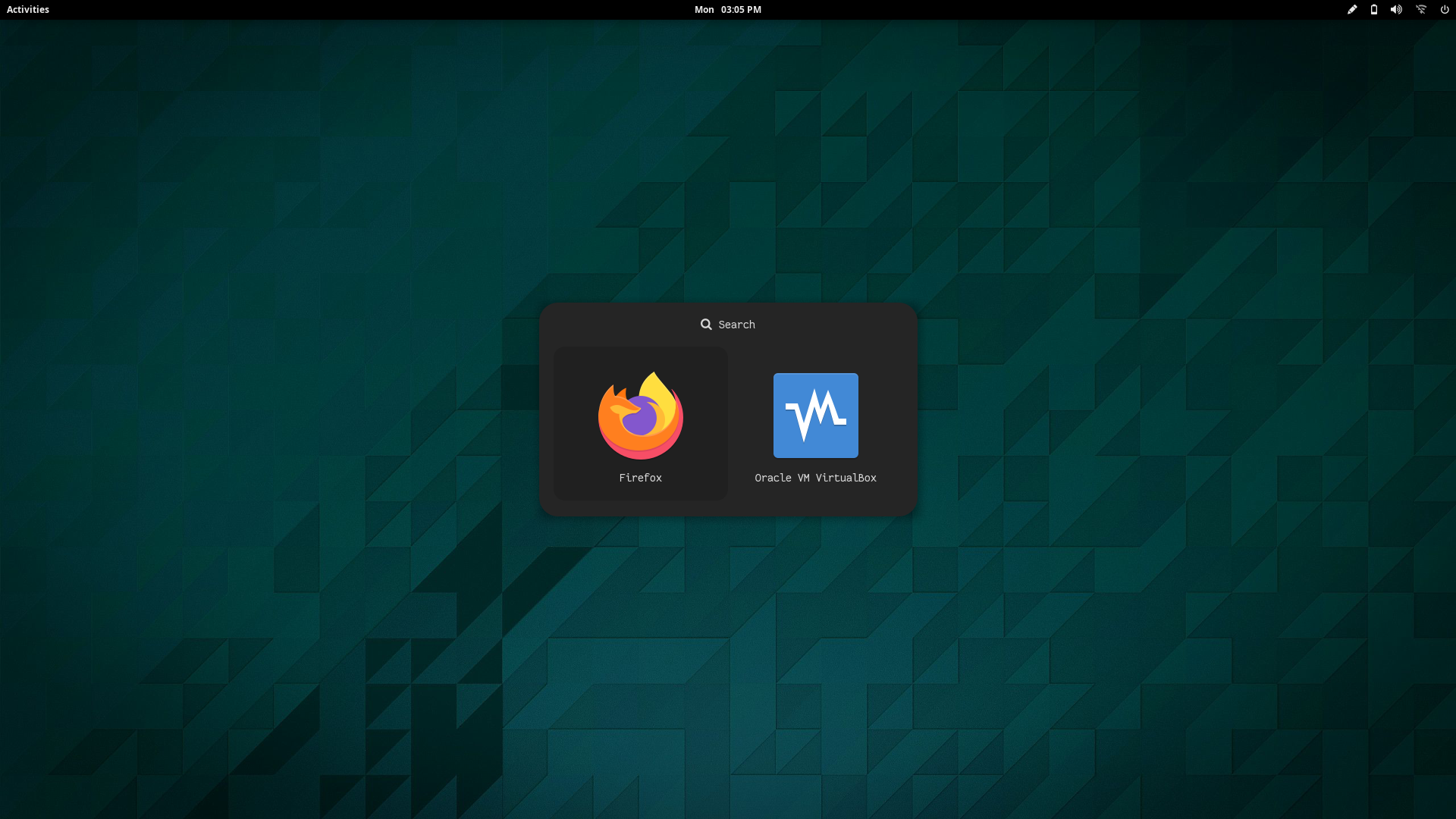
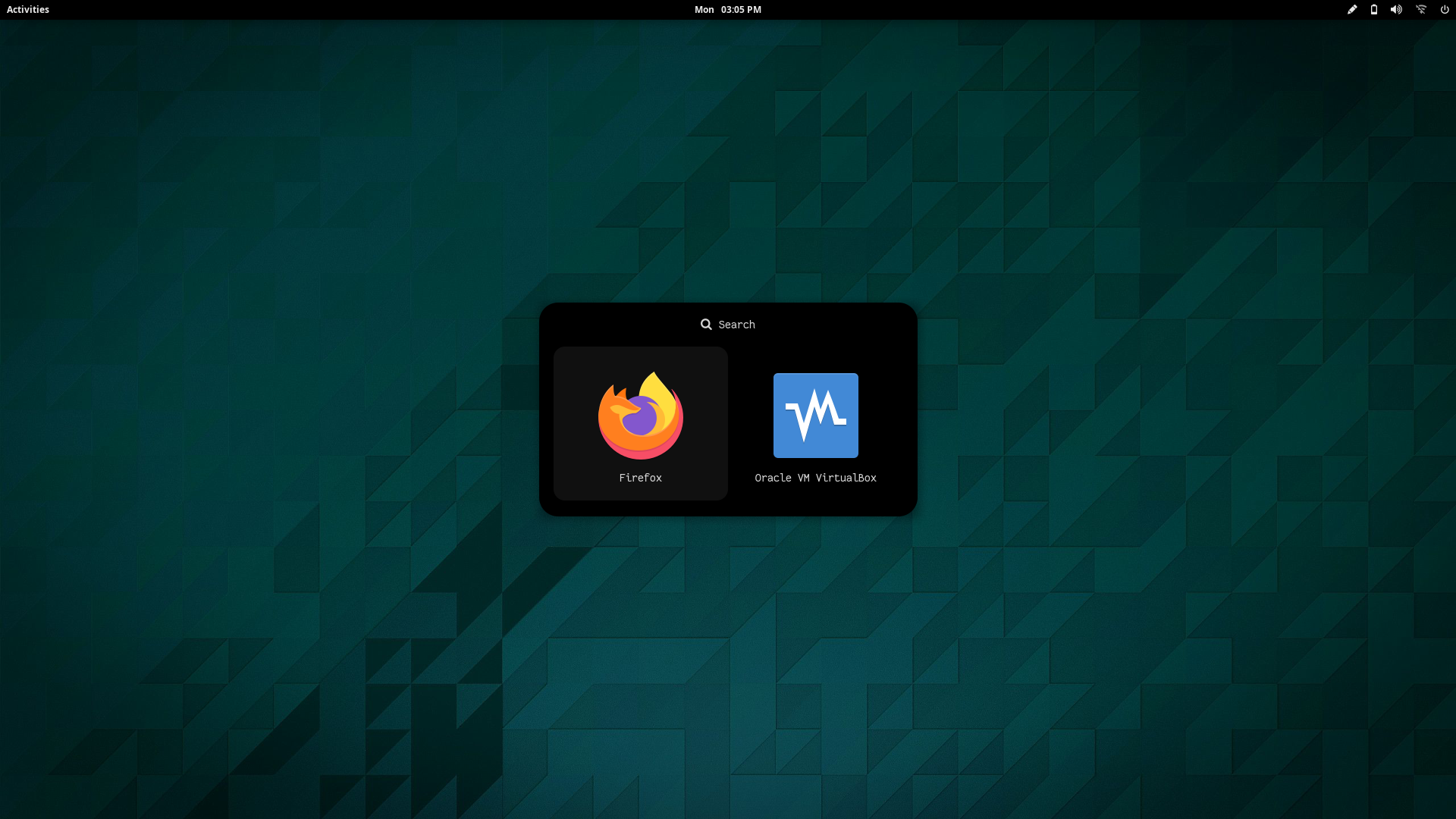
### Misc
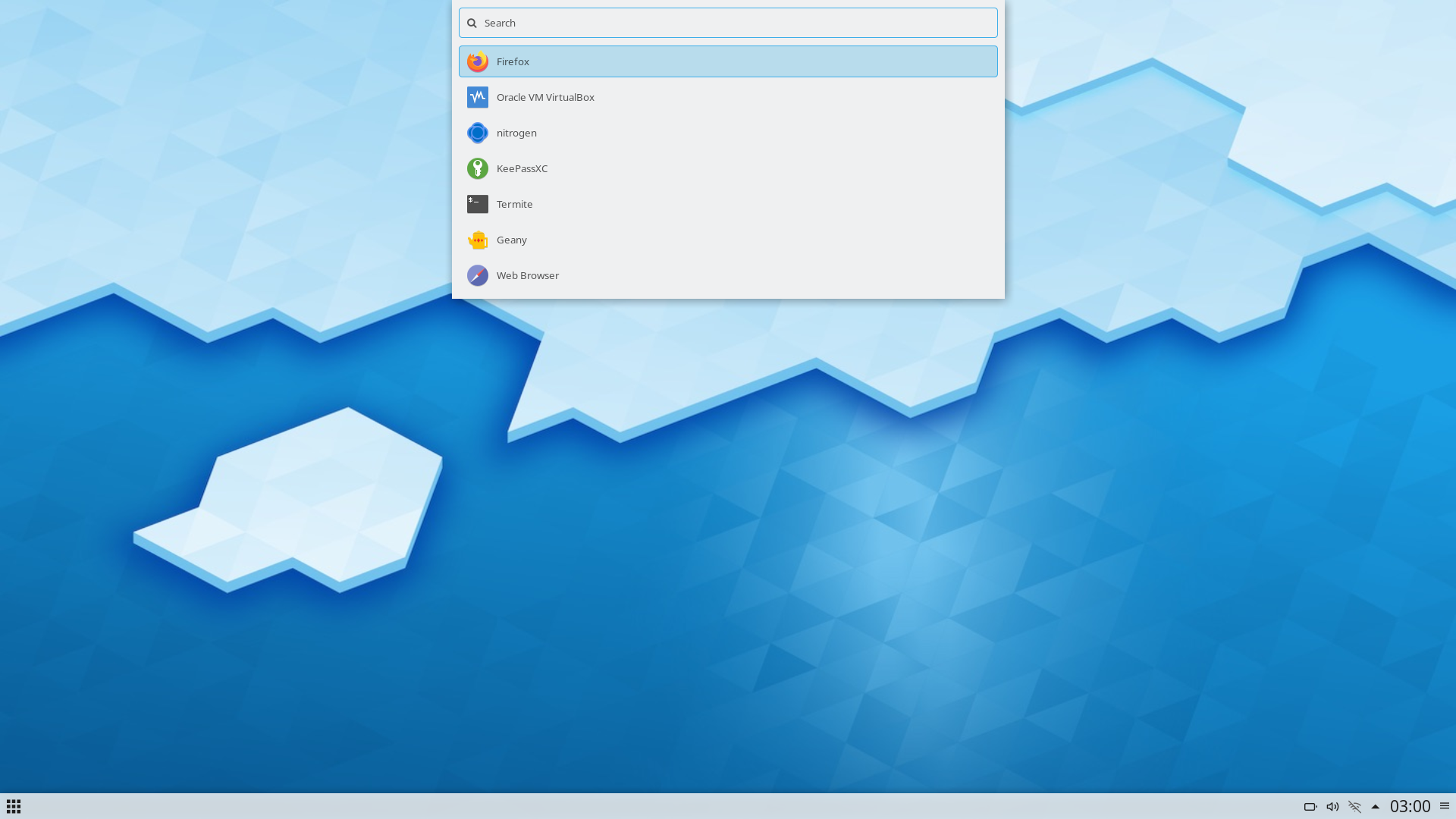
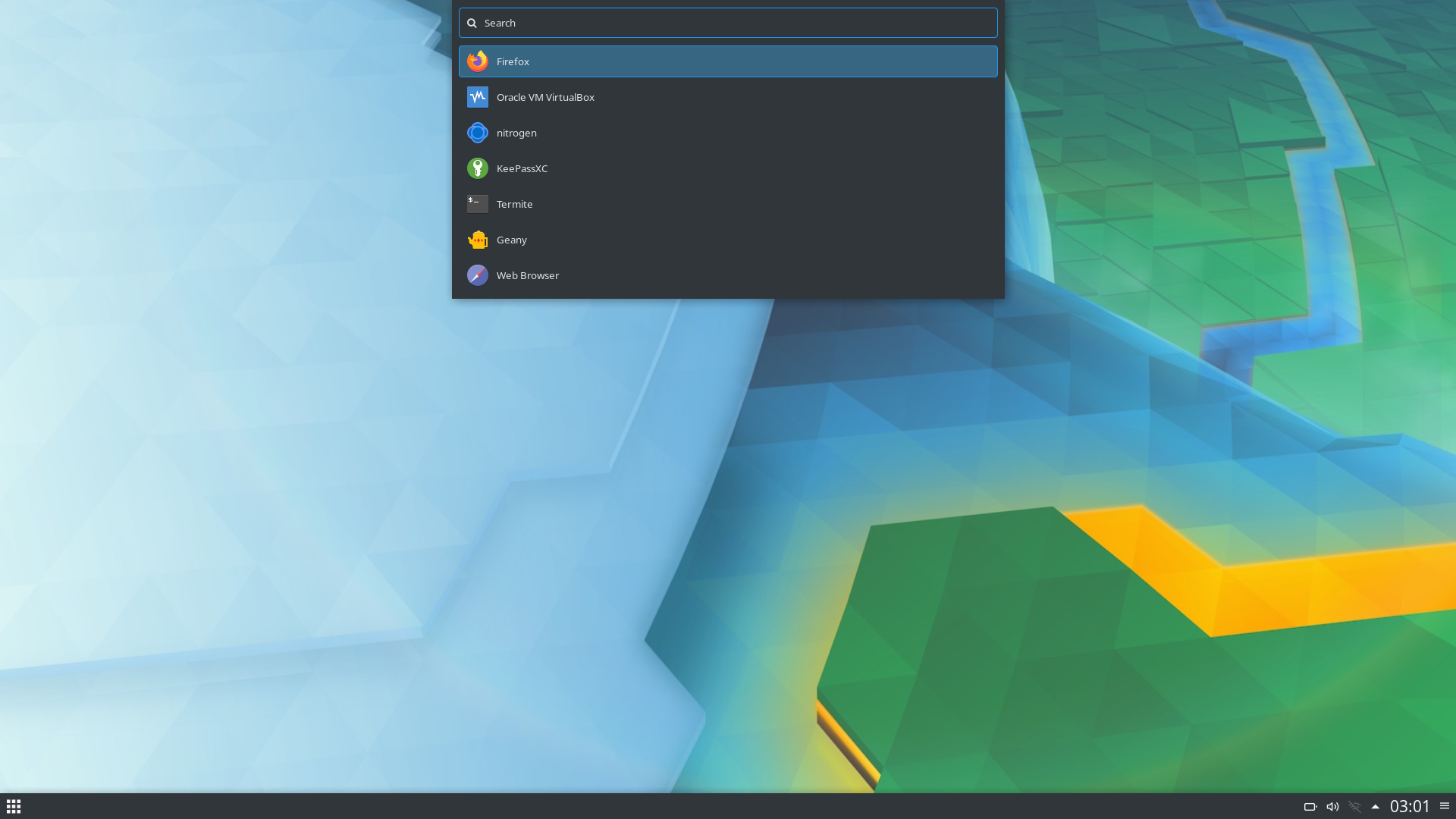
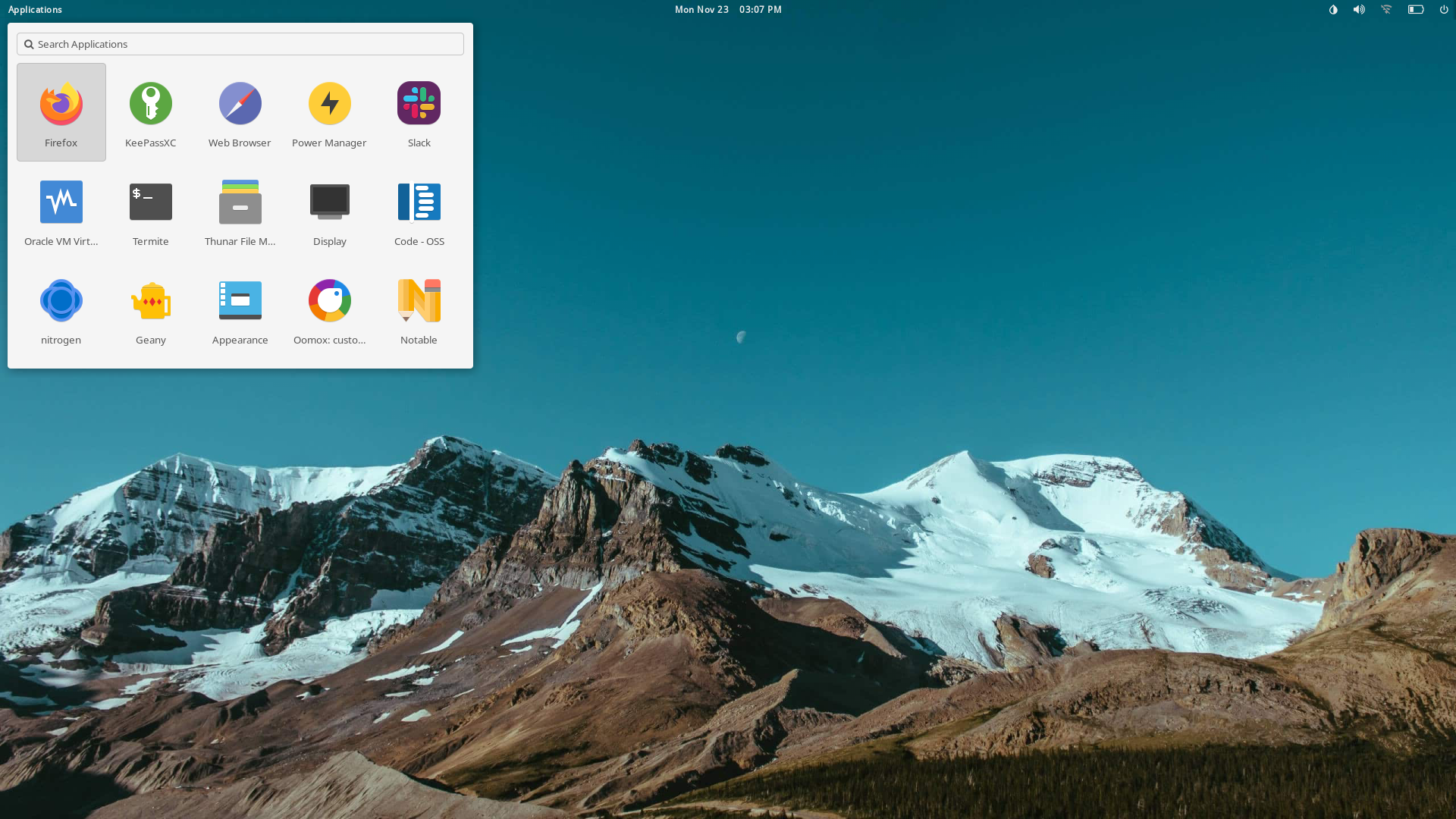
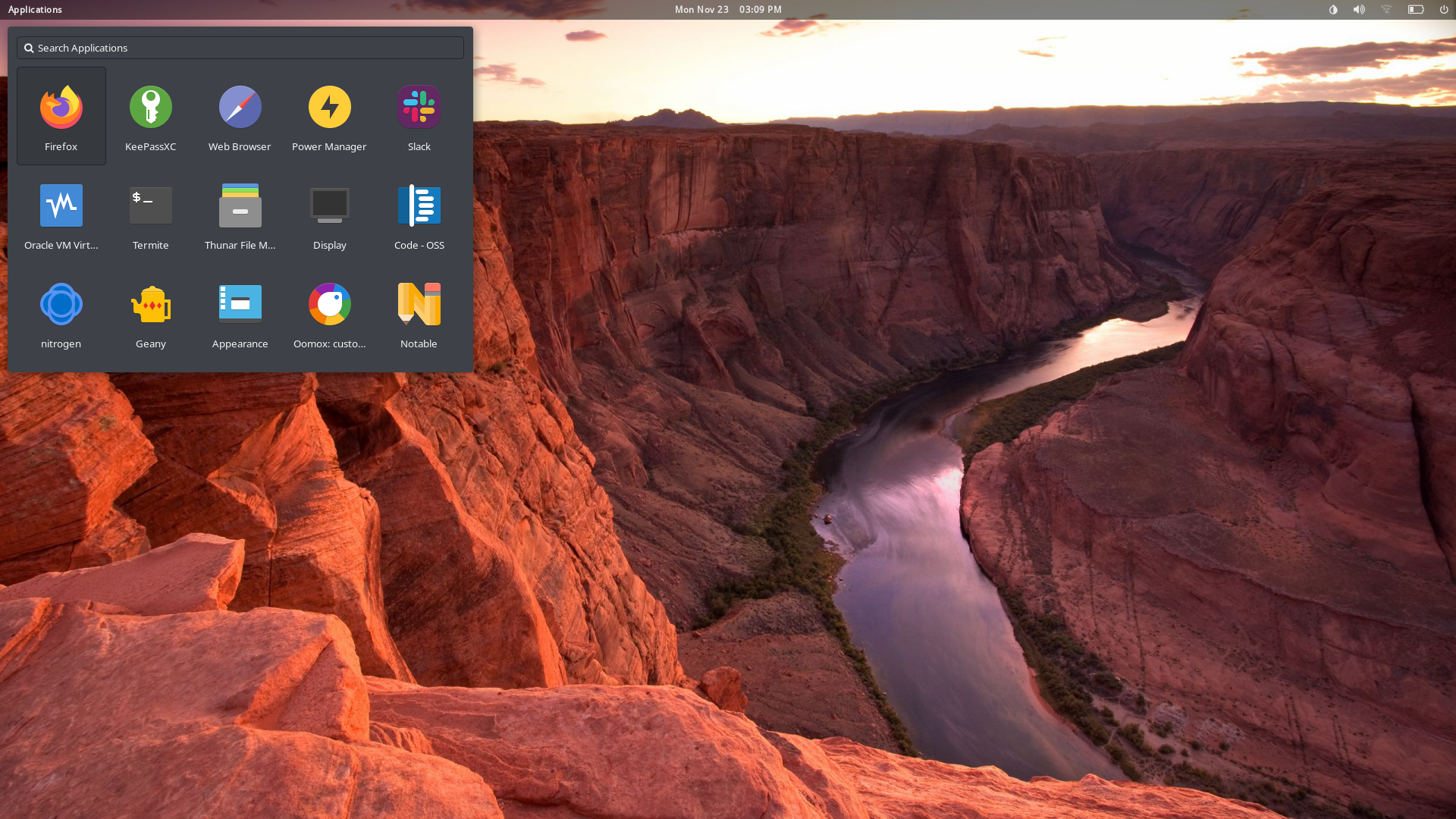
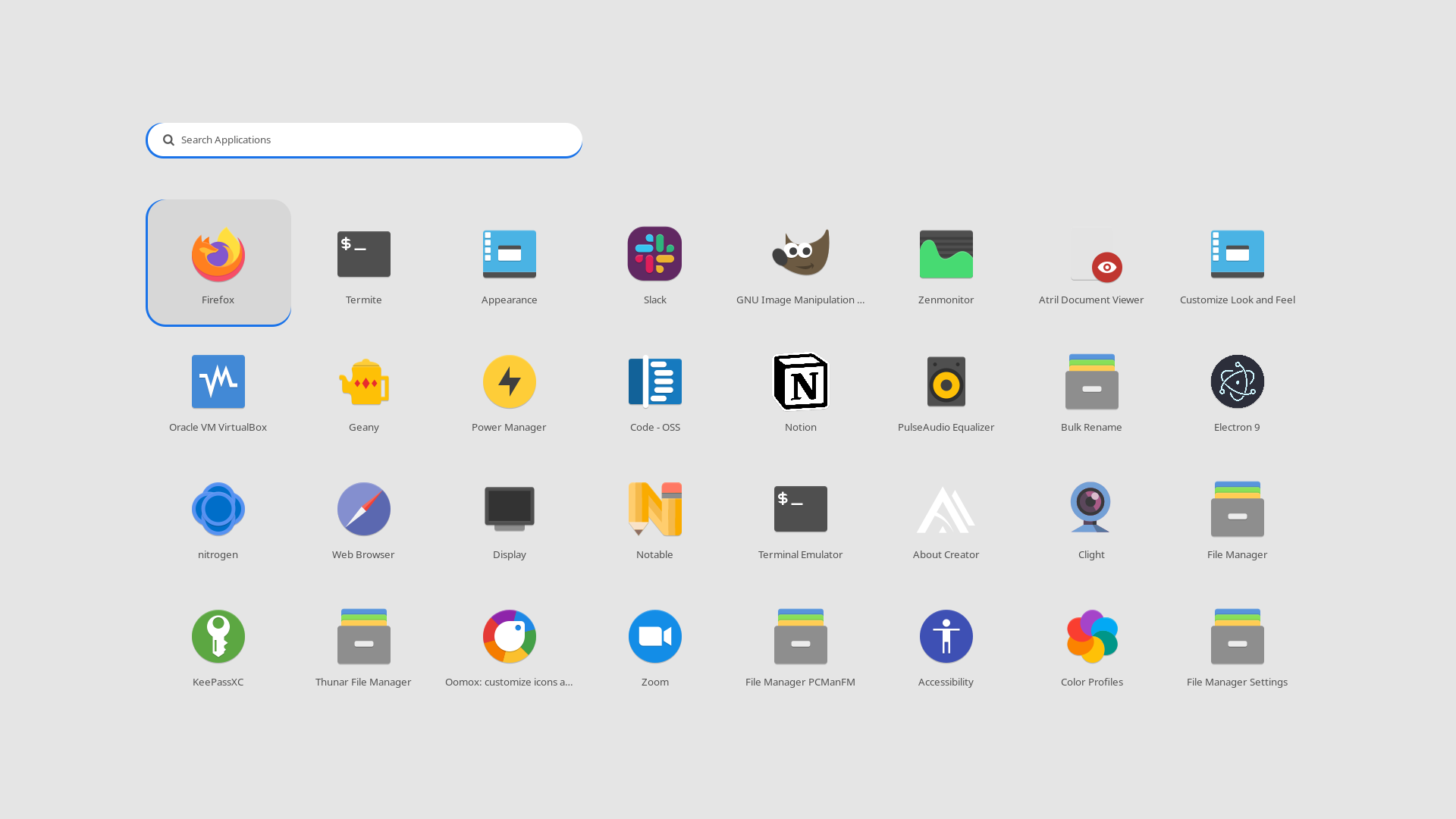
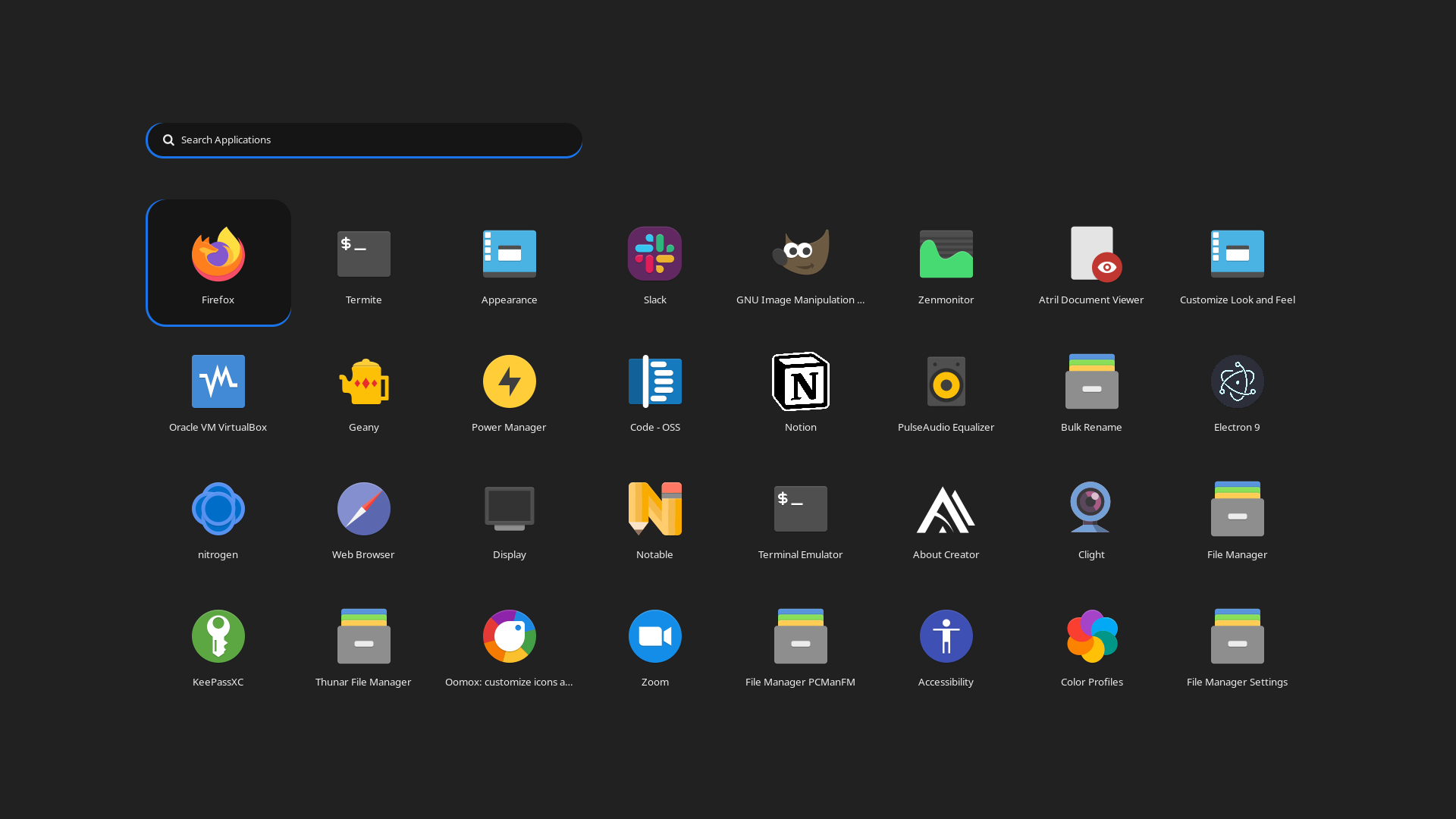
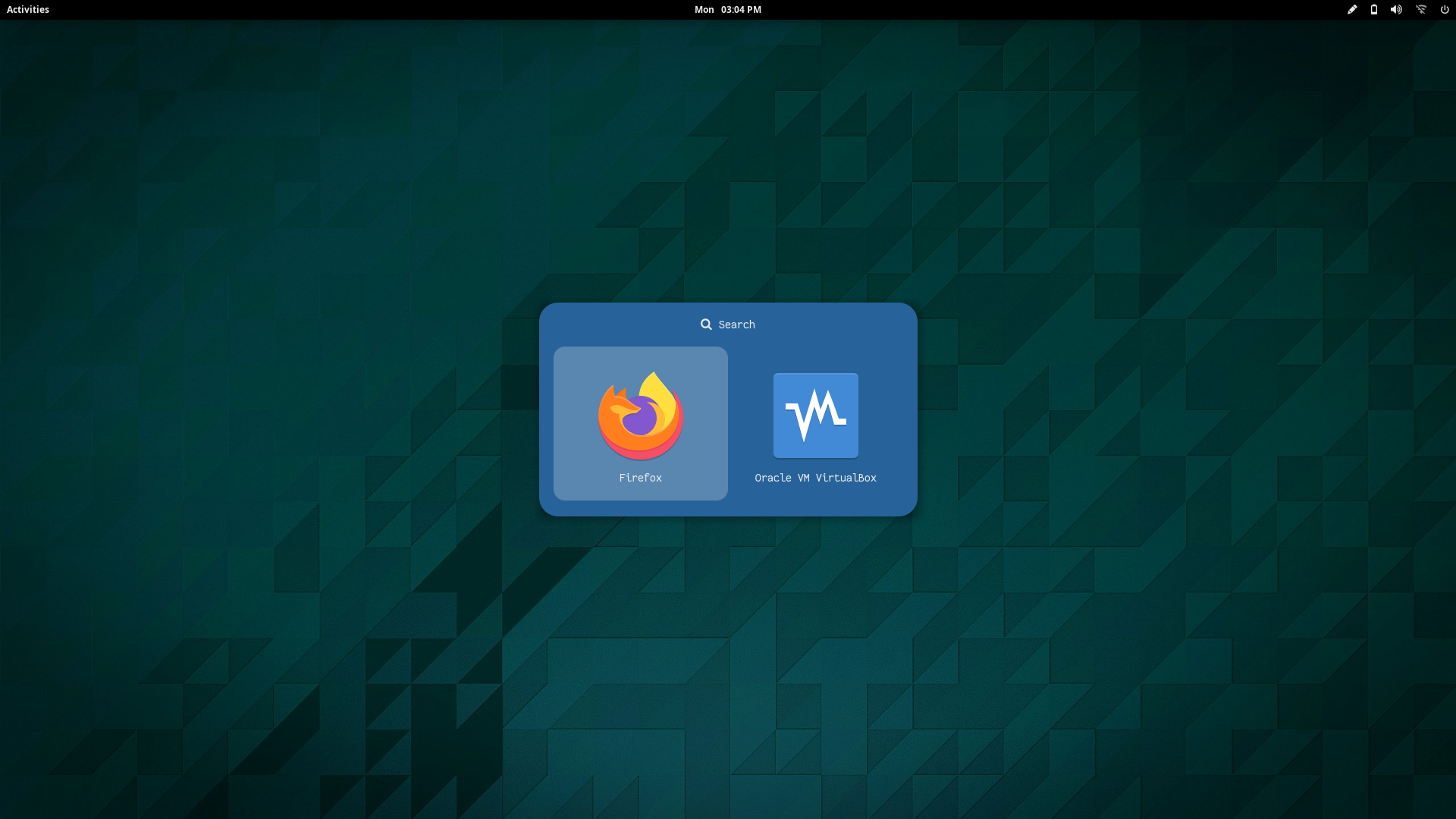
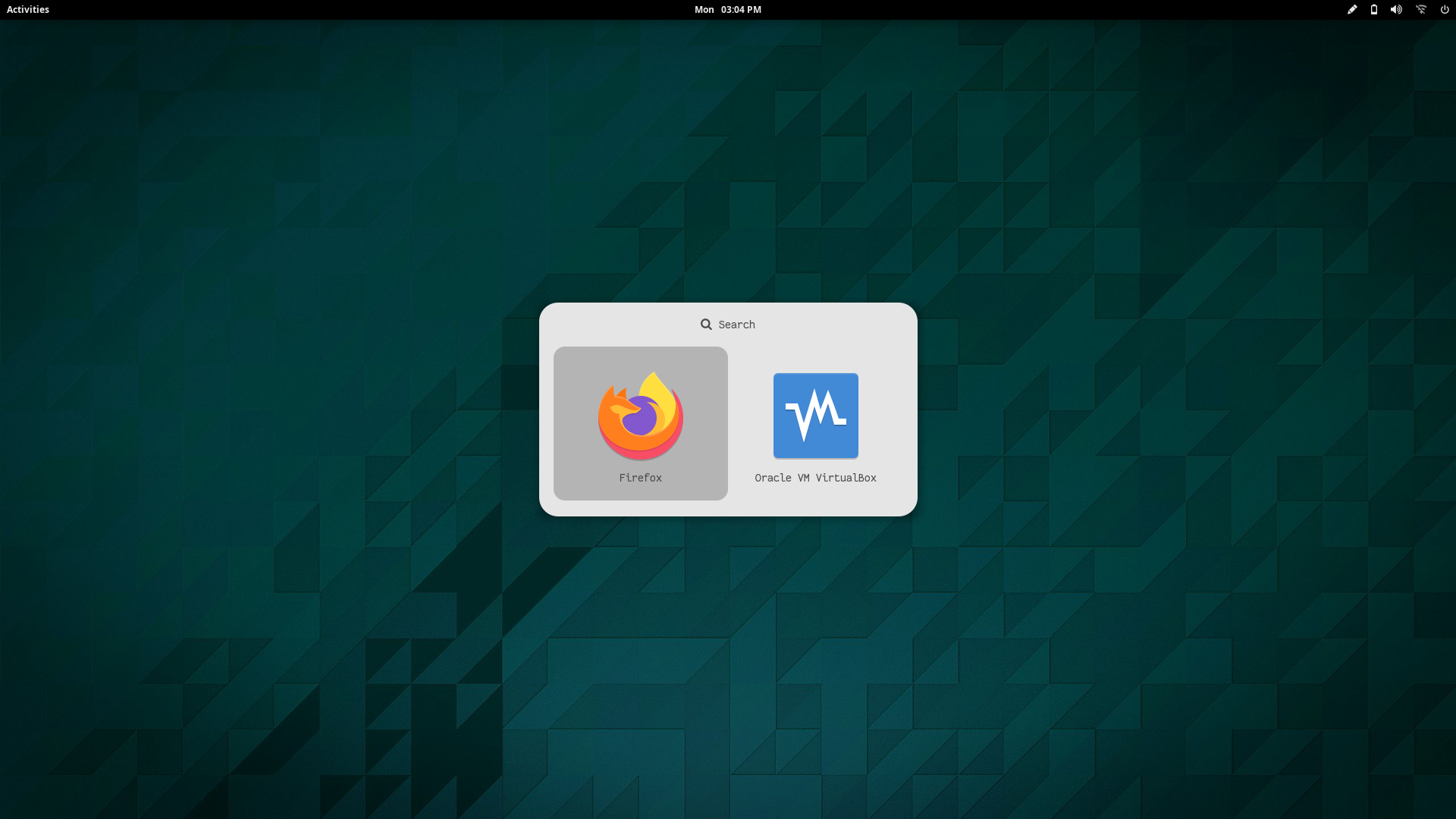
A collection of launchers inspired by popular launcher applications from different platforms.

**`Change Colors`** : Edit the respective style's `.rasi` file to change the colors in `$HOME/.config/rofi/launchers/misc`
**`Change Style`** : Edit `$HOME/.config/rofi/launchers/misc/launcher.sh` to change the style.
```
theme="screen"
```
> Make sure you disable the random mode in the same script before using a single style.
Previews
|Blurry|Launchpad|
|--|--|
|||
|SimpleMenu Light|SimpleMenu Dark|Krunner Light|Krunner Dark|
|--|--|--|--|
|||||
|Slingshot Light|Slingshot Dark|
|--|--|
|||
|AppDrawer Light|AppDrawer Dark|AppDrawer Alt Light|AppDrawer Alt Dark|
|--|--|--|--|
|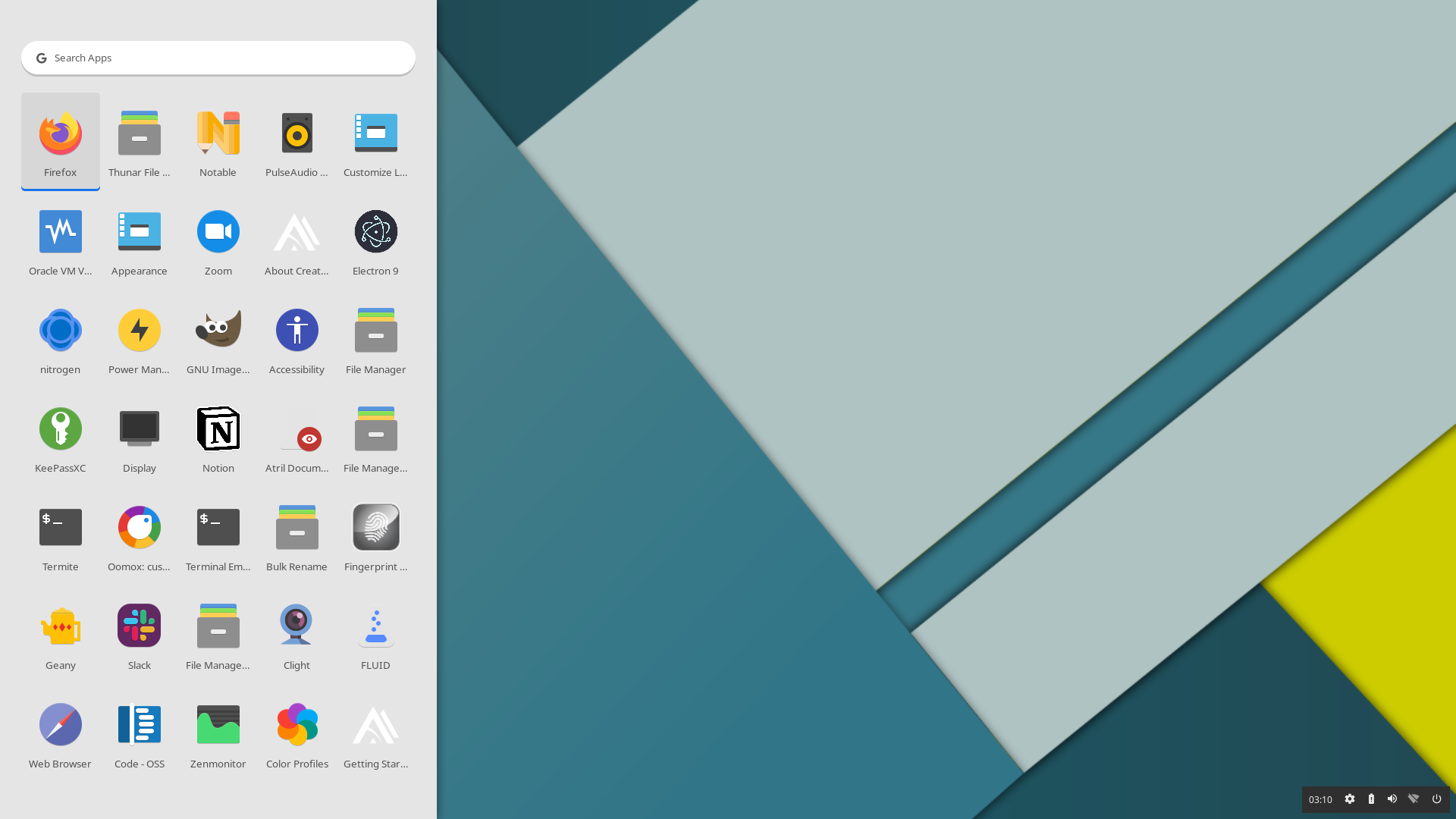|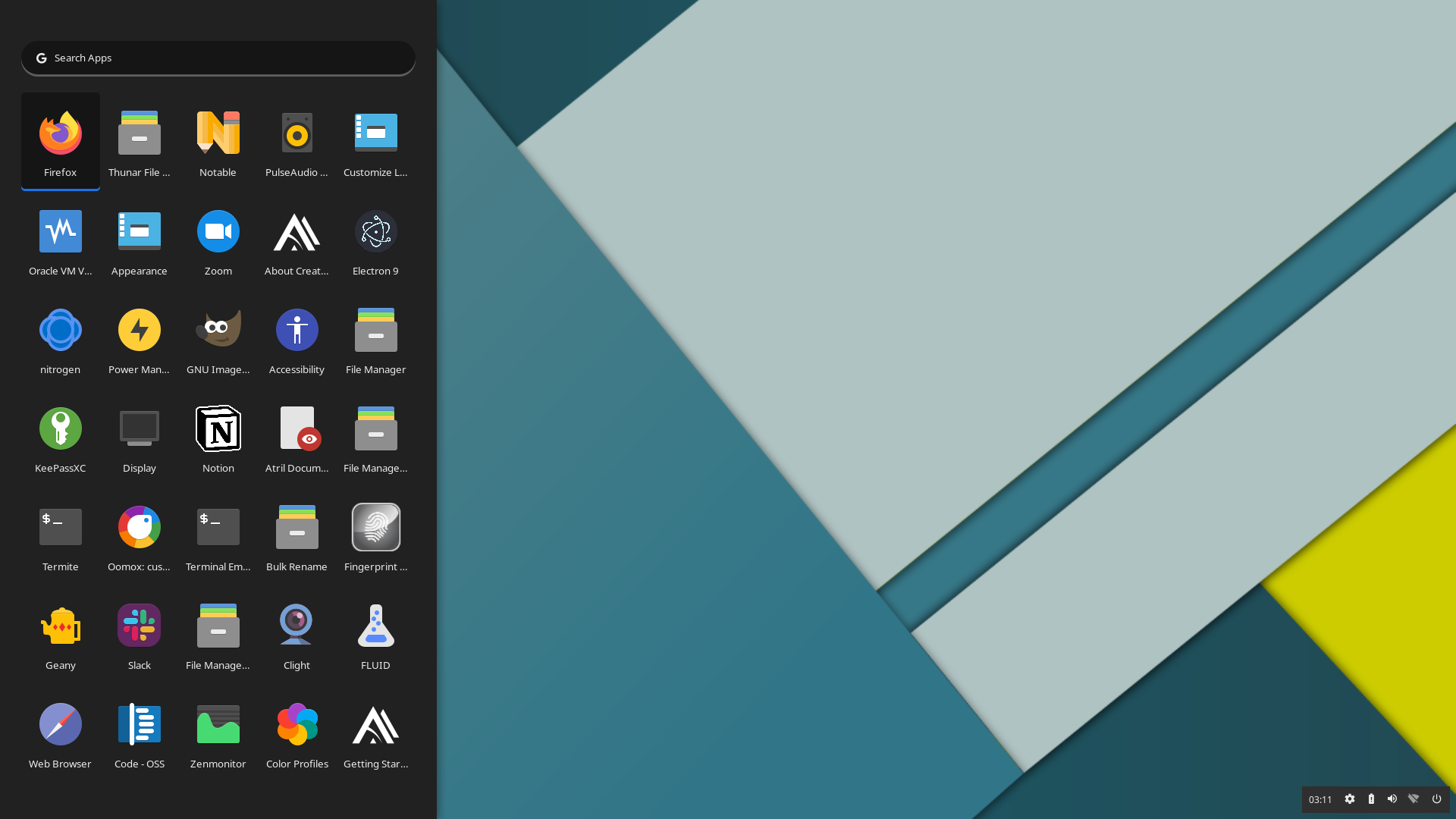|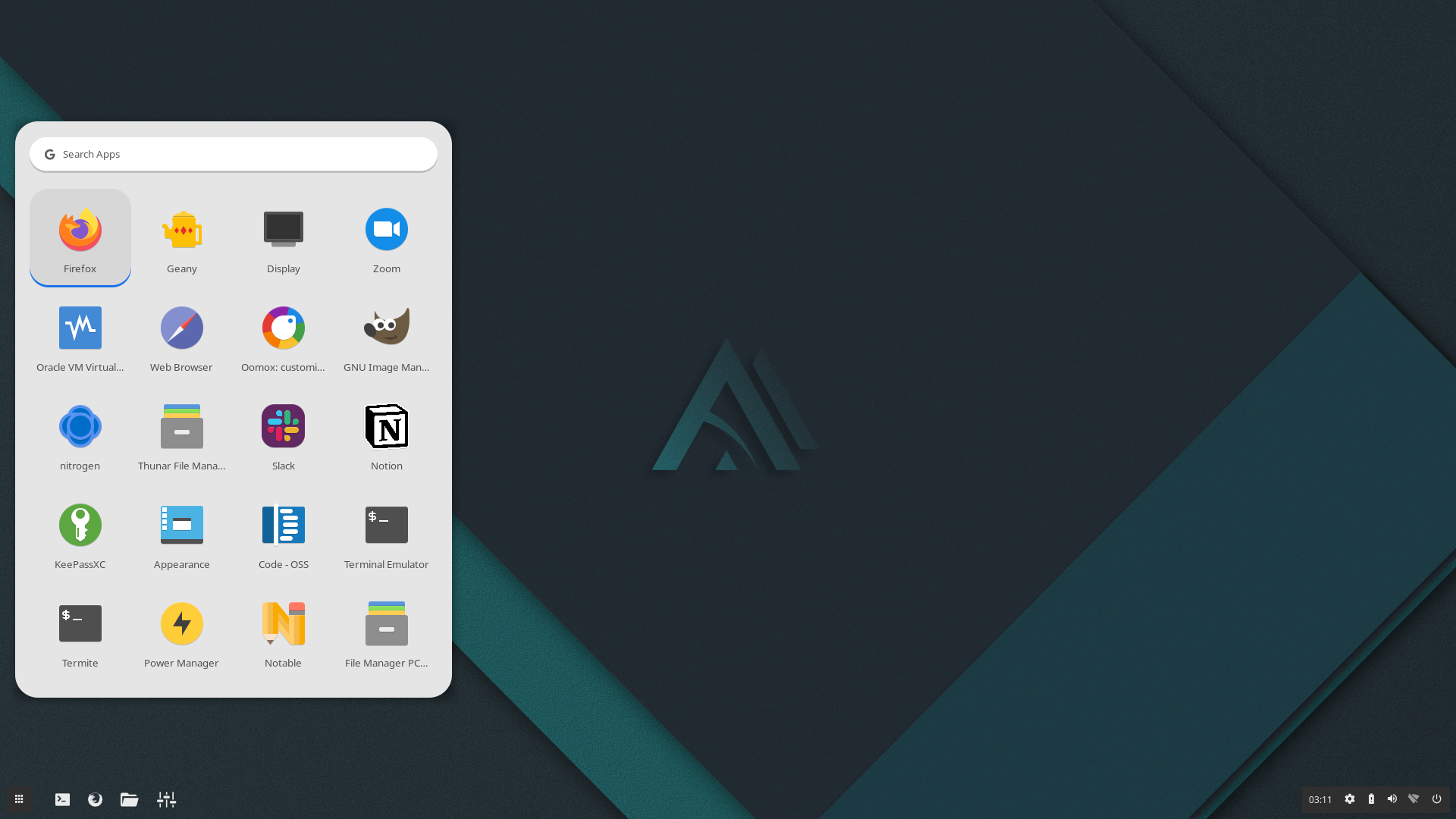|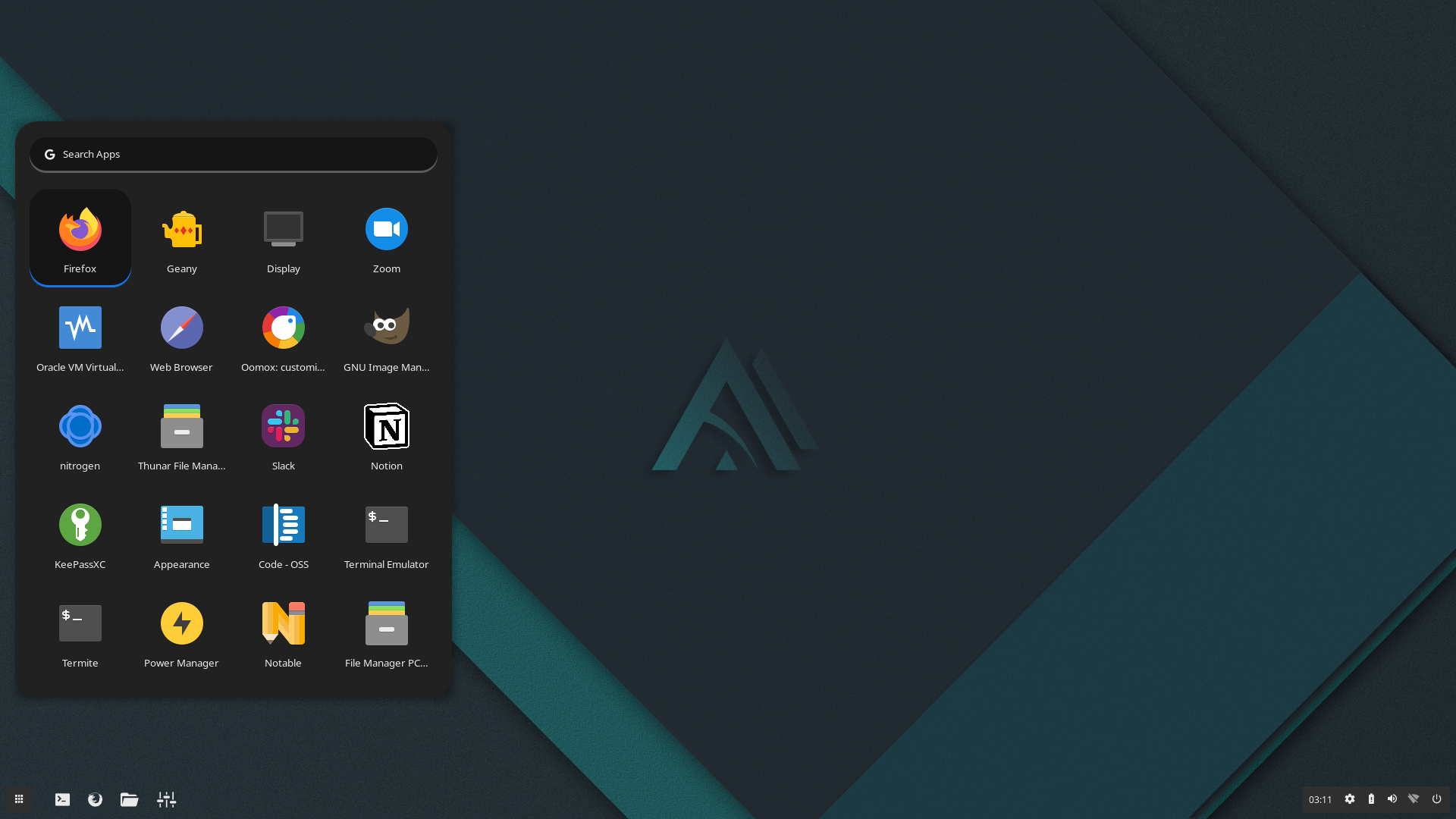|
|AppFolder Light|AppFolder Dark|
|--|--|
|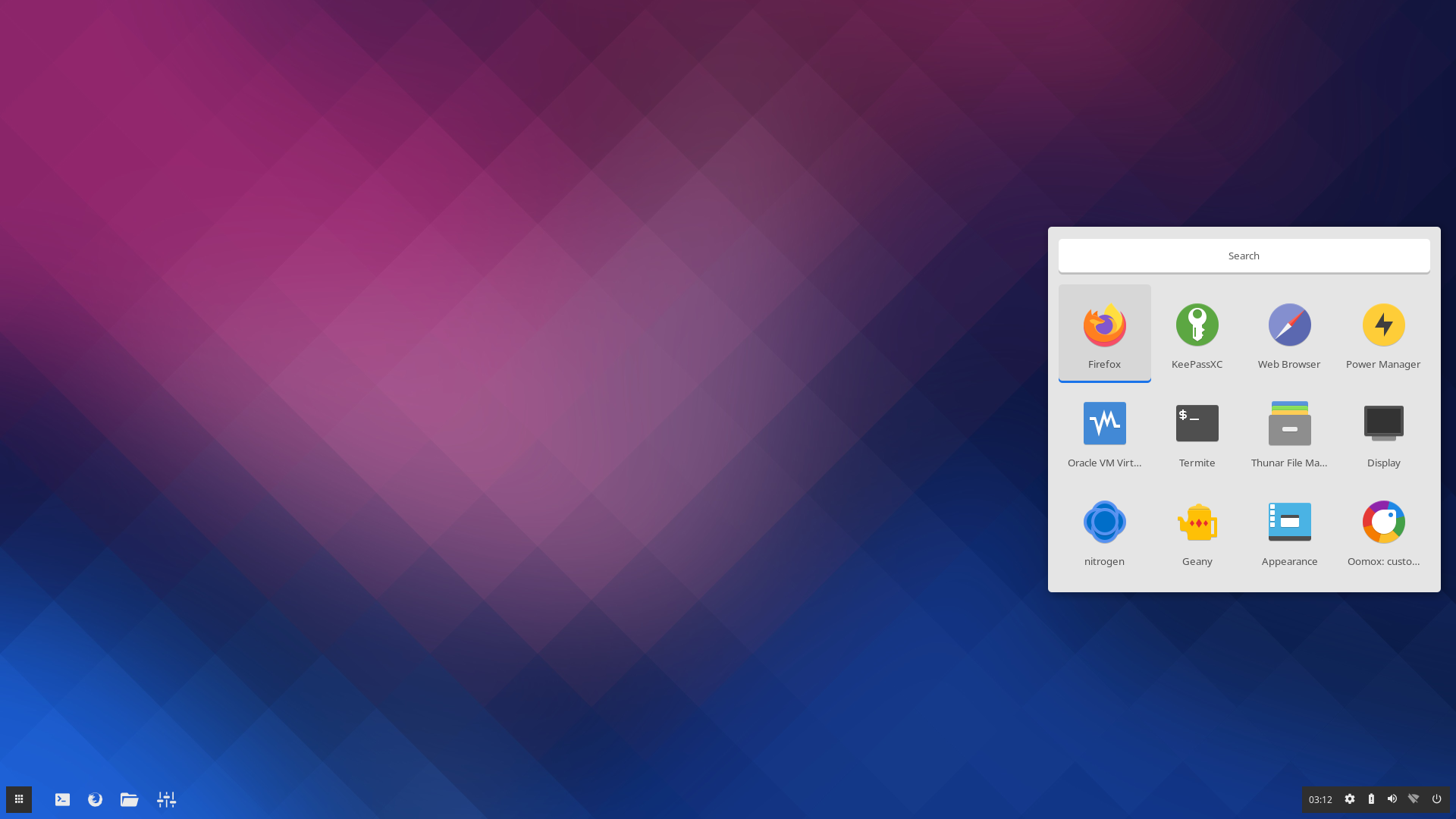|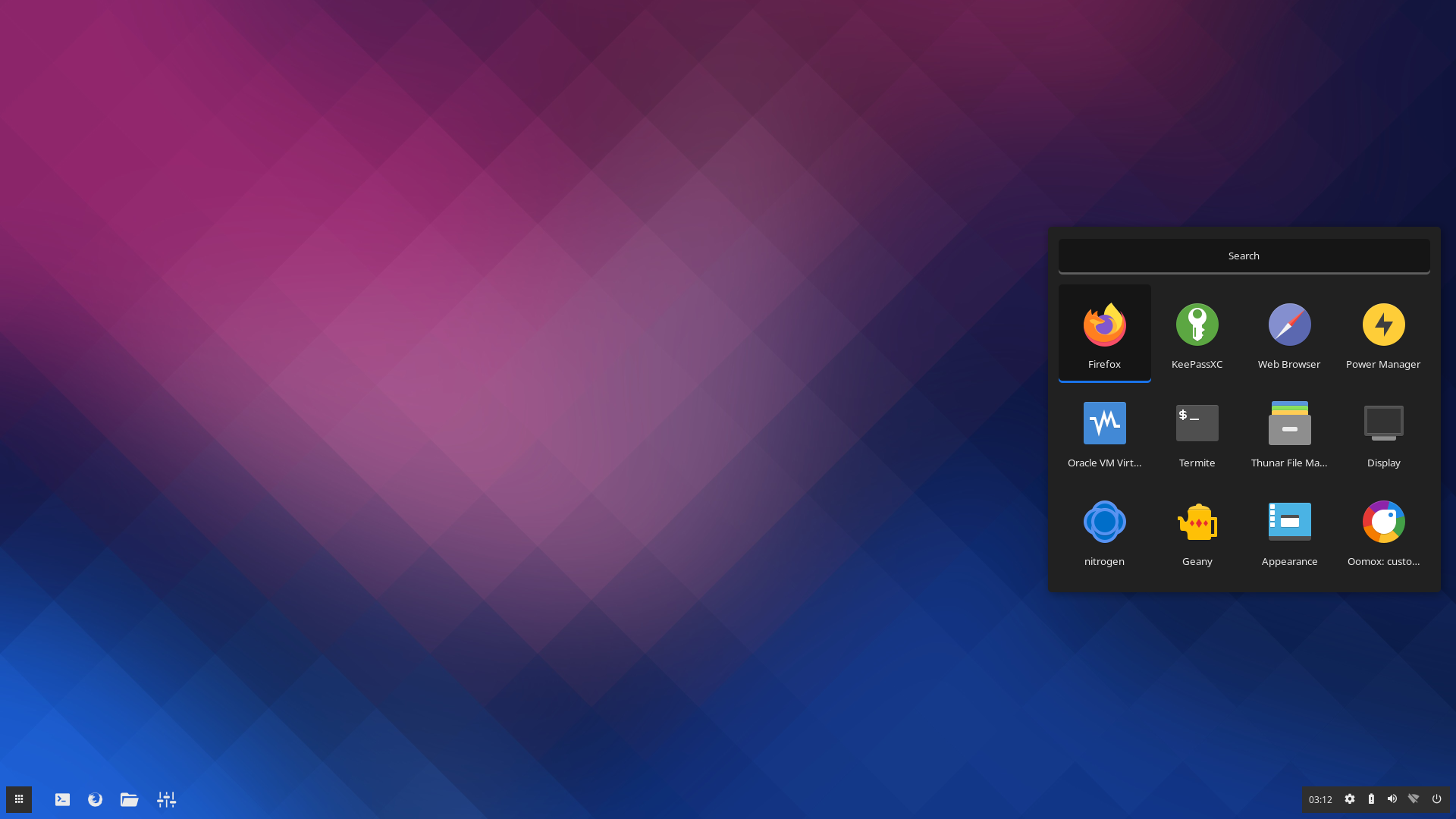|
|Column Light|Column Dark|Row Light|Row Dark|
|--|--|--|--|
|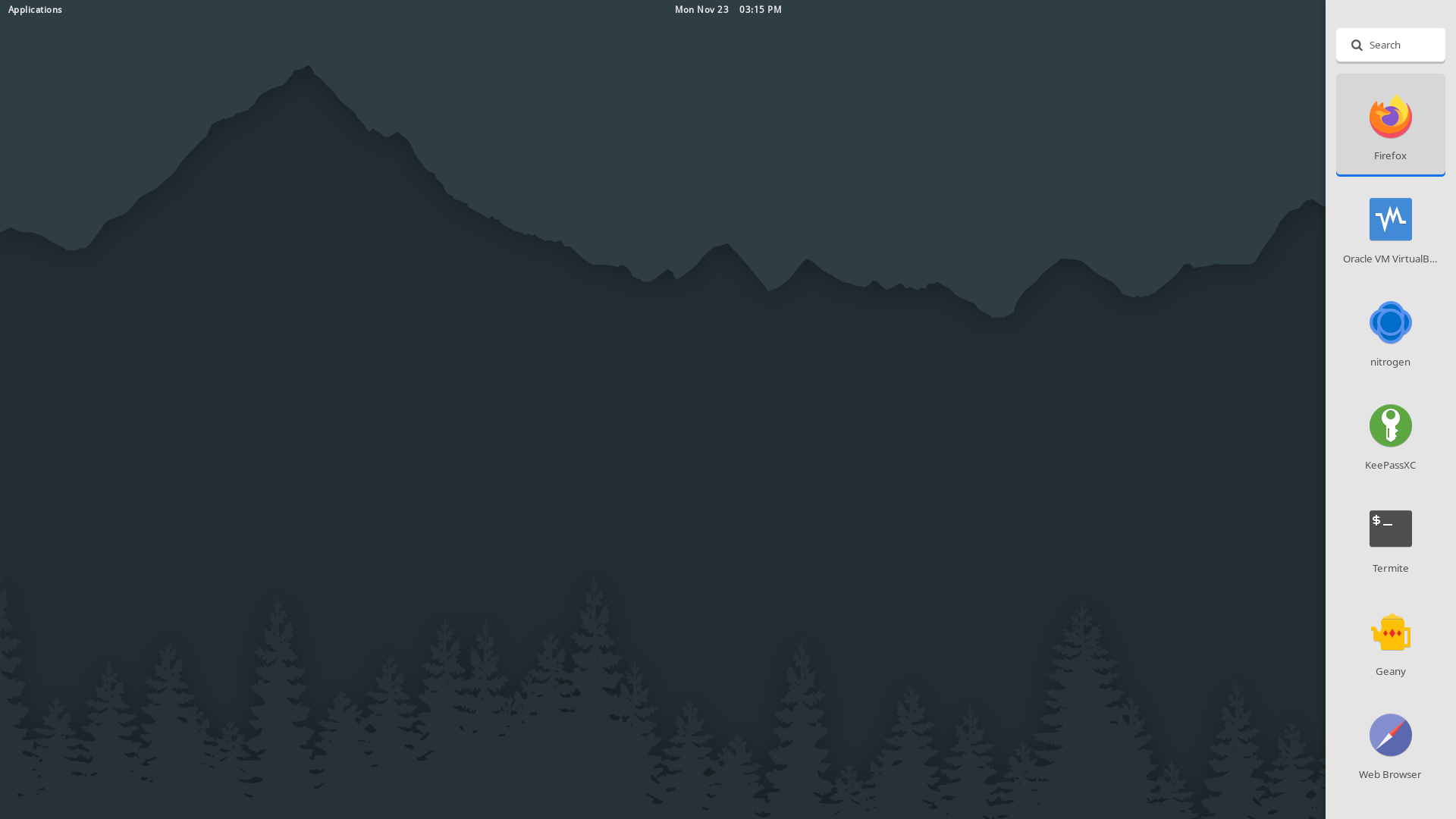|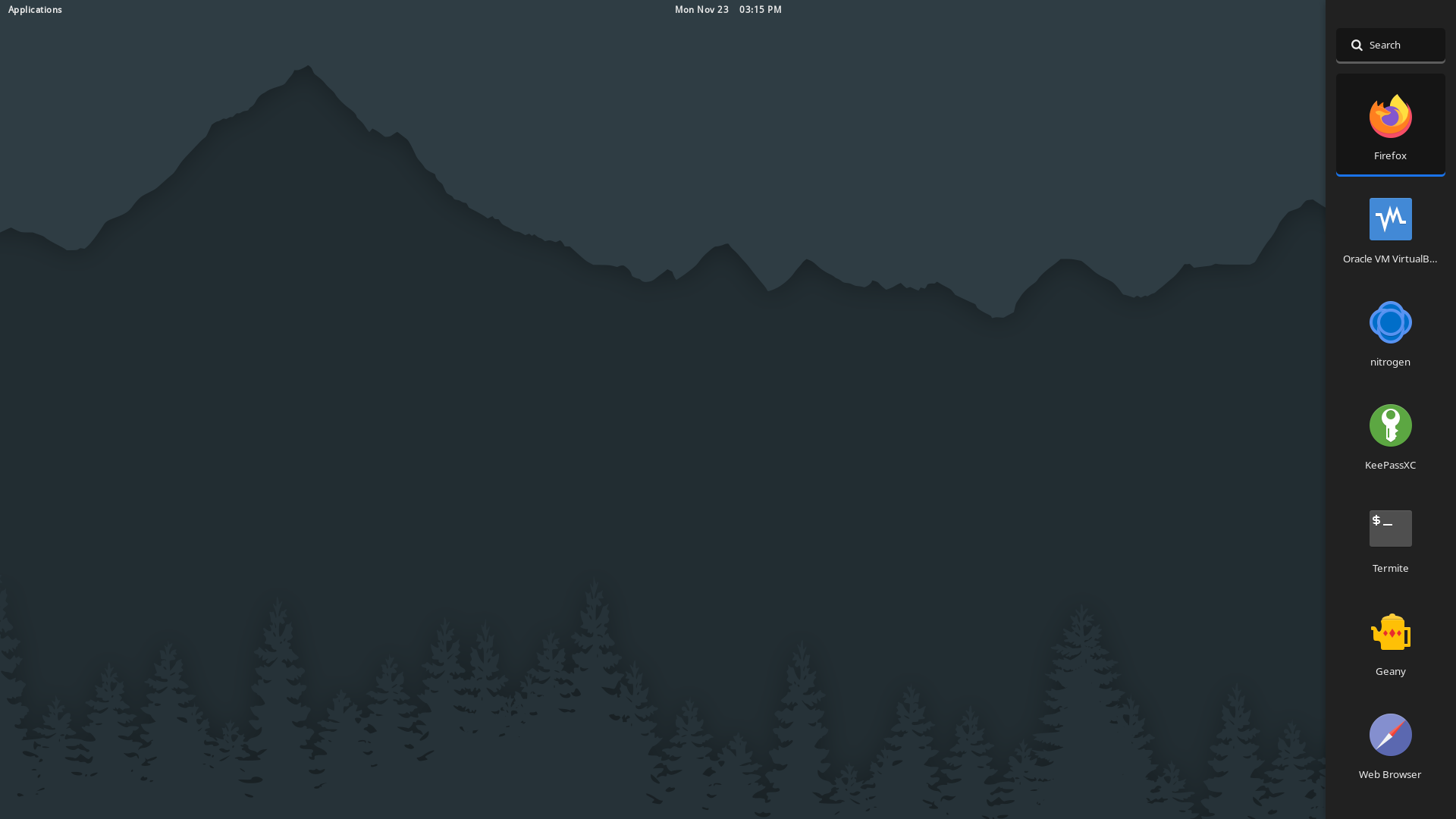|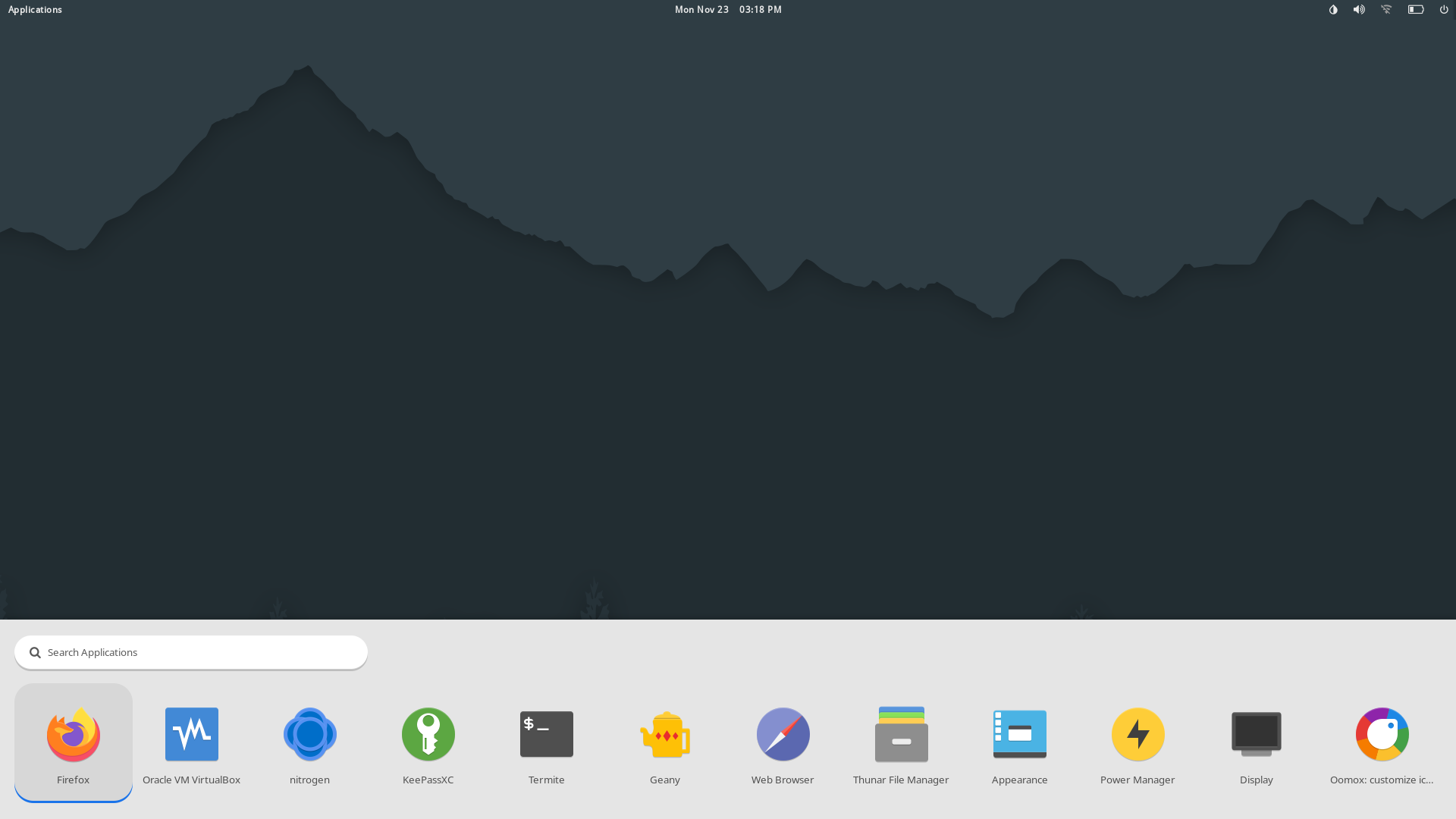|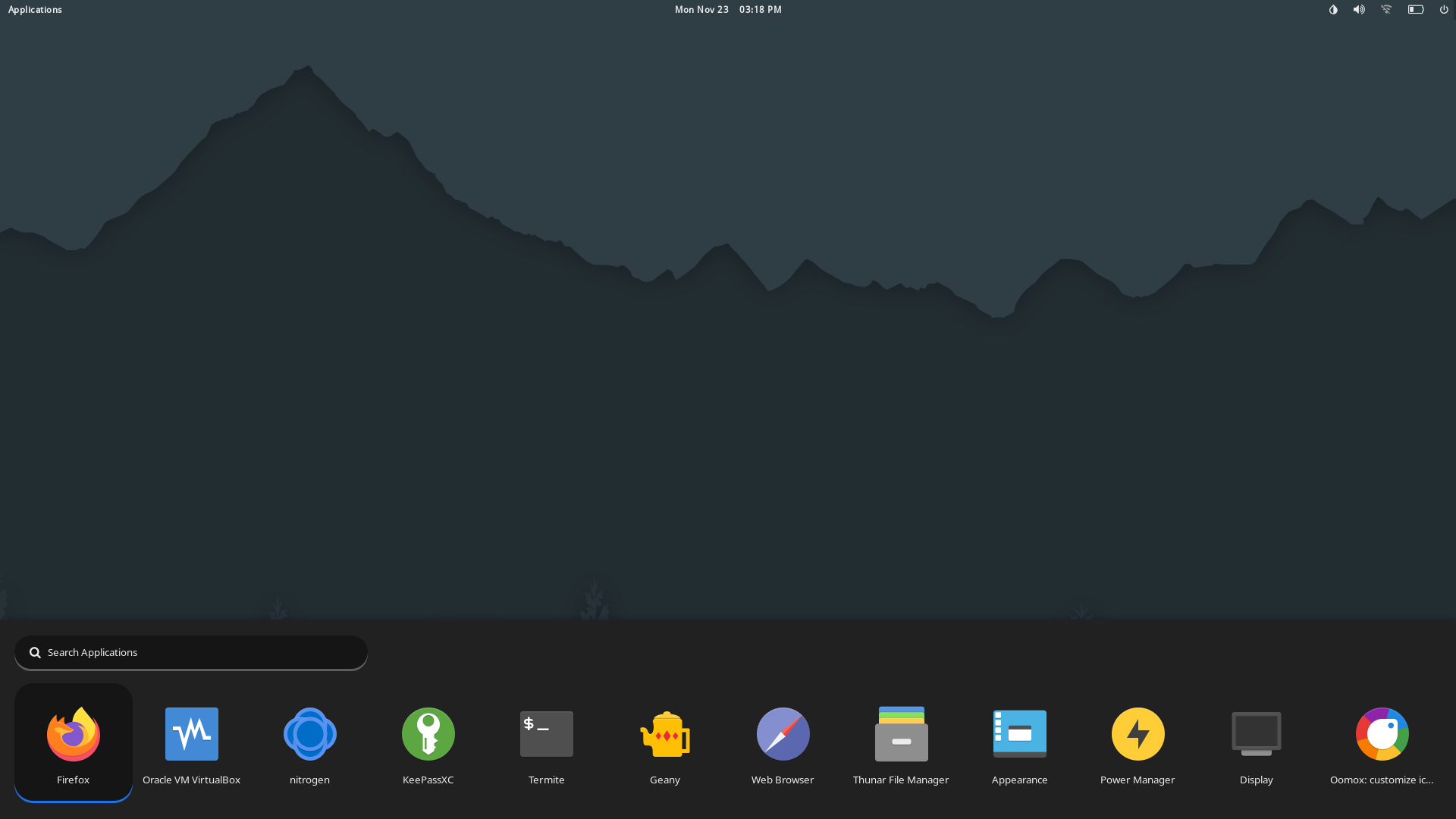|
|RowCenter Light|RowCenter Dark|
|--|--|
|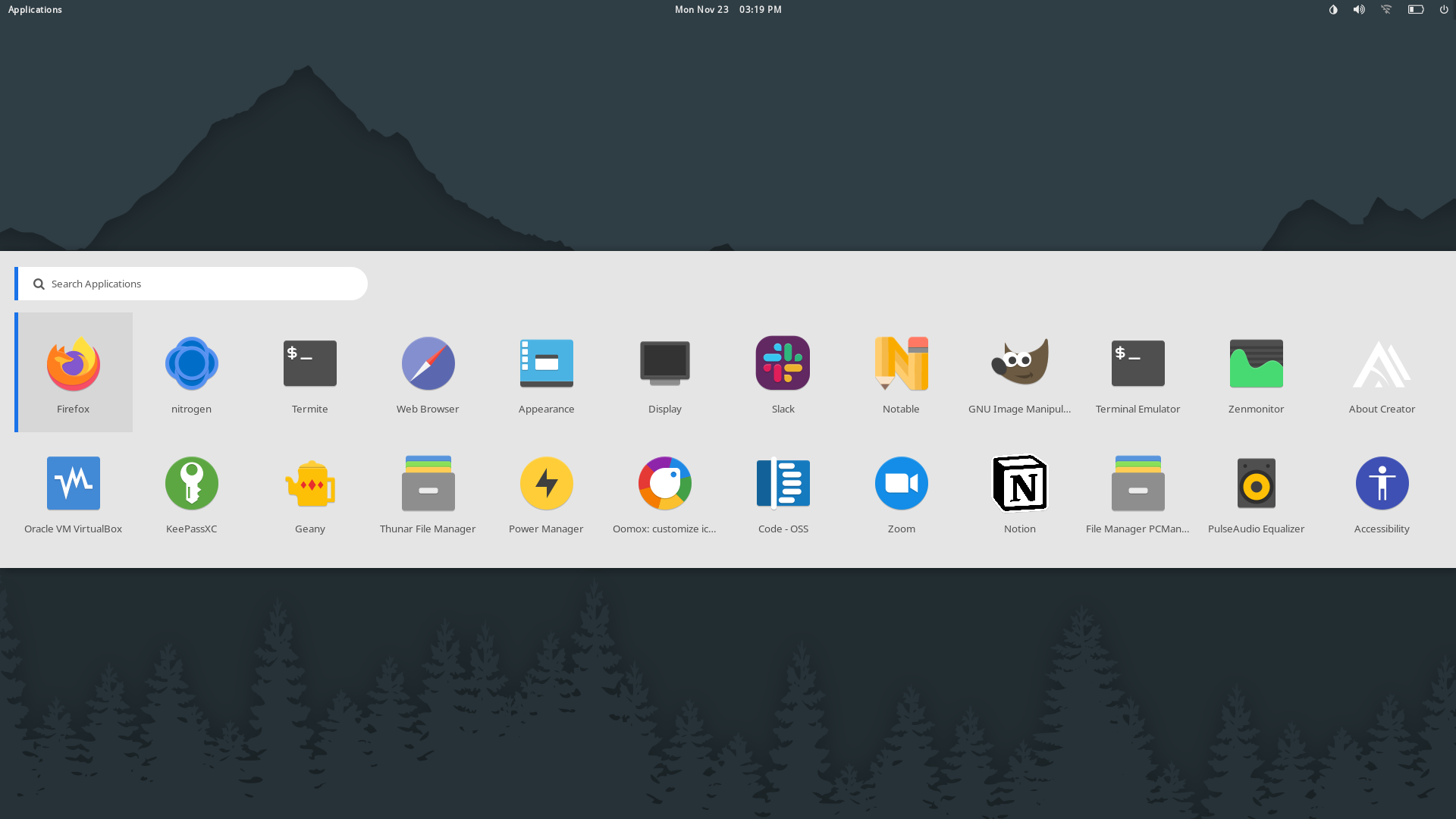|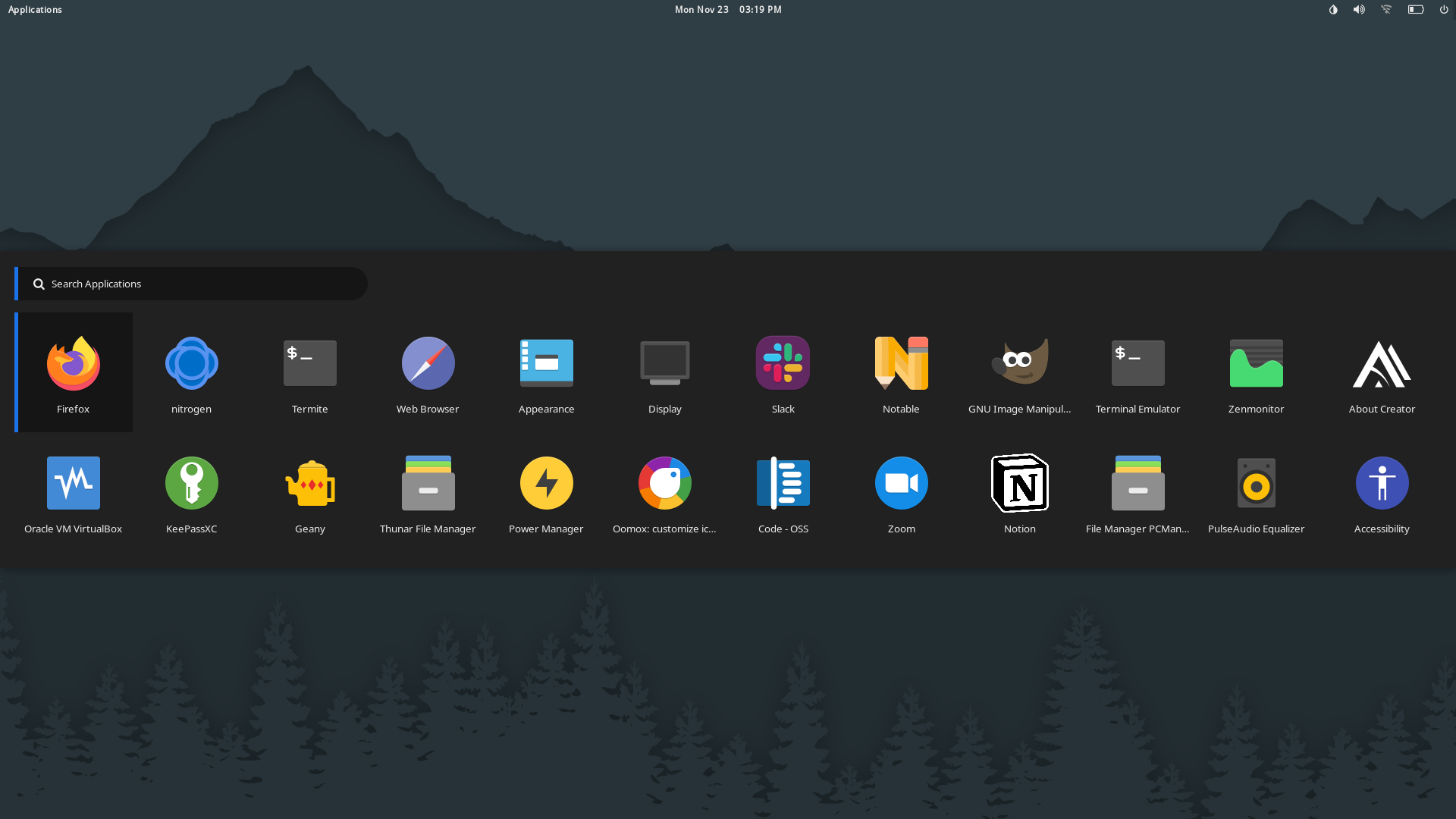|
|RowDock Light|RowDock Dark|RowDropdown Light|RowDropdown Dark|
|--|--|--|--|
|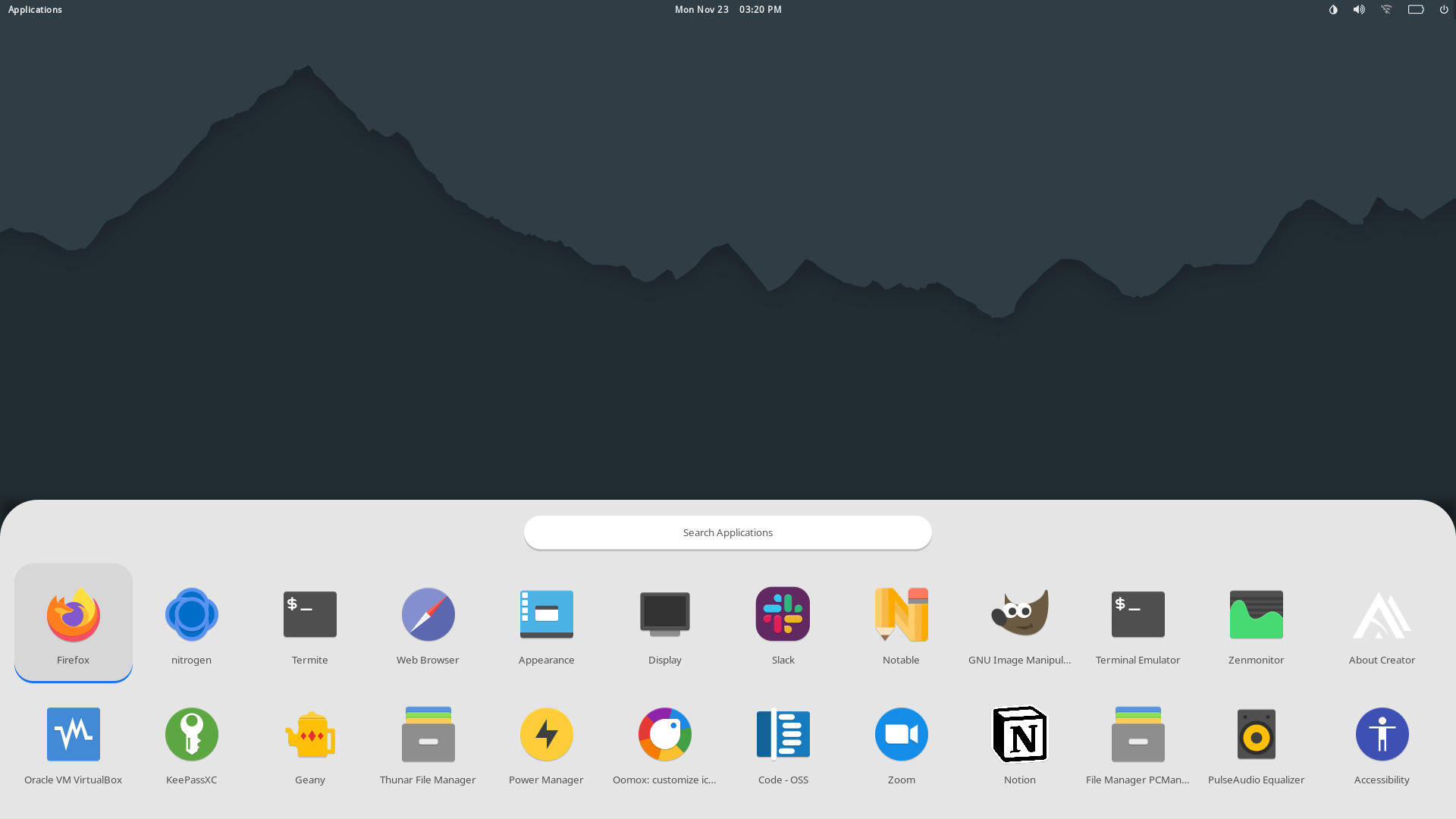|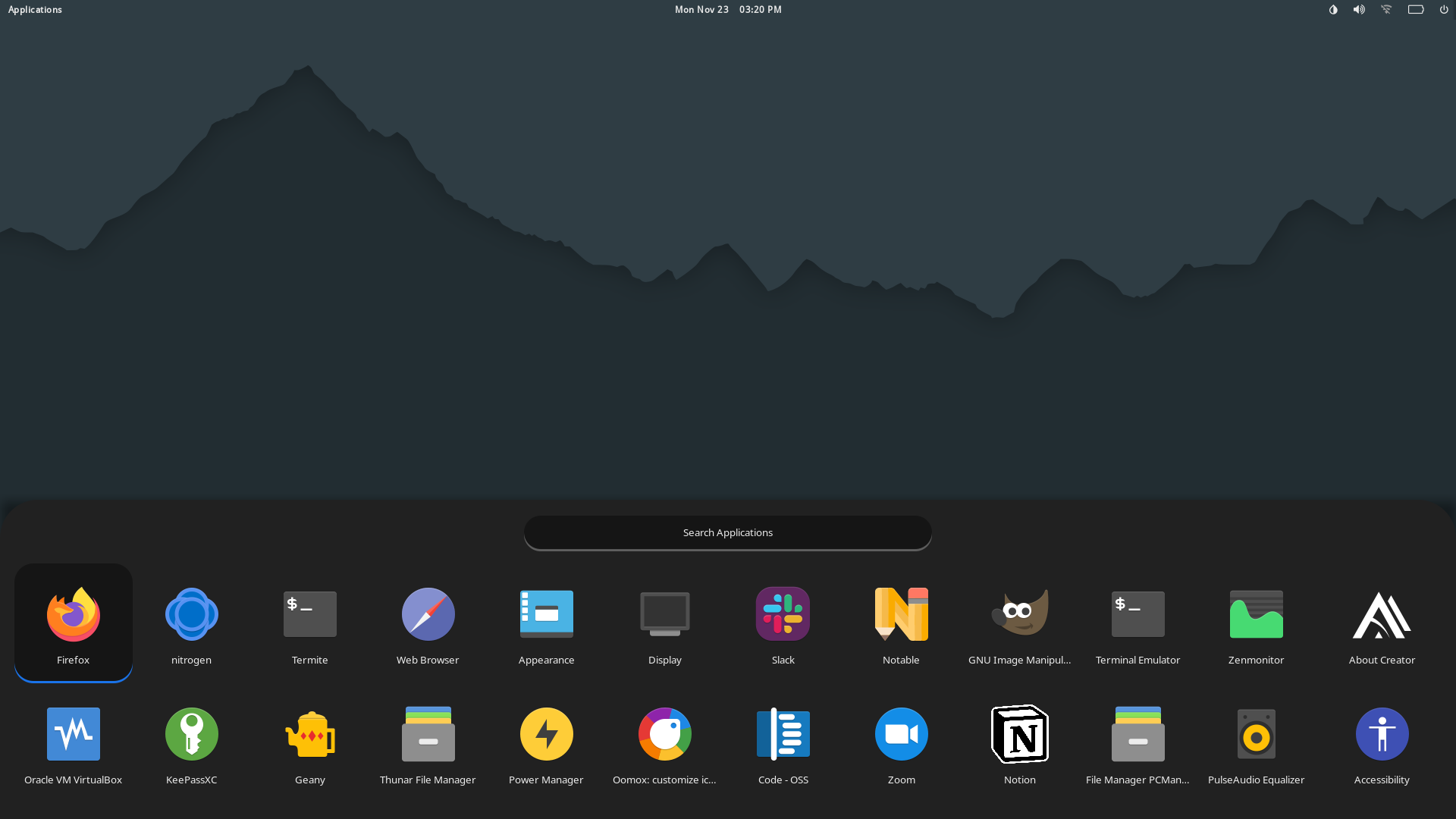|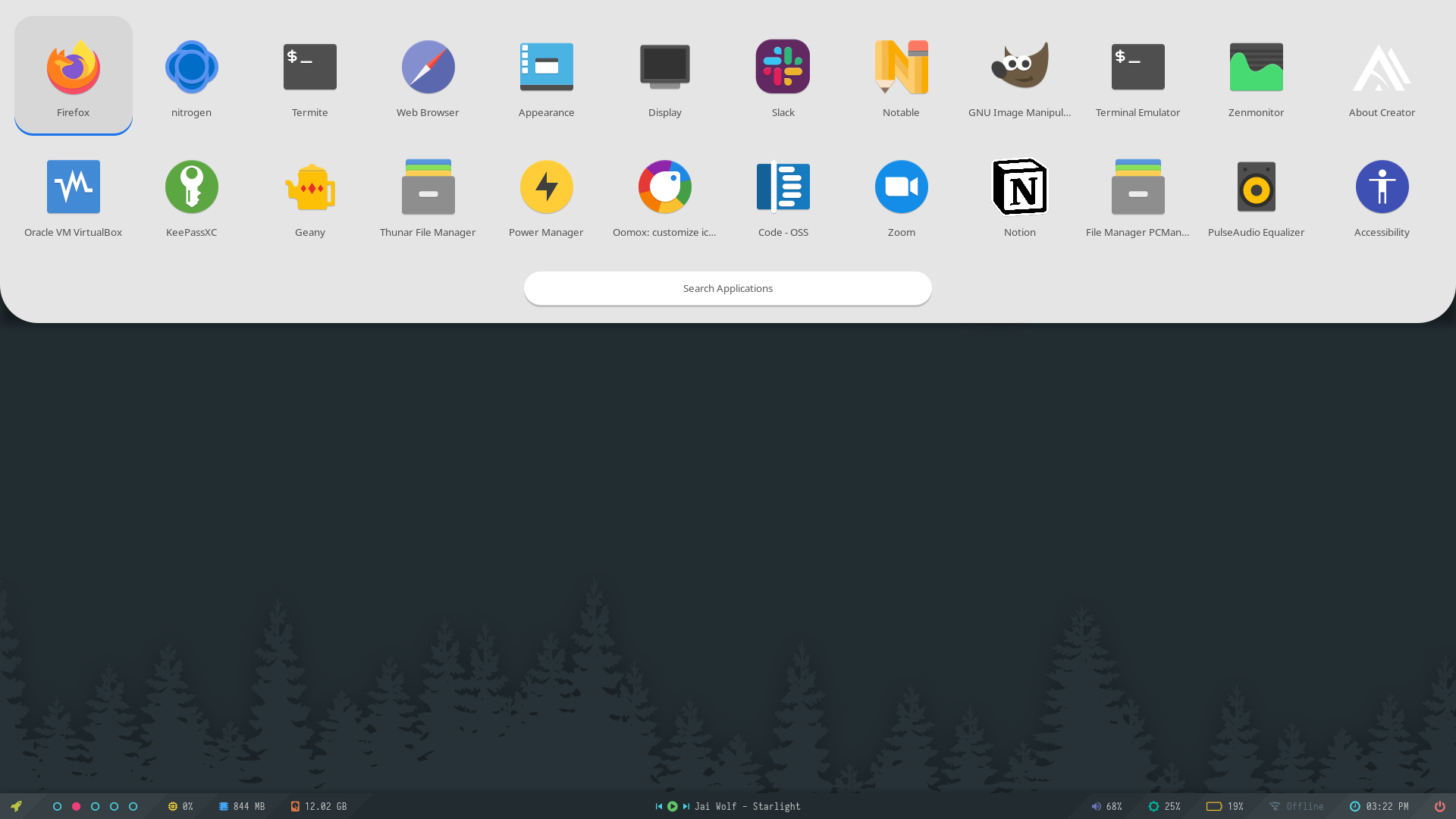|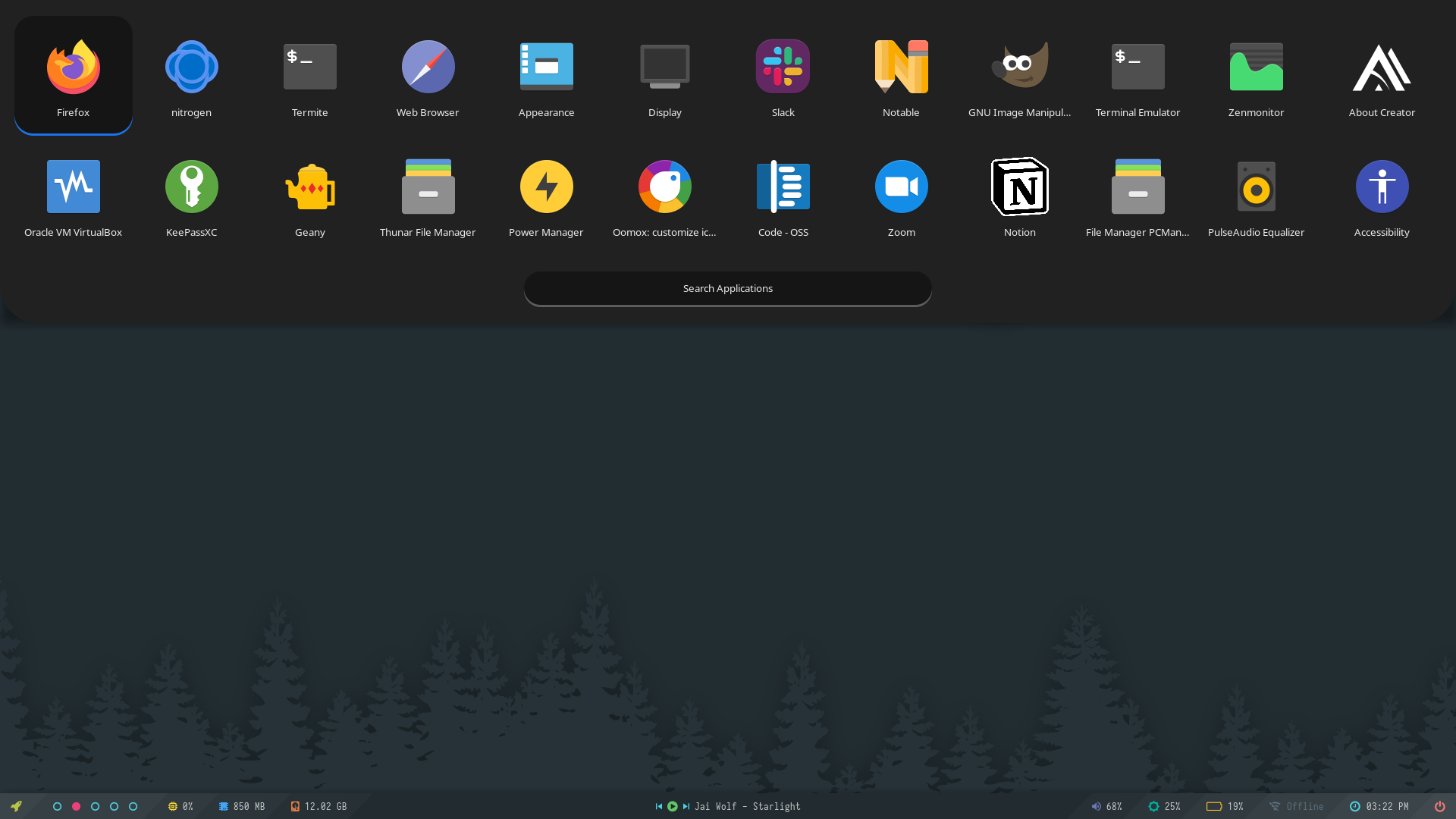|
|Screen Light|Screen Dark|
|--|--|
|||
|GnomeDo Classic|GnomeDo Light|GnomeDo Dark|GnomeDo Black|
|--|--|--|--|
|||||
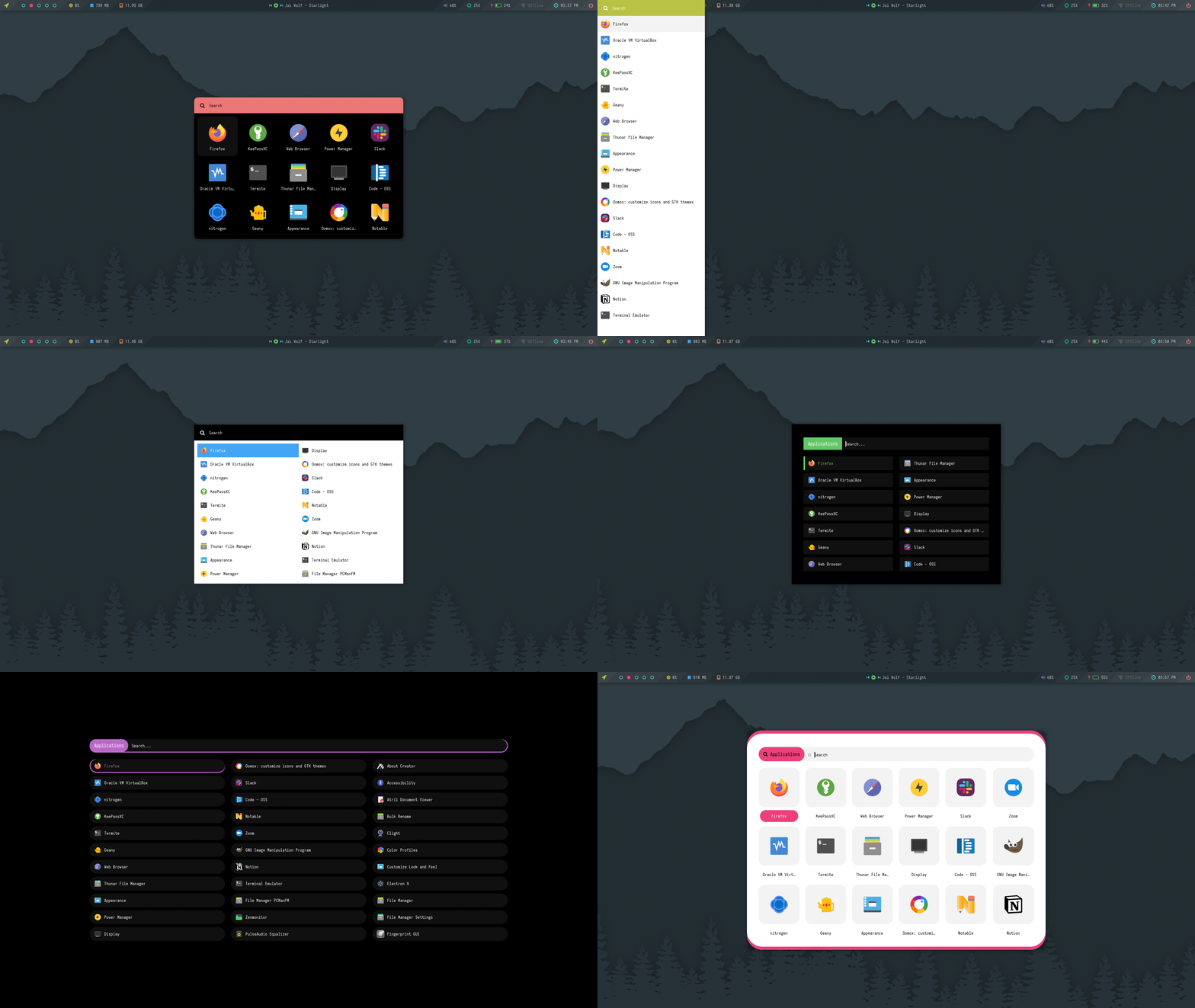
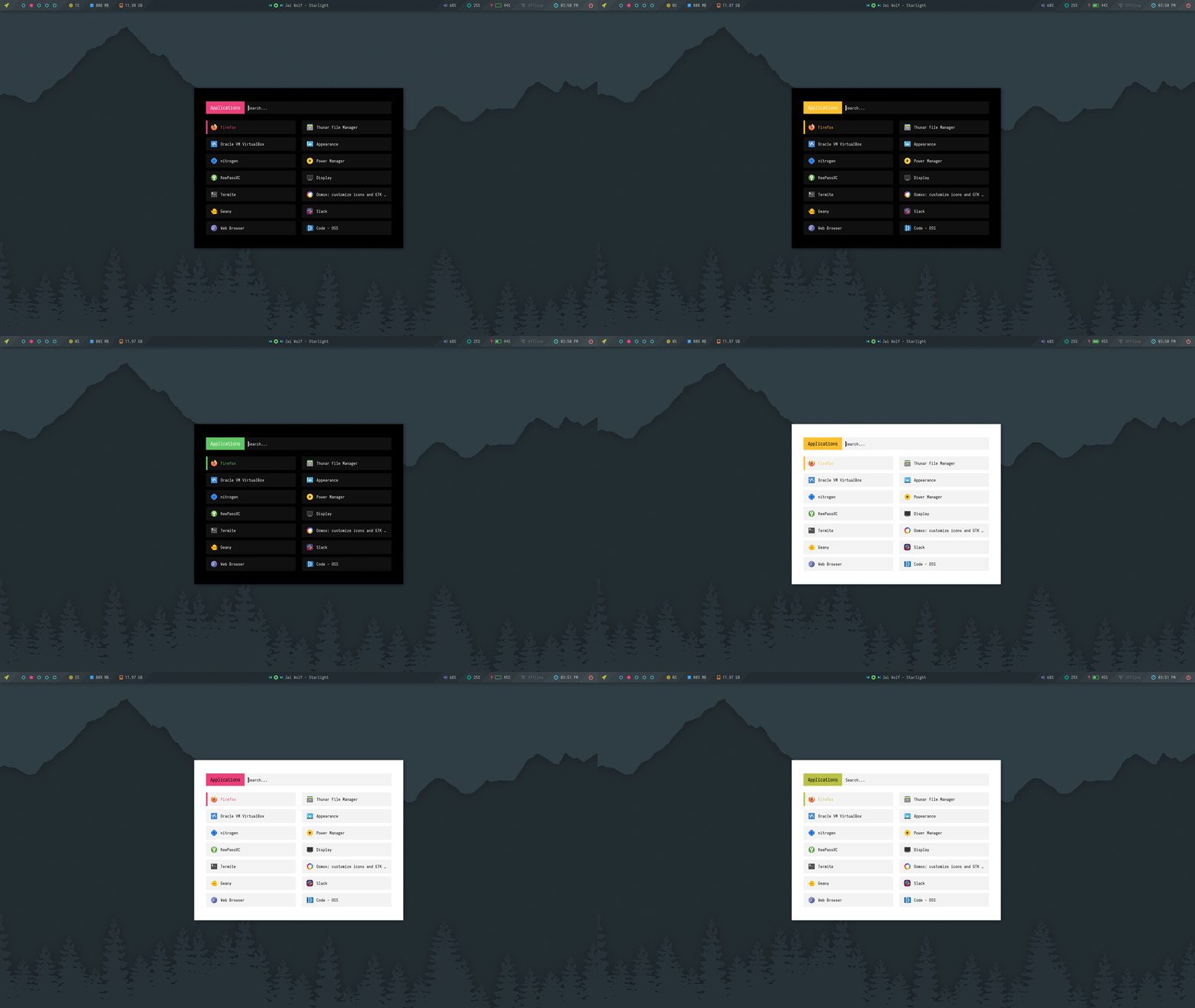
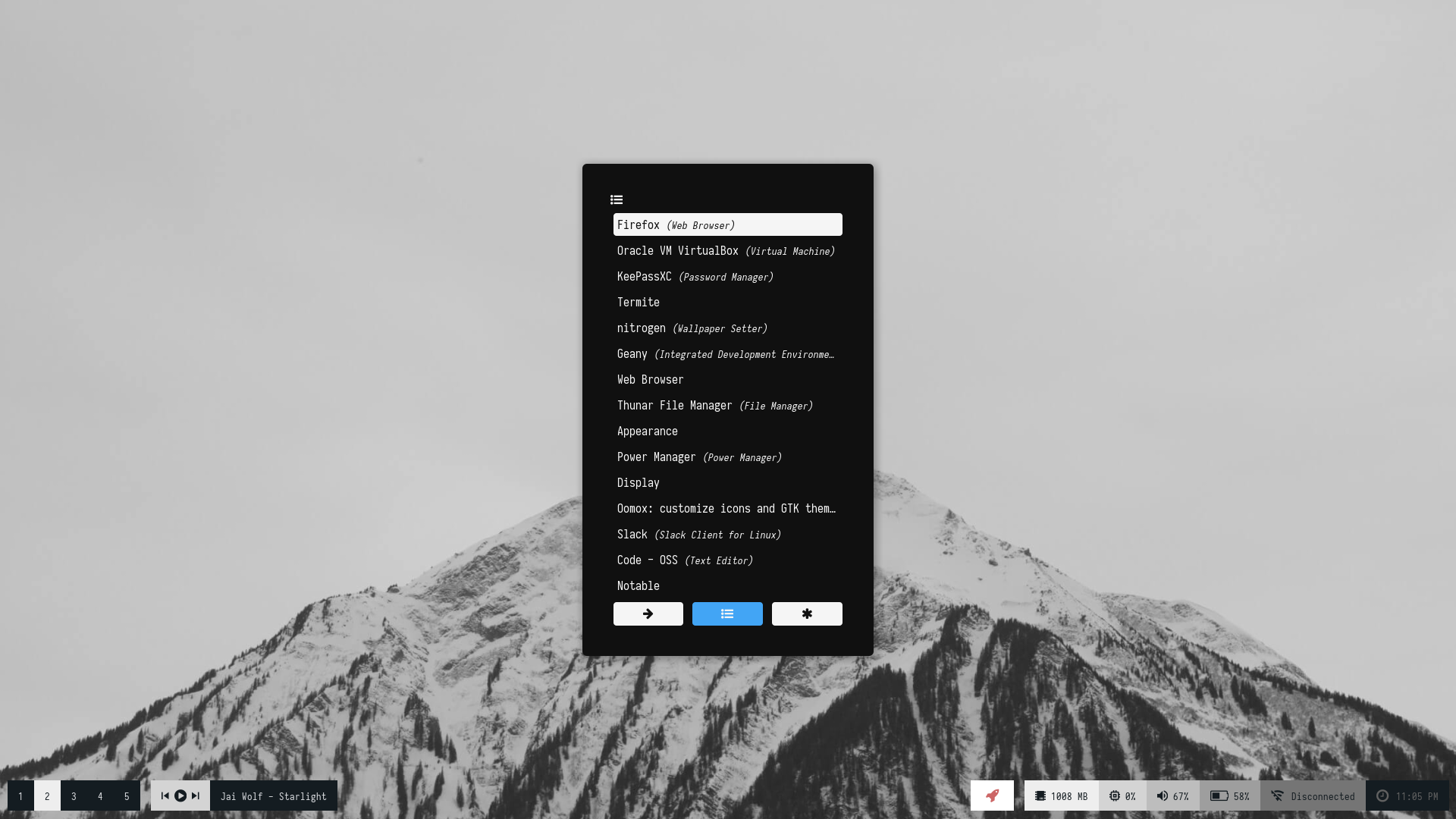
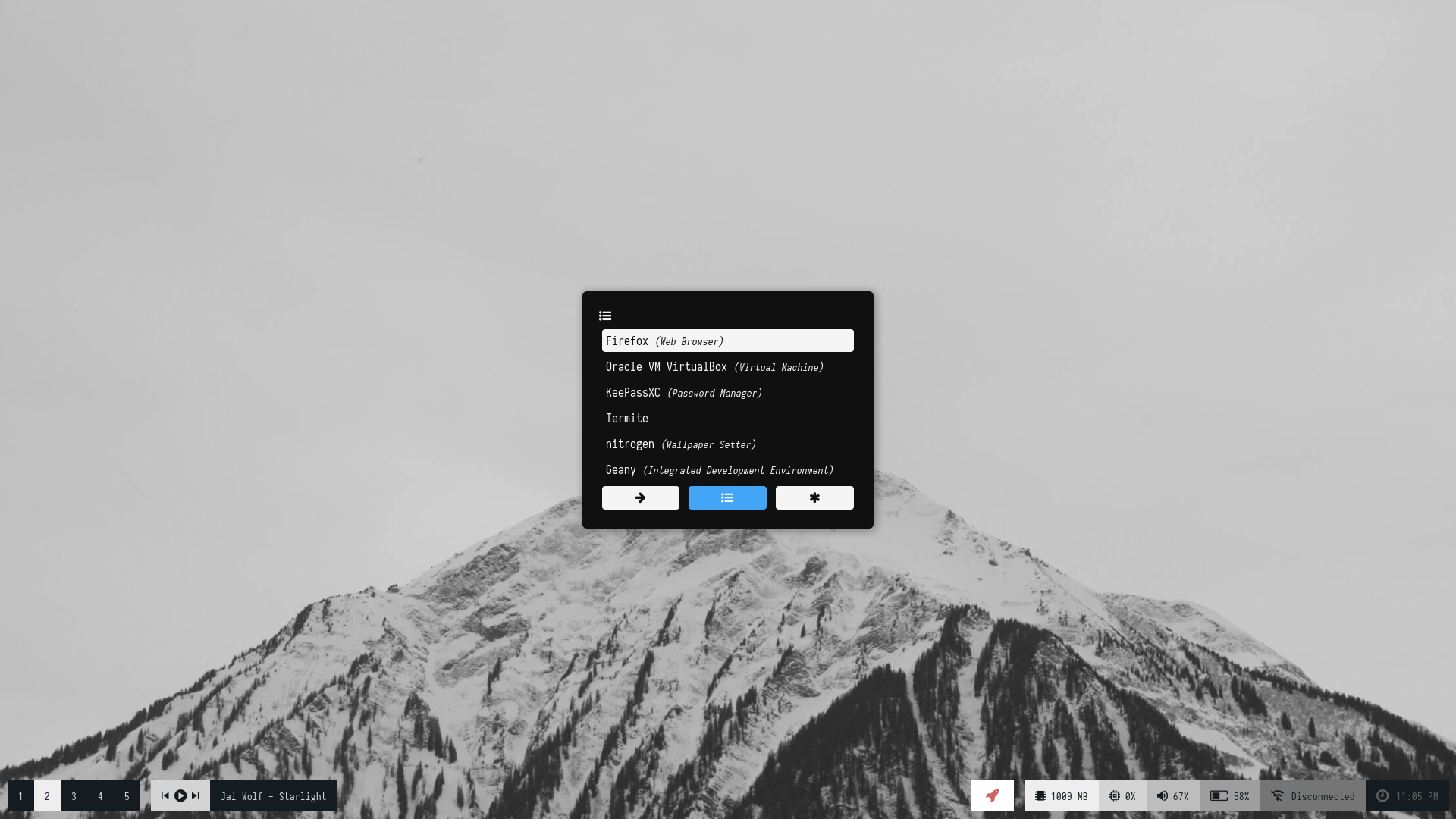
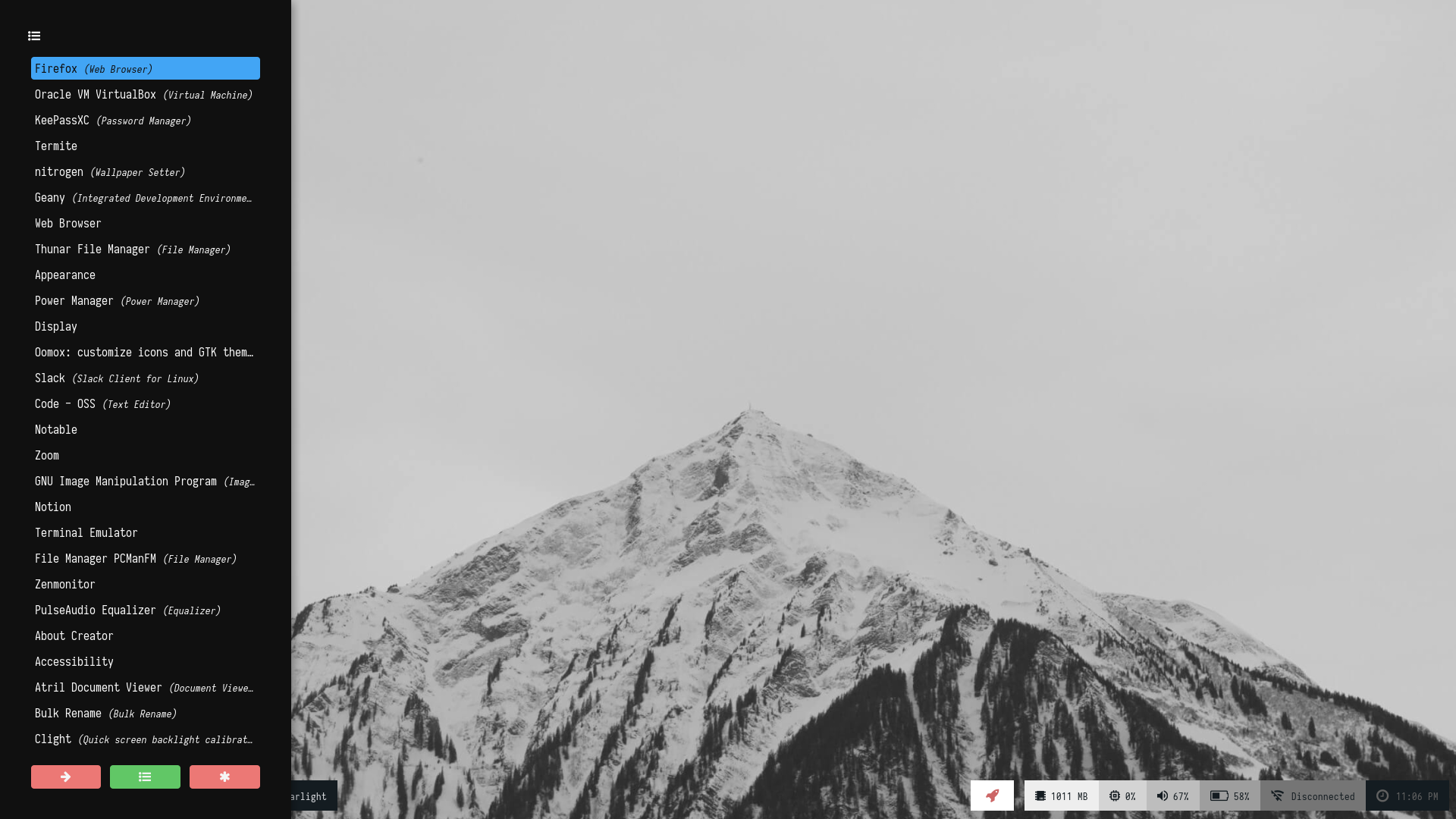
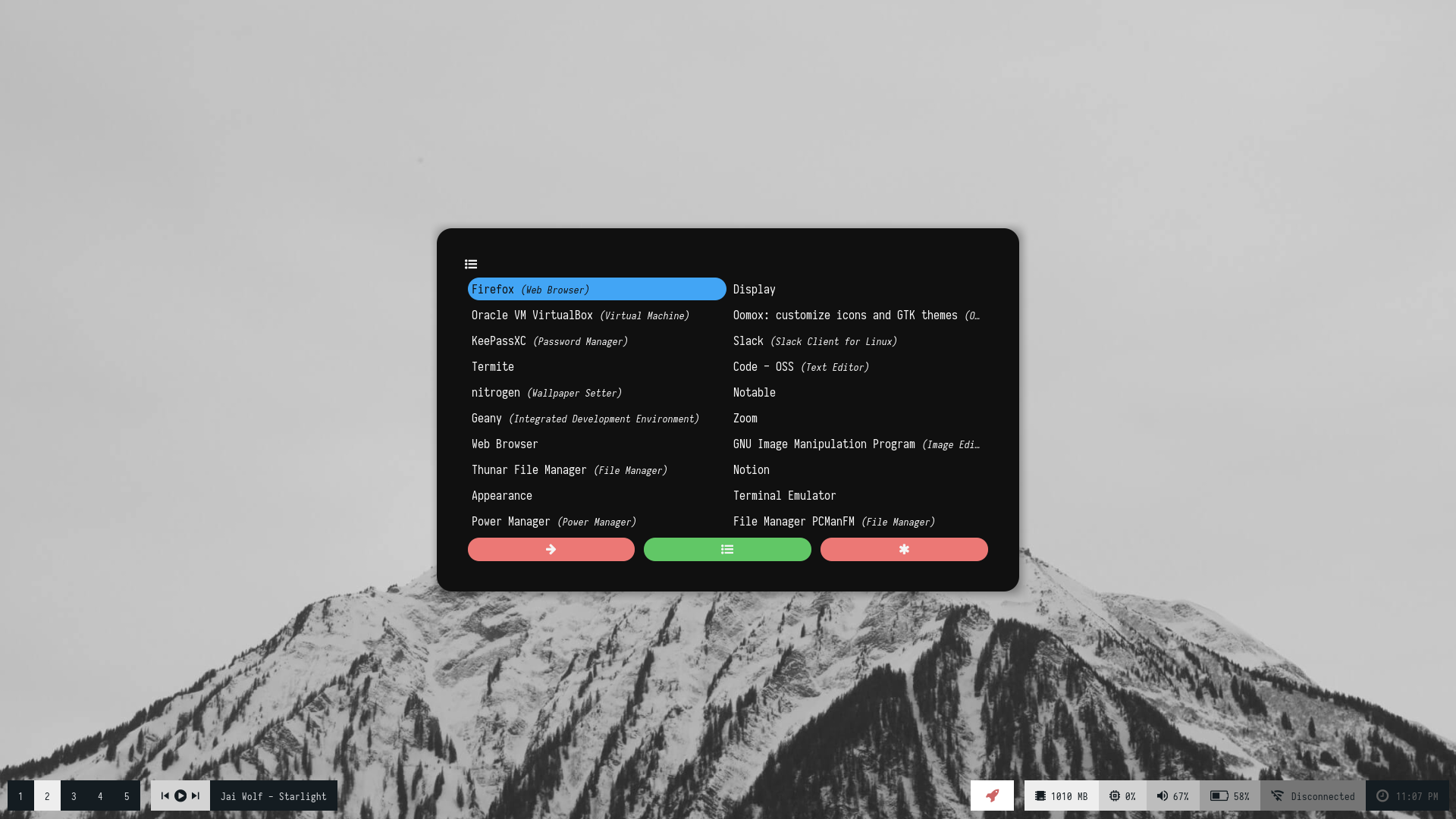
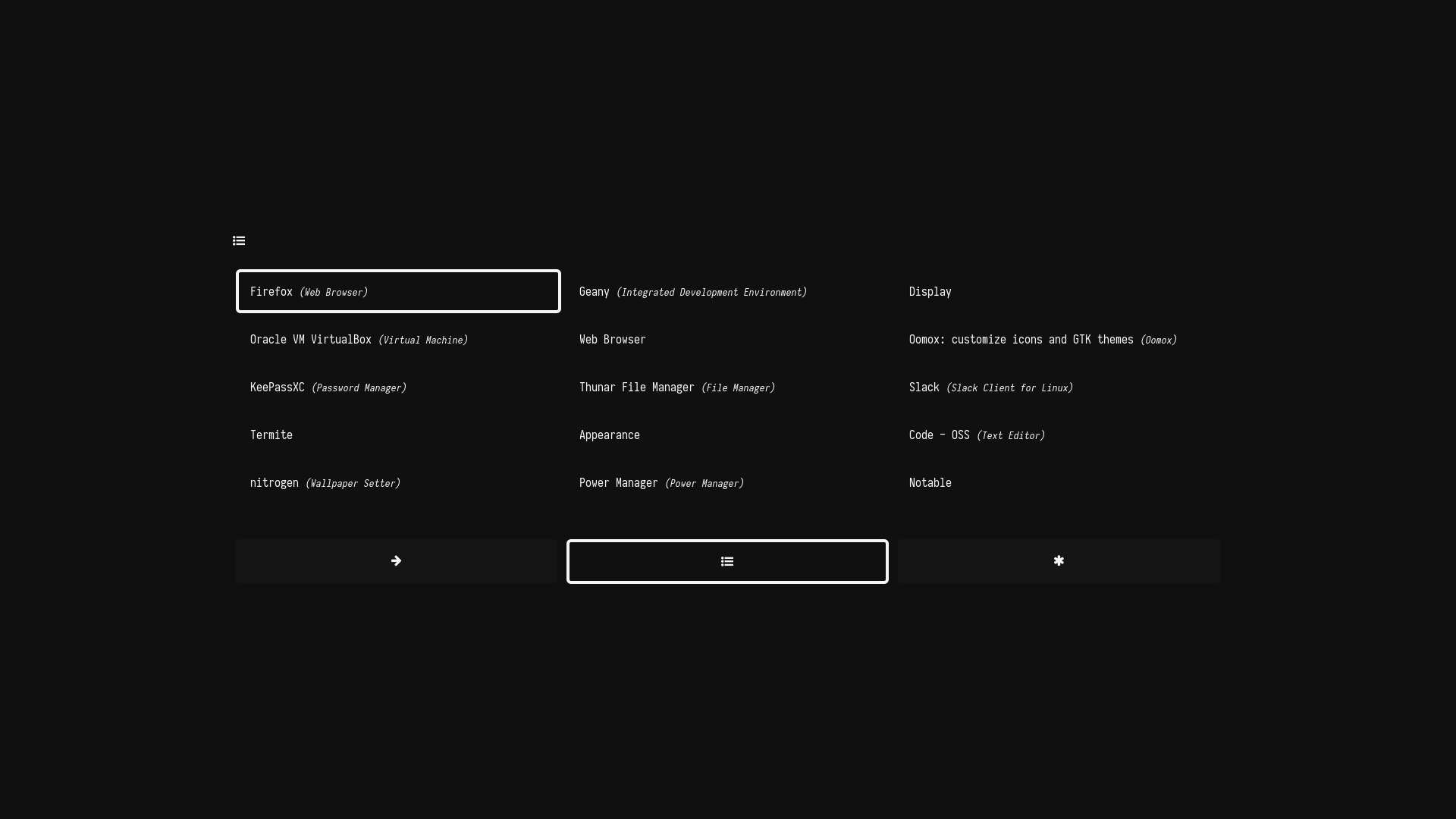
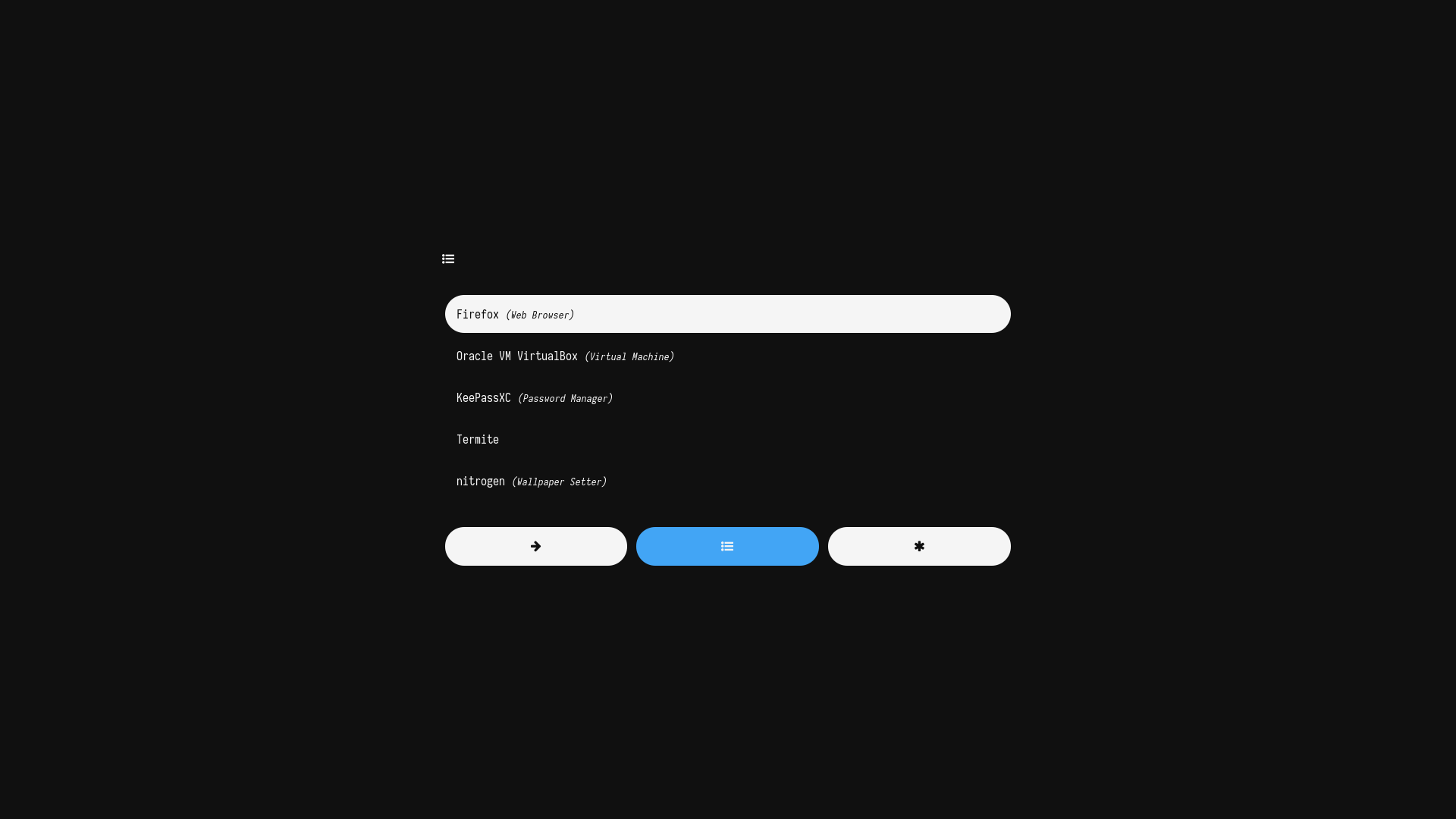
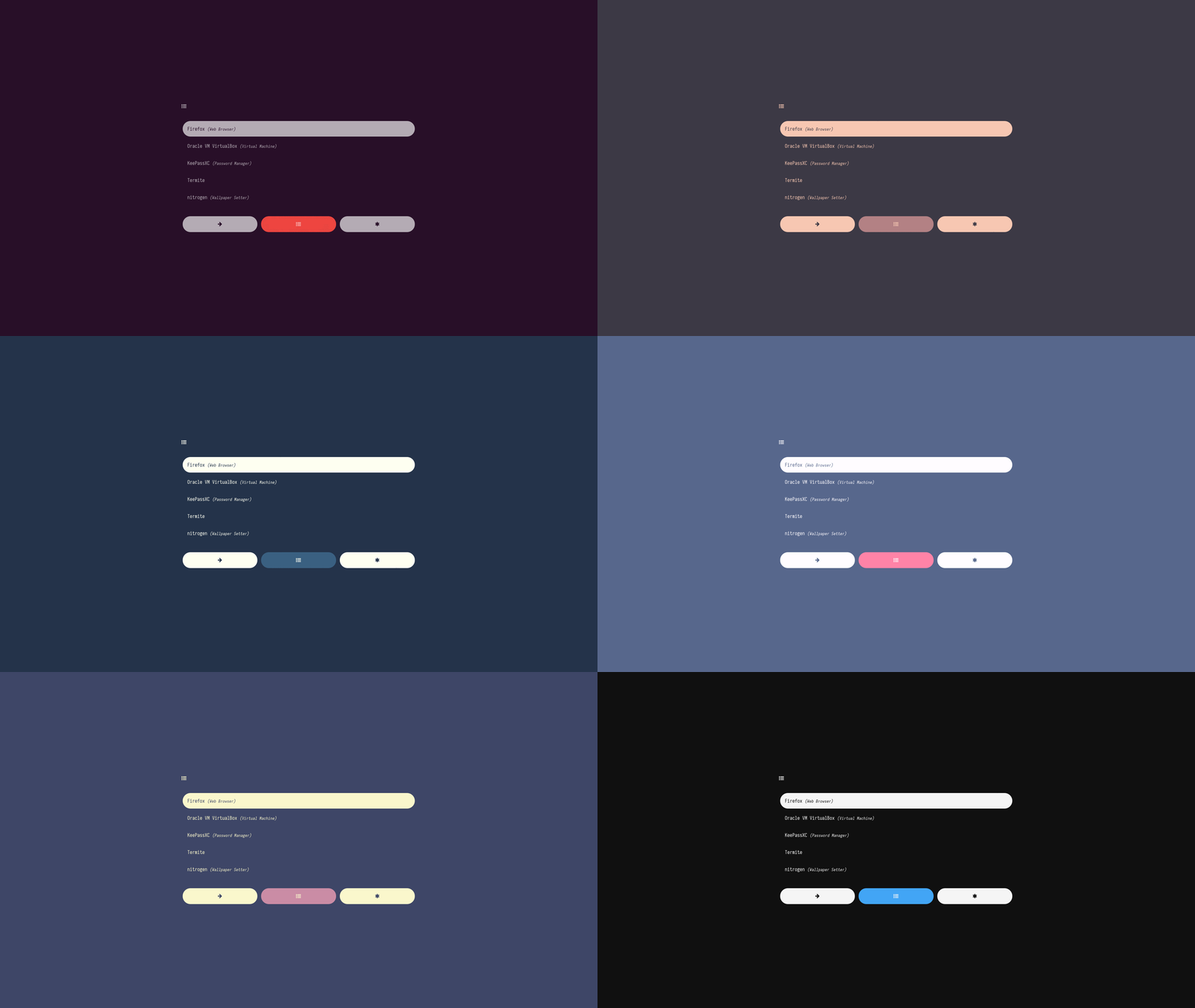
### Text
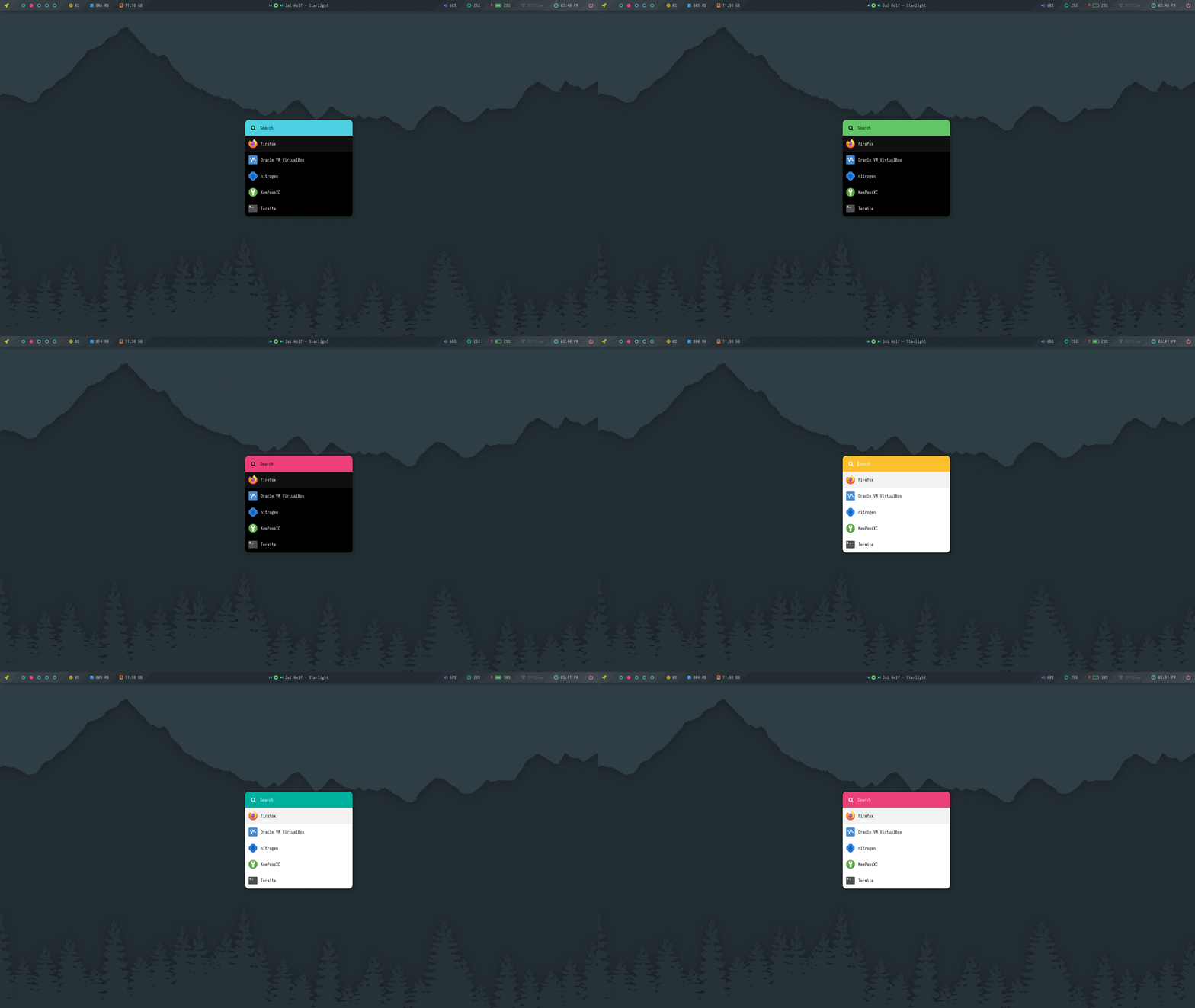
A collection of text-only launchers for minimal desktop setups.

**`Change Colors`** : Edit `$HOME/.config/rofi/launchers/text/styles/colors.rasi` to change the colors.
```
@import "gotham.rasi"
```
**`Change Style`** : Edit `$HOME/.config/rofi/launchers/text/launcher.sh` to change the style.
```
theme="style_2"
```
> Make sure you disable the random mode in the same script before using a single style.
Previews
|Style_1|Style_2|
|-|-|
|||
|Style_3|Style_4|
|-|-|
|||
|Style_5|Style_6|
|-|-|
|||
Colors
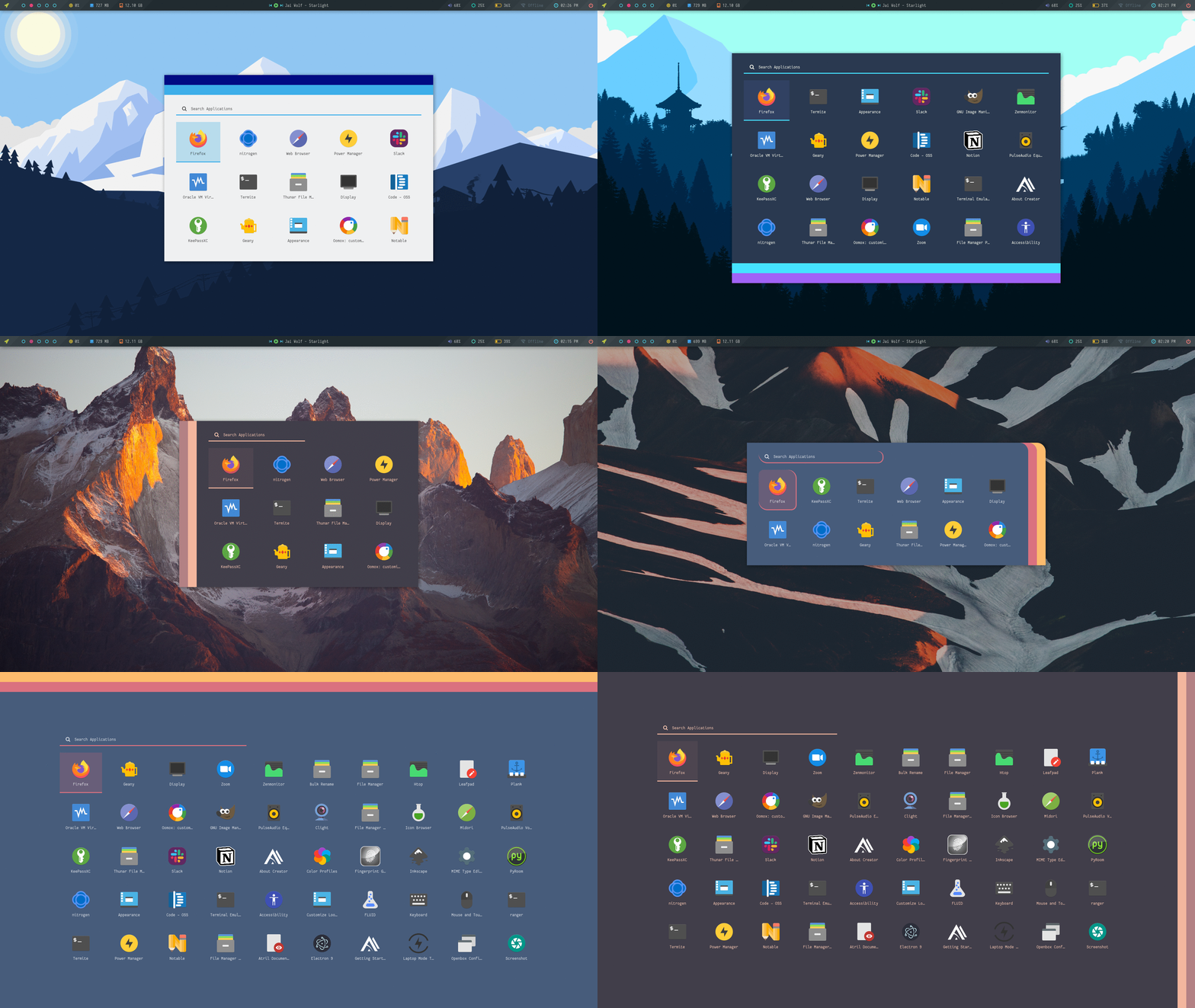
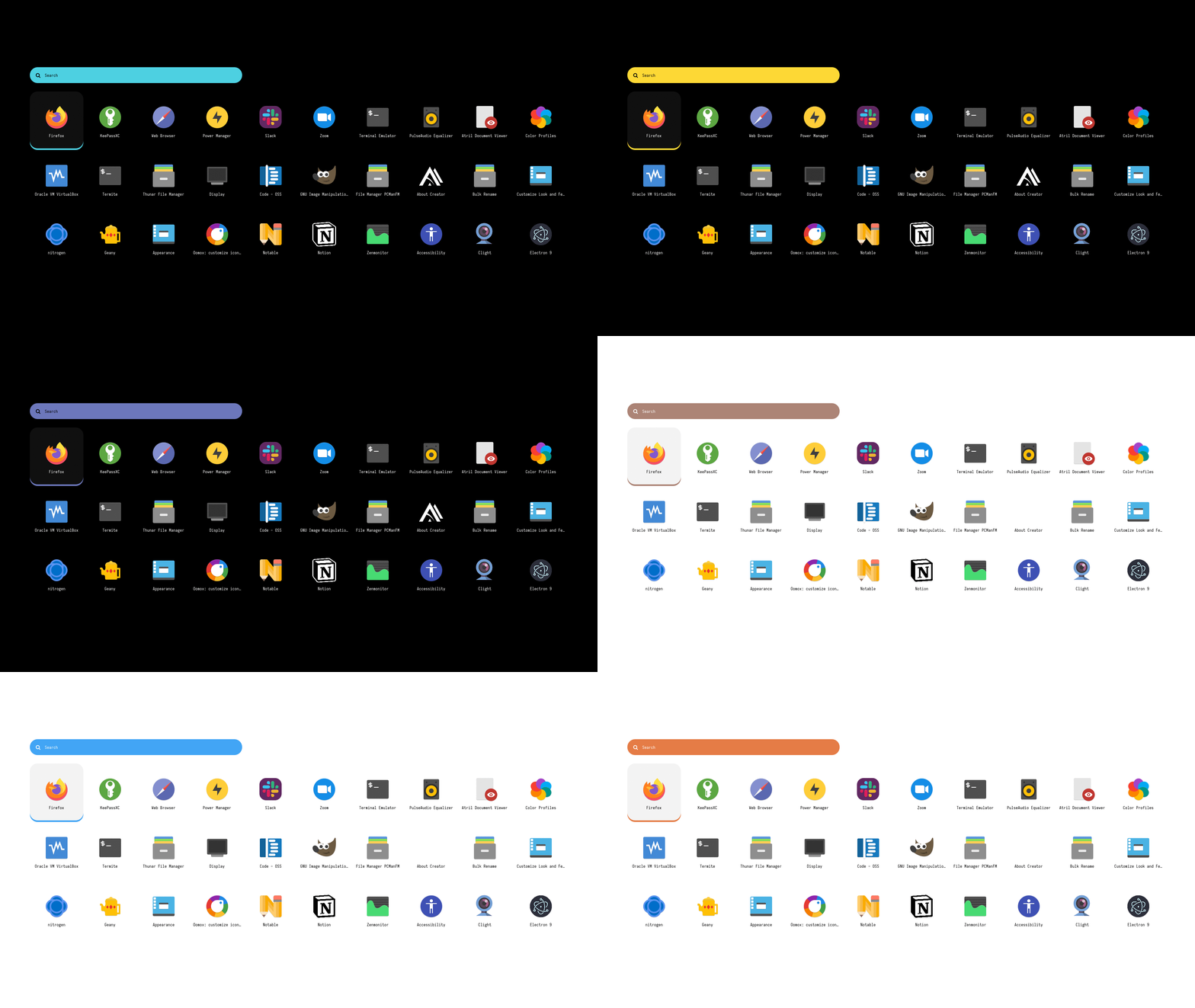
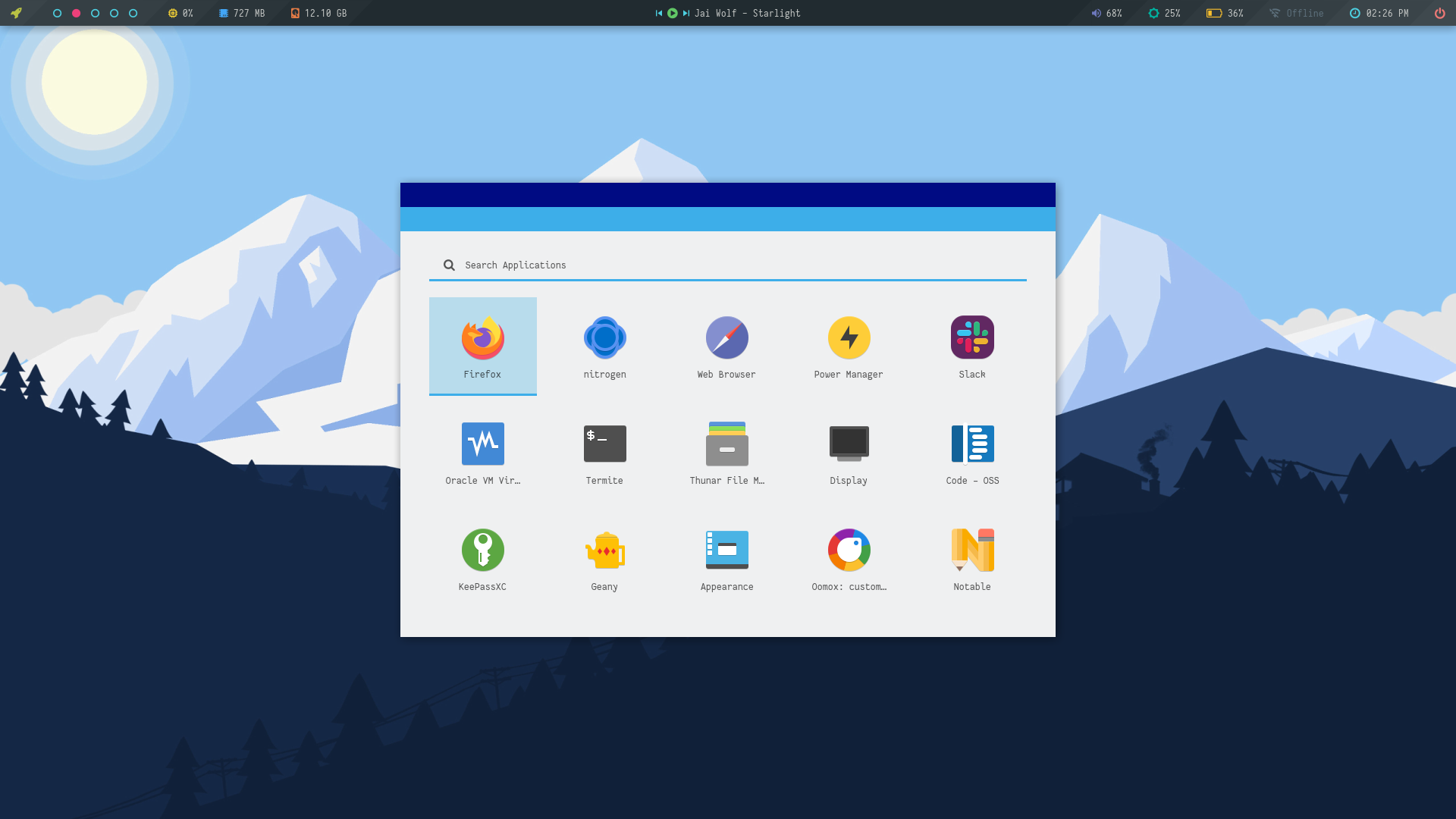
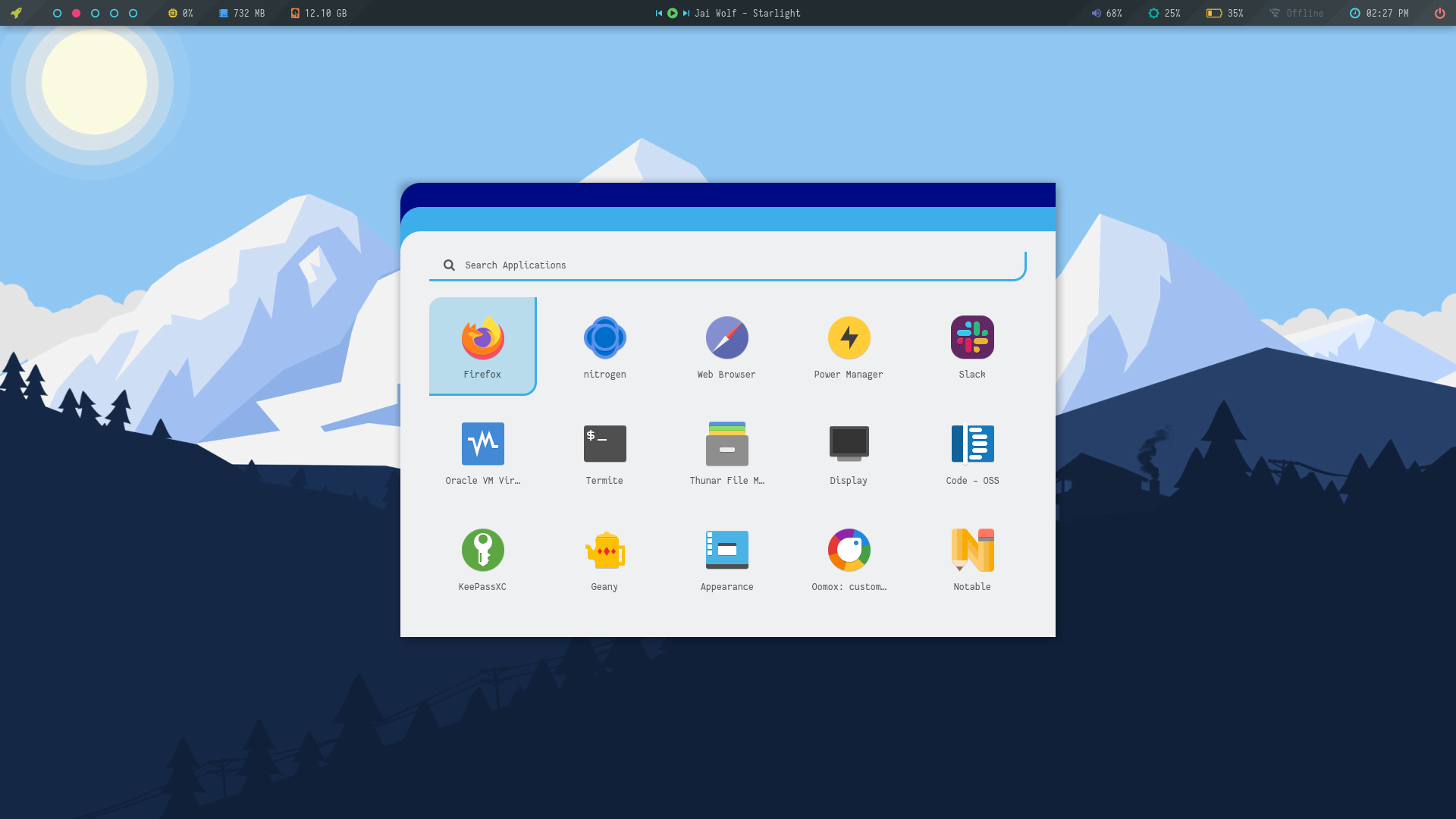
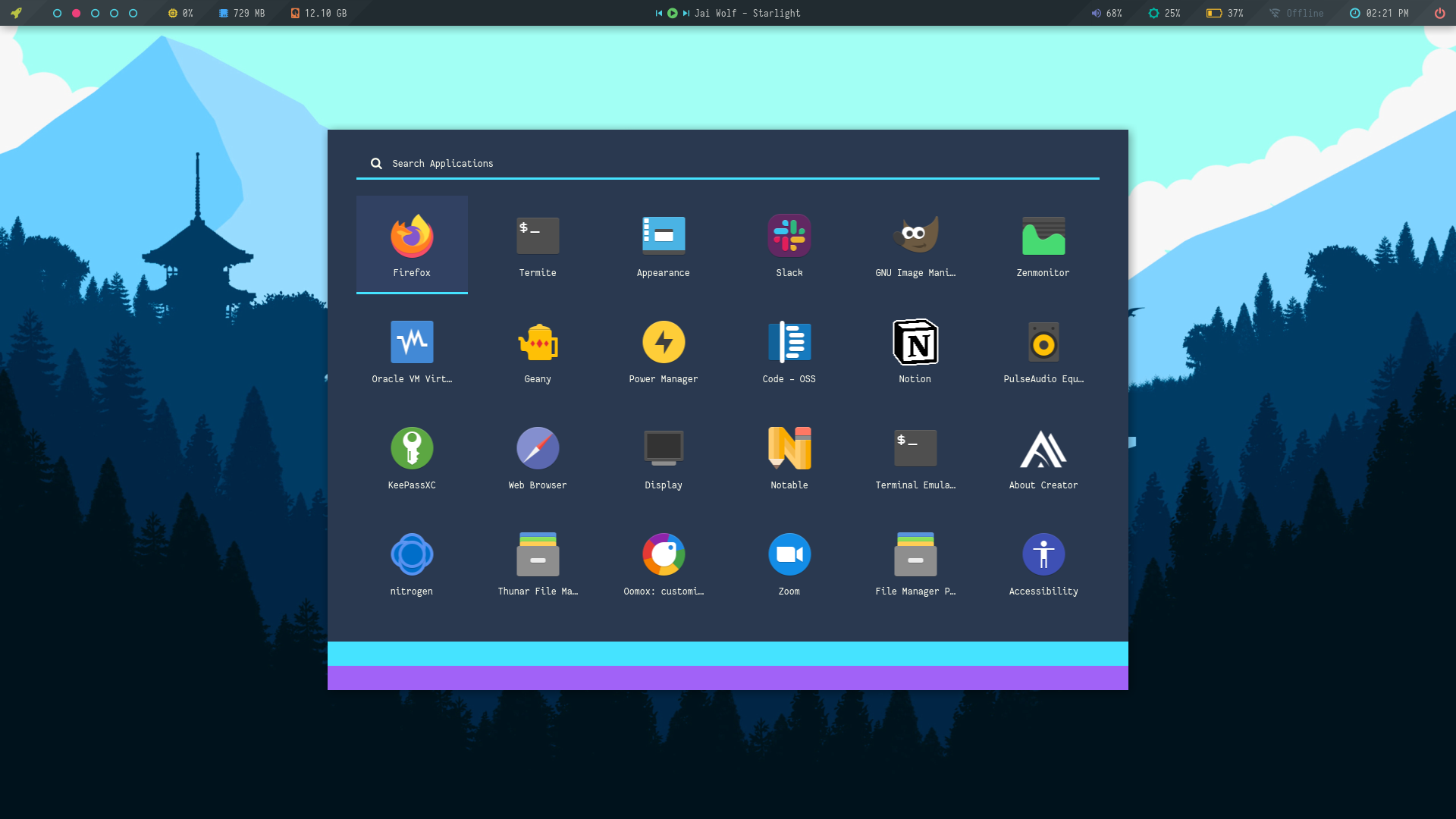
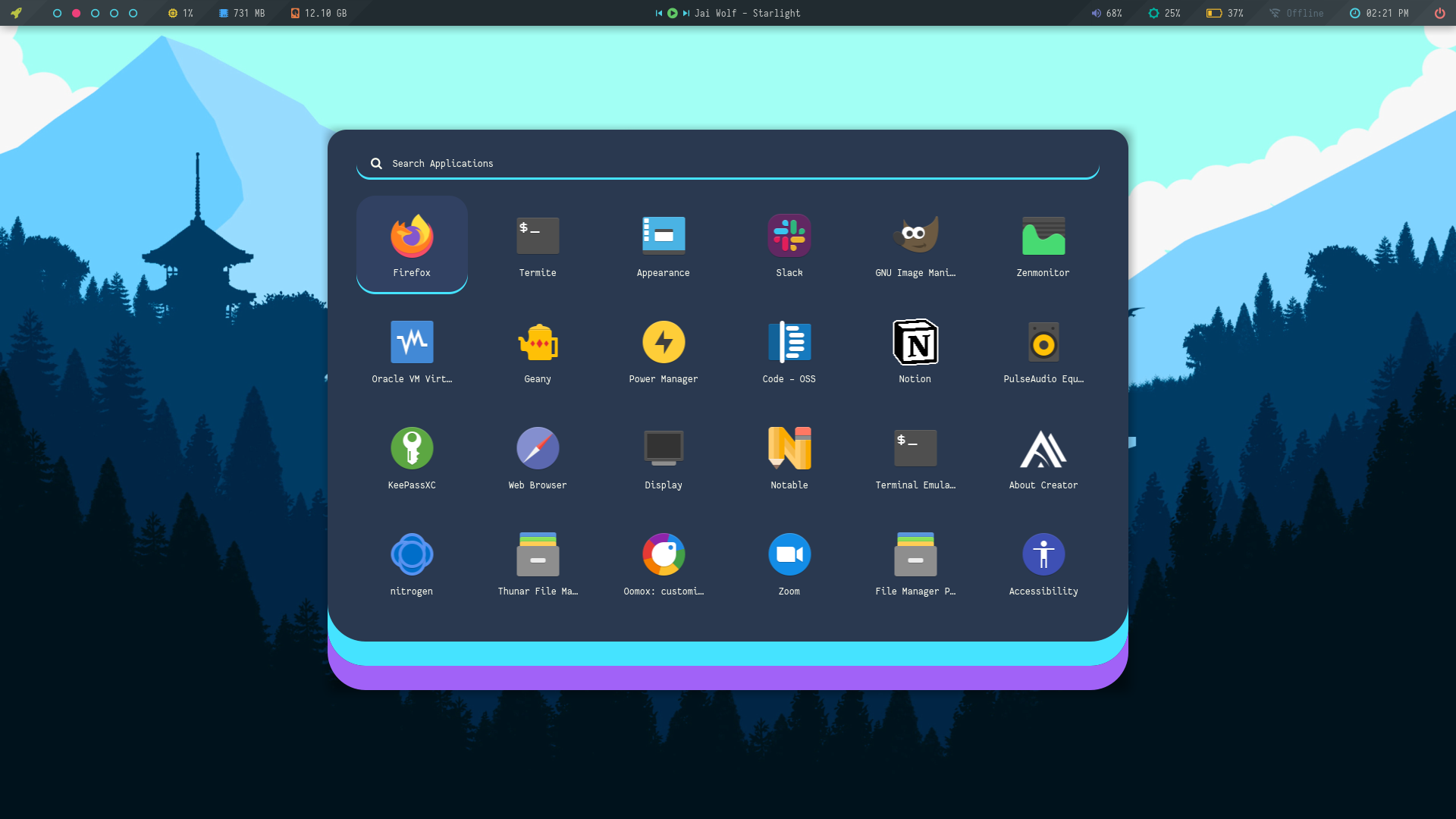
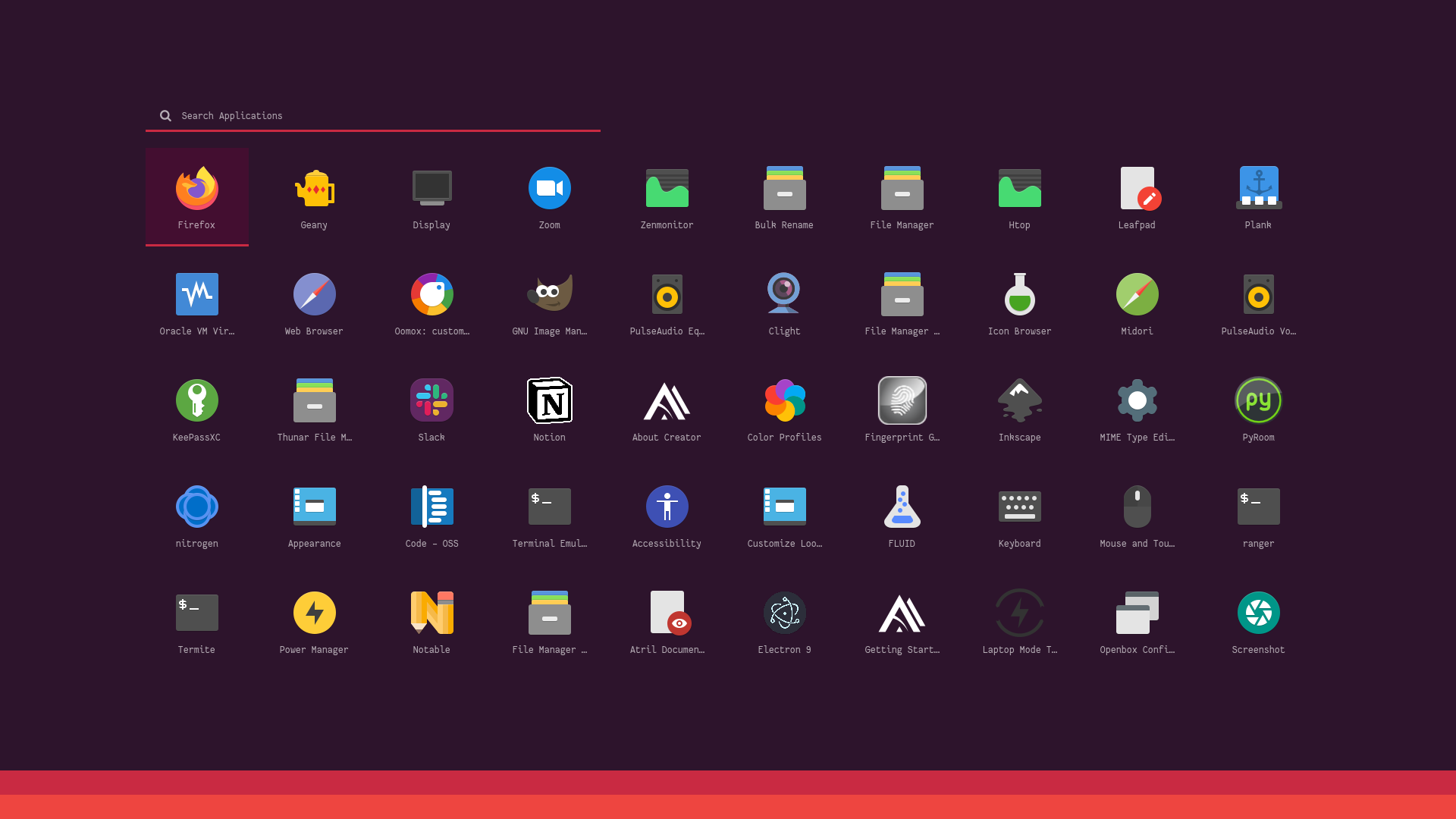
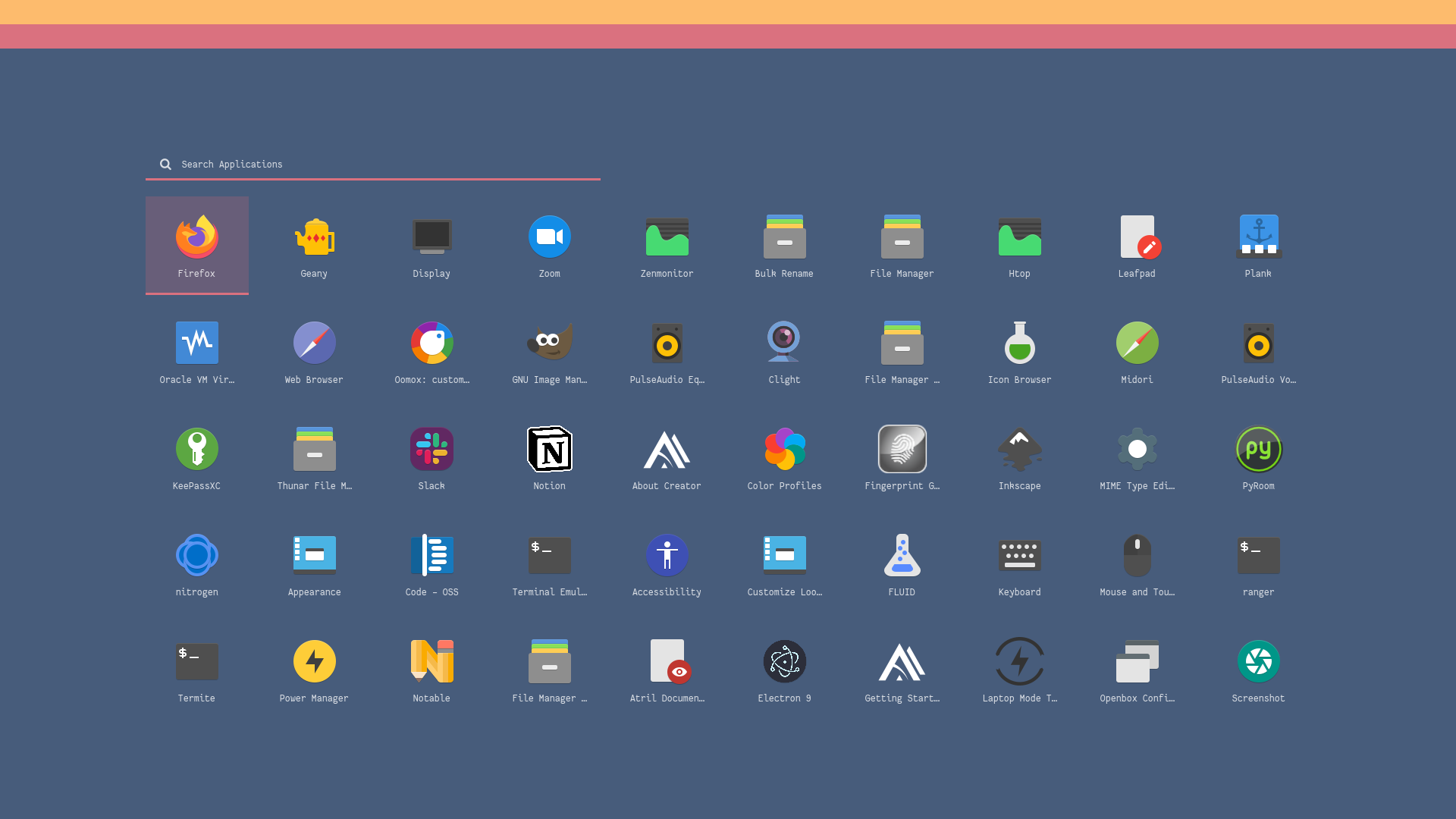
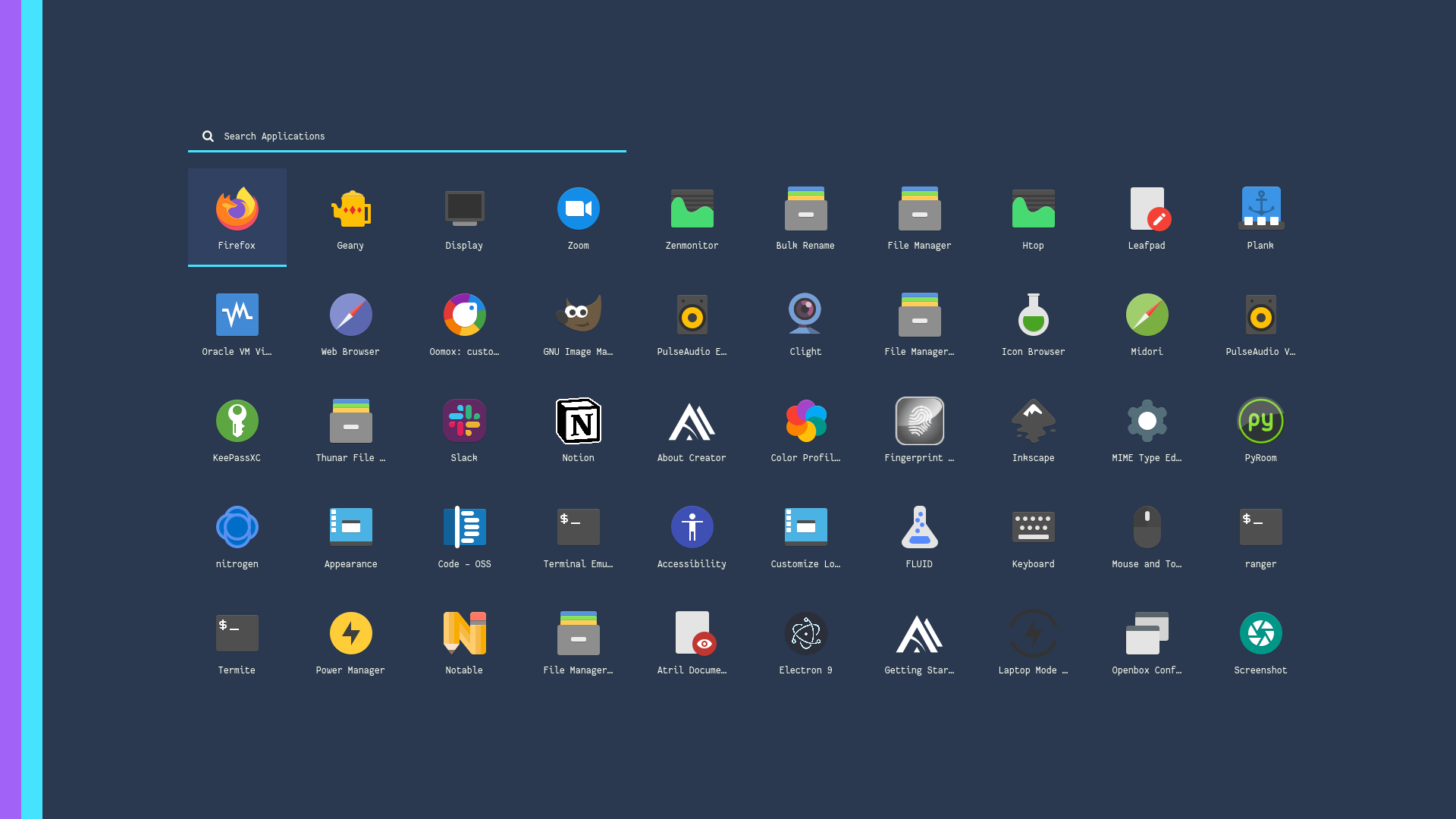
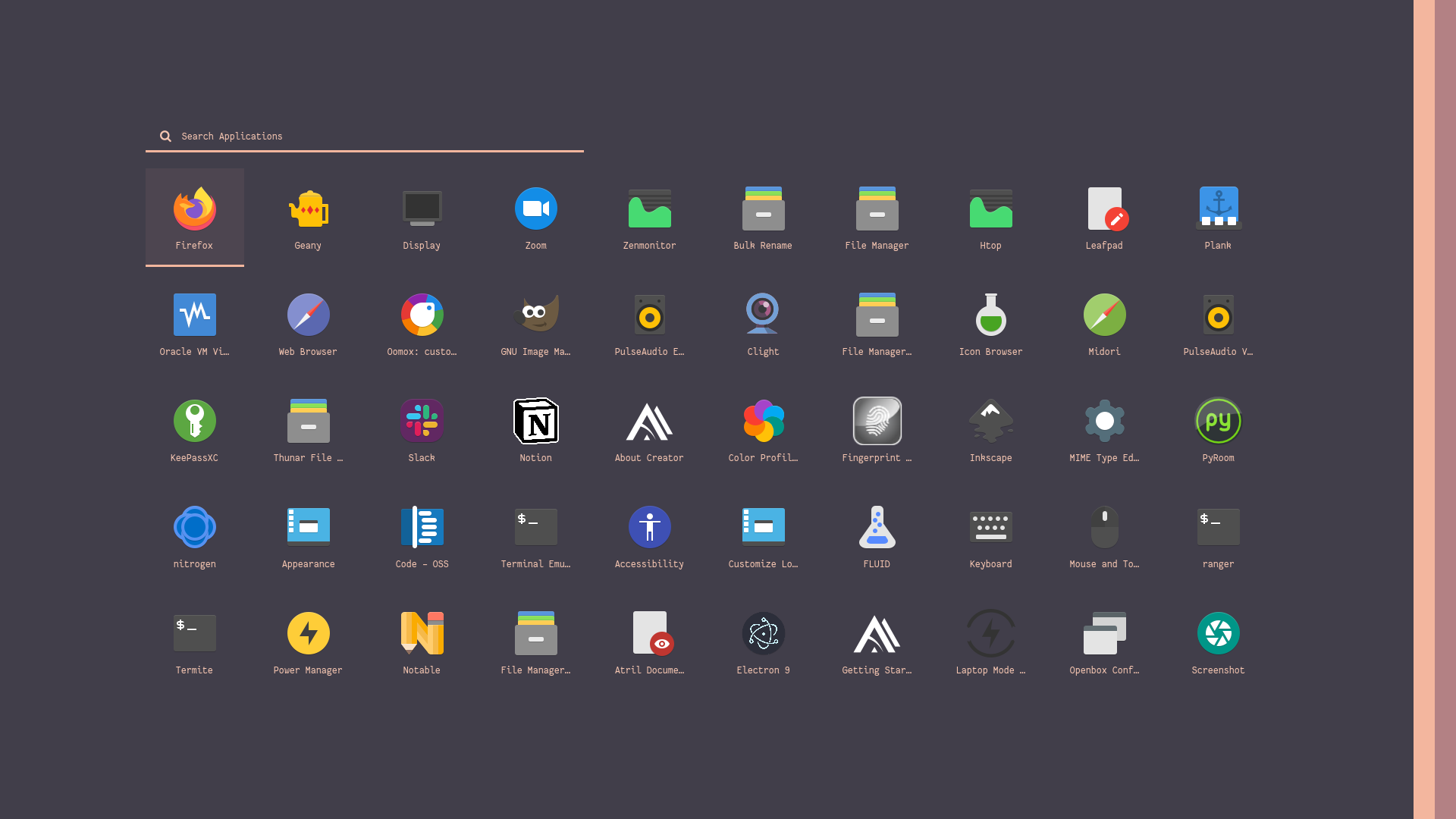
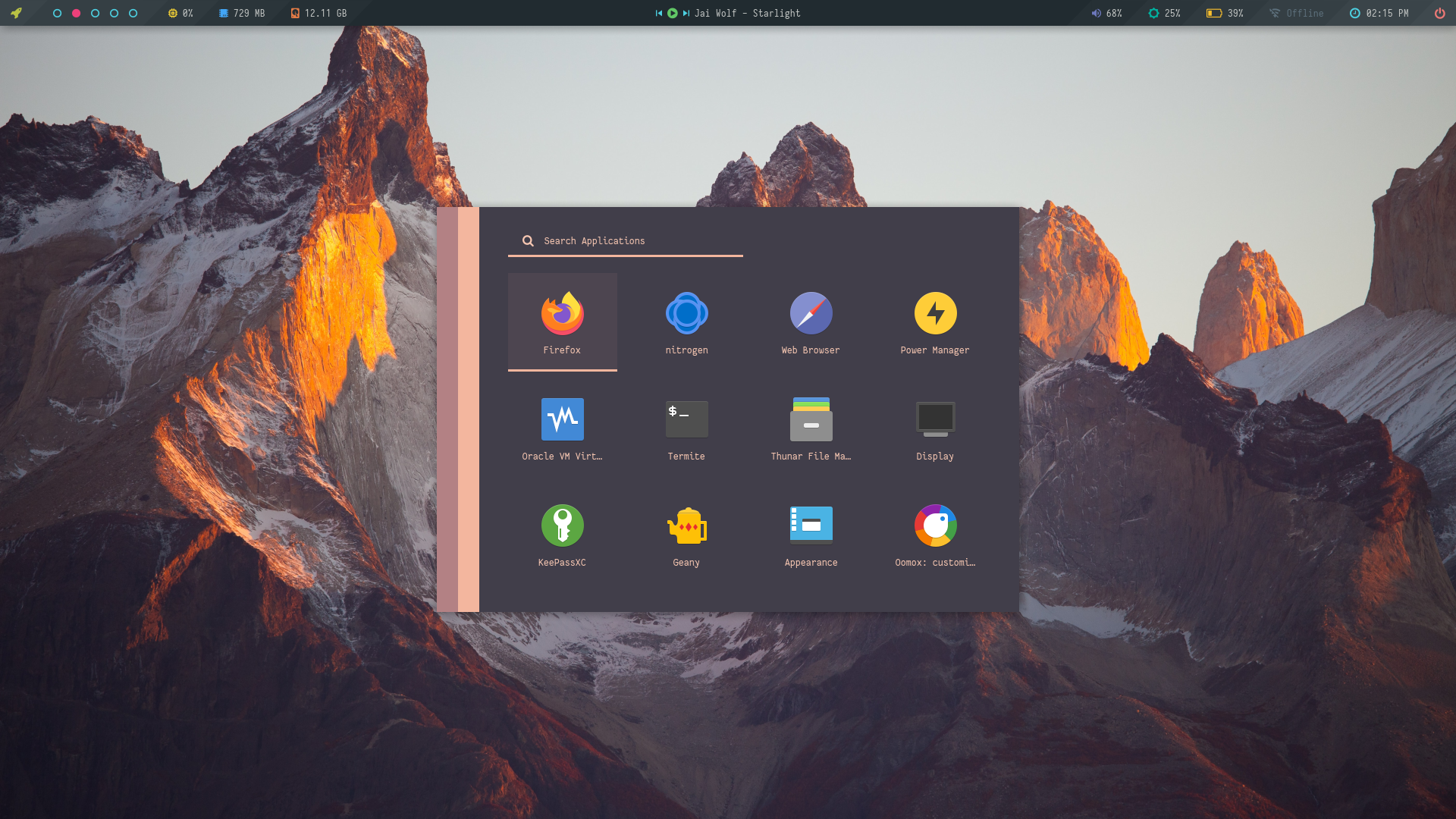
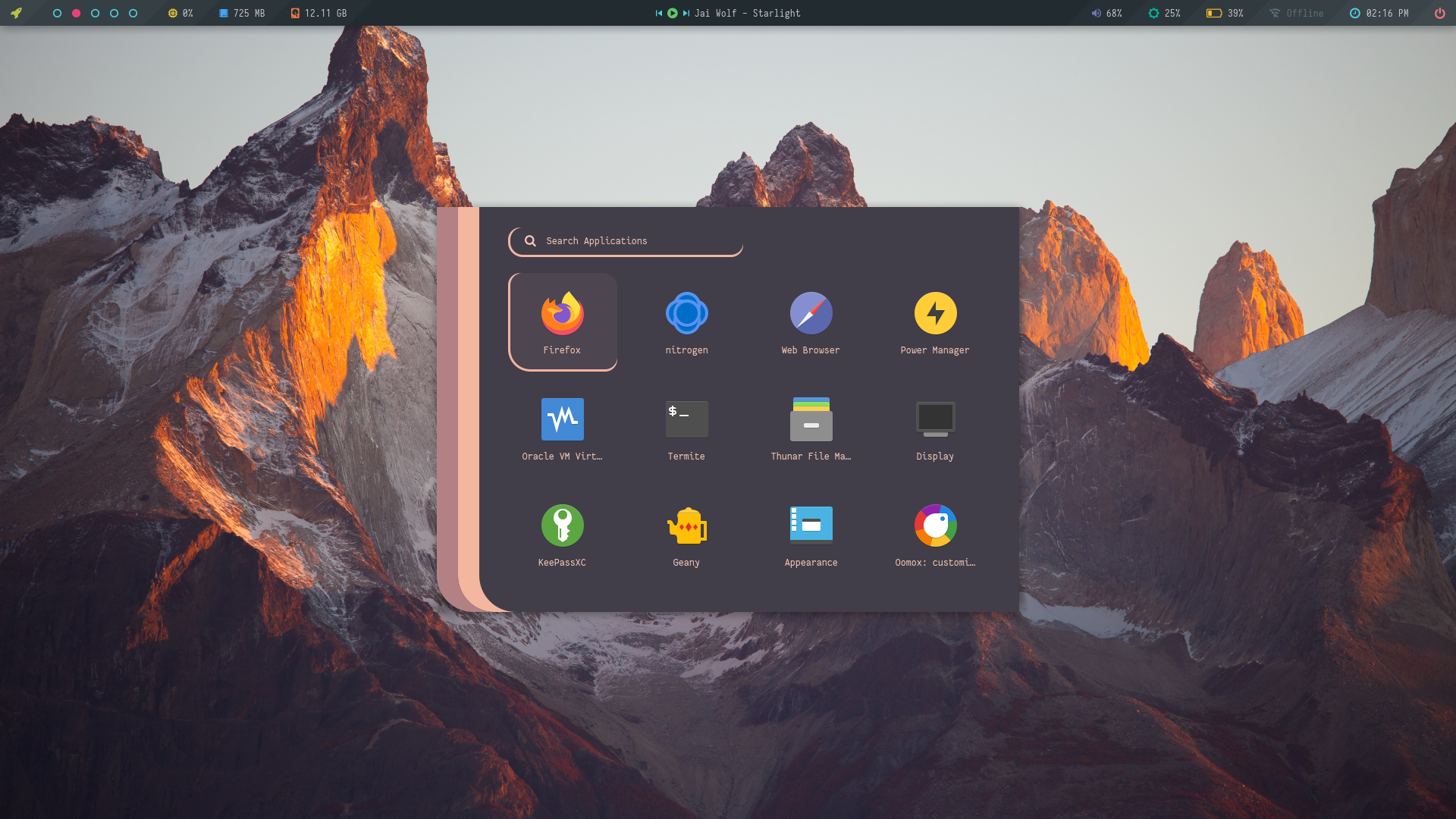
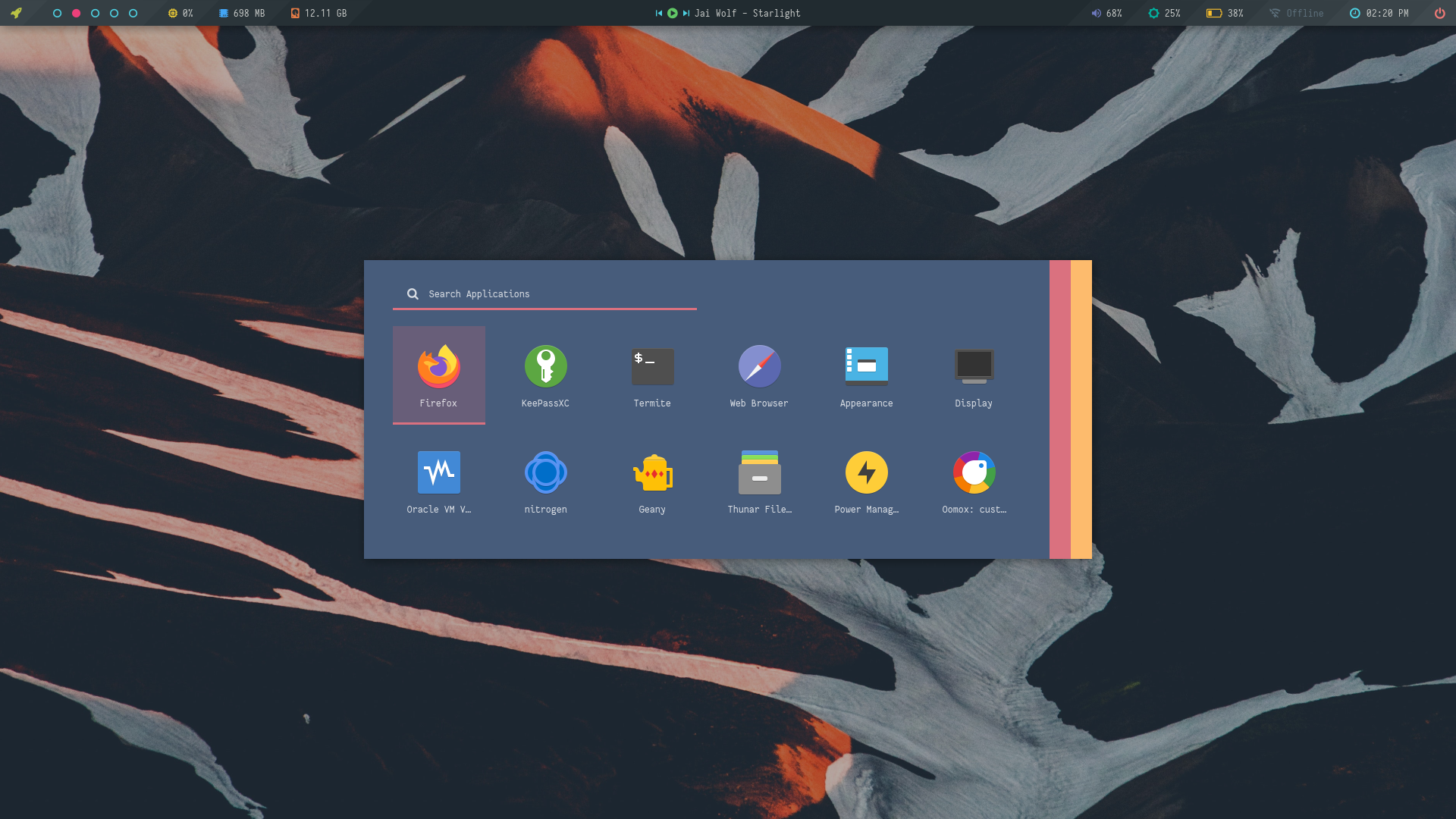
### Ribbon
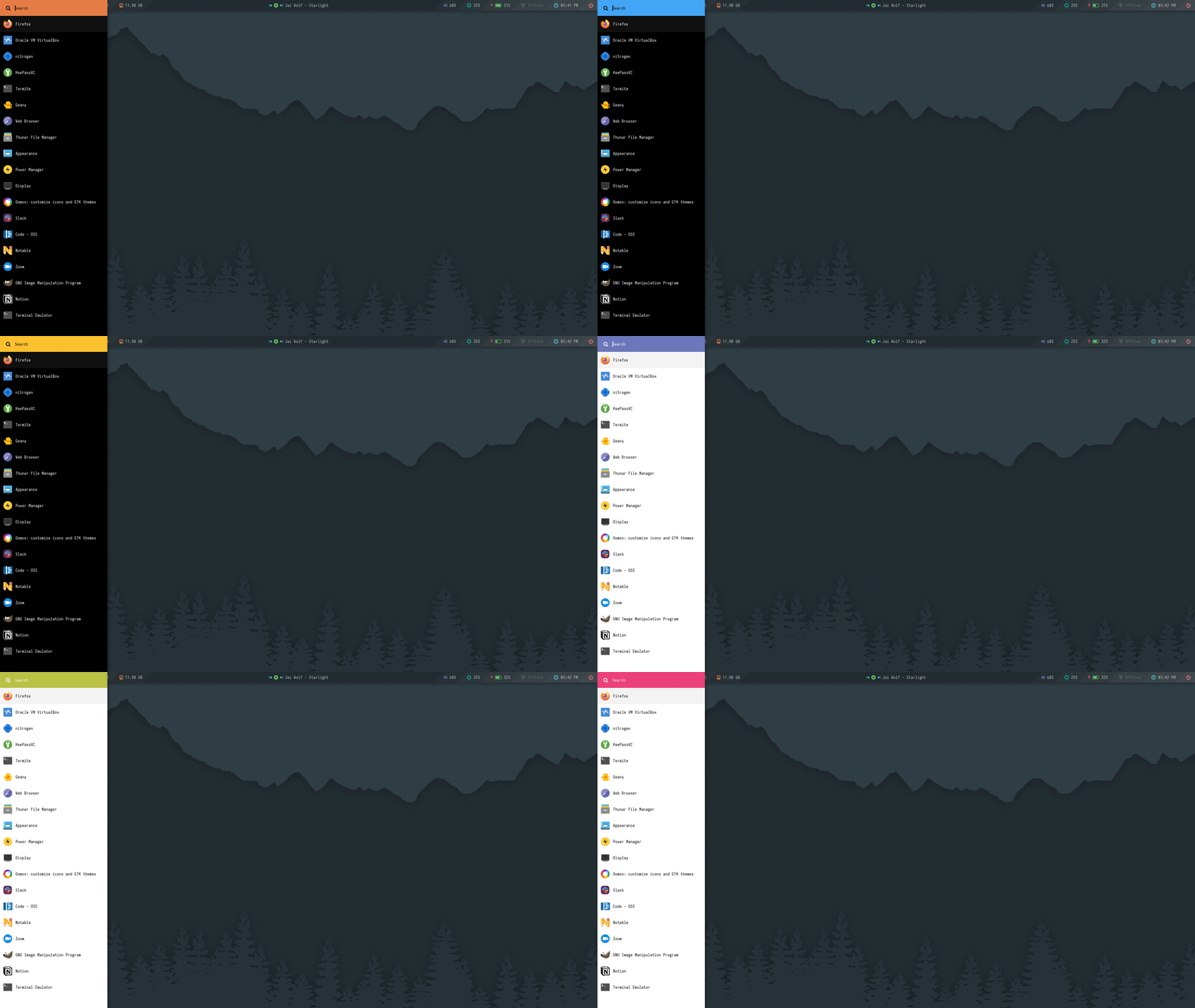
A collection of launchers for fancy desktop setups.

**`Change Colors`** : Edit `$HOME/.config/rofi/launchers/ribbon/styles/colors.rasi` to change the colors.
```
@import "bluish.rasi"
```
**`Change Style`** : Edit `$HOME/.config/rofi/launchers/ribbon/launcher.sh` to change the style.
```
theme="ribbon_top_round"
```
> Make sure you disable the random mode in the same script before using a single style.
Previews
|Ribbon Top|Ribbon Top Round|
|-|-|
|||
|Ribbon Bottom|Ribbon Bottom Round|
|-|-|
|||
|Full Bottom|Full Top|Full Left|Full Right|
|-|-|-|-|
|||||
|Ribbon Left|Ribbon Left Round|
|-|-|
|||
|Ribbon Right|Ribbon Right Round|
|-|-|
||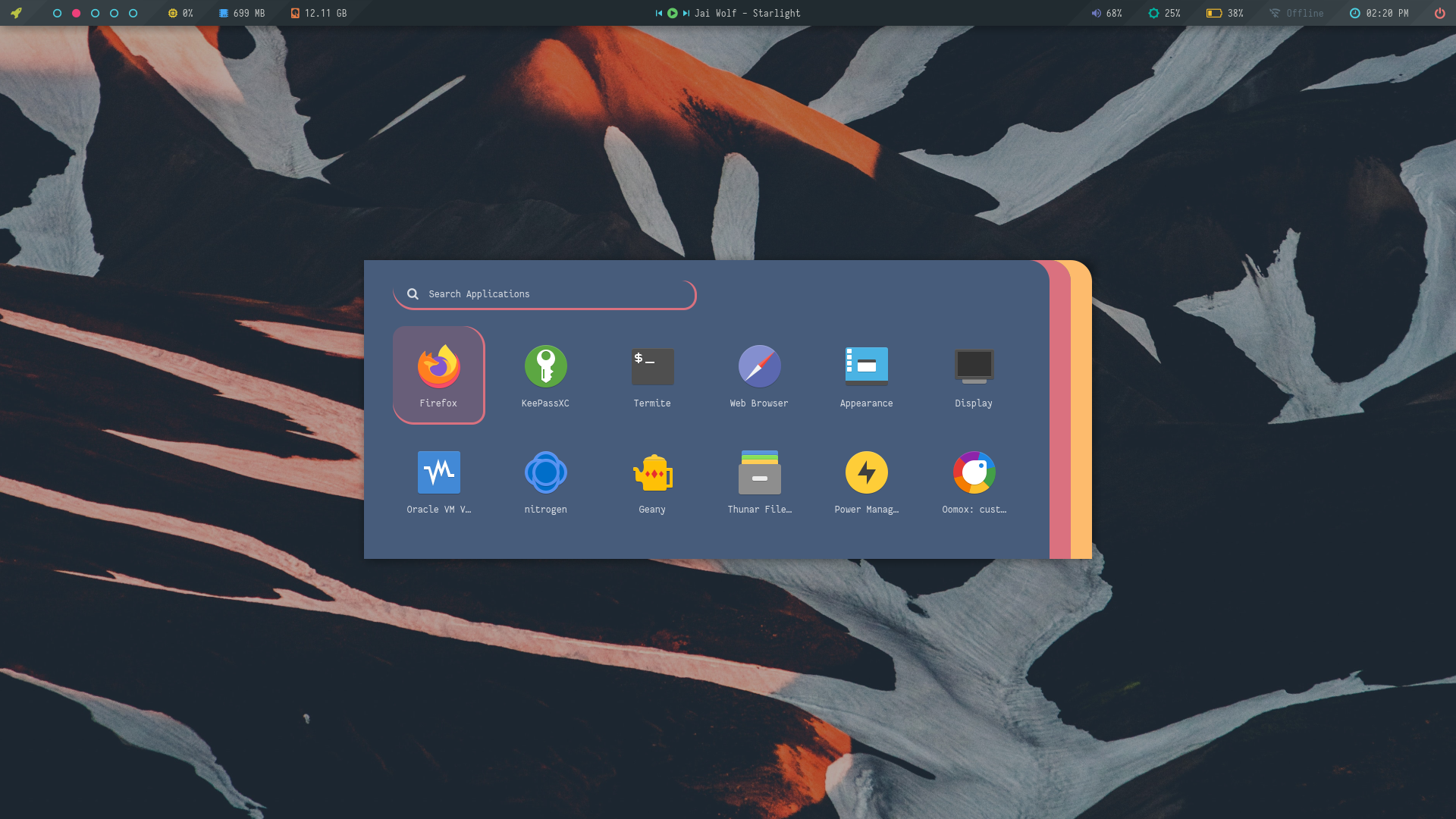|
Colors
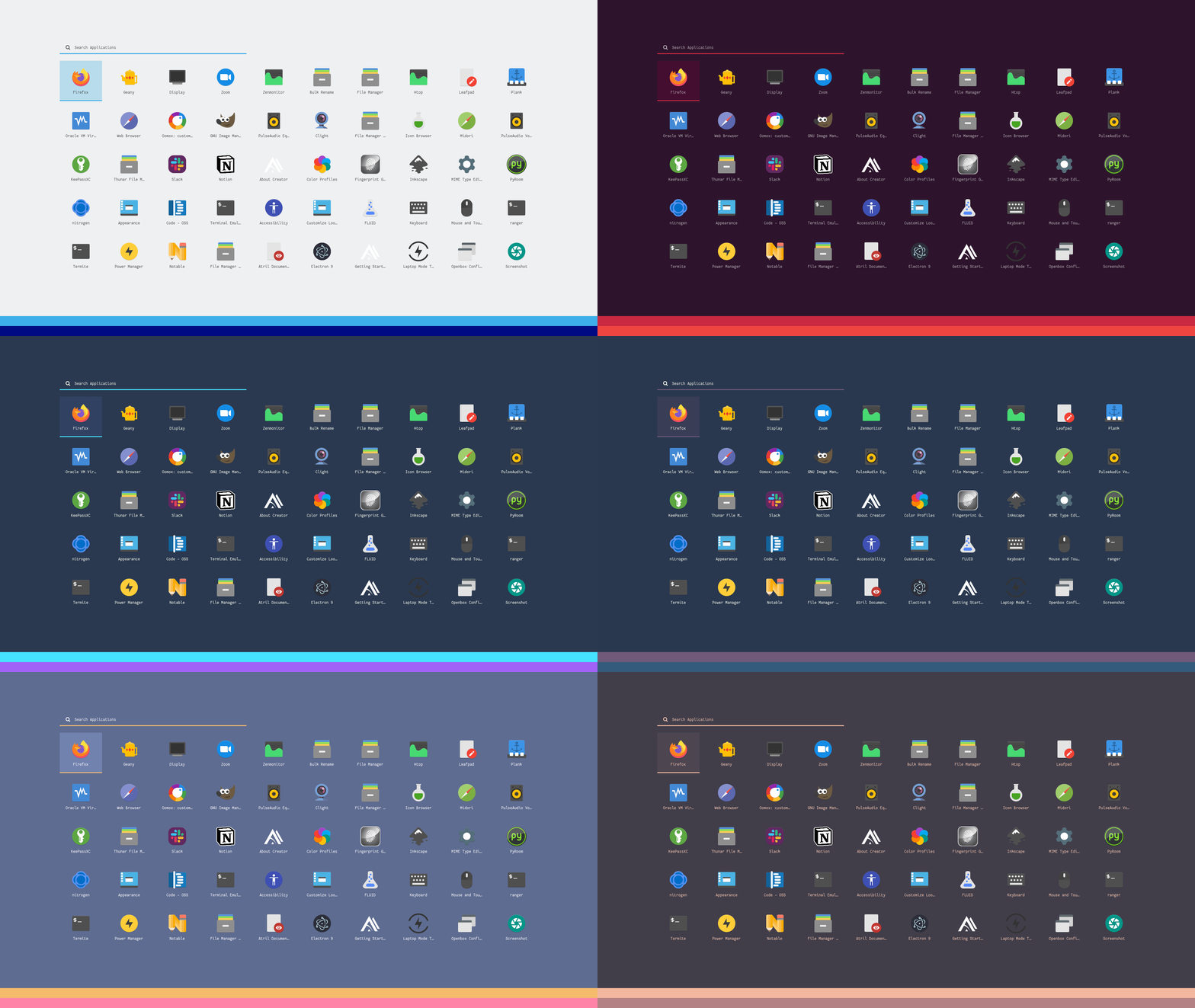
### Slate
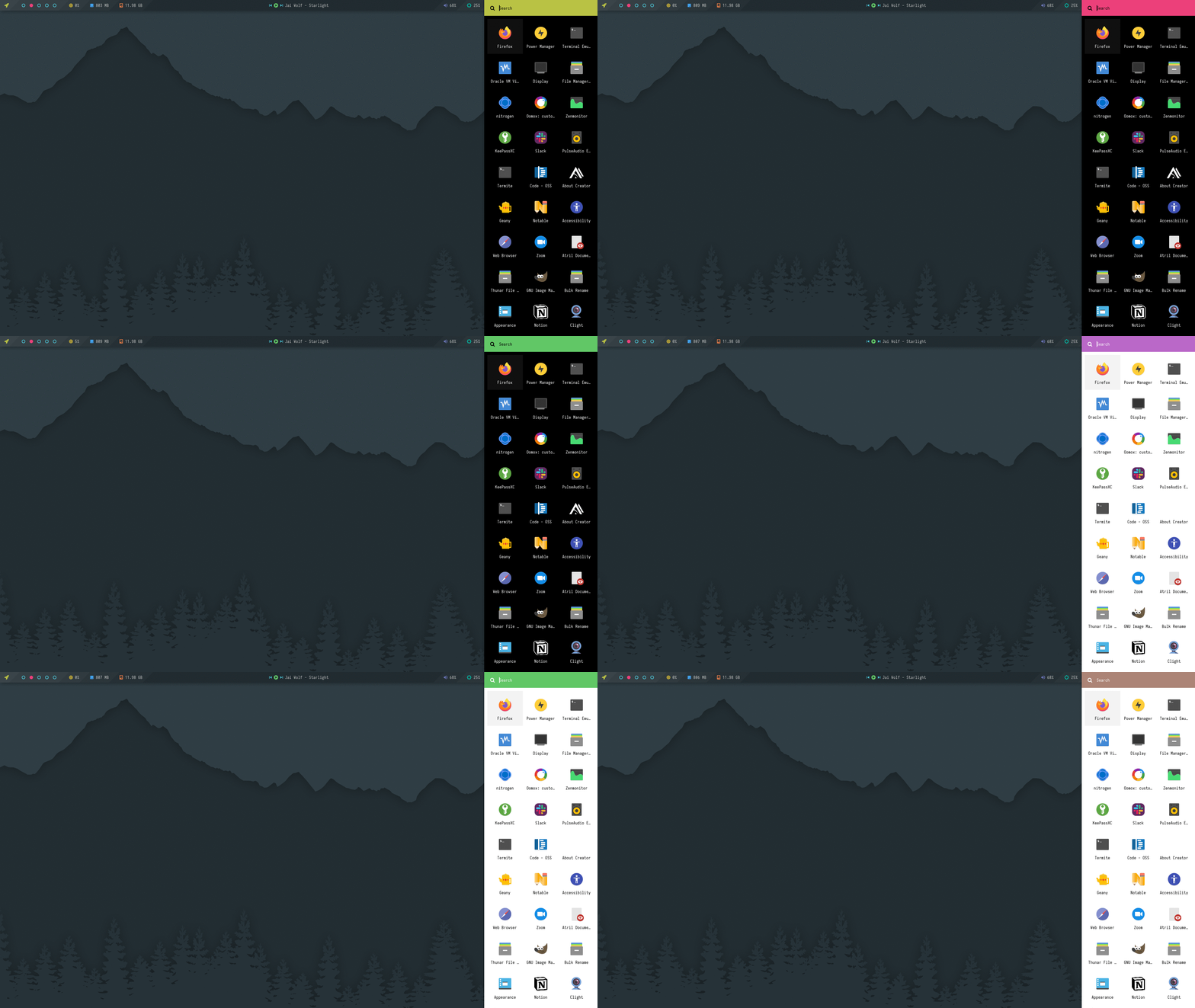
A collection of launchers for solid color wallpaers.

**`Change Colors`** : Edit `$HOME/.config/rofi/launchers/slate/styles/colors.rasi` to change the colors.
```
@import "Black.rasi"
```
**`Change Style`** : Edit `$HOME/.config/rofi/launchers/slate/launcher.sh` to change the style.
```
theme="slate_full"
```
> Make sure you disable the random mode in the same script before using a single style.
Colors
|Dark|Light|
|-|-|
|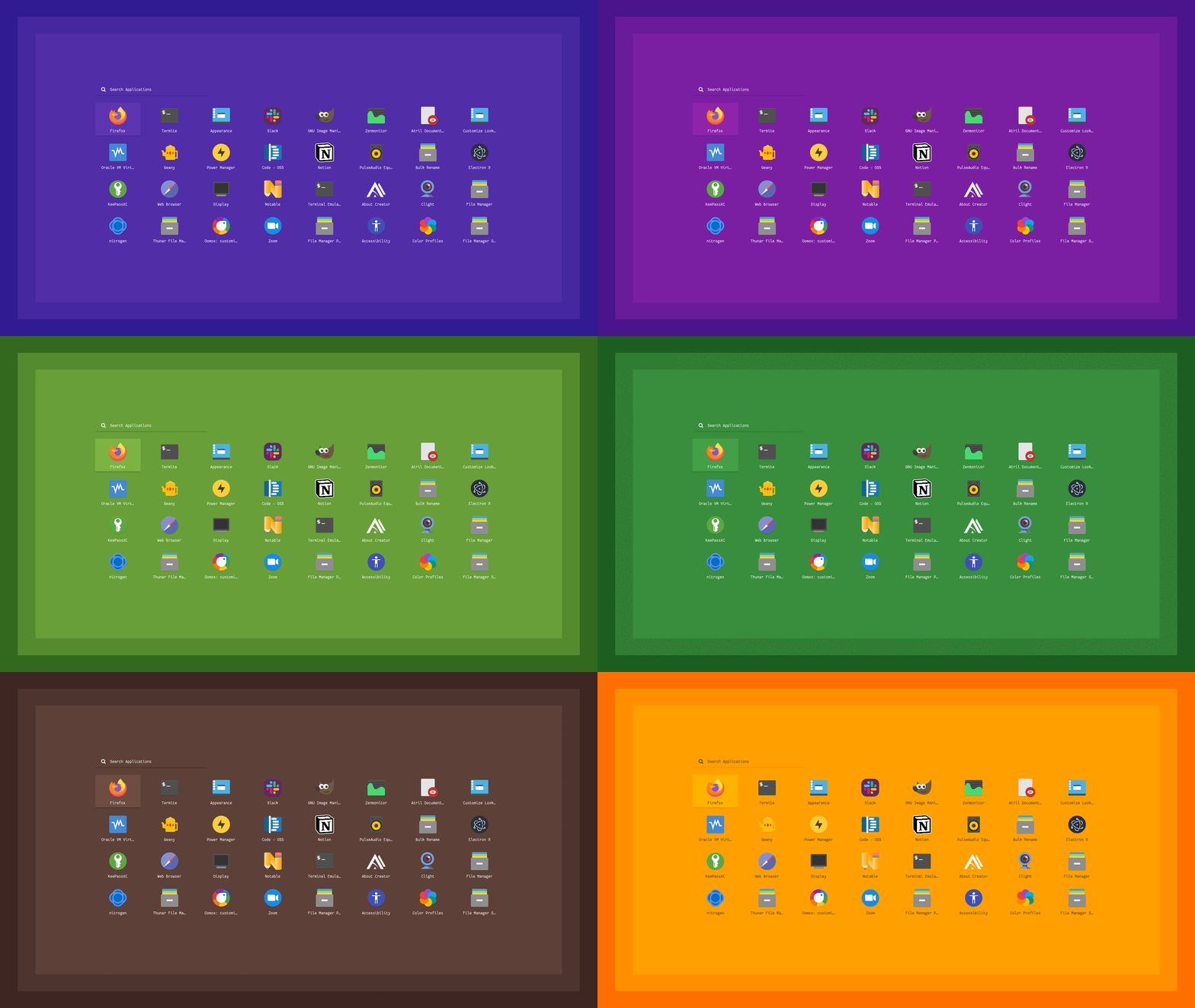|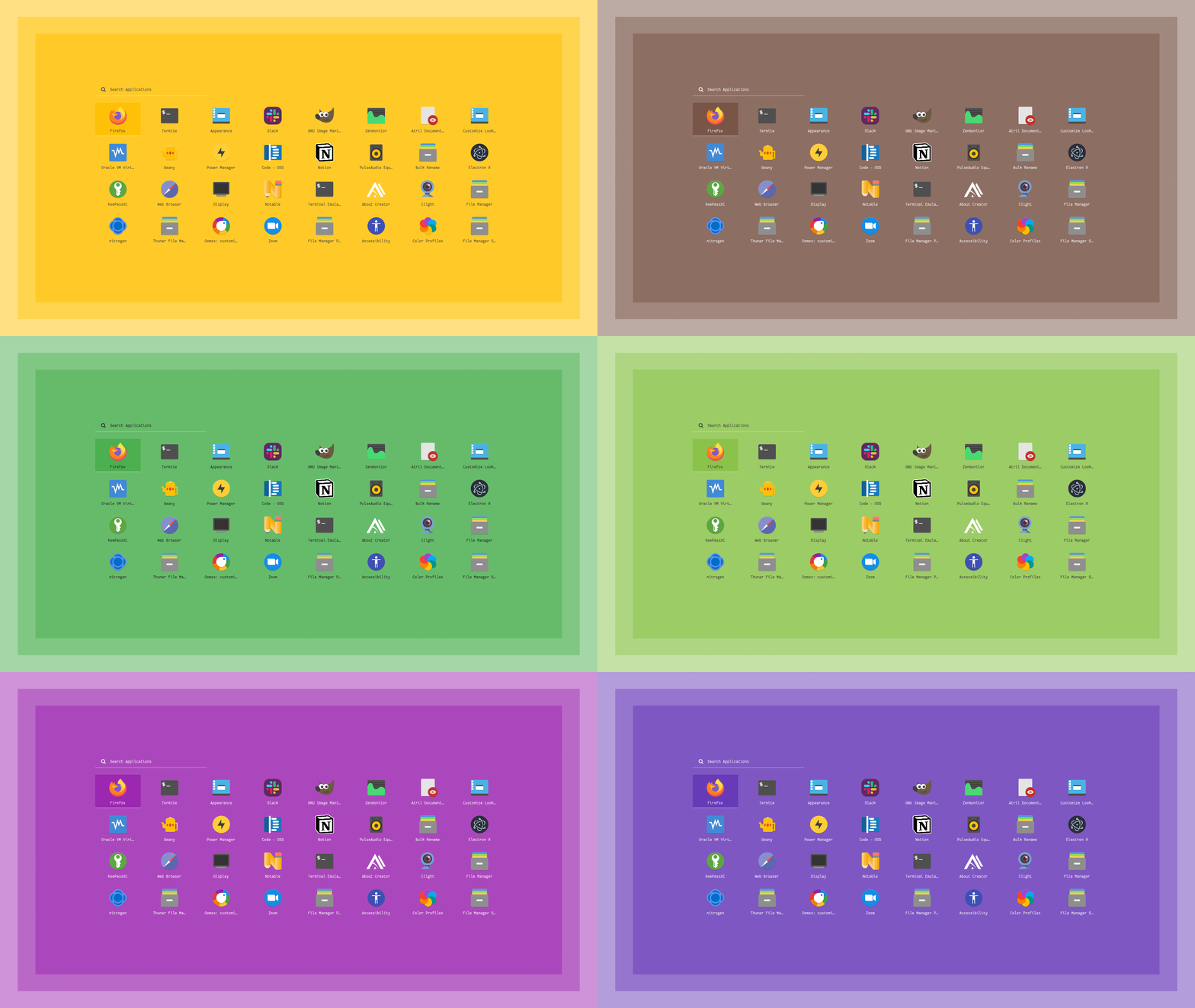|
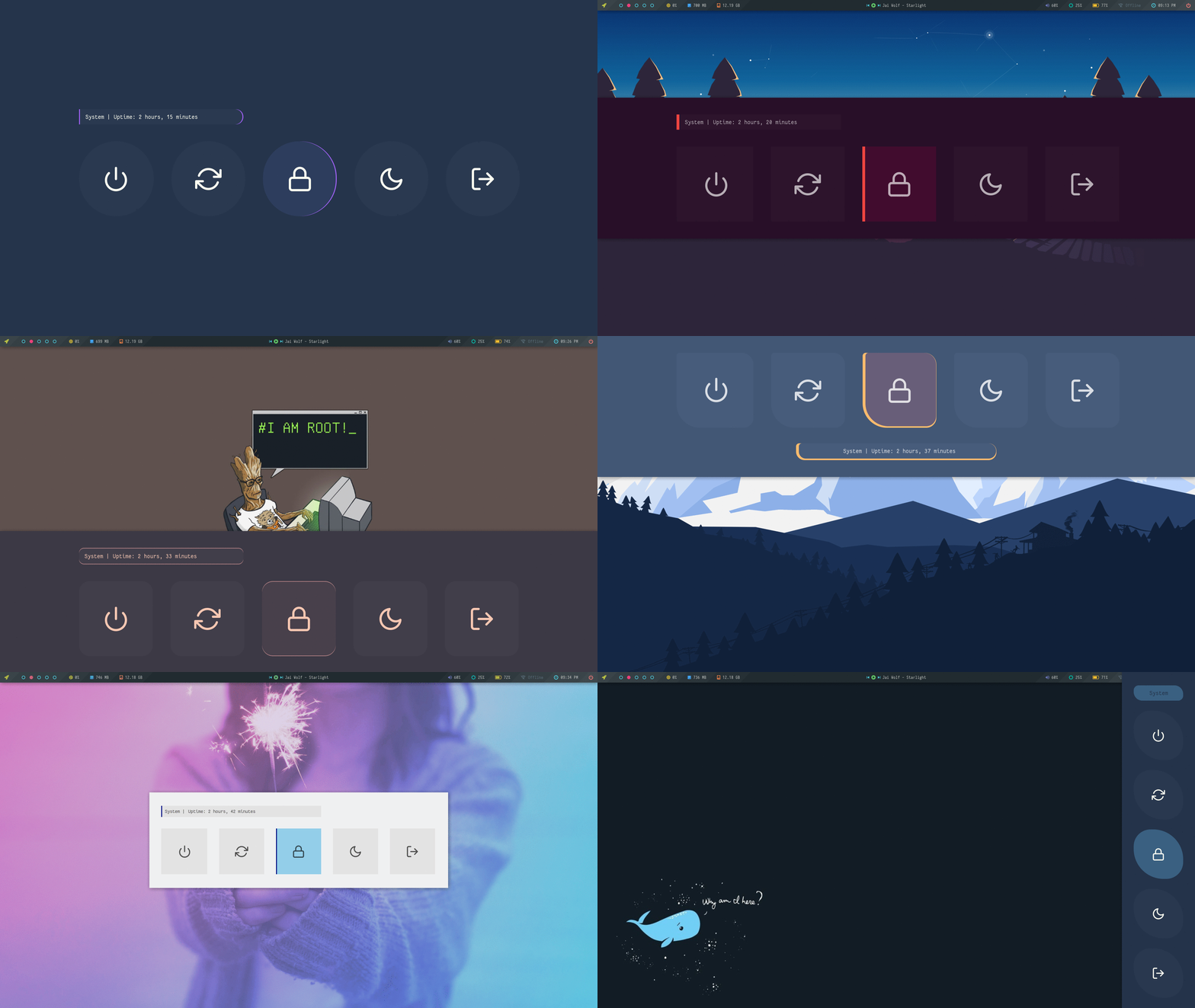
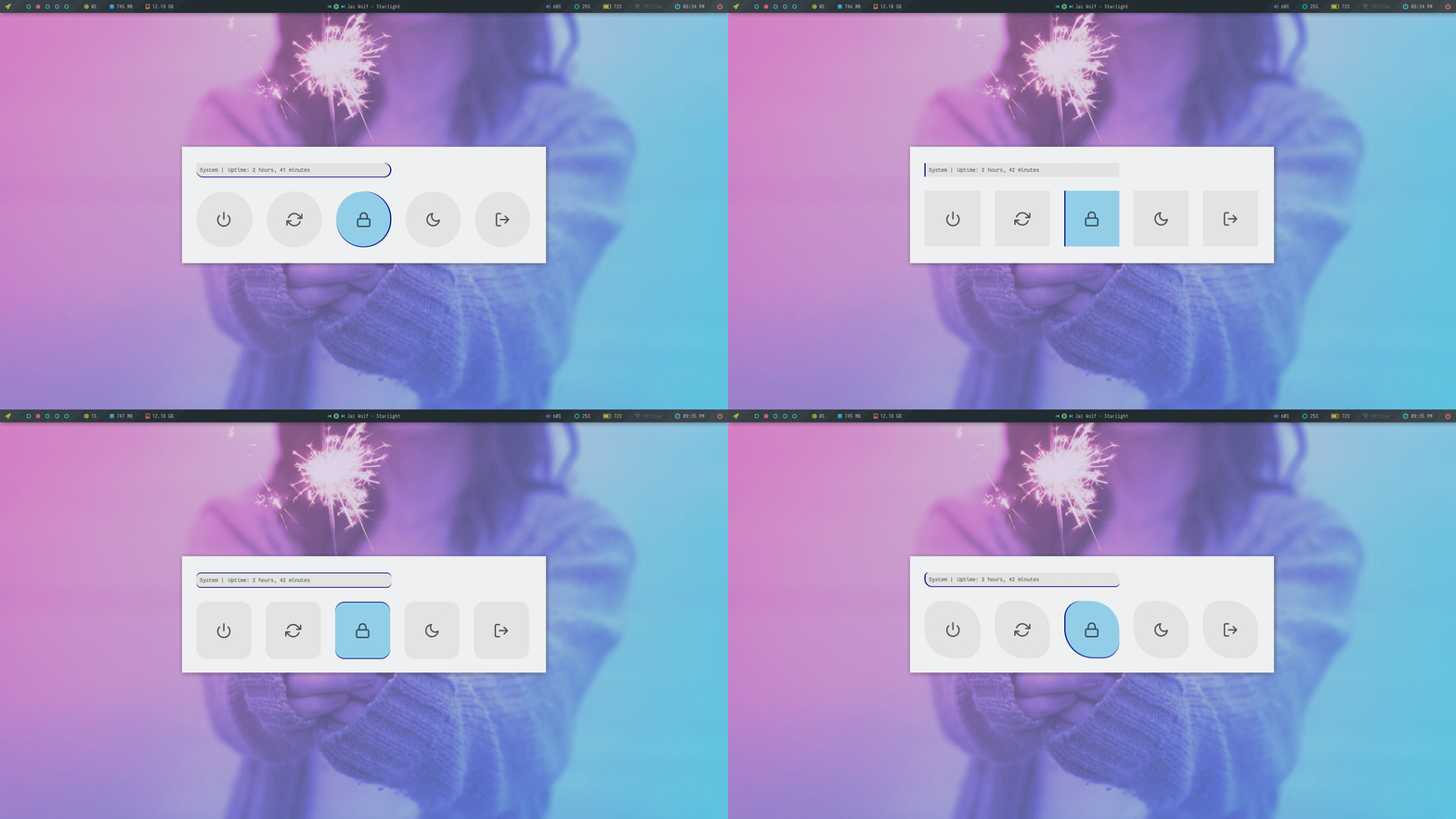
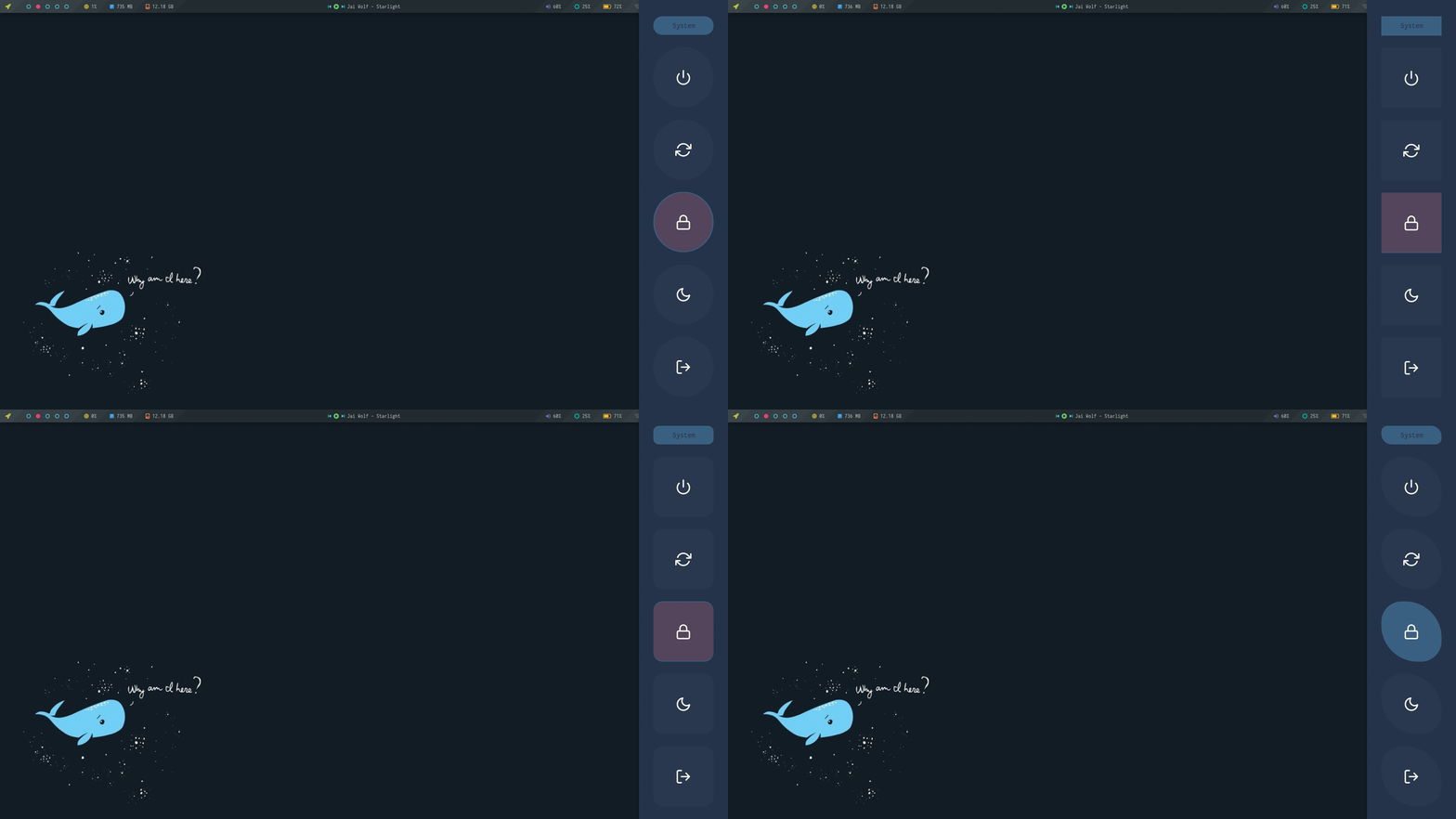
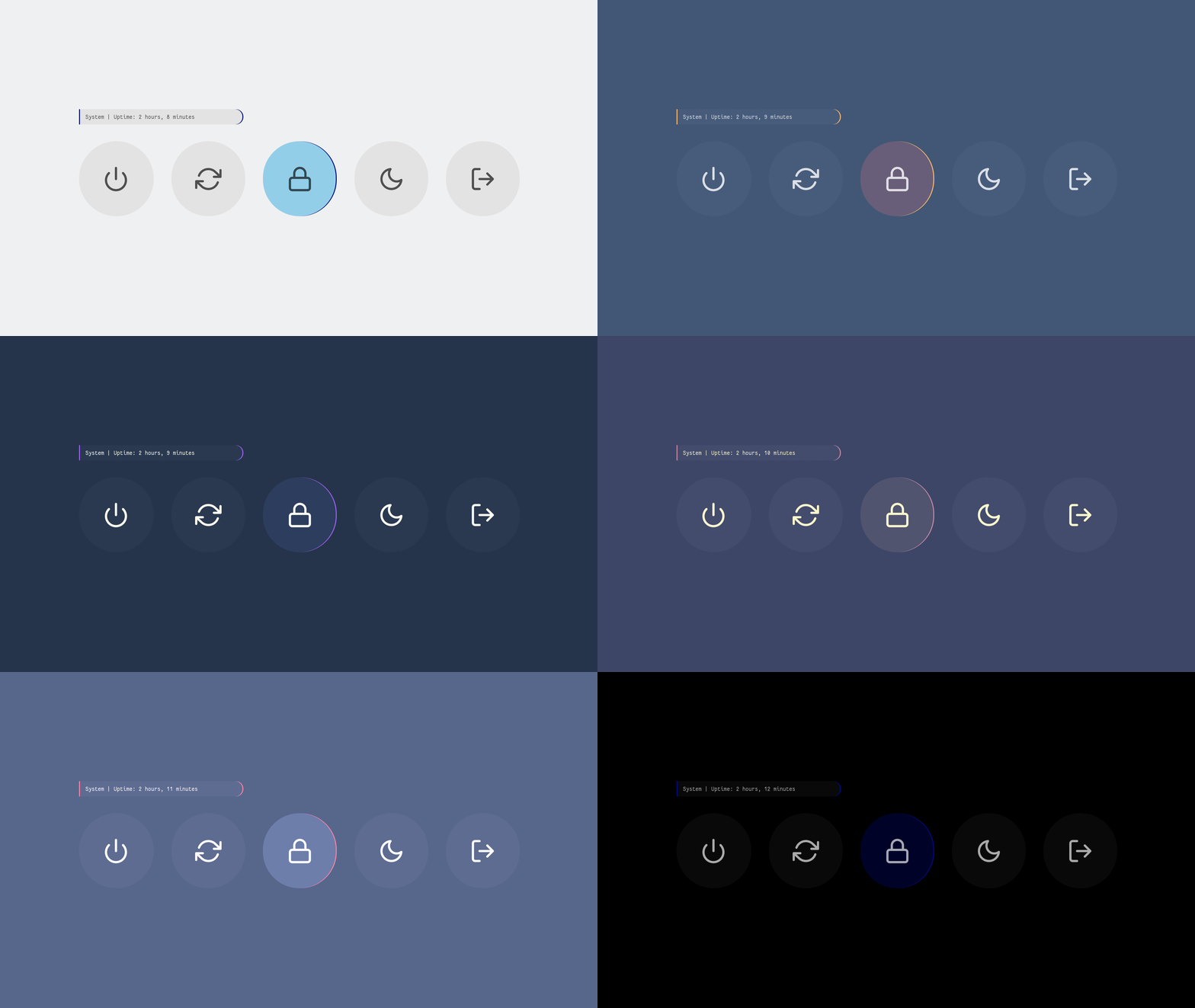
## Powermenu
A collection of powermenu with different styles and colors.

**`Change Colors`** : Edit `$HOME/.config/rofi/powermenu/styles/colors.rasi` to change the colors.
```
@import "nightly.rasi"
```
**`Change Style`** : Edit `$HOME/.config/rofi/powermenu/powermenu.sh` to change the style.
```
theme="full_circle"
```
> Make sure you disable the random mode in the same script before using a single style.
Previews
|Fullscreen |Row|
|-|-|
|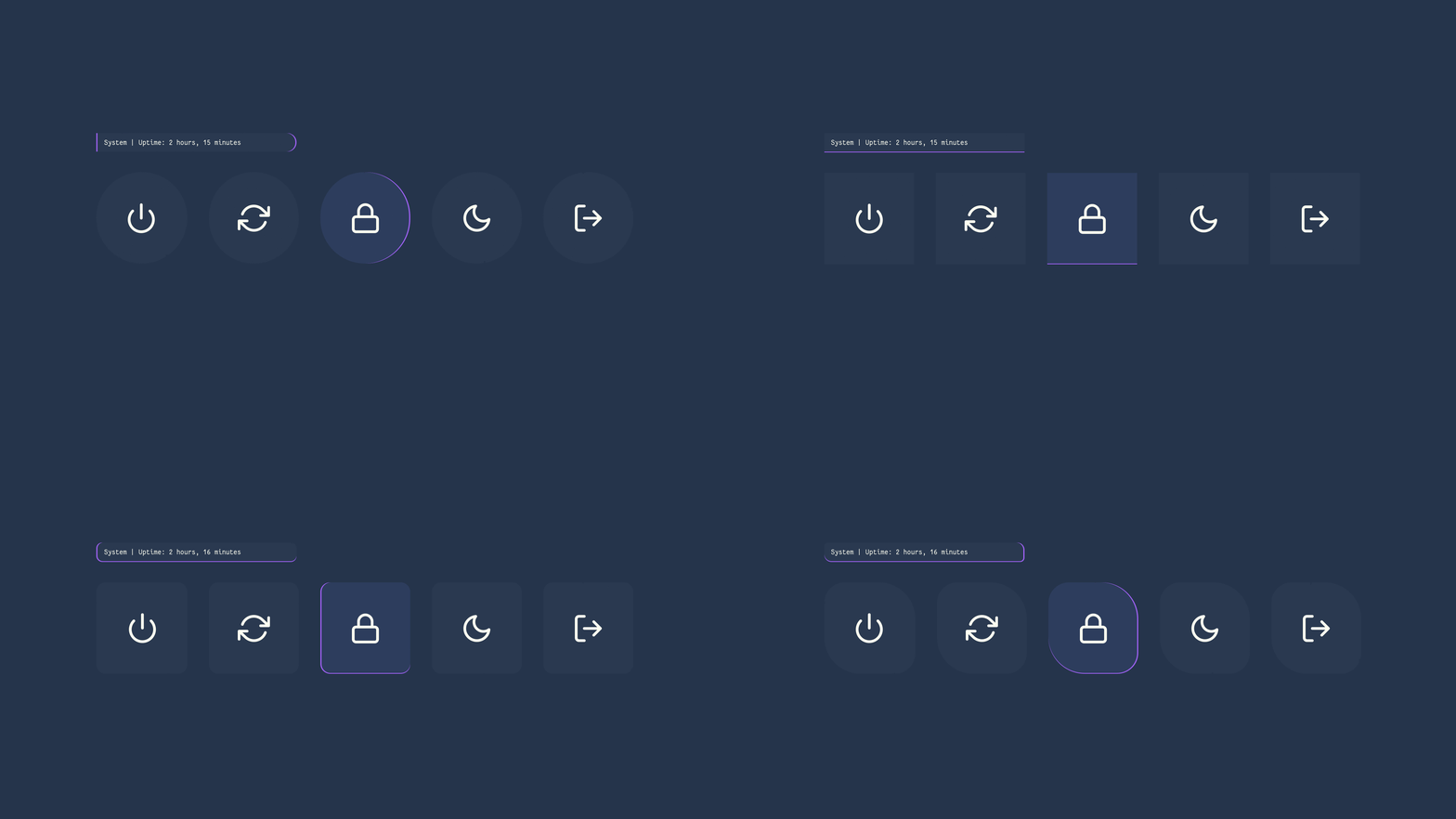|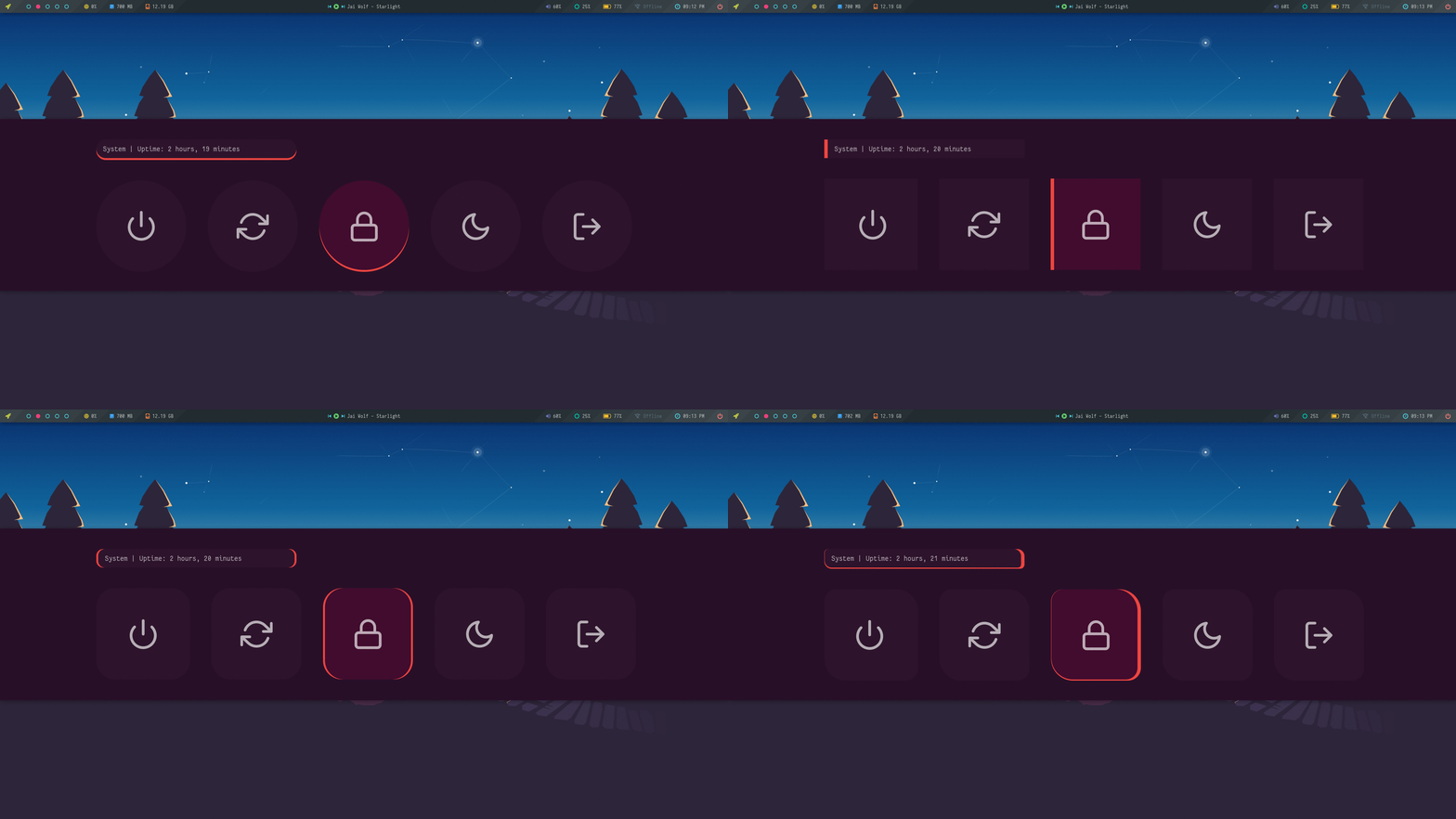|
|Dock|Dropdown|
|-|-|
|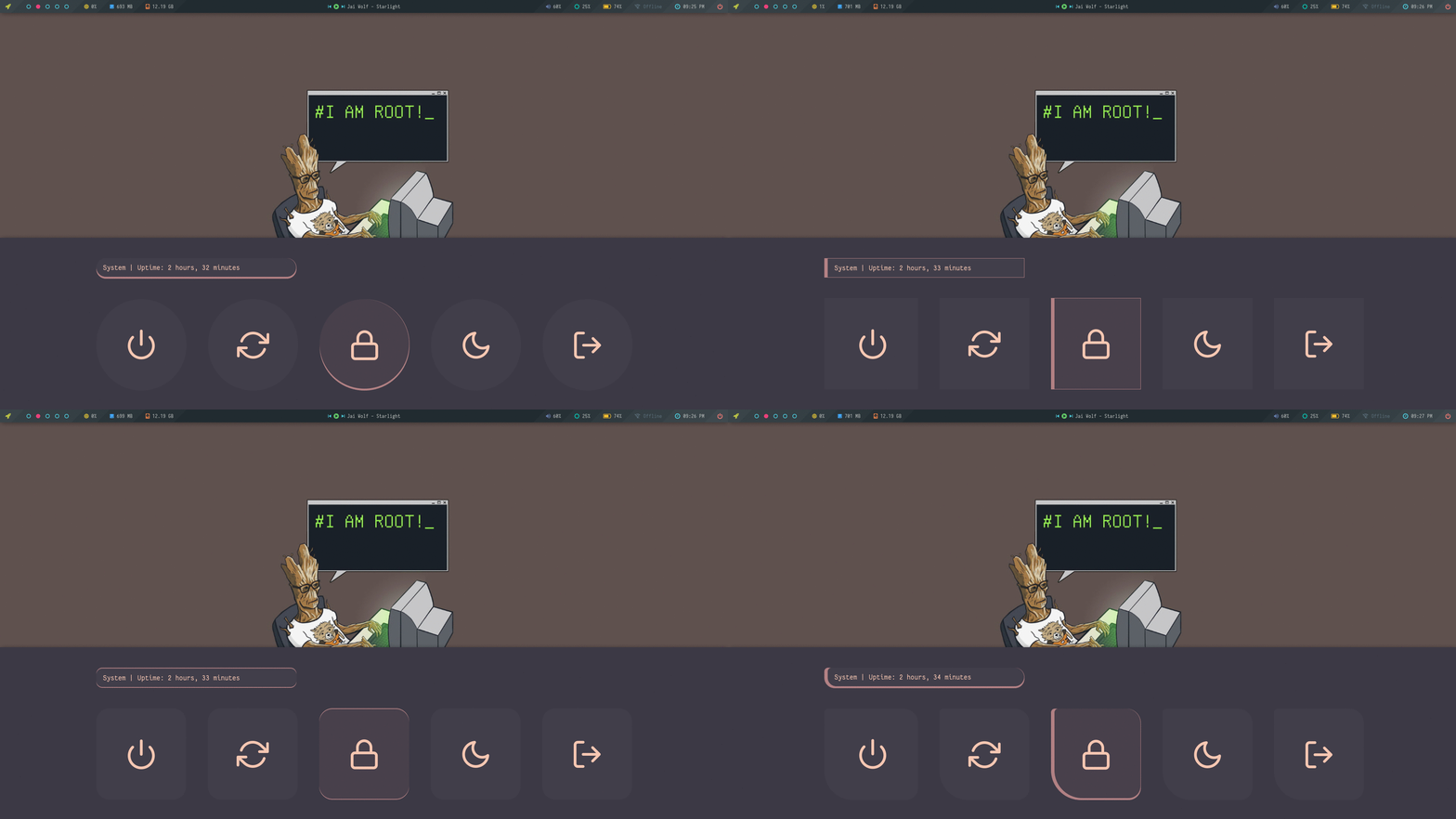|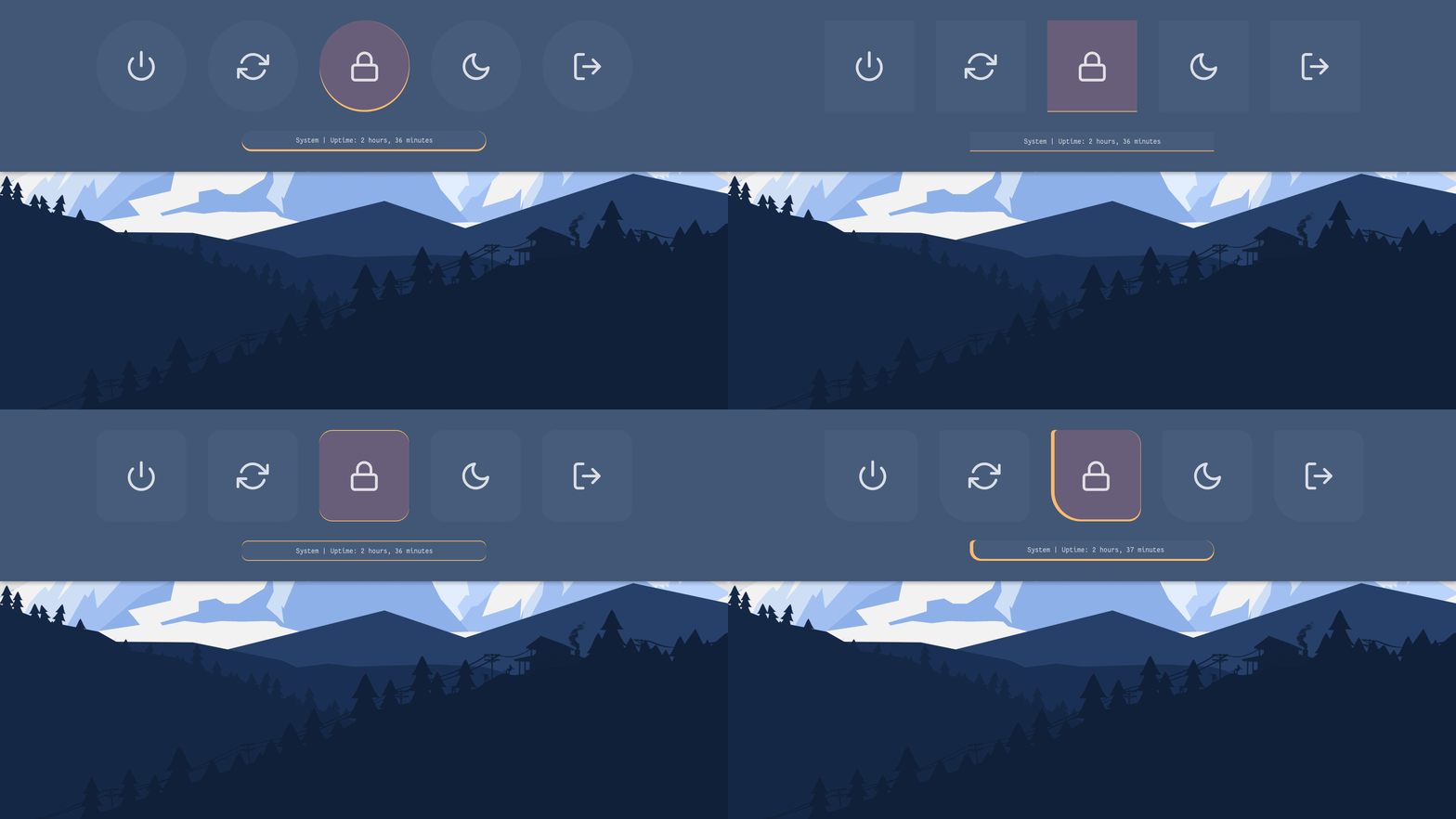|
|Card|Column|
|-|-|
|||
Colors
## Tips
### Simple way to execute scripts
There's a `$HOME/.config/rofi/bin` directory, which contains links to each script. you can execute these links to open any applet, menu, launcher or powermenu.
You can add `$HOME/.config/rofi/bin` directory to your `$PATH` variable so that entering `powermenu` in the terminal (or executing this command) will summon the ***Powermenu***. you can do it by -
- In `bash`
``` bash
# Add directory to the $PATH variable
echo "PATH=$PATH:~/.config/rofi/bin" >> ~/.profile
```
- In `zsh` (oh-my-zsh)
``` zsh
# Edit .zshrc and add this line
export PATH=$HOME/.config/rofi/bin:$PATH
```
**Note:** after doing this, your `$PATH` variable won't be updated, so you will need to log out and then back in to be able to summon the menus this way.
## Usage
### With polybar
An example to use these applets with polybar by adding modules and giving full paths of selected applet, eg: `~/.config/rofi/applets/menu/backlight.sh` or simply name, eg: `applet_backlight` if you followed the method above -
```bash
[module/backlight]
type = custom/text
content =
content-background = ${color.bg}
content-foreground = ${color.cyan}
click-left = ~/.config/rofi/applets/menu/backlight.sh &
## Or...
[module/backlight]
type = custom/text
content =
content-background = ${color.bg}
content-foreground = ${color.green}
click-left = applet_backlight
```
### With i3wm
You can call the scripts by giving full path, eg: `~/.config/rofi/bin/menu_powermenu` or follow method above to call the menu in one word. Then add these lines to your i3 config file -
```bash
set $mod Mod4
set $Alt Mod1
bindsym $mod+m exec --no-startup-id menu_mpd
bindsym $mod+n exec --no-startup-id menu_network
bindsym $mod+p exec --no-startup-id ~/.config/rofi/bin/menu_powermenu
#etc
```
### With Openbox
Same thing can be done with openbox by adding these lines to rc.xml file:
```xml
~/.config/rofi/bin/launcher_misc
powermenu
```
## FYI
- Sometimes i think... ***Why the hell i'm doing this?***
- Anyway... Pull Requests, Issues, Contributions are welcome.
- Share this with your friends, Have a good day.