







A huge collection of Rofi based custom Applets, Launchers & Powermenus.
Launchers
|Type 1|Type 2|Type 3|Type 4|
|--|--|--|--|
|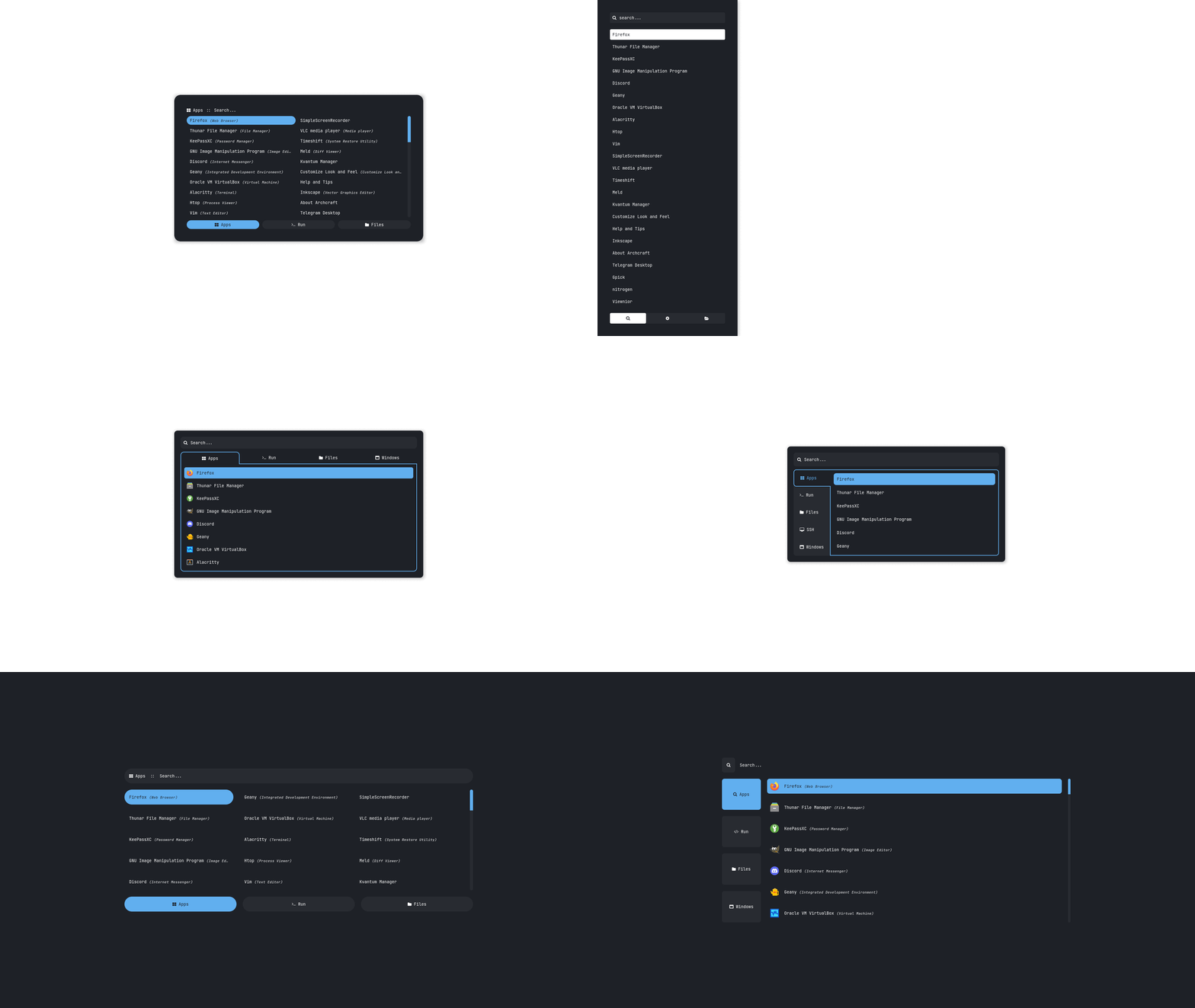|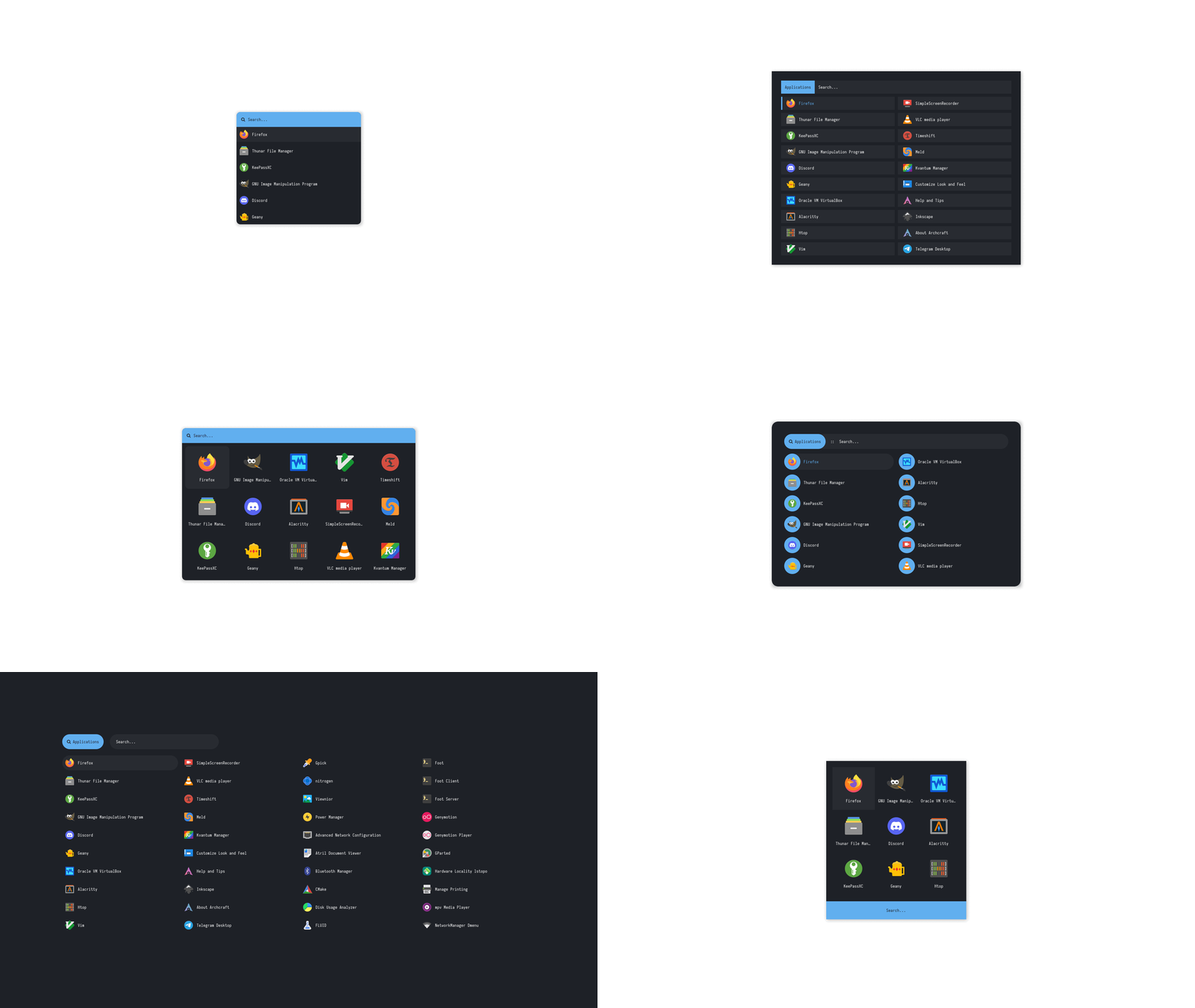|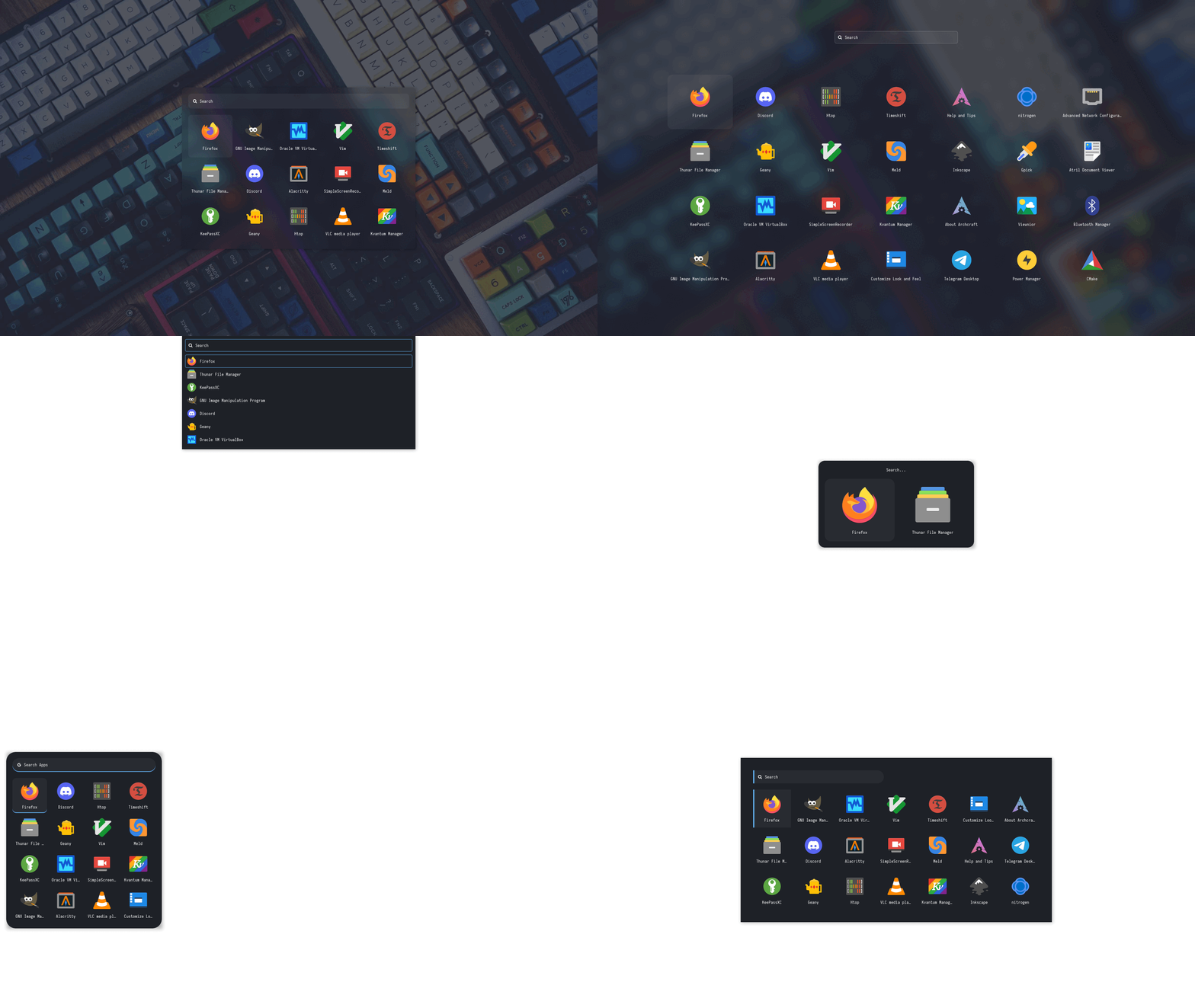|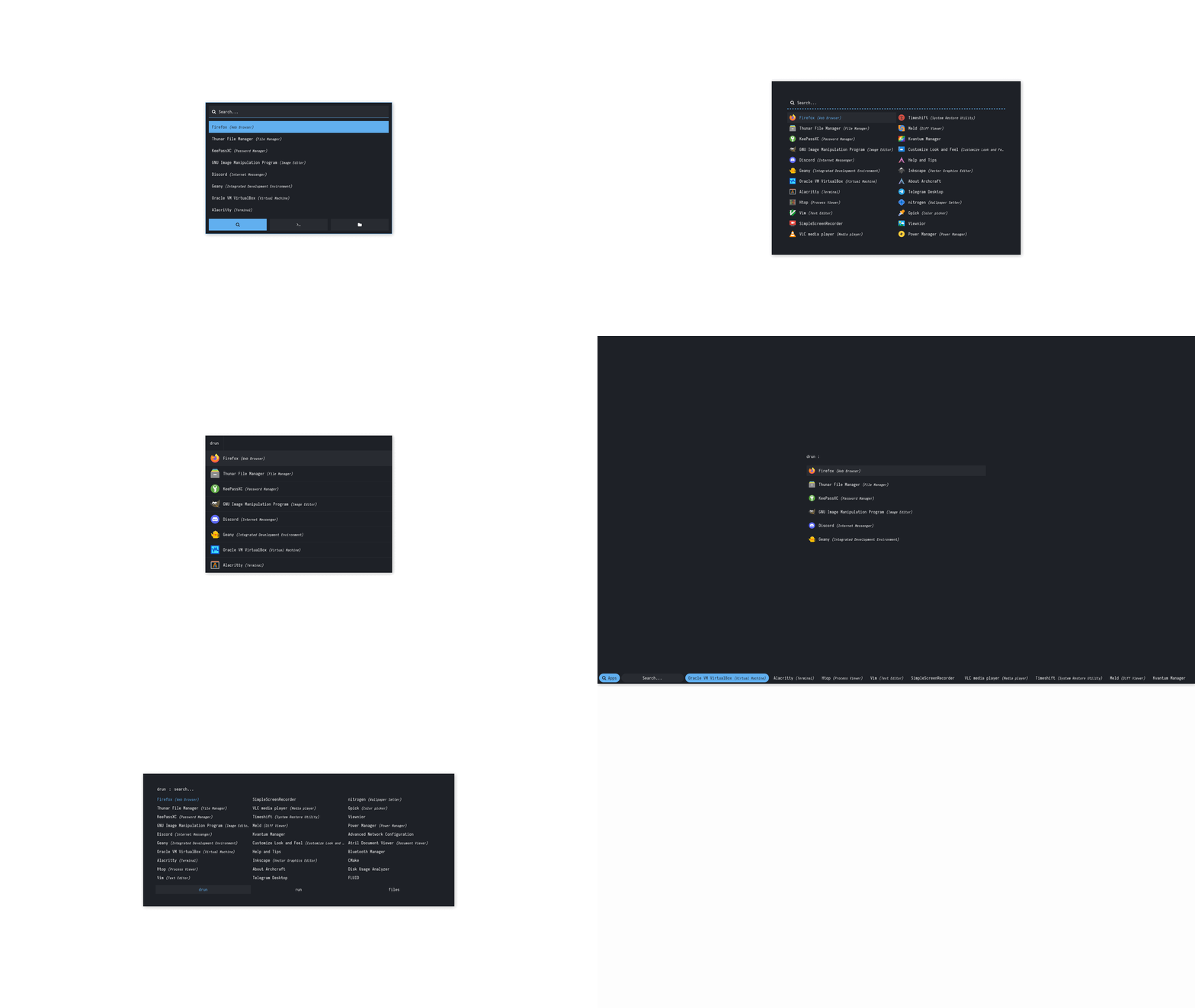|
|Type 5|Type 6|Type 7|
|--|--|--|
|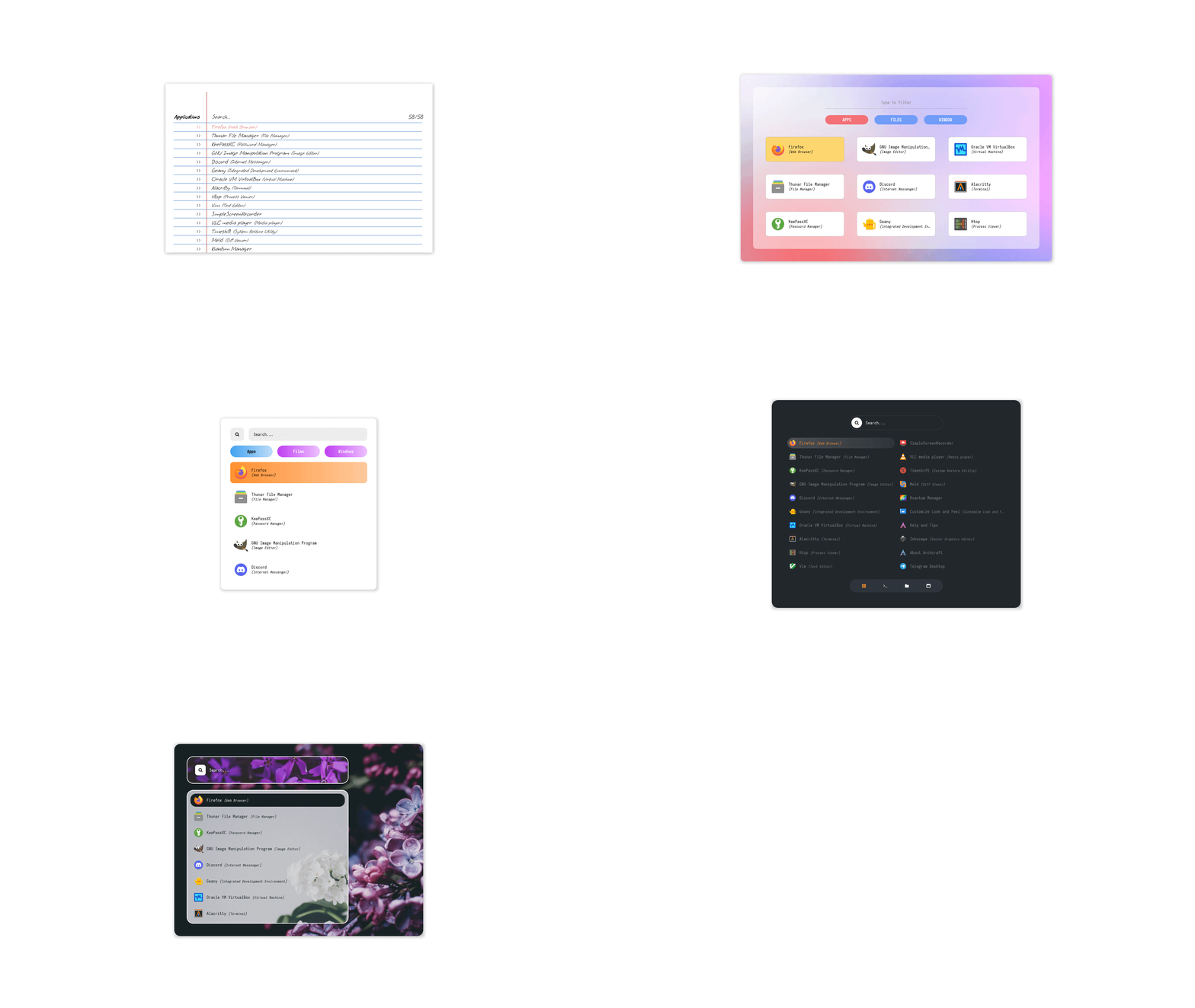|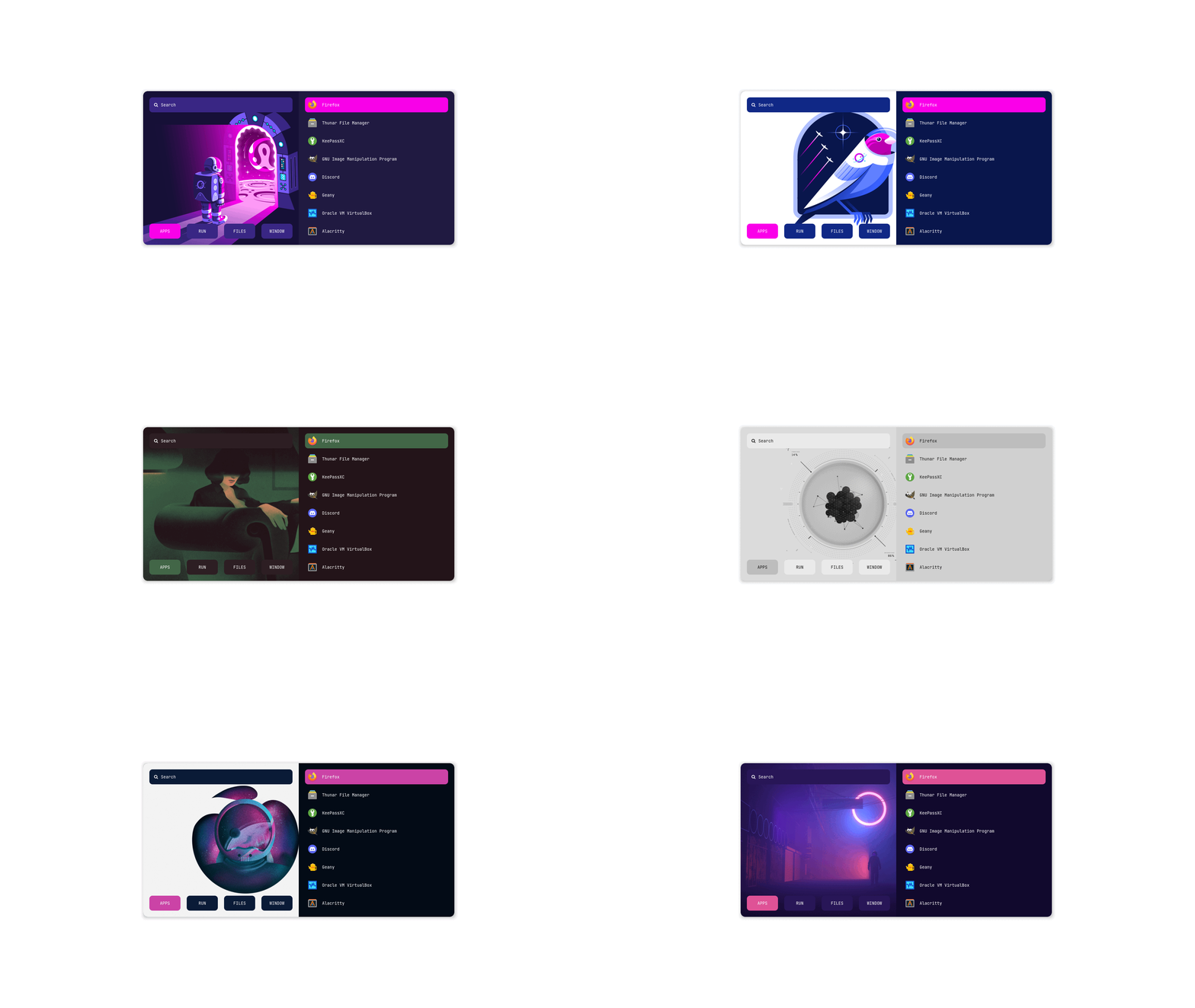|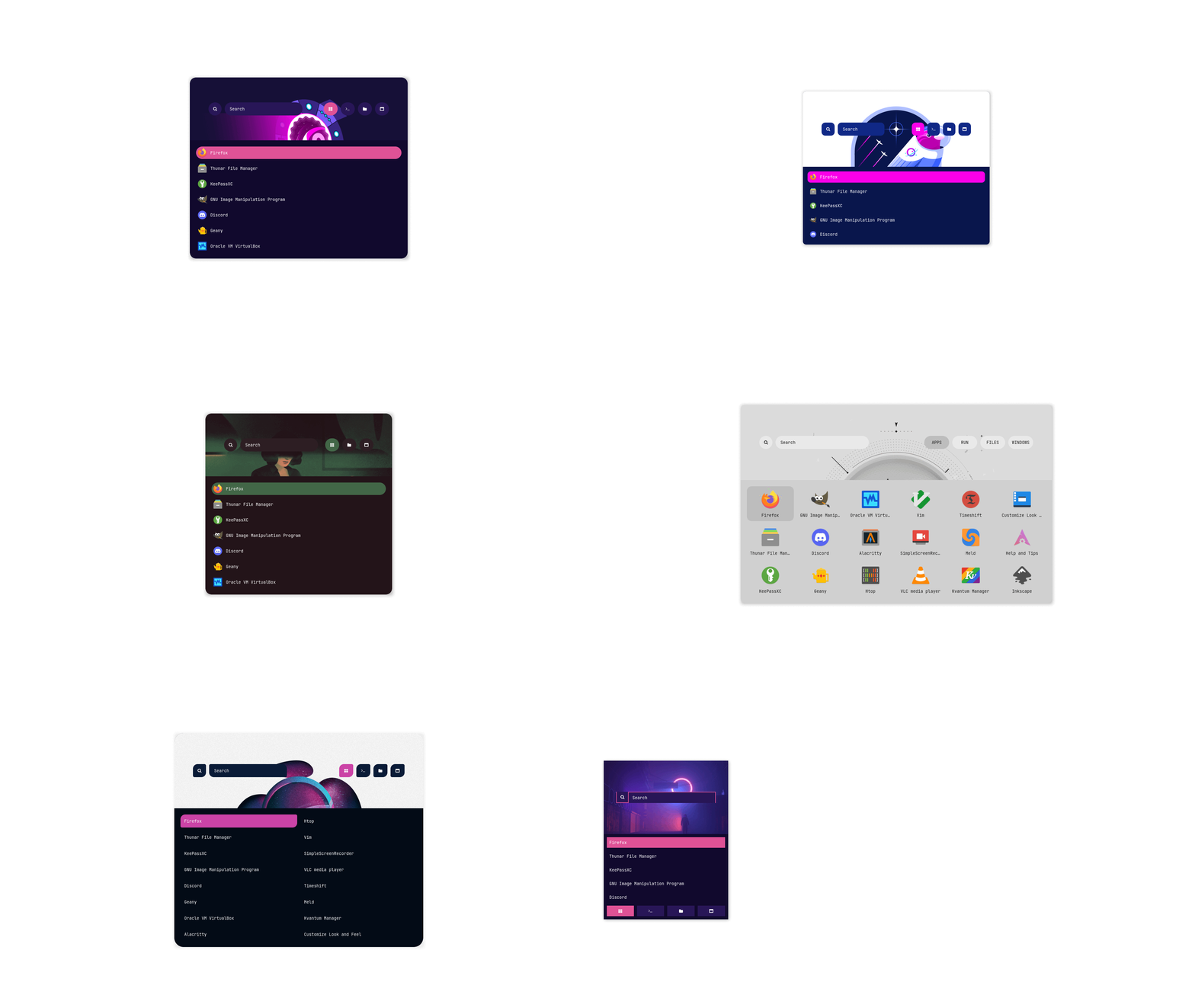|
Applets
|Type 1|Type 2|Type 3|
|--|--|--|
|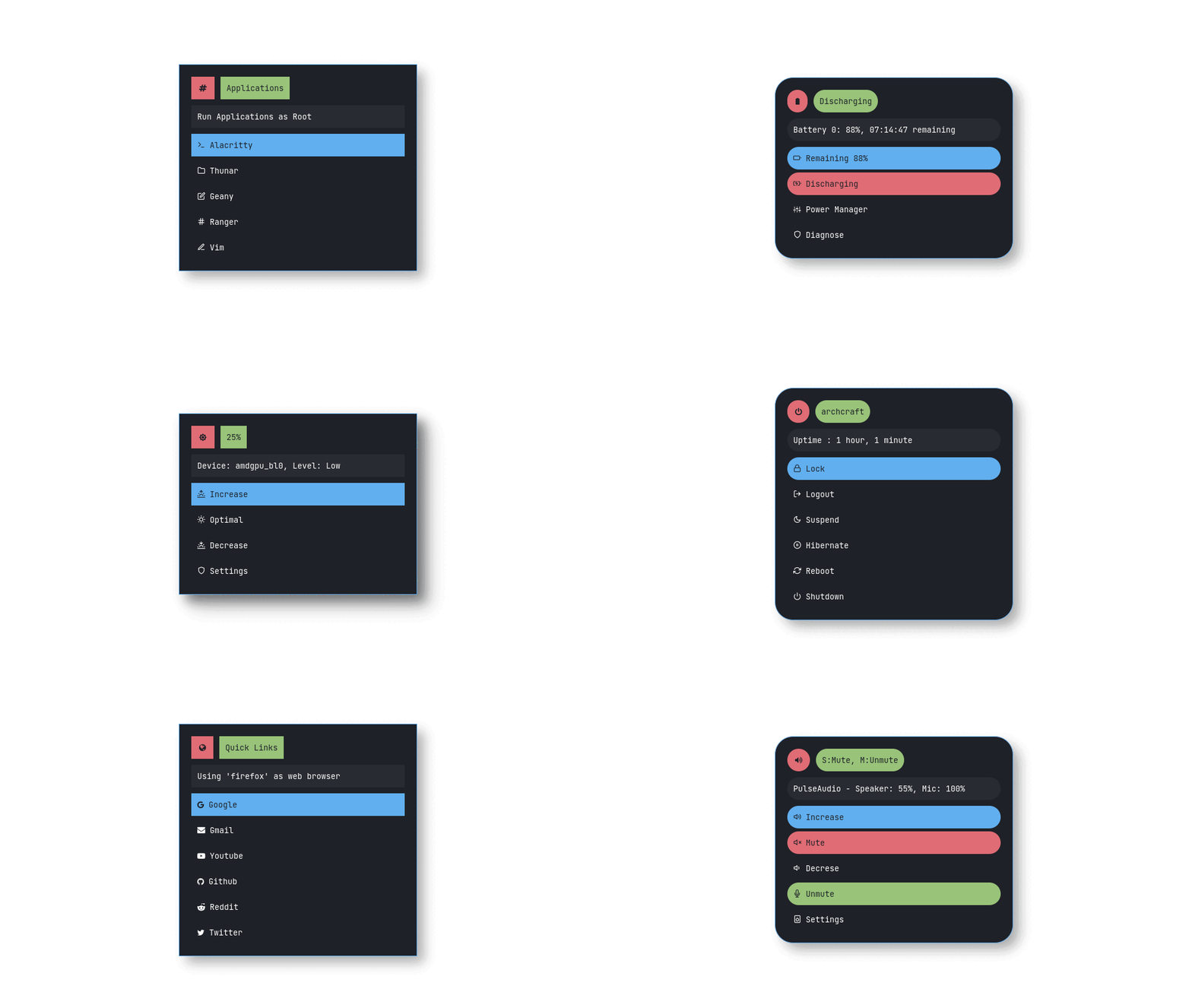|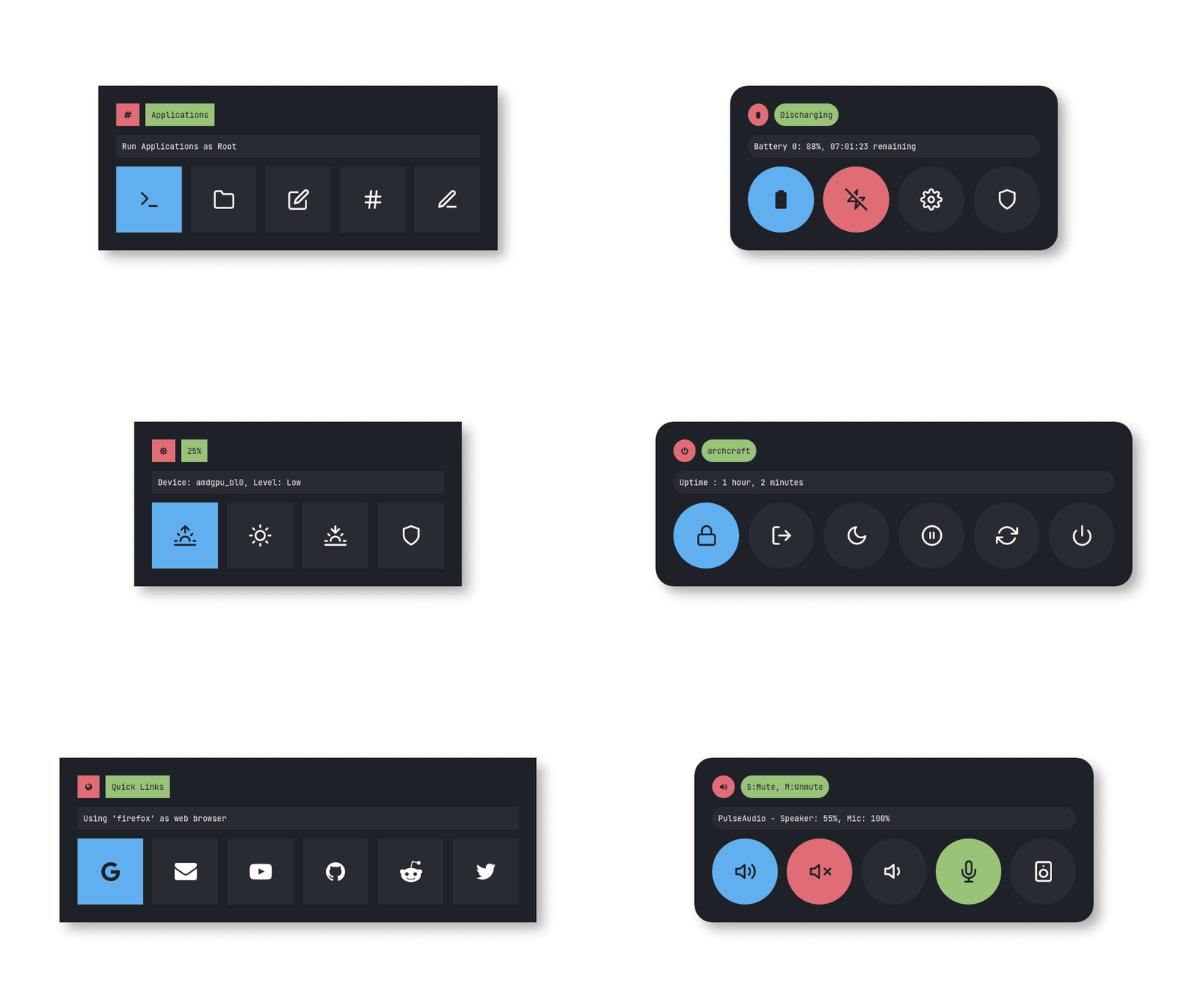|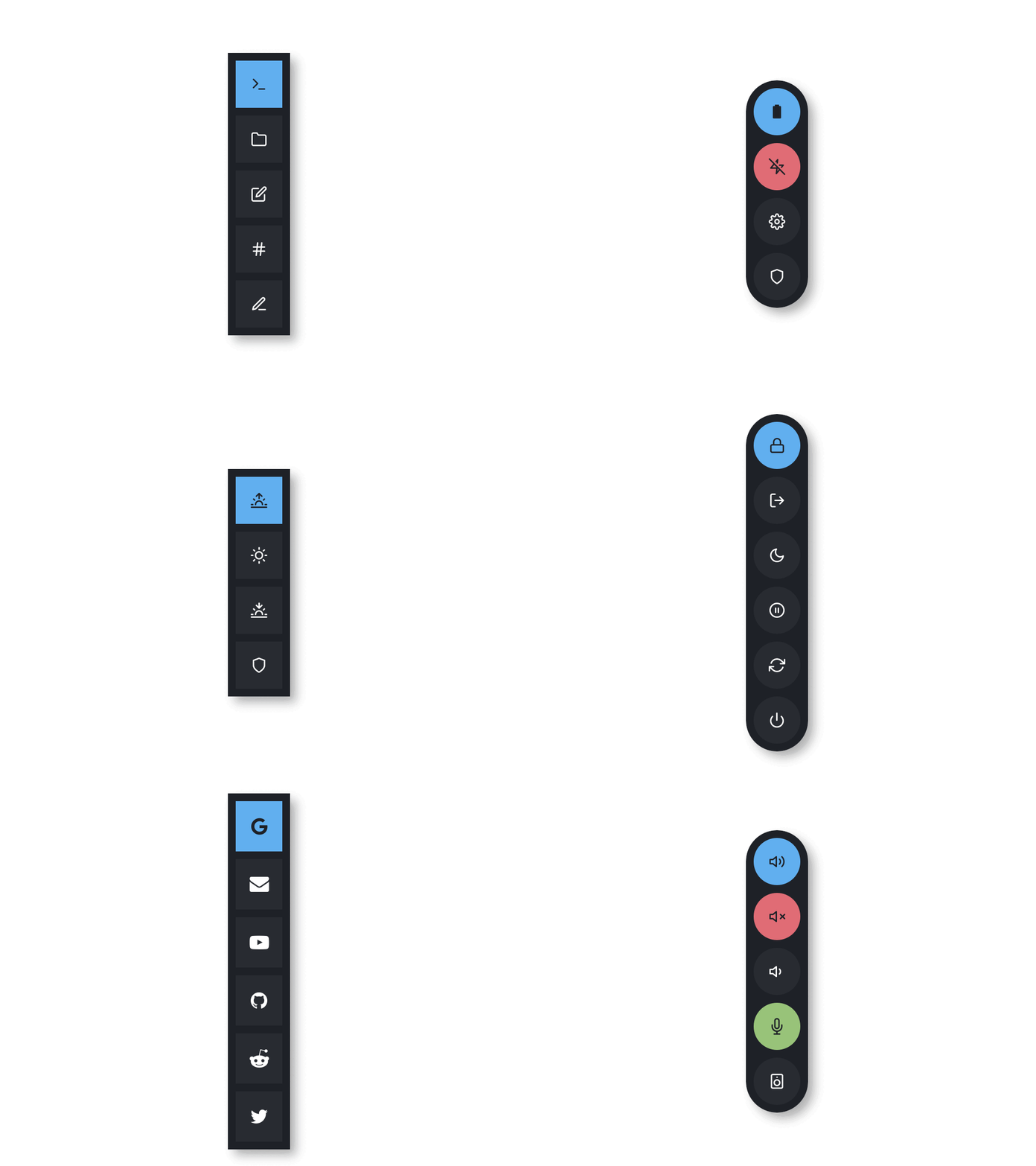|
|Type 4|Type 5|
|--|--|
|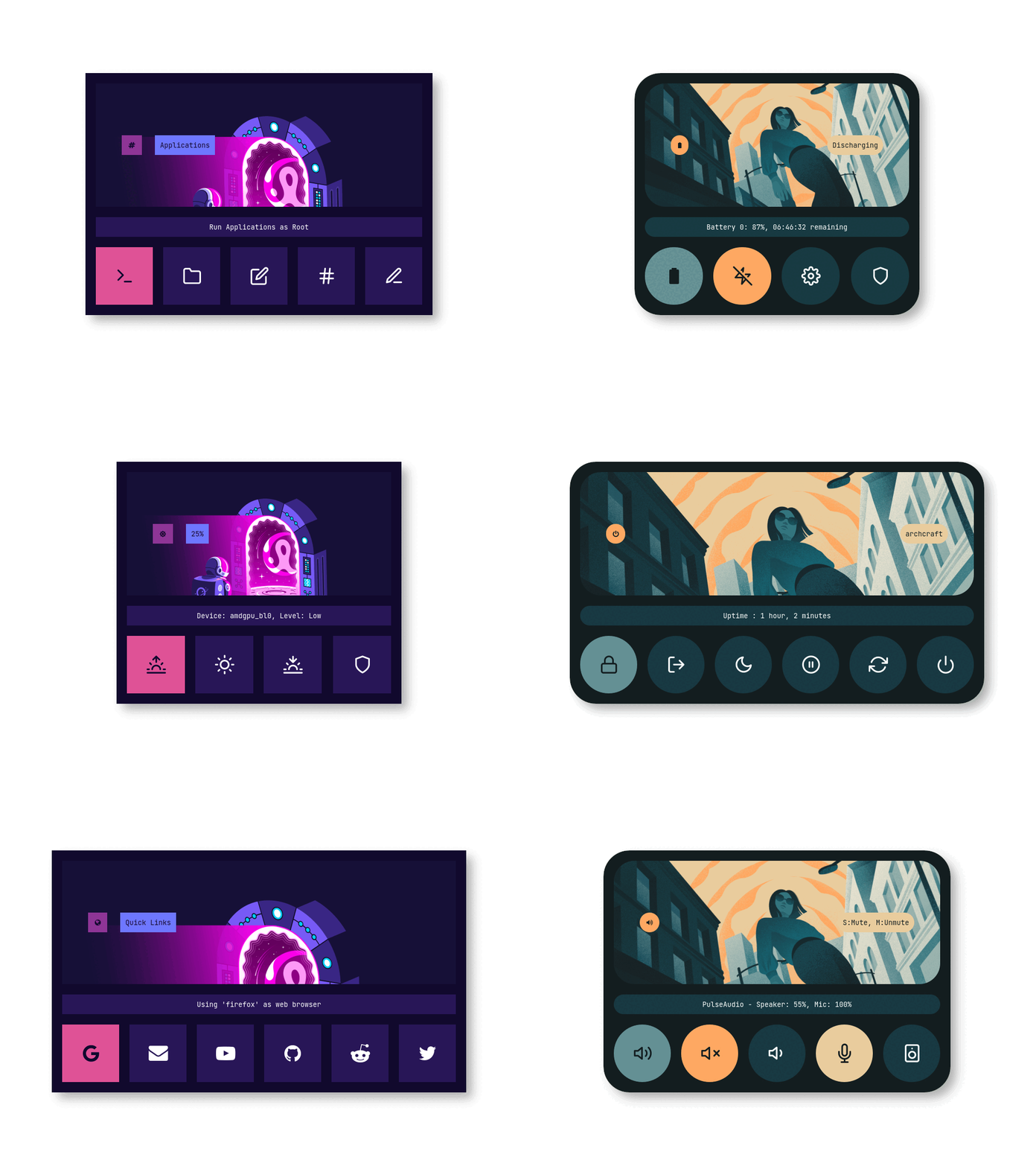|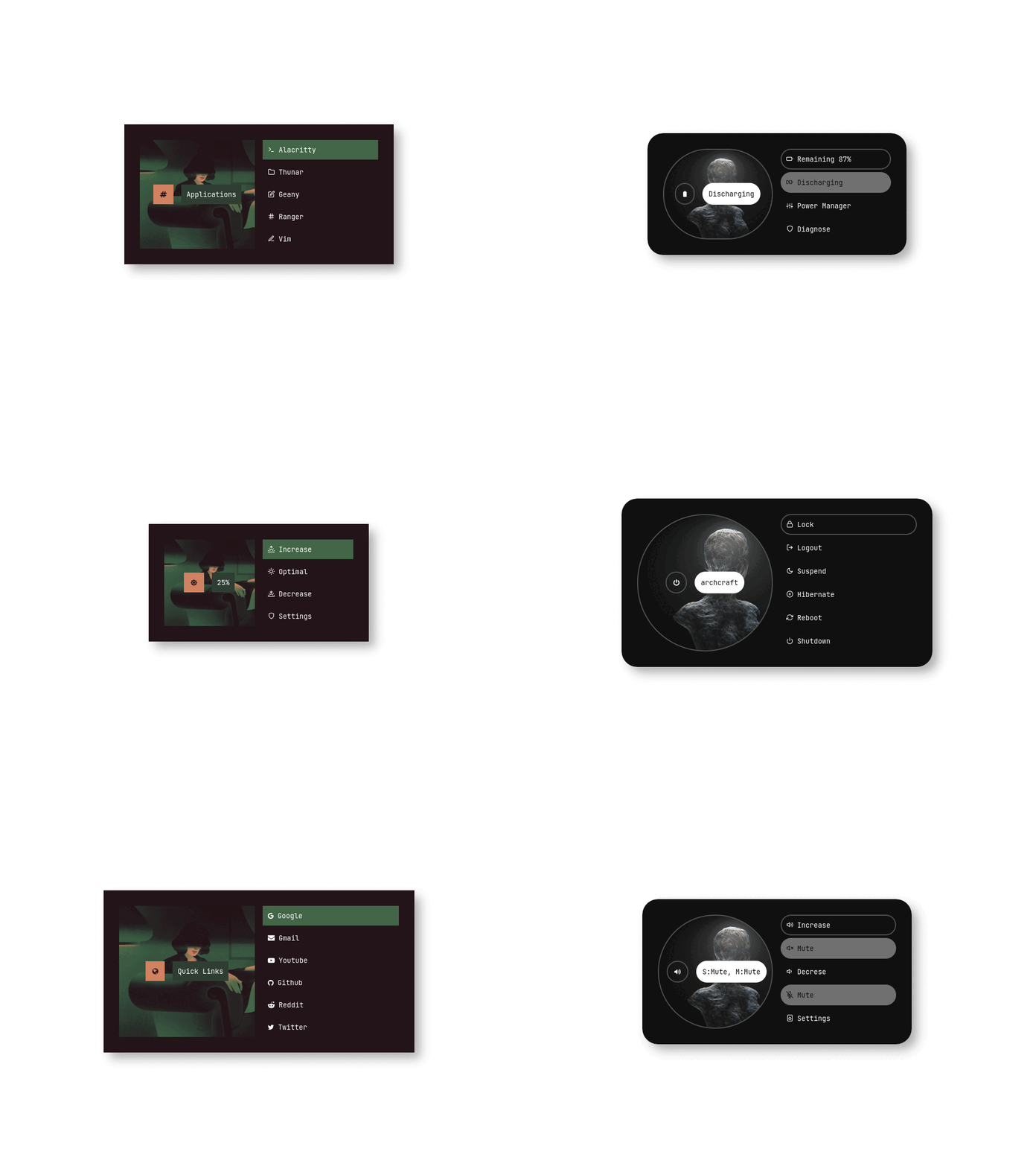|
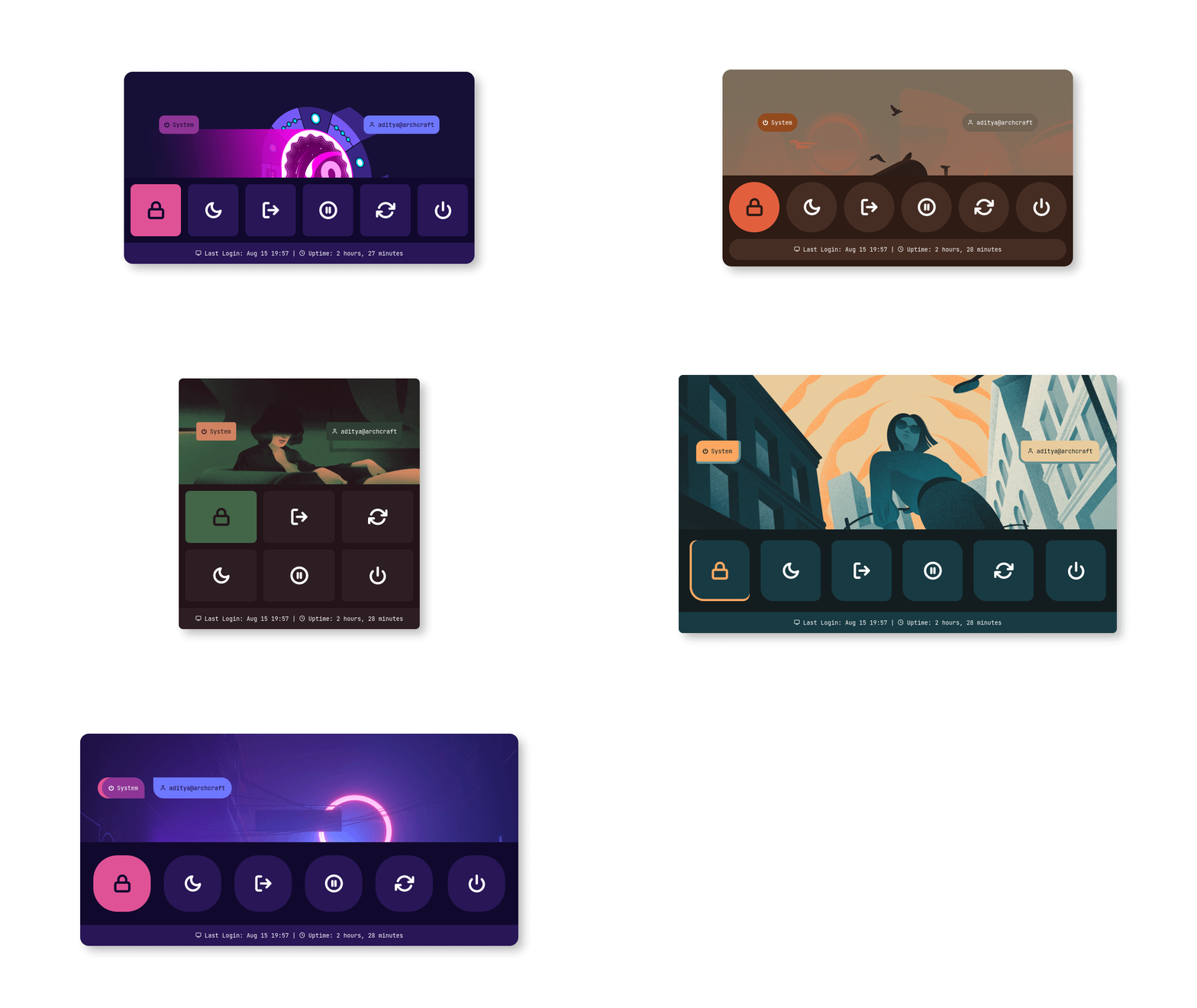
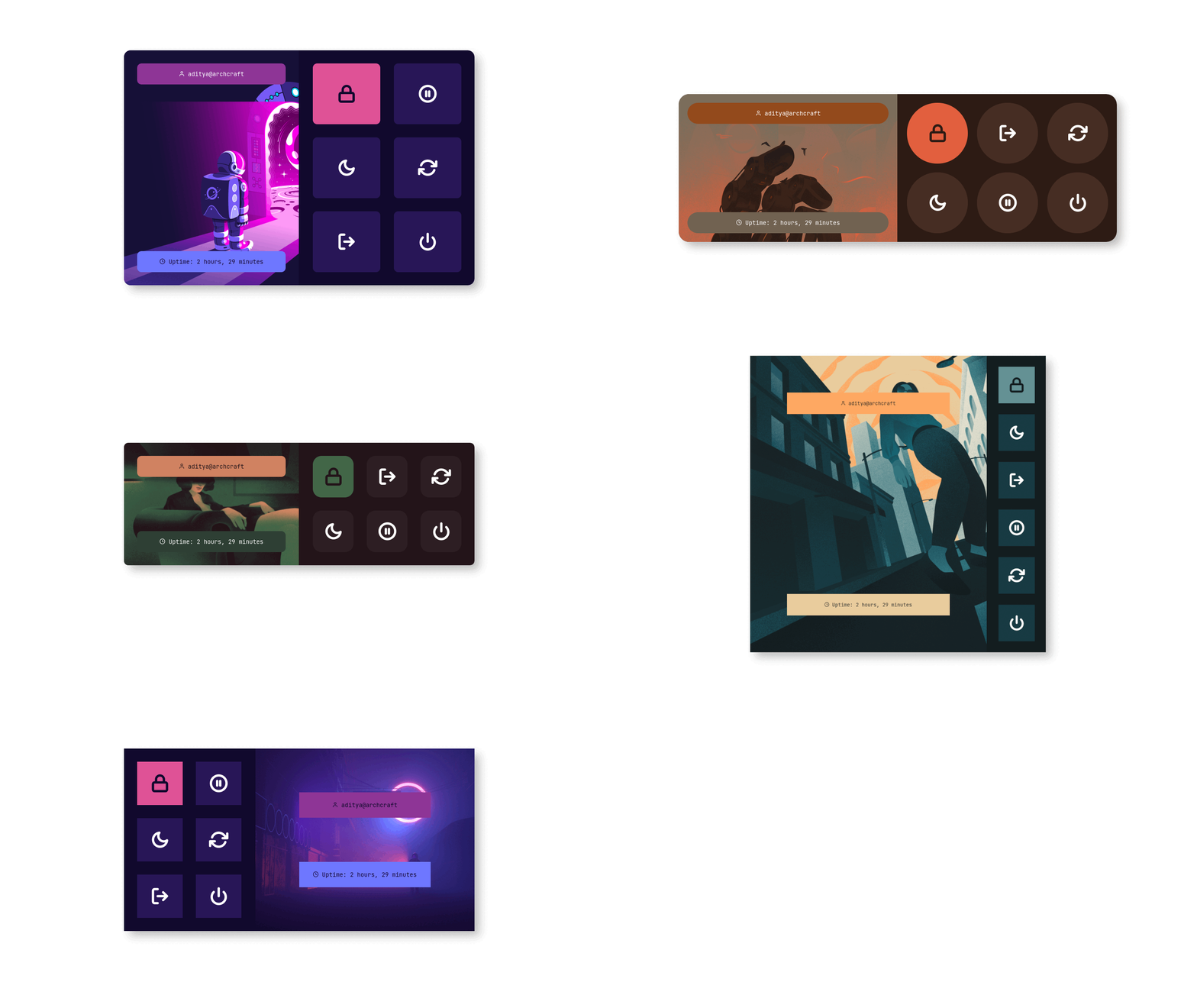
Powermenus
|Type 1|Type 2|Type 3|
|--|--|--|
|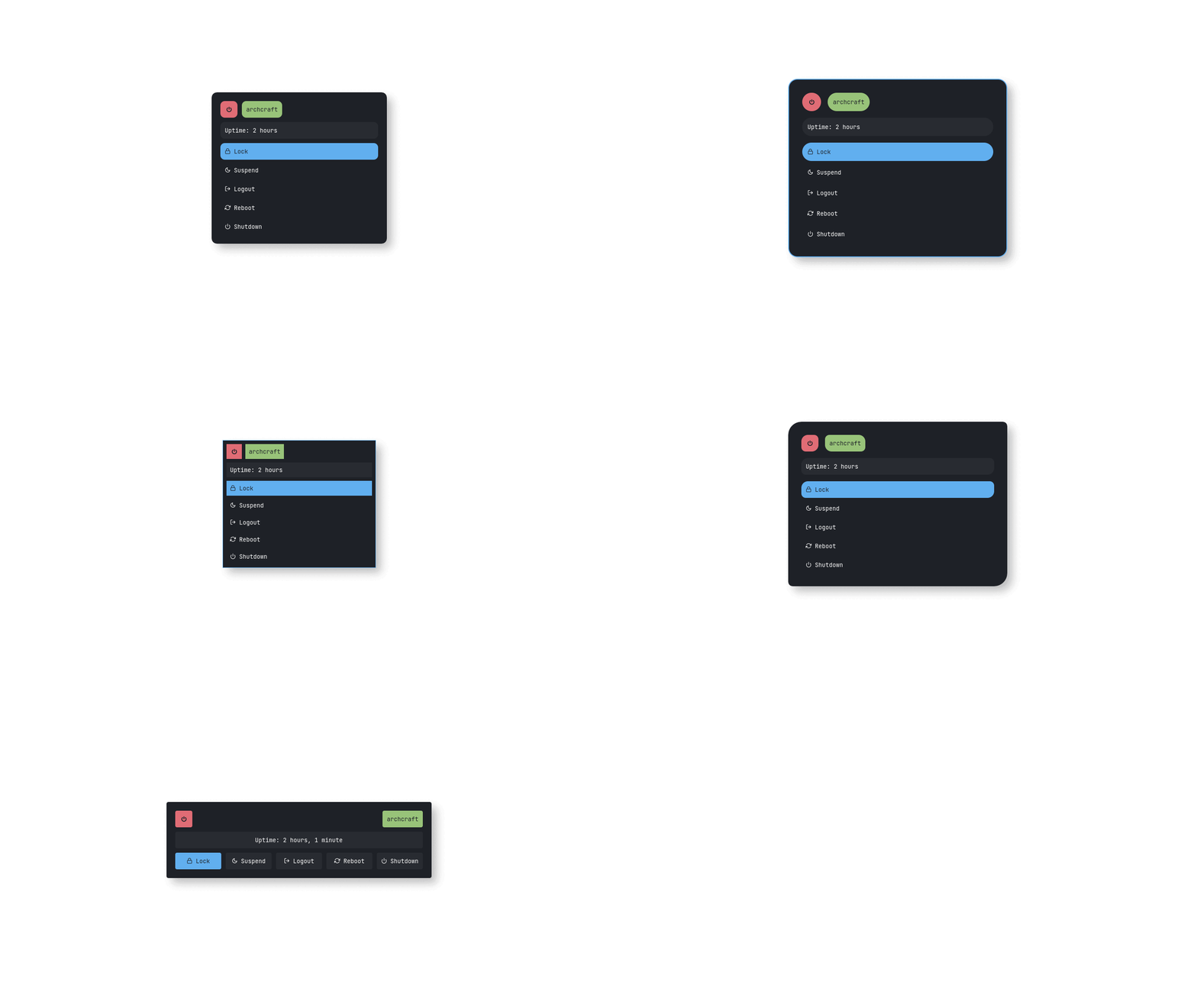|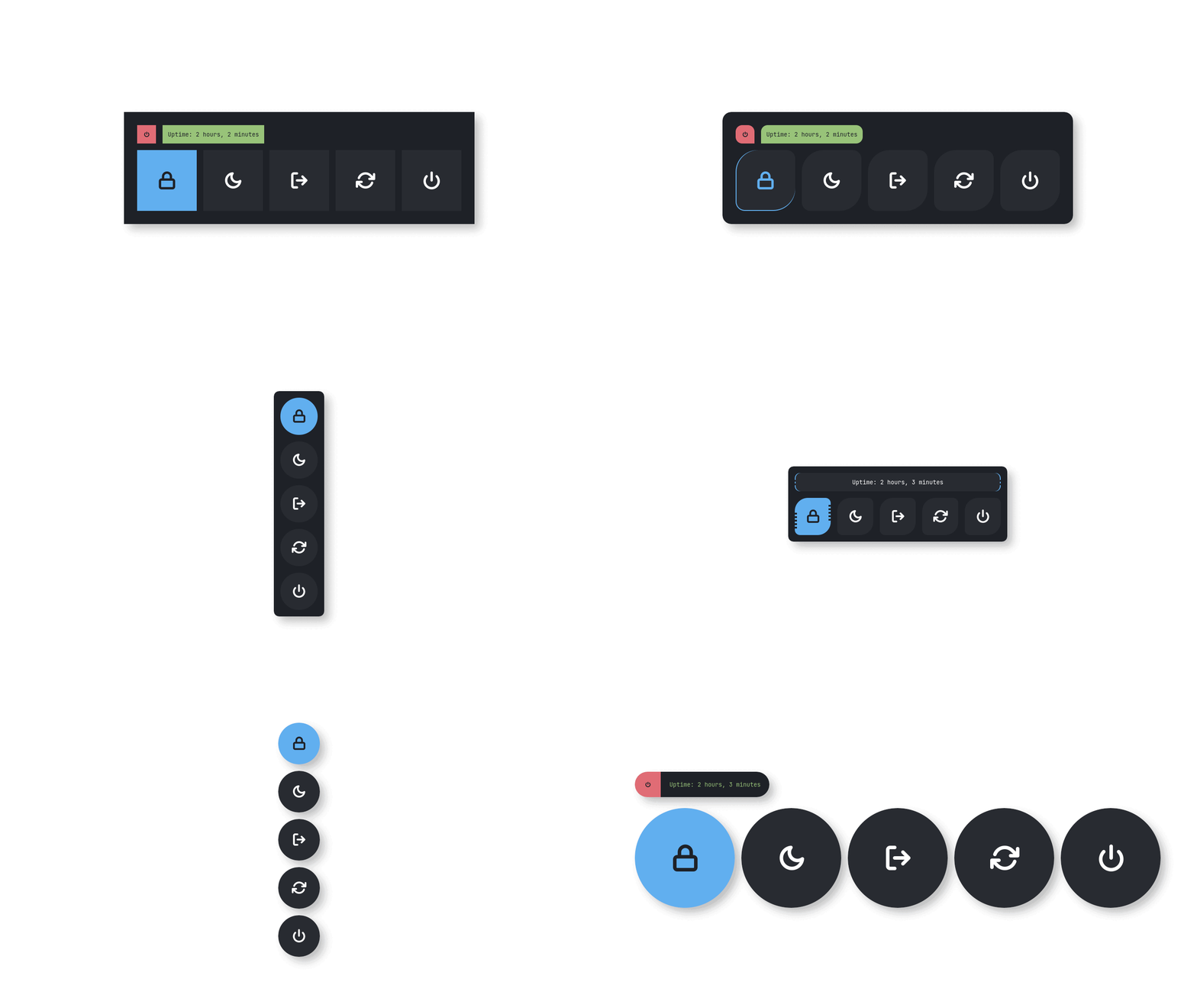|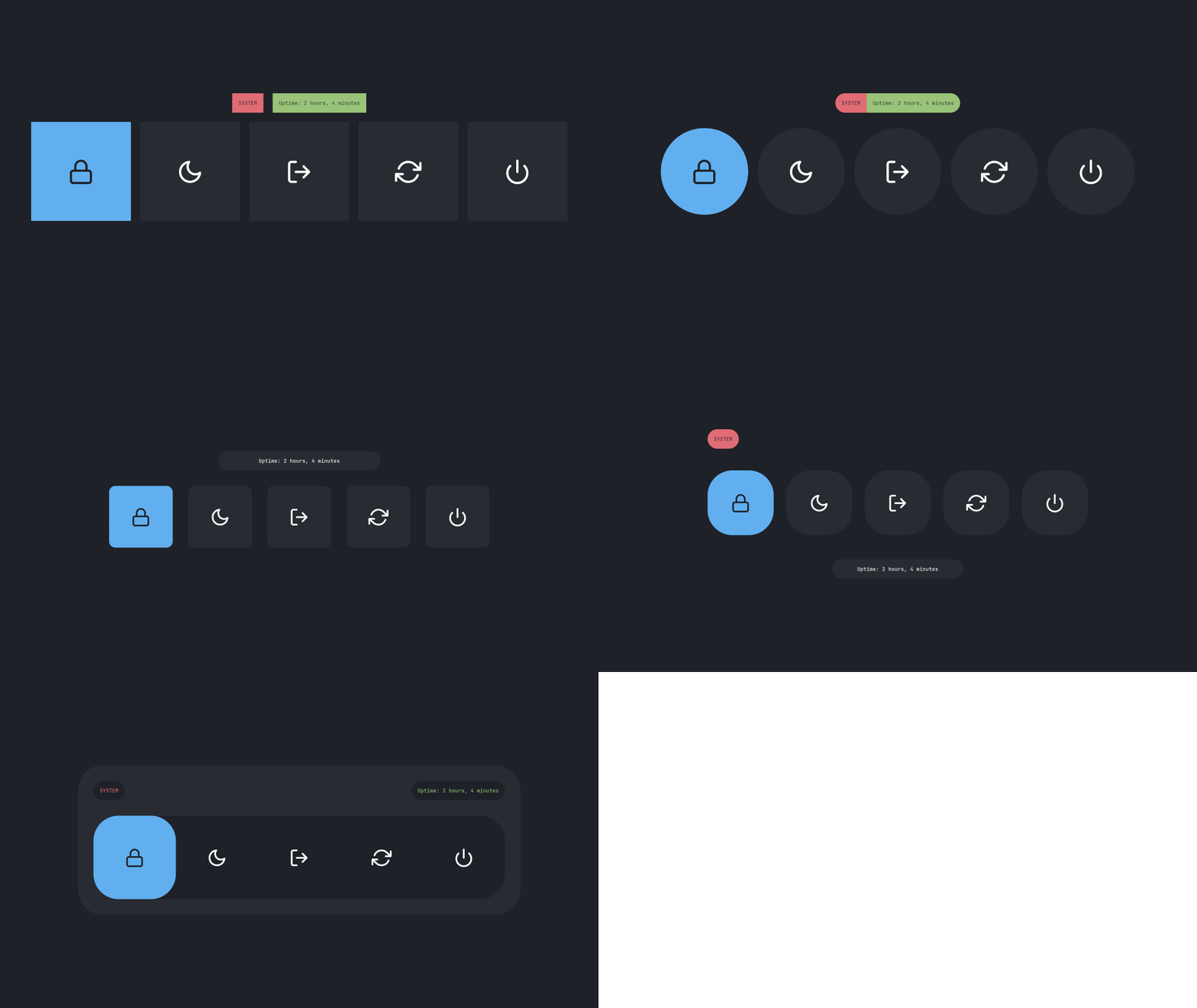|
|Type 4|Type 5|Type 6|
|--|--|--|
|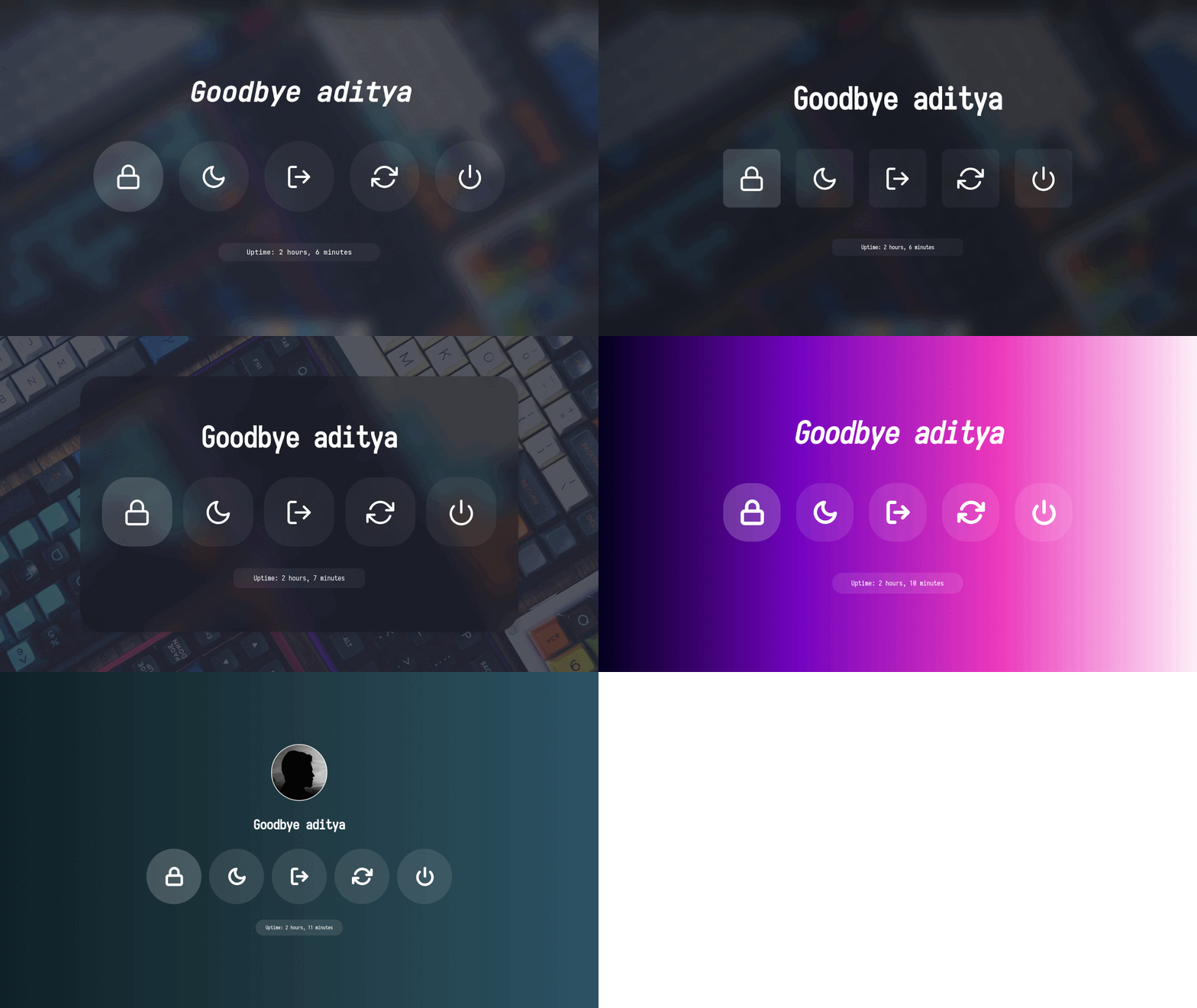|||
## What is Rofi?
[Rofi](https://github.com/davatorium/rofi) is A window switcher, Application launcher and dmenu replacement. Rofi started as a clone of simpleswitcher and It has been extended with extra features, like an application launcher and ssh-launcher, and can act as a drop-in dmenu replacement, making it a very versatile tool. Rofi, like dmenu, will provide the user with a textual list of options where one or more can be selected. This can either be running an application, selecting a window, or options provided by an external script.
## Installation
> **Everything here is created on rofi version : `1.7.4`**
* First, Make sure you have the same (stable) version of rofi installed.
- On Arch / Arch-based : **`sudo pacman -S rofi`**
- On Debian / Ubuntu : **`sudo apt-get install rofi`**
- On Fedora : **`sudo dnf install rofi`**
- Then, Clone this repository -
```
$ git clone --depth=1 https://github.com/adi1090x/rofi.git
```
- Change to cloned directory and make `setup.sh` executable -
```
$ cd rofi
$ chmod +x setup.sh
```
- Run `setup.sh` to install the configs -
```
$ ./setup.sh
[*] Installing fonts...
[*] Updating font cache...
[*] Creating a backup of your rofi configs...
[*] Installing rofi configs...
[*] Successfully Installed.
```
- That's it, These themes are now installed on your system.
> **Note** : These themes are like an ecosystem, everything here is connected with each other in some way. So... before modifying anything by your own, make sure you know what you doing.
## NixOS / Home Manager
This repository ships a [Home Manager](https://github.com/nix-community/home-manager) module that replaces `setup.sh` entirely. All theme files are installed declaratively, two commands (`rofi-launcher` and `rofi-powermenu` by default) are generated and added to your `PATH`, and every user-facing setting — color scheme, launcher style, power-menu actions, applet apps, quick links, and rofi's own config — is exposed as a typed Nix option.
### Flake setup
Add the flake as an input in your system or home-manager flake:
```nix
inputs = {
rofi-themes.url = "github:adi1090x/rofi";
# optional: keep rofi-themes on the same nixpkgs as the rest of your config
rofi-themes.inputs.nixpkgs.follows = "nixpkgs";
};
```
Then import the module and enable it for a user:
```nix
# inside home-manager.users. = { ... }; or a standalone HM config
imports = [ inputs.rofi-themes.homeManagerModules.default ];
programs.rofi-adi1090x.enable = true;
```
That's the minimum. Rofi, both generated command scripts, all theme files, and the bundled fonts are installed automatically.
---
### Full example
```nix
programs.rofi-adi1090x = {
enable = true;
# ── color scheme ────────────────────────────────────────────────────────
# One of: adapta arc black catppuccin cyberpunk dracula everforest
# gruvbox lovelace navy nord onedark paper solarized tokyonight yousai
colorScheme = "catppuccin";
# ── launcher ────────────────────────────────────────────────────────────
launcher = {
commandName = "app-launcher"; # command added to PATH
type = 4; # layout family 1–7
style = 7; # style variant 1–15
show = "drun"; # rofi -show mode: drun | run | window | filebrowser
};
# ── power menu ──────────────────────────────────────────────────────────
powermenu = {
commandName = "power-menu"; # command added to PATH
type = 2; # layout family 1–6
style = 3; # style variant 1–5
# set any action to null to remove it from the menu
lock = "swaylock -f";
suspend = "systemctl suspend";
hibernate = null; # hidden — not shown in the menu
logout = "loginctl kill-session \"$XDG_SESSION_ID\"";
reboot = "systemctl reboot";
shutdown = "systemctl poweroff";
};
# ── applets ─────────────────────────────────────────────────────────────
applets = {
type = 2; # layout family 1–5
style = 1; # style variant 1–3
# commands launched by the Apps applet
apps = {
terminal = "kitty";
fileManager = "nautilus";
textEditor = "code";
browser = "firefox";
music = "spotify";
settings = "gnome-control-center";
};
# entries shown in the Quick Links applet (max 6)
quickLinks = [
{ name = "GitHub"; url = "https://github.com/"; icon = ""; }
{ name = "YouTube"; url = "https://www.youtube.com/"; icon = ""; }
{ name = "NixOS"; url = "https://nixos.org/"; icon = ""; }
{ name = "Hacker News"; url = "https://news.ycombinator.com/"; icon = ""; }
];
};
# ── rofi global config ──────────────────────────────────────────────────
rofiConfig = {
modi = "drun,run,window,filebrowser";
font = "JetBrains Mono Nerd Font 12";
iconTheme = "Papirus";
showIcons = true;
terminal = "kitty";
# verbatim lines injected into configuration { } in config.rasi
extraConfig = ''
display-drun: "Apps";
drun-display-format: "{name}";
disable-history: false;
'';
};
# ── fonts & dependencies ────────────────────────────────────────────────
installFonts = true; # install bundled Nerd Fonts (default: true)
withOptionalDeps = true; # install acpi, light, mpd, maim, xclip, etc.
extraPackages = [ pkgs.alacritty ];
};
```
---
### Option reference
#### Top-level
| Option | Type | Default | Description |
|---|---|---|---|
| `enable` | bool | `false` | Master switch |
| `colorScheme` | enum | `"onedark"` | Color scheme for all applets — see [Color Schemes](#color-schemes) below |
| `installFonts` | bool | `true` | Install bundled TTF fonts into `~/.local/share/fonts/rofi-adi1090x` |
| `withOptionalDeps` | bool | `false` | Install applet runtime deps: acpi, light, mpd, mpc-cli, maim, xrandr, dunst, xclip, alsa-utils, pavucontrol, polkit |
| `extraPackages` | list | `[]` | Any additional packages to add alongside rofi |
#### `launcher.*`
| Option | Type | Default | Description |
|---|---|---|---|
| `commandName` | string | `"rofi-launcher"` | Name of the generated executable placed on `PATH` |
| `type` | 1–7 | `1` | Launcher layout family — see [Launchers](#launchers) |
| `style` | 1–15 | `1` | Style variant within the chosen type |
| `show` | string | `"drun"` | Rofi mode passed to `-show`: `drun`, `run`, `window`, `filebrowser` |
#### `powermenu.*`
| Option | Type | Default | Description |
|---|---|---|---|
| `commandName` | string | `"rofi-powermenu"` | Name of the generated executable placed on `PATH` |
| `type` | 1–6 | `1` | Power menu layout family — see [Powermenus](#powermenus) |
| `style` | 1–5 | `1` | Style variant within the chosen type |
| `lock` | string or null | `null` | Screen-lock command; `null` hides the entry from the menu |
| `suspend` | string or null | `"systemctl suspend"` | Suspend command; `null` hides the entry |
| `hibernate` | string or null | `null` | Hibernate command; `null` hides the entry |
| `logout` | string or null | `loginctl kill-session …` | Logout command; `null` hides the entry |
| `reboot` | string or null | `"systemctl reboot"` | Reboot command; `null` hides the entry |
| `shutdown` | string or null | `"systemctl poweroff"` | Power-off command; `null` hides the entry |
> All power menu actions show a confirmation dialog before executing.
#### `applets.*`
| Option | Type | Default | Description |
|---|---|---|---|
| `type` | 1–5 | `1` | Layout family for all applet scripts — see [Applets](#applets) |
| `style` | 1–3 | `1` | Style variant within the chosen type |
| `apps.terminal` | string | `"alacritty"` | Terminal emulator (Apps applet) |
| `apps.fileManager` | string | `"thunar"` | File manager (Apps applet) |
| `apps.textEditor` | string | `"geany"` | Text editor (Apps applet) |
| `apps.browser` | string | `"firefox"` | Web browser (Apps applet) |
| `apps.music` | string | `"alacritty -e ncmpcpp"` | Music player command (Apps applet) |
| `apps.settings` | string | `"xfce4-settings-manager"` | System settings app (Apps applet) |
| `quickLinks` | list of `{name, url, icon}` | 6 web links | Entries for the Quick Links applet (max 6 are used) |
Each `quickLinks` entry takes:
| Field | Type | Required | Description |
|---|---|---|---|
| `name` | string | ✓ | Label displayed in the rofi menu |
| `url` | string | ✓ | URL opened with `xdg-open` when selected |
| `icon` | string | — | Optional Nerd-Font icon character prepended to the label |
#### `rofiConfig.*`
| Option | Type | Default | Description |
|---|---|---|---|
| `modi` | string | `"drun,run,filebrowser,window"` | Comma-separated list of enabled rofi modes |
| `terminal` | string | `"rofi-sensible-terminal"` | Terminal used by rofi for run-in-terminal |
| `font` | string | `"Mono 12"` | Font string passed to rofi |
| `iconTheme` | string | `"Papirus"` | Icon theme name |
| `showIcons` | bool | `true` | Show application icons next to entries |
| `extraConfig` | lines | `""` | Verbatim lines injected into `configuration { }` in `config.rasi` |
---
### What the module manages
| Path | How it is created |
|---|---|
| `~/.config/rofi/config.rasi` | Generated from `rofiConfig.*` options |
| `~/.config/rofi/applets/shared/theme.bash` | Generated from `applets.type` / `applets.style` |
| `~/.config/rofi/applets/shared/colors.rasi` | Generated from `colorScheme` |
| `~/.config/rofi/applets/bin/apps.sh` | Generated from `applets.apps.*` |
| `~/.config/rofi/applets/bin/quicklinks.sh` | Generated from `applets.quickLinks` |
| `~/.config/rofi/applets/bin/*.sh` (all others) | Symlinked read-only from the Nix store |
| `~/.config/rofi/{colors,launchers,powermenu,scripts,images}` | Symlinked read-only from the Nix store |
| `~/.local/share/fonts/rofi-adi1090x/` | Symlinked (when `installFonts = true`) |
> Generated files are updated automatically on `home-manager switch`. Because the theme directories are read-only Nix store symlinks, editing `.rasi` files directly is not supported — use the options above, or add `xdg.configFile` overrides in your home config for one-off changes.
---

Special thanks to all the Sponsors. Maintenance of this project is made possible by you guys. If you'd like to sponsor this project and have your avatar appear below, click here 💖


---
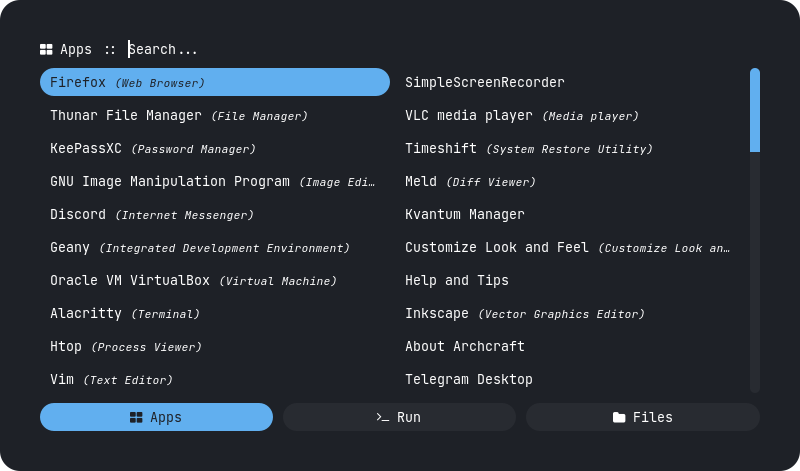
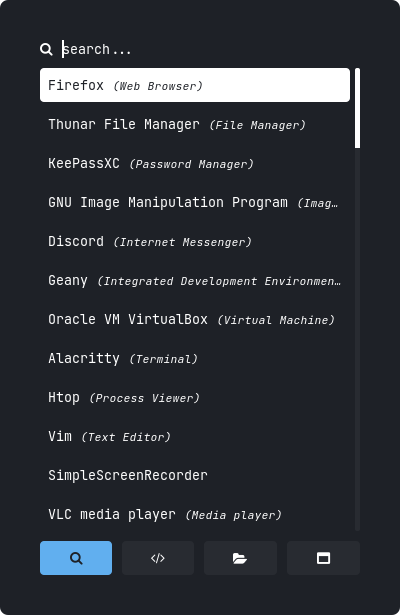
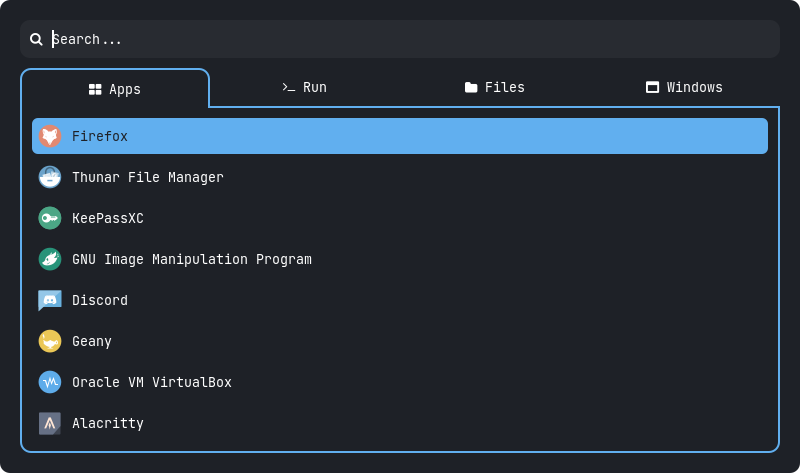
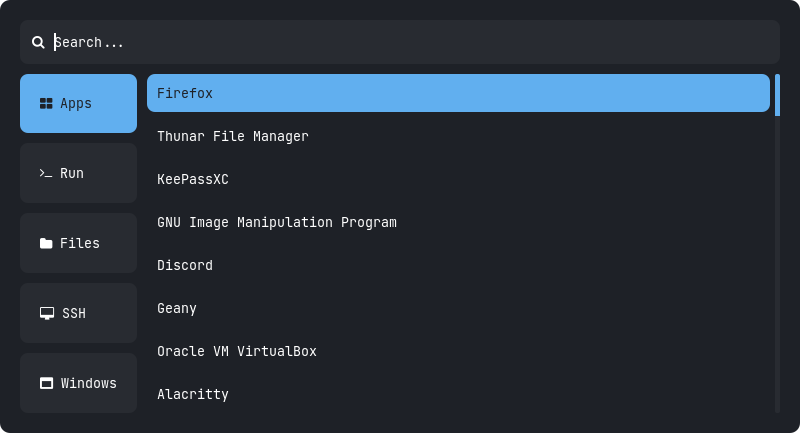
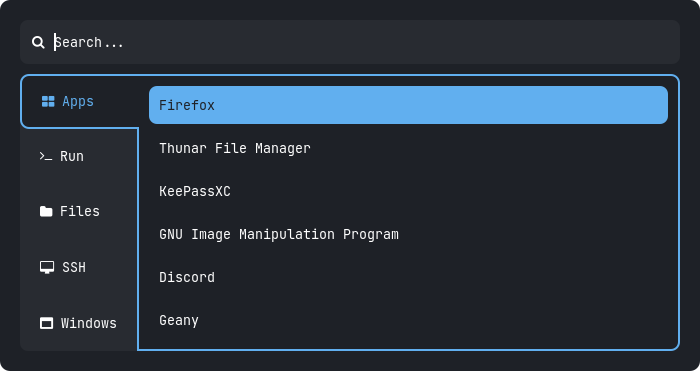
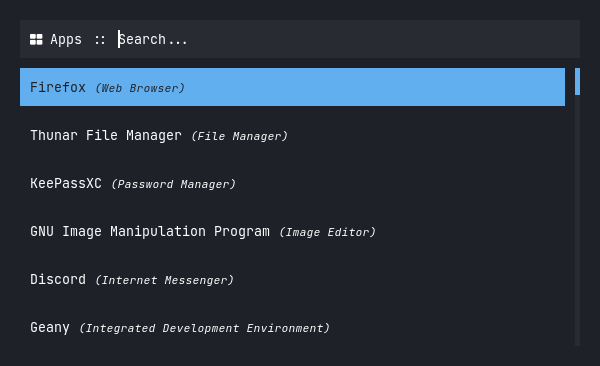
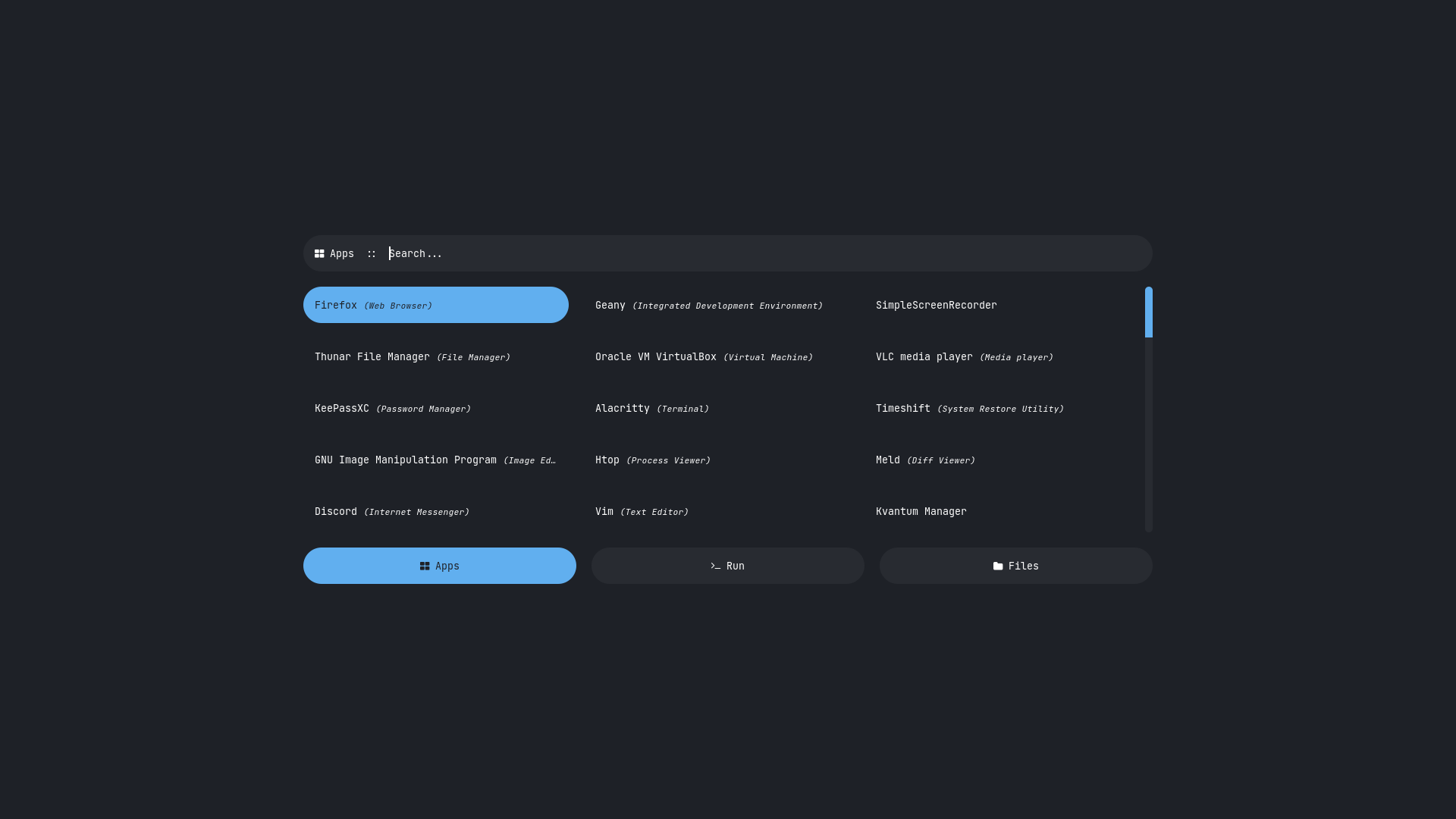
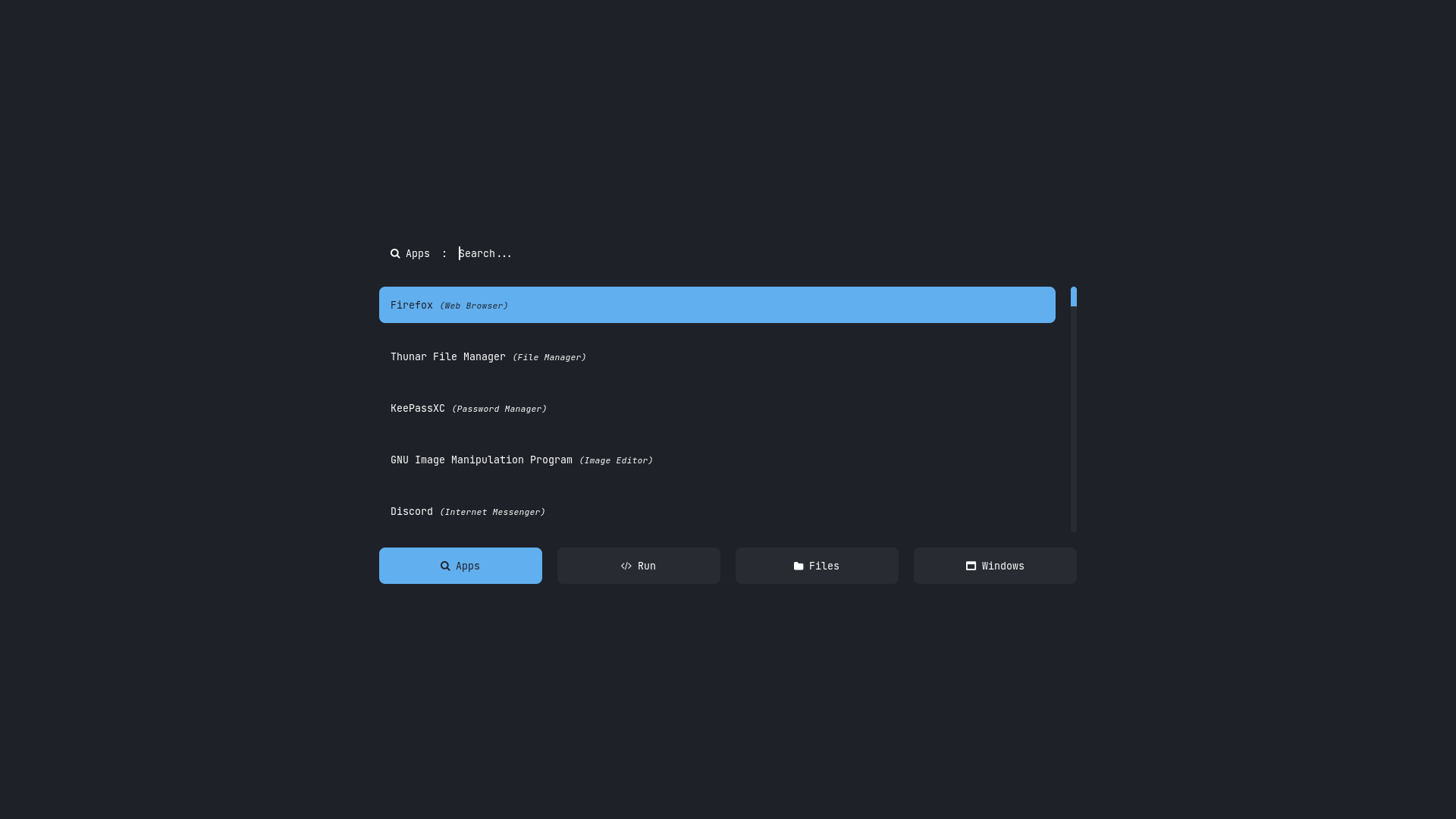
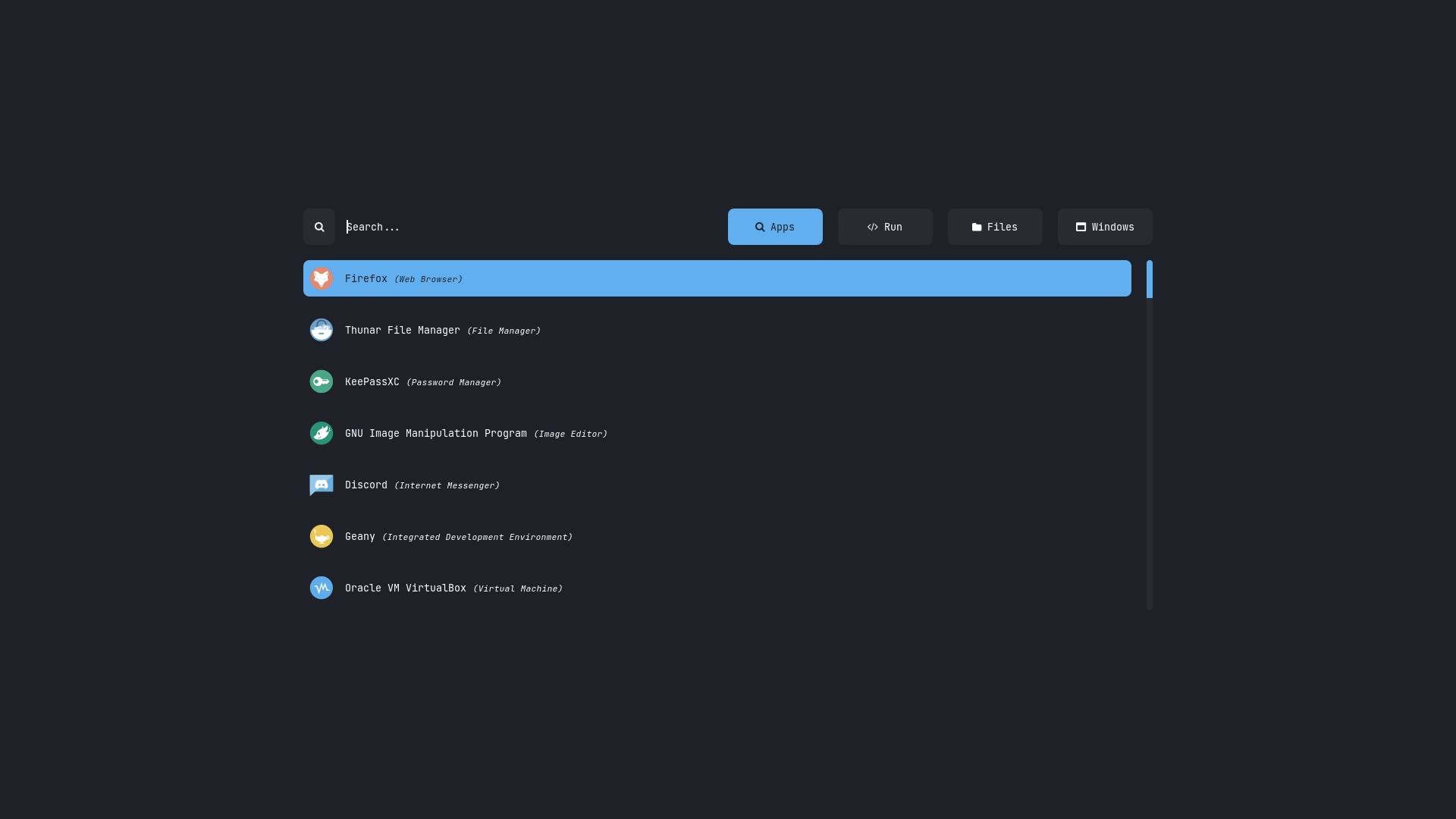
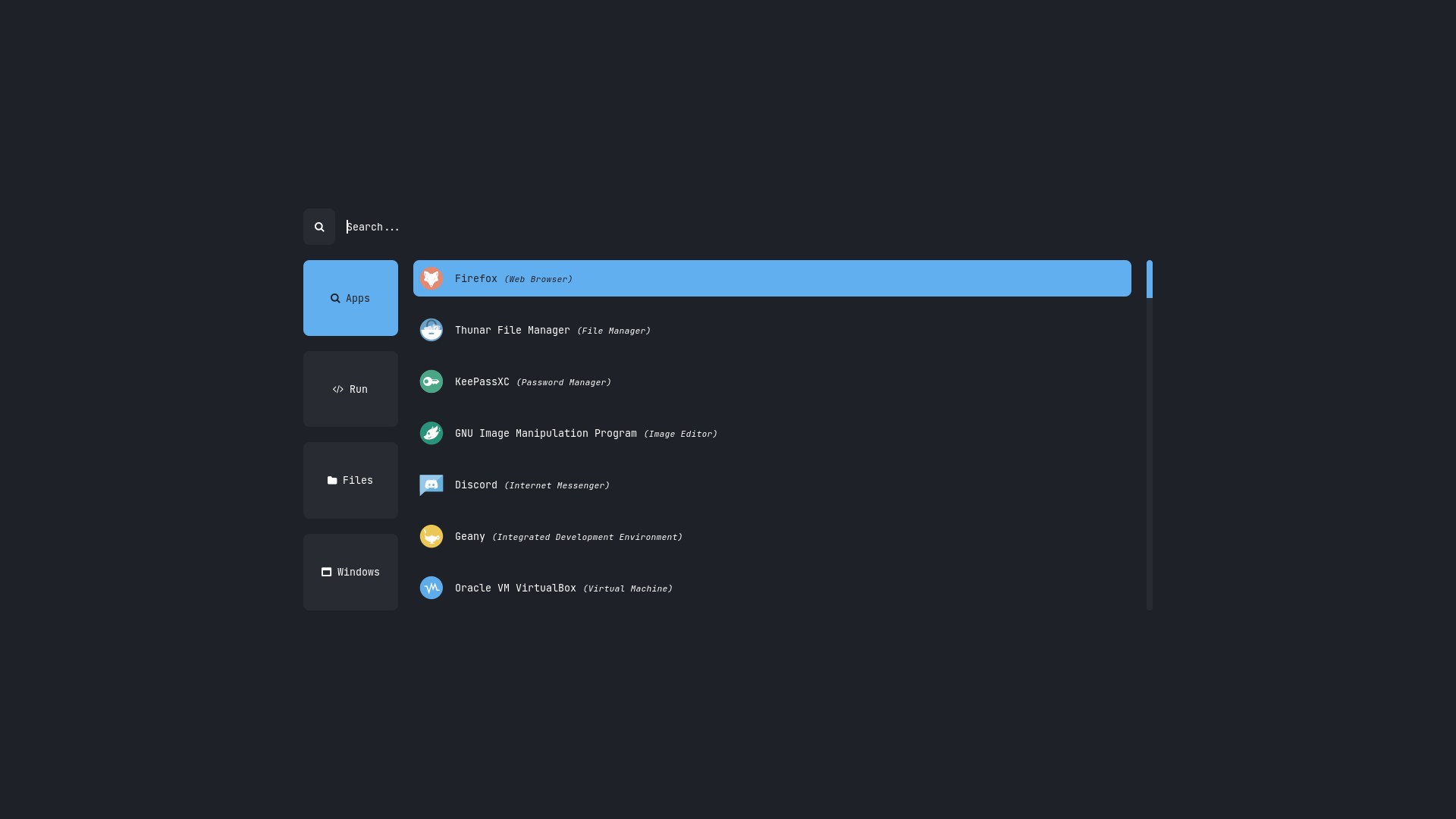
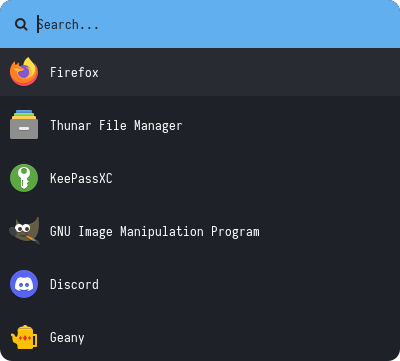
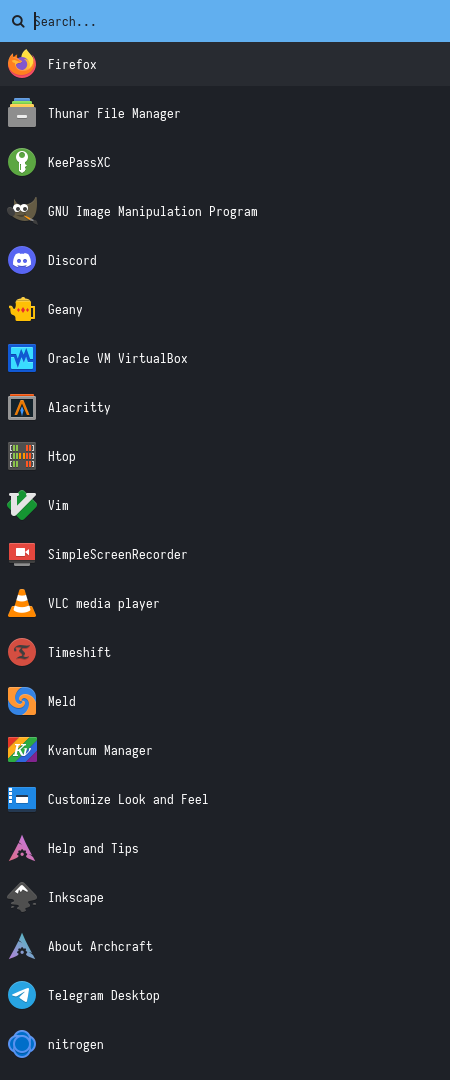
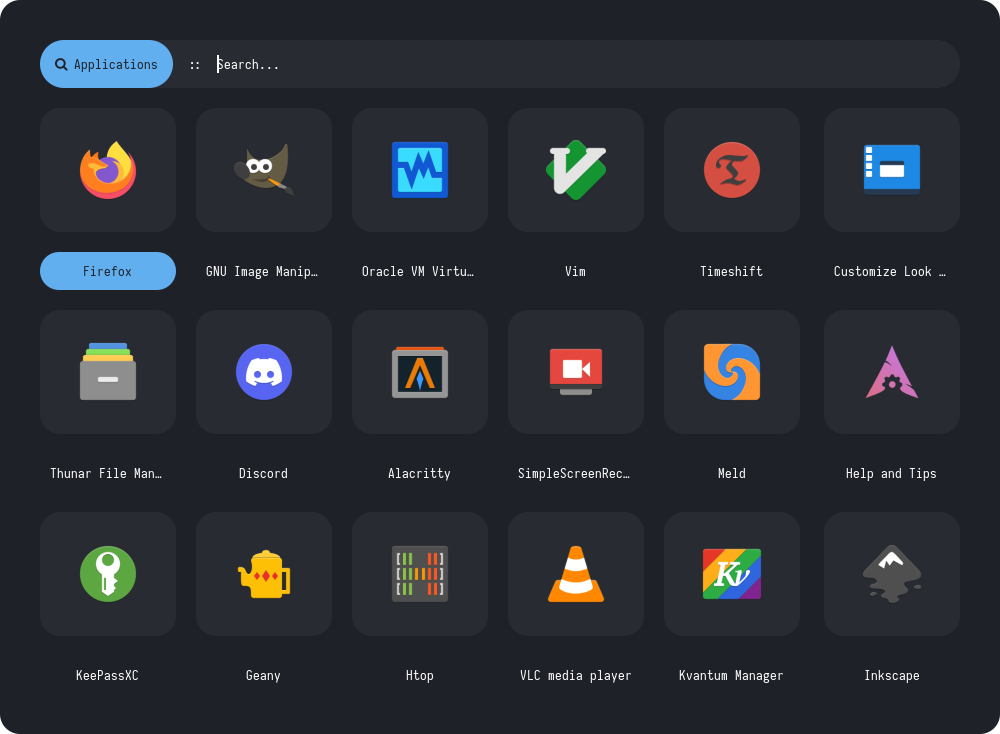
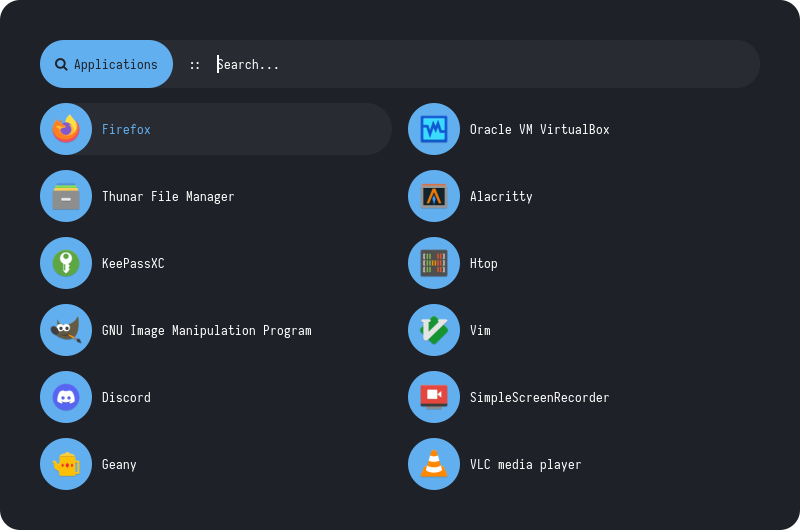
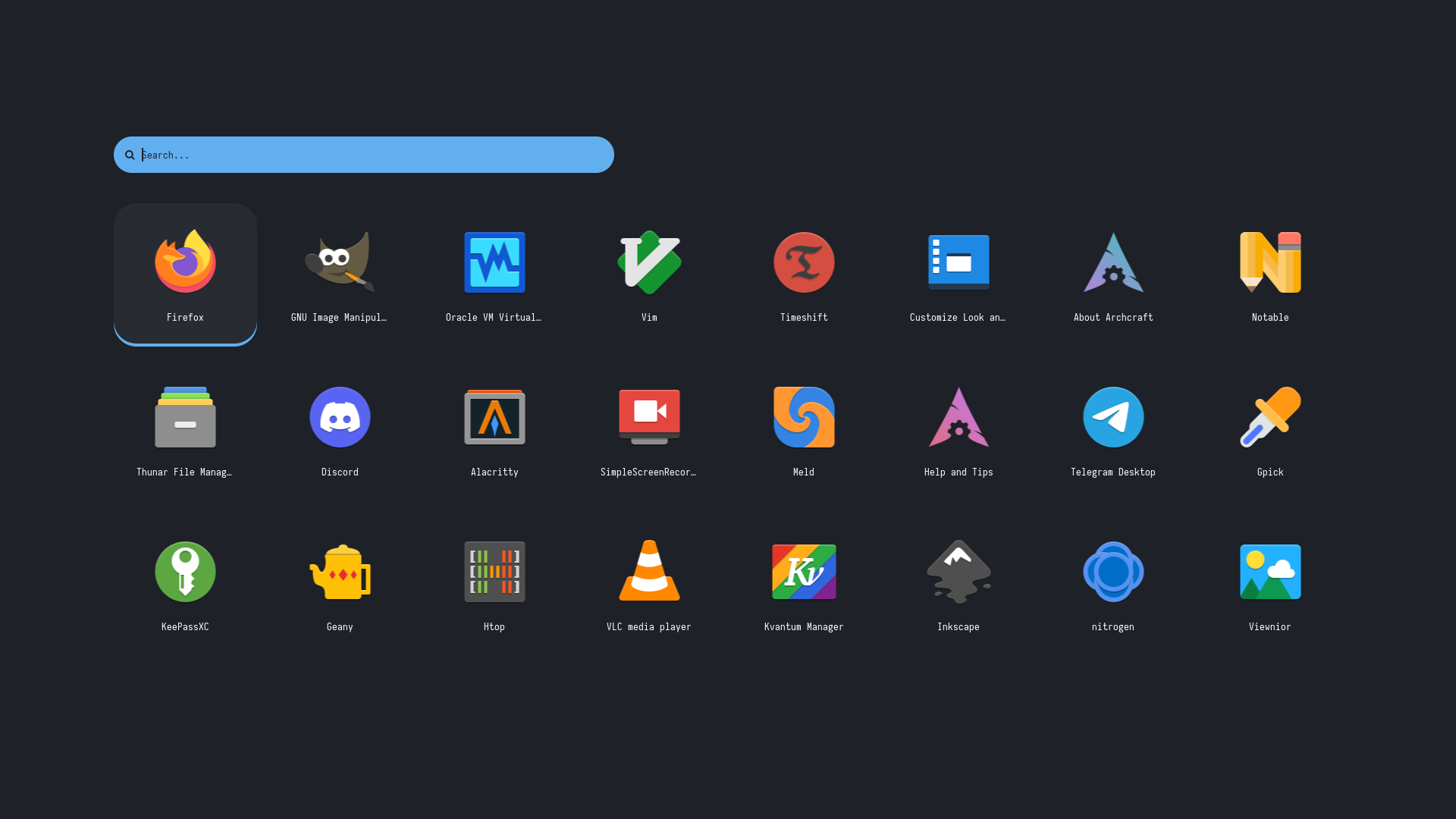
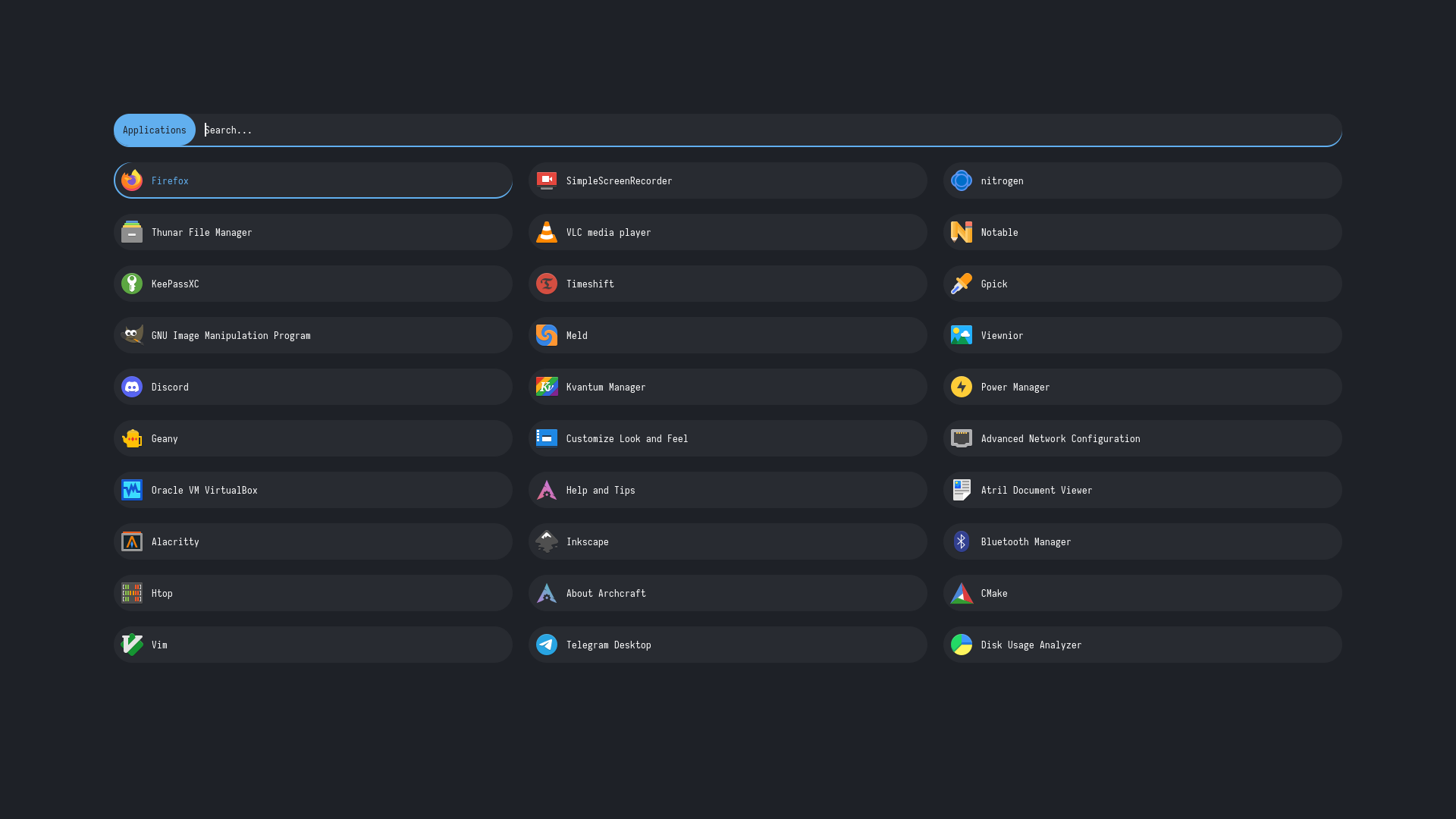
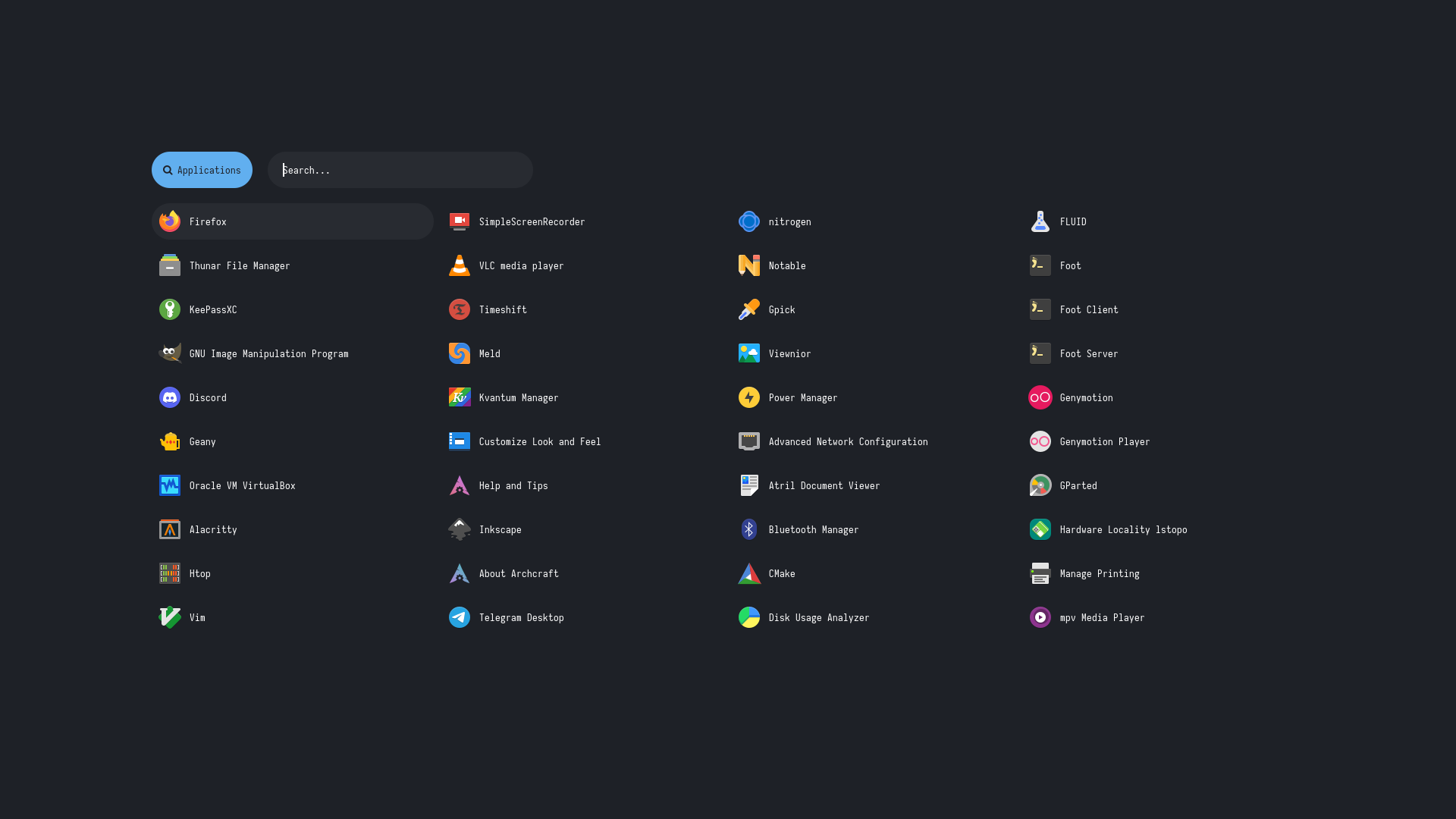
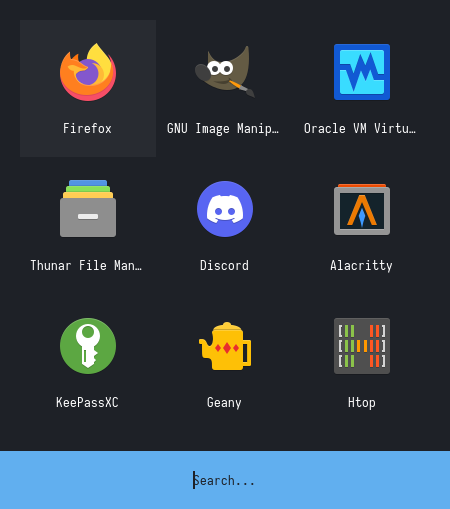
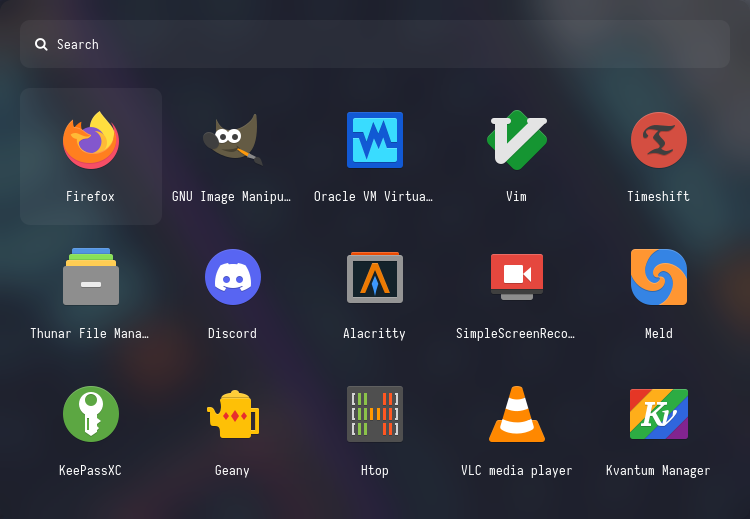
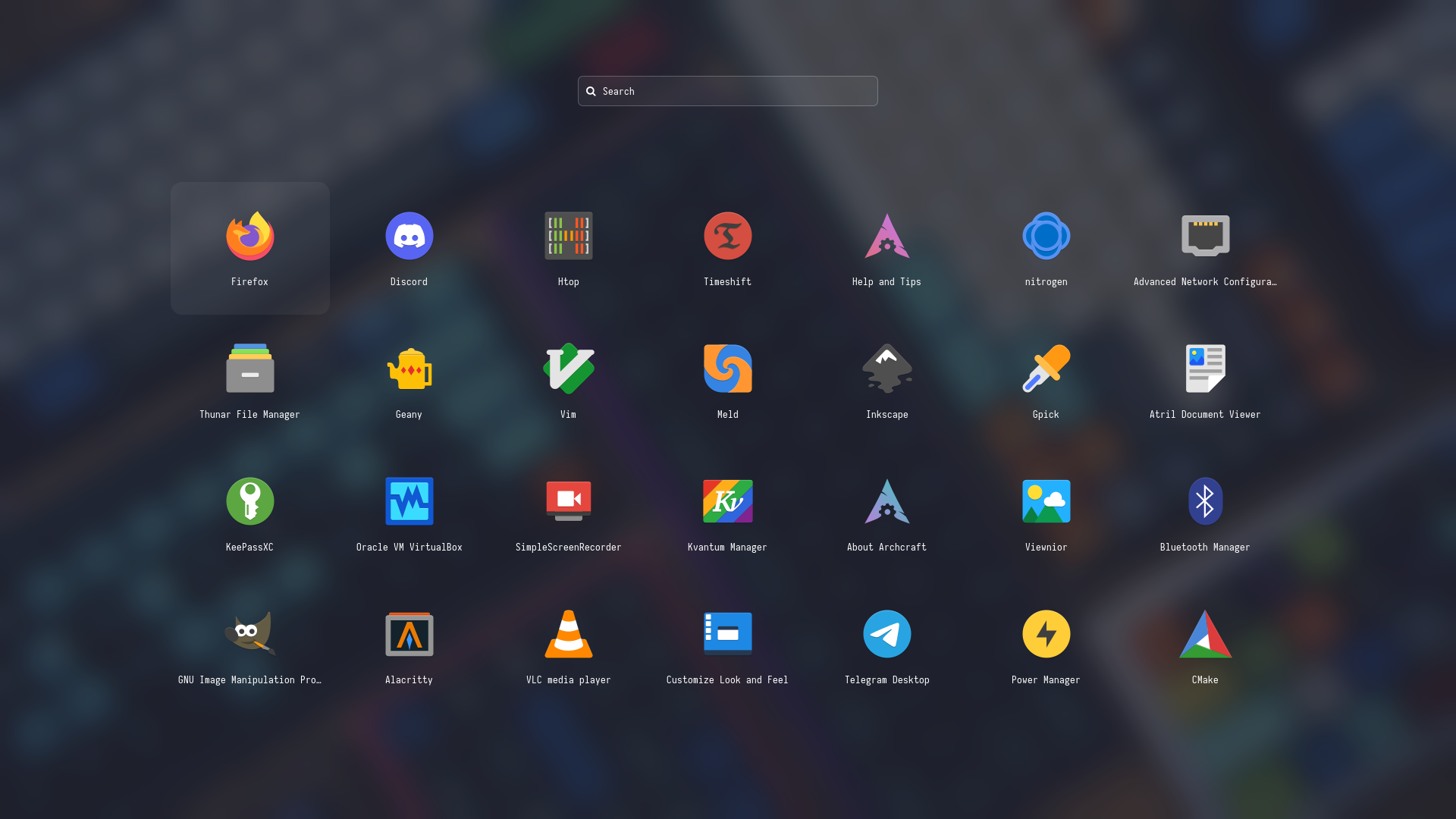
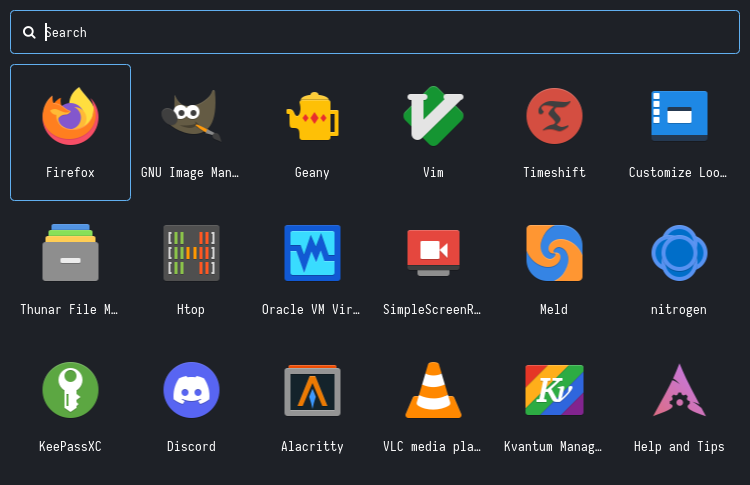
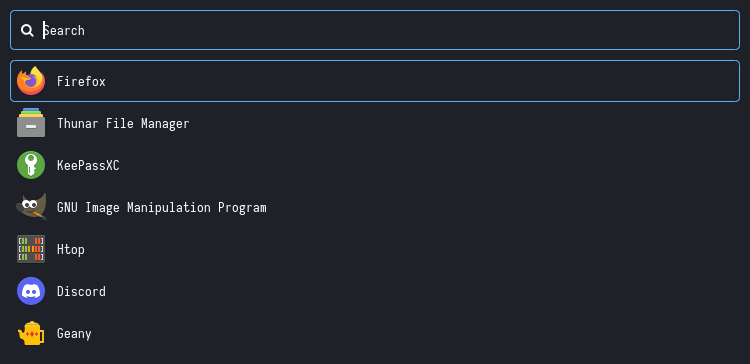
## Launchers
**`Change Style` :** Edit `~/.config/rofi/launchers/type-X/launcher.sh` script and edit the following line to use the style you like.
```
theme='style-1'
```
**`Change Colors` :** Edit `~/.config/rofi/launchers/type-X/shared/colors.rasi` file and edit the following line to use the color-scheme you like.
```css
@import "~/.config/rofi/colors/onedark.rasi"
```
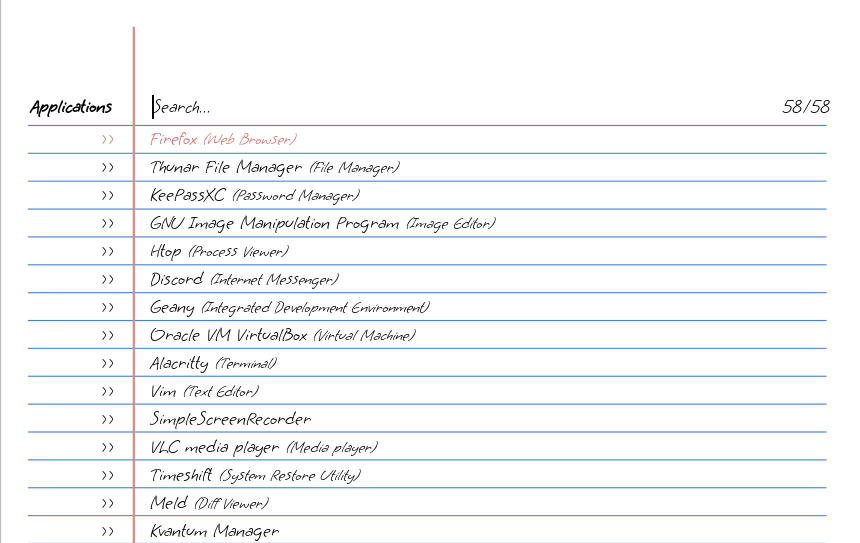
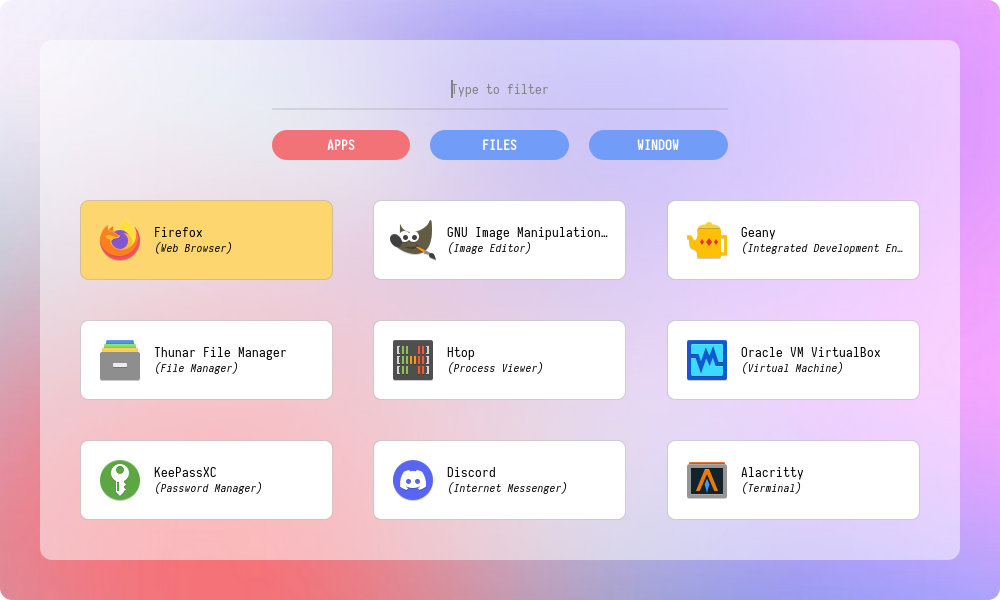
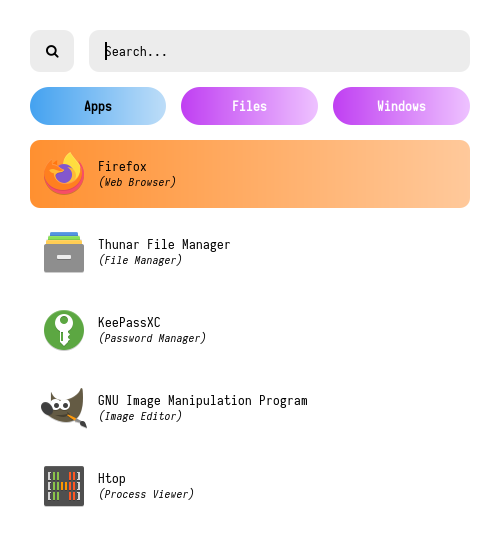
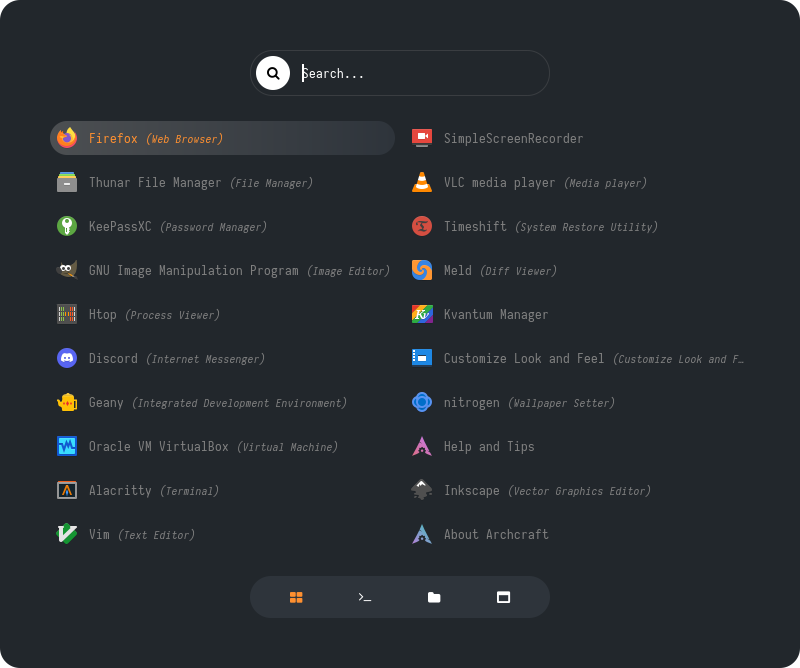
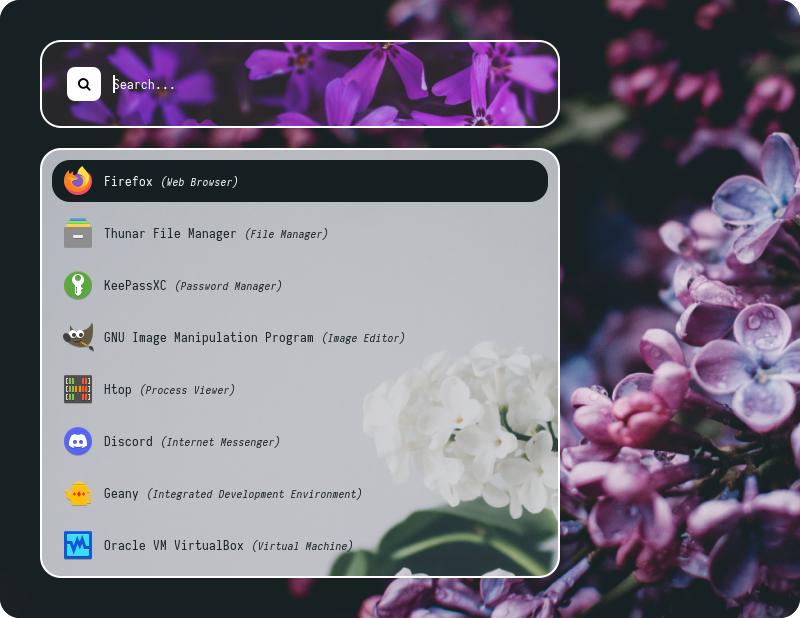
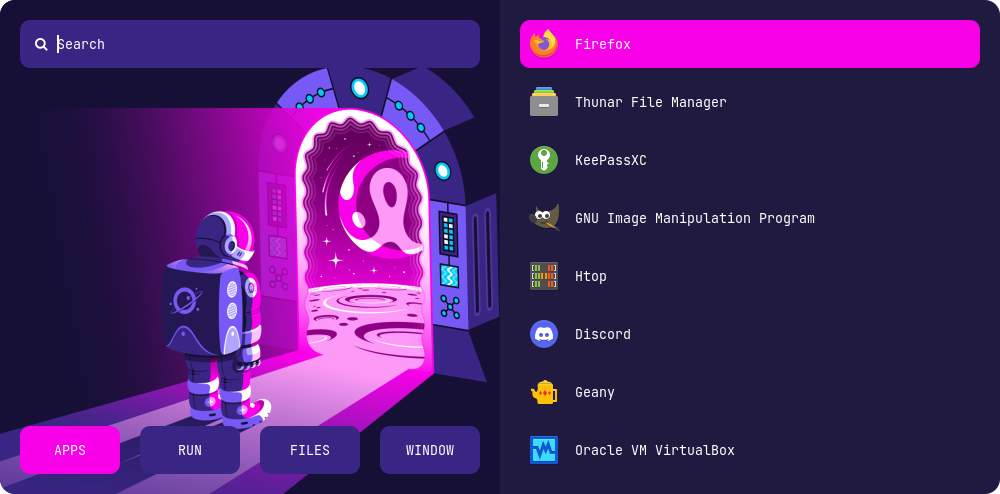
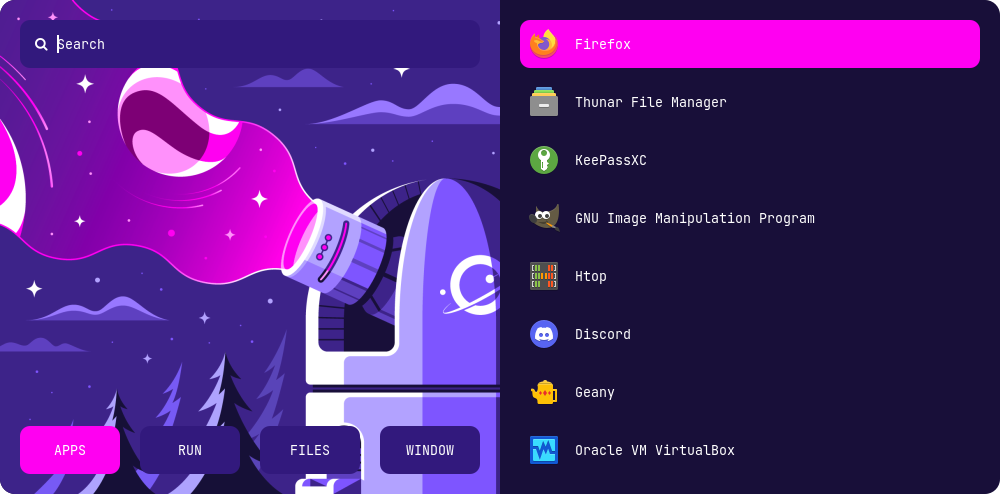
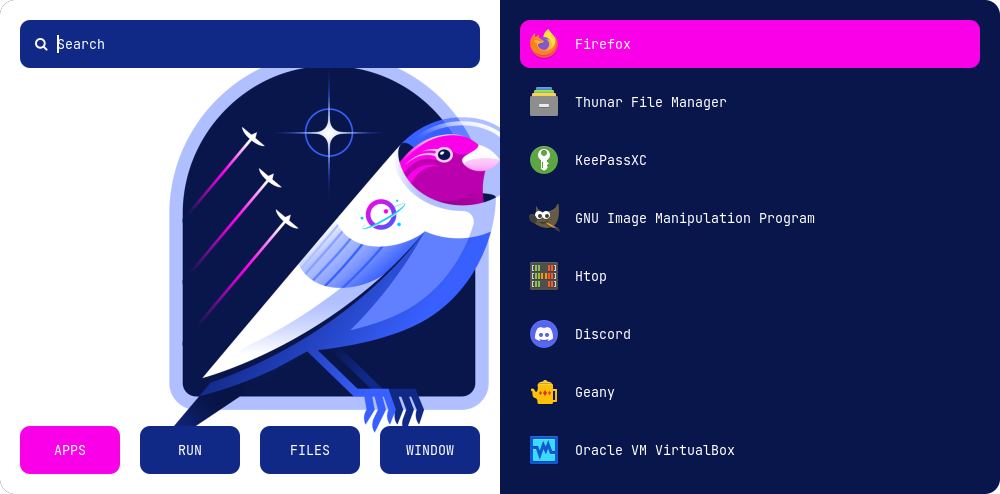
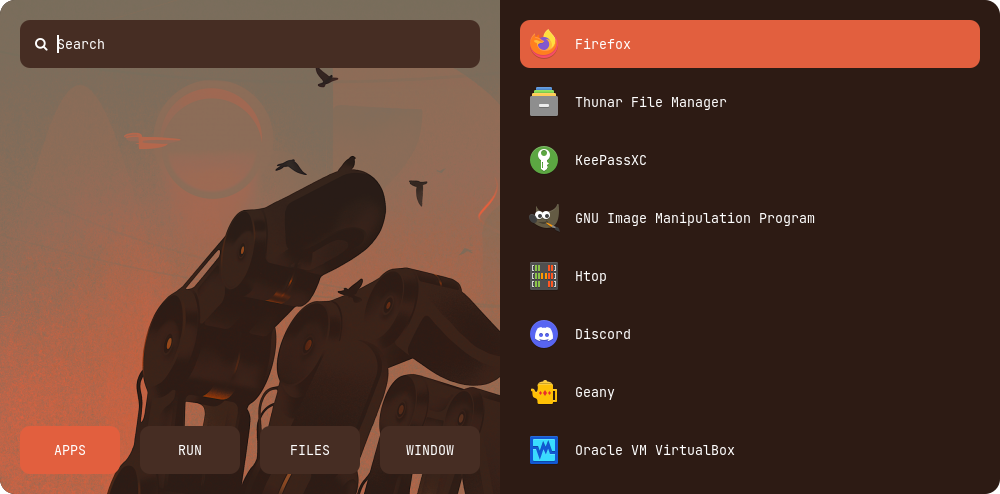
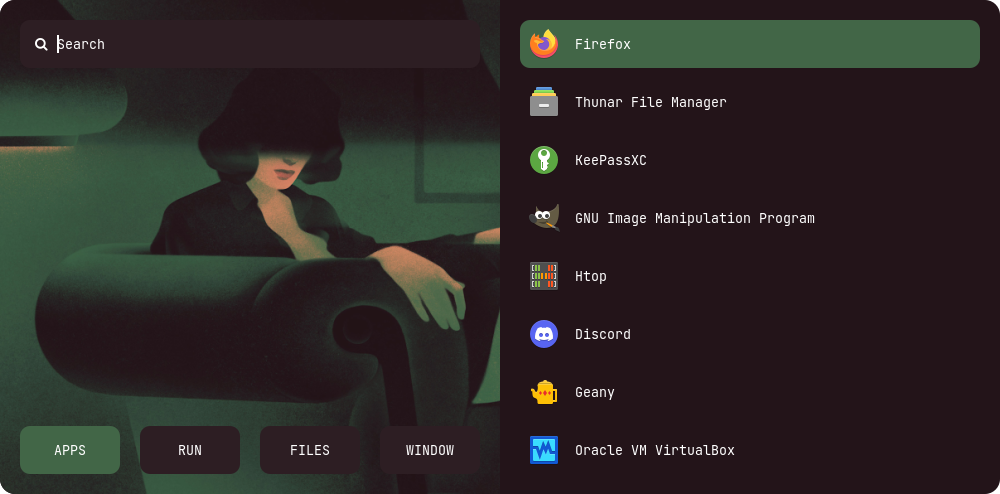
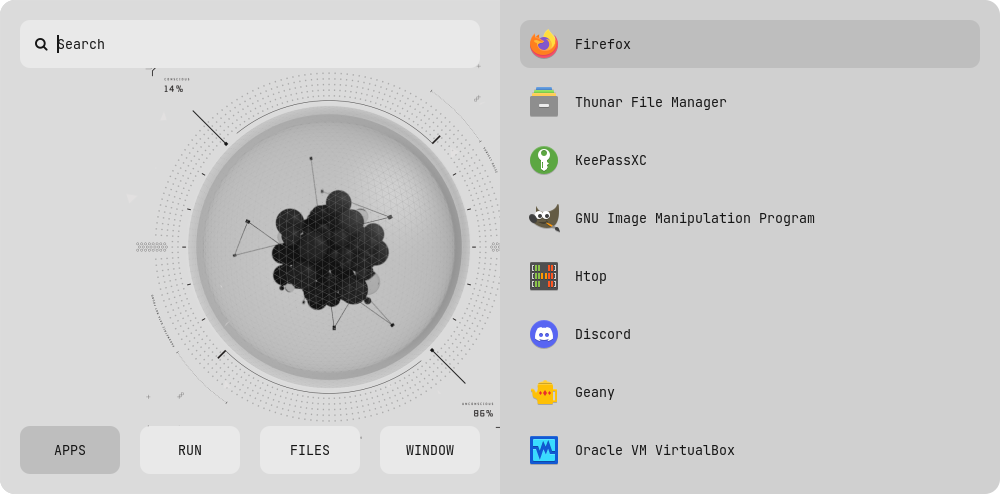
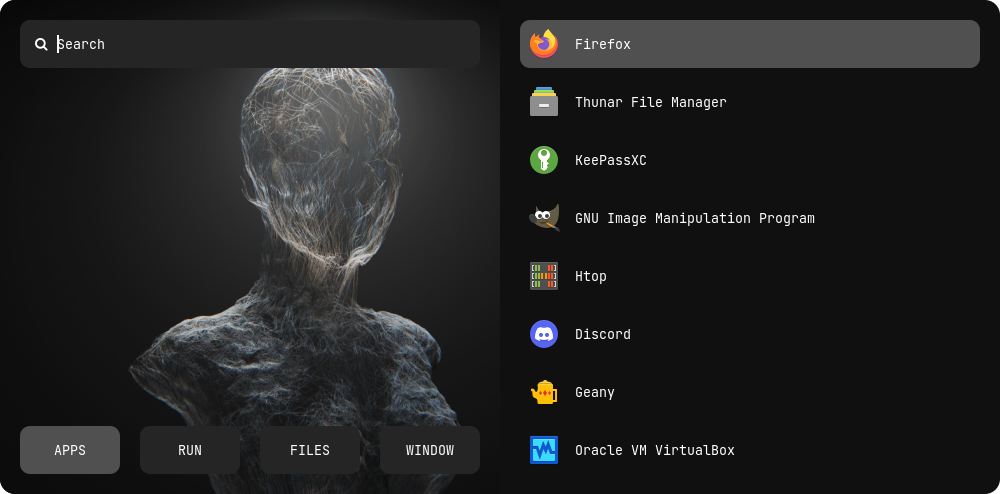
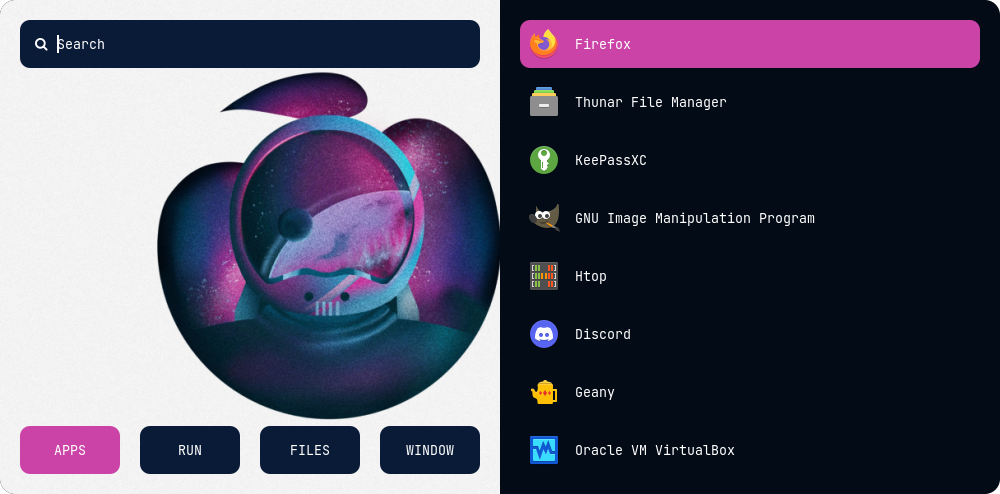
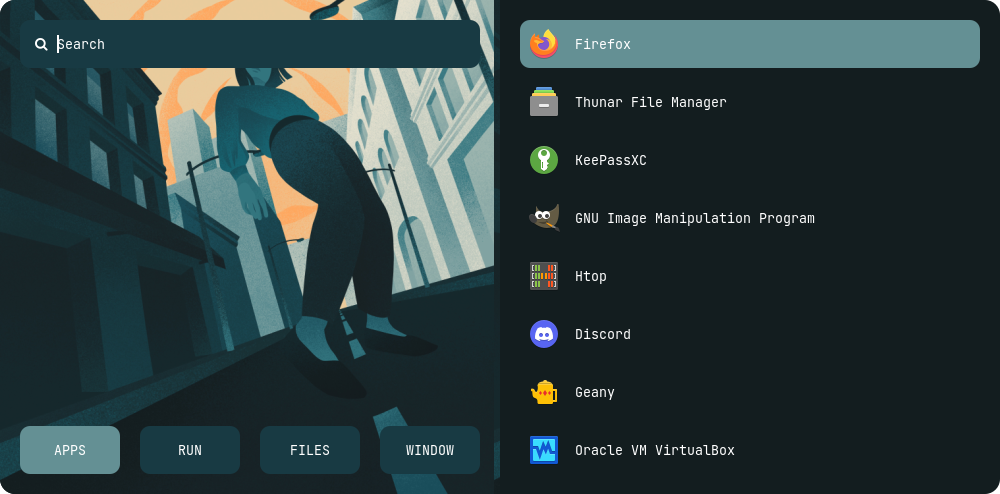
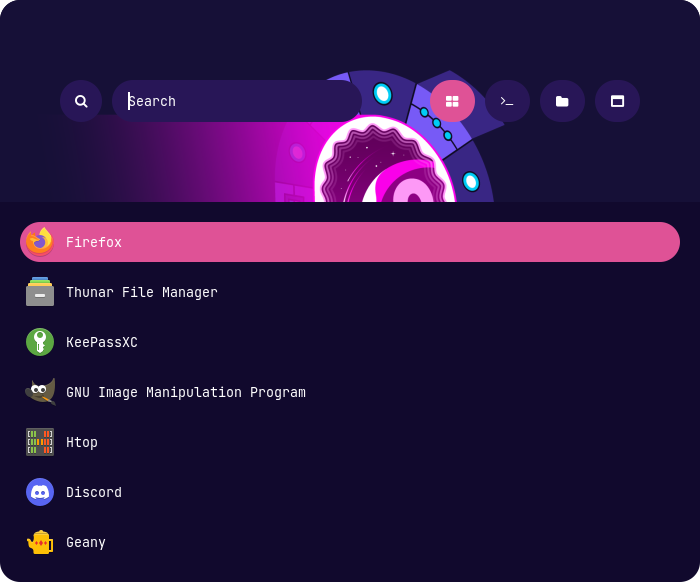
> Colors in `type-5`, `type-6` and `type-7` are hard-coded (based on image colors) and can be changed by editing the respective **`style-X.rasi`** file.
#### Previews
Type 1
|Style 1|Style 2|Style 3|Style 4|Style 5|
|--|--|--|--|--|
|||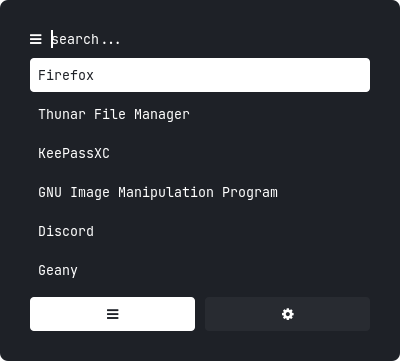|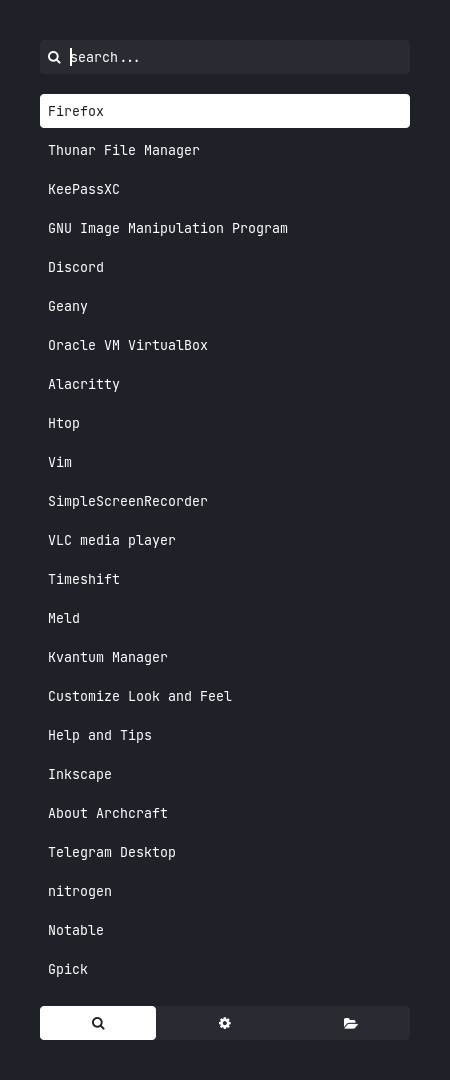|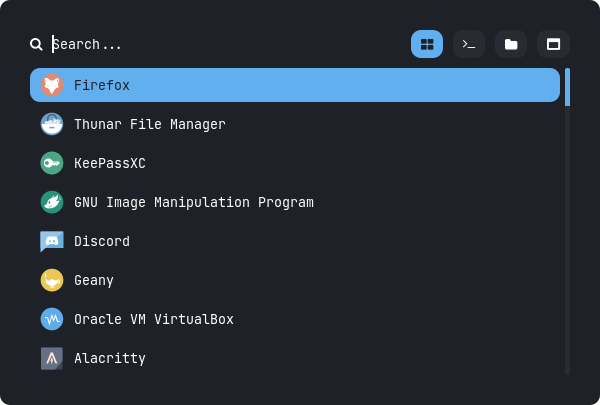|
|Style 6|Style 7|Style 8|Style 9|Style 10|
|--|--|--|--|--|
|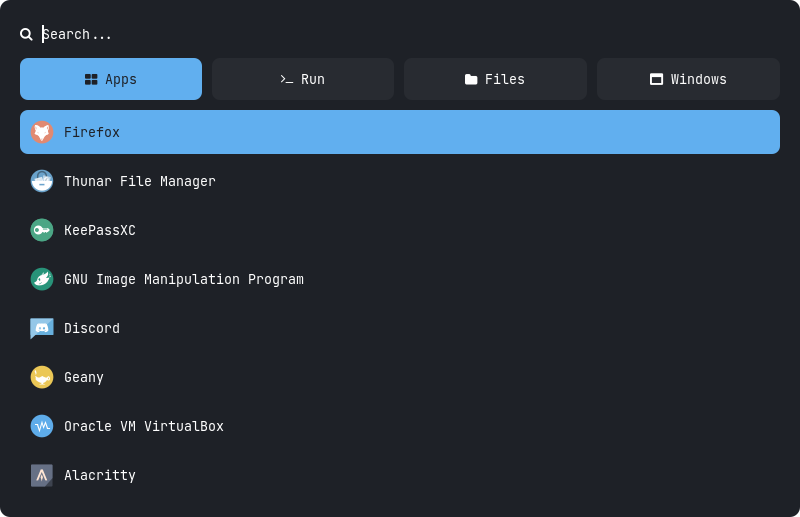|||||
|Style 11|Style 12|Style 13|Style 14|Style 15|
|--|--|--|--|--|
||||||
Type 2
|Style 1|Style 2|Style 3|Style 4|Style 5|
|--|--|--|--|--|
||||||
|Style 6|Style 7|Style 8|Style 9|Style 10|
|--|--|--|--|--|
||||||
|Style 11|Style 12|Style 13|Style 14|Style 15|
|--|--|--|--|--|
||||||
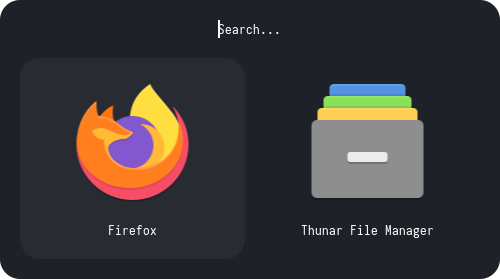
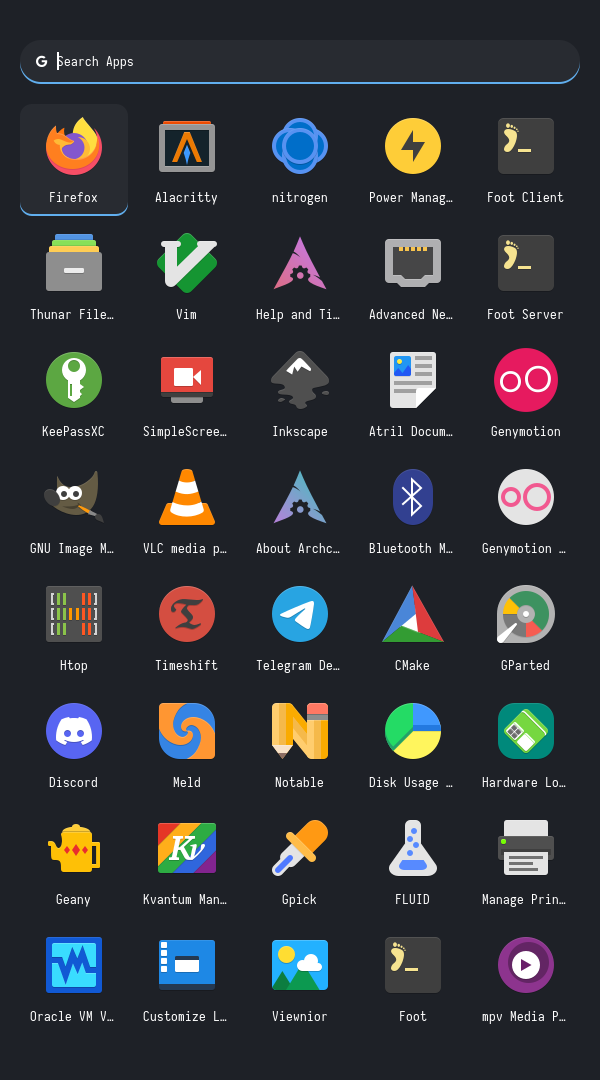
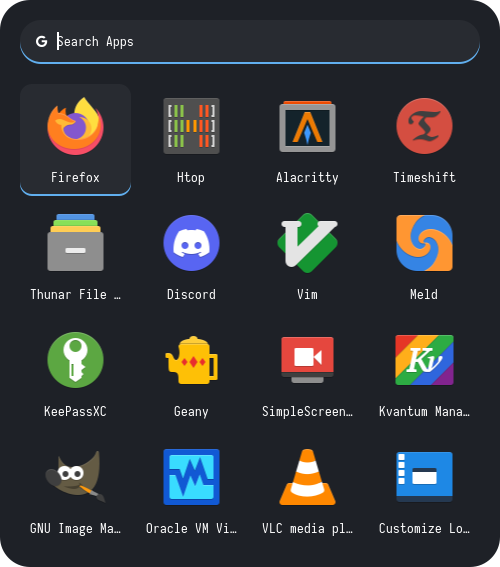
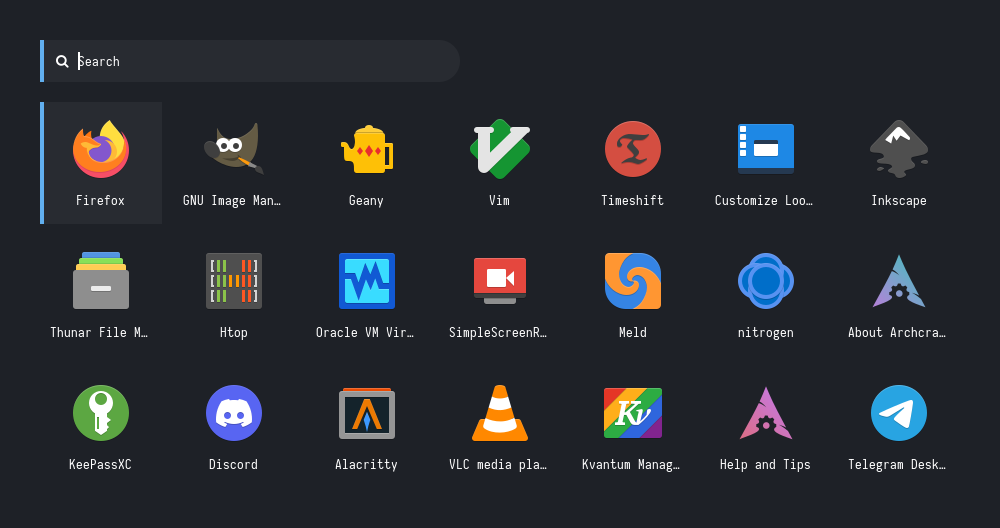
Type 3
|Style 1|Style 2|Style 3|Style 4|Style 5|
|--|--|--|--|--|
||||||
|Style 6|Style 7|Style 8|Style 9|Style 10|
|--|--|--|--|--|
||||||
Type 4
|Style 1|Style 2|Style 3|Style 4|Style 5|
|--|--|--|--|--|
|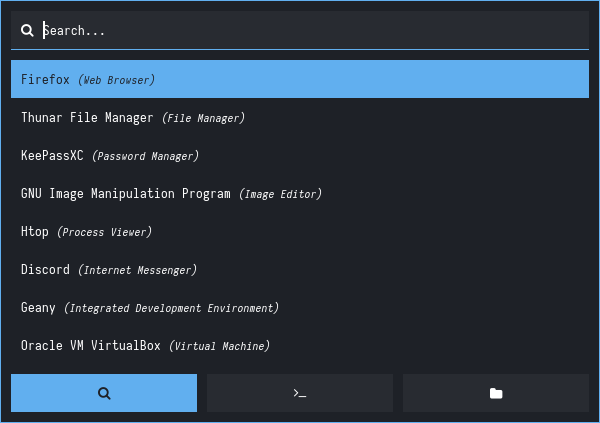||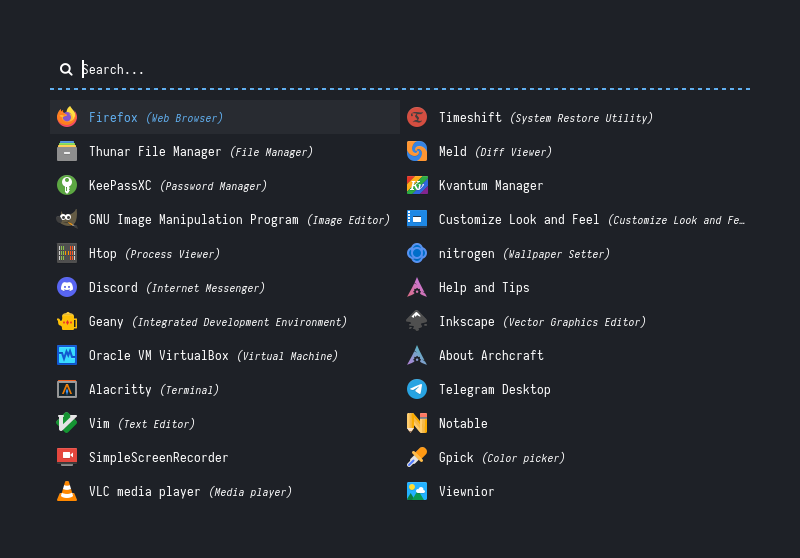|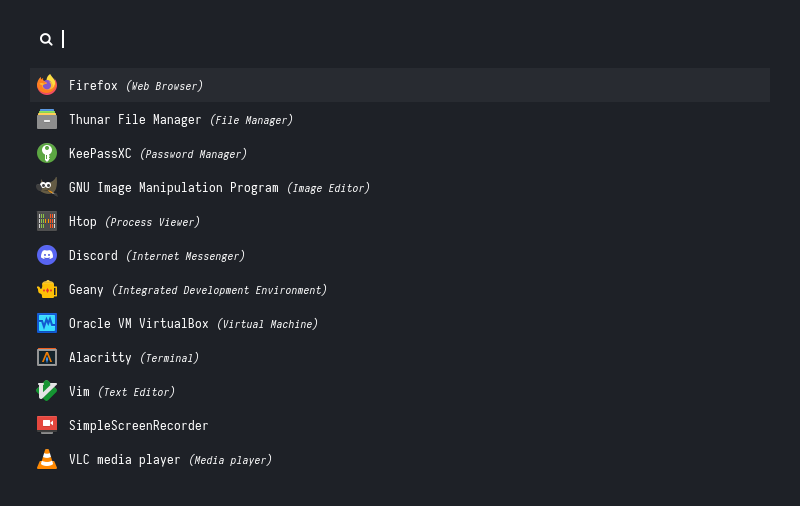|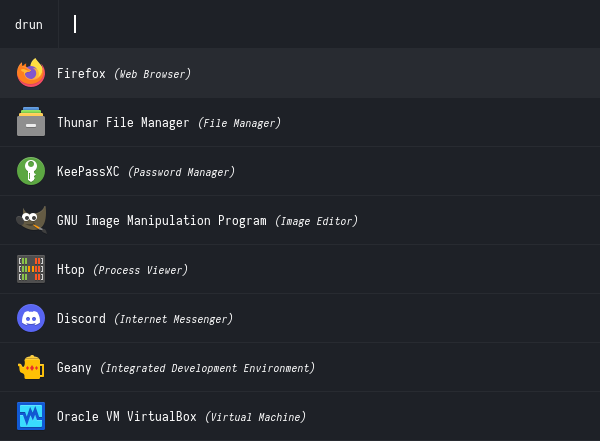|
|Style 6|Style 7|Style 8|Style 9|Style 10|
|--|--|--|--|--|
|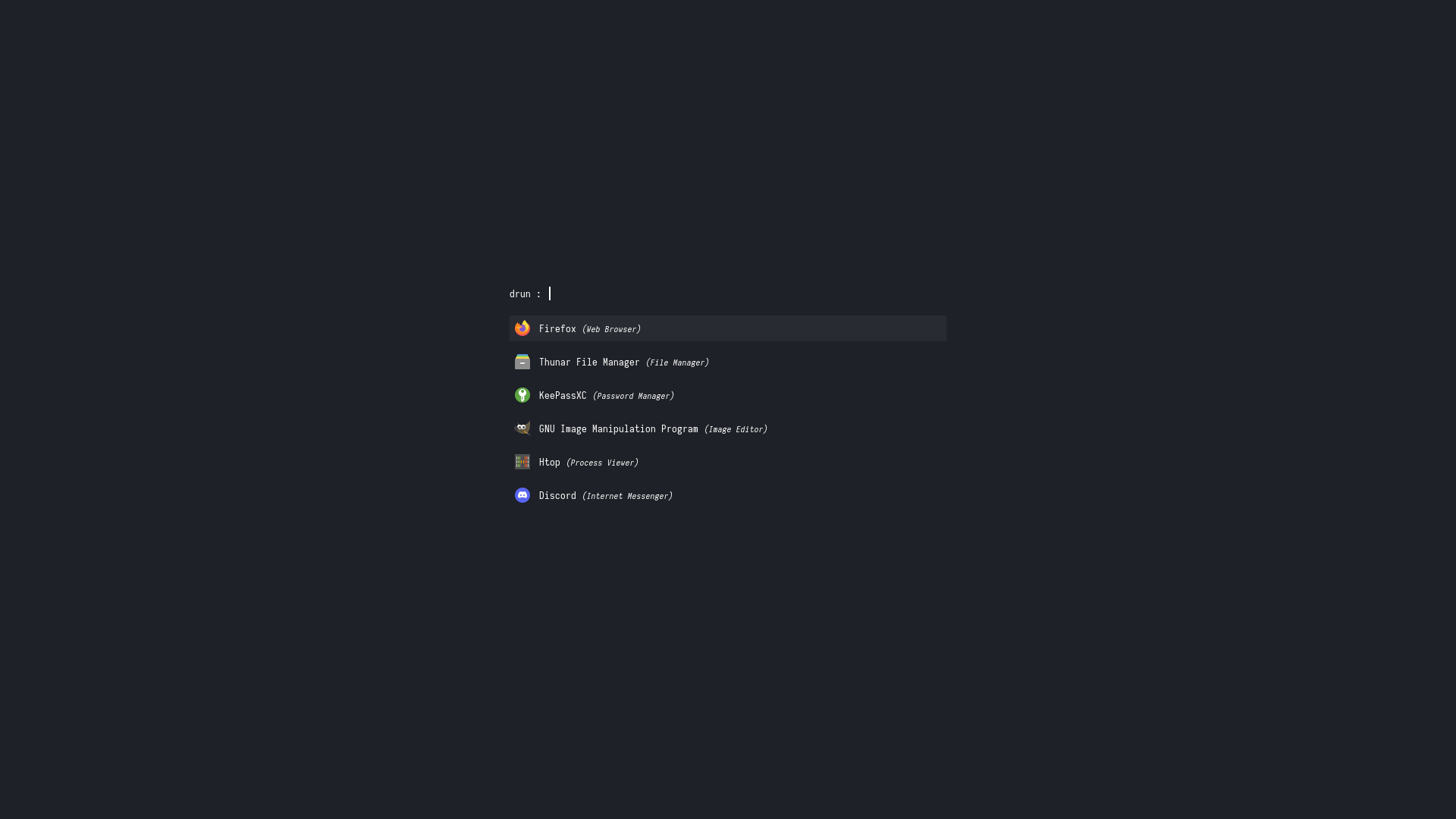|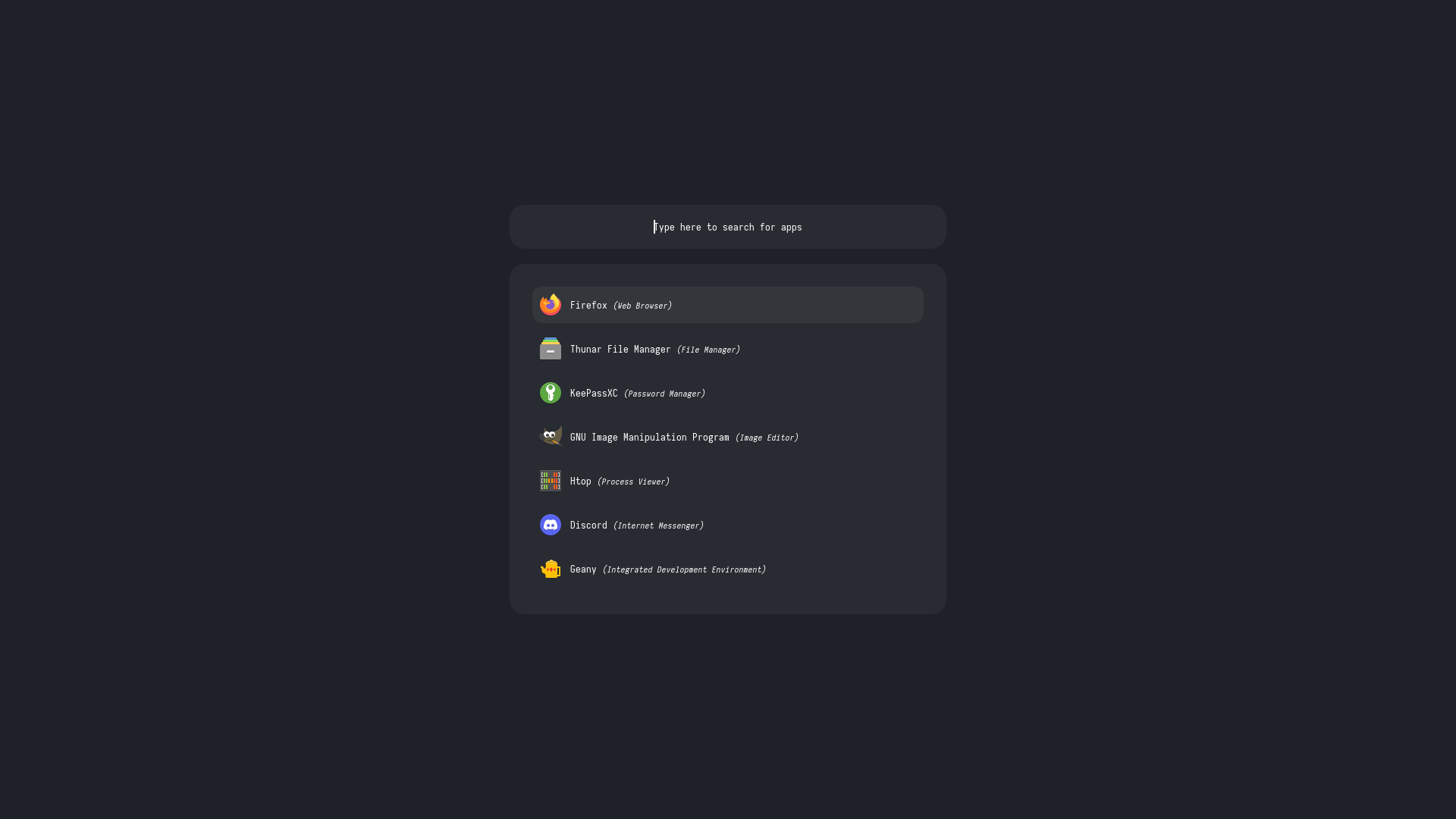|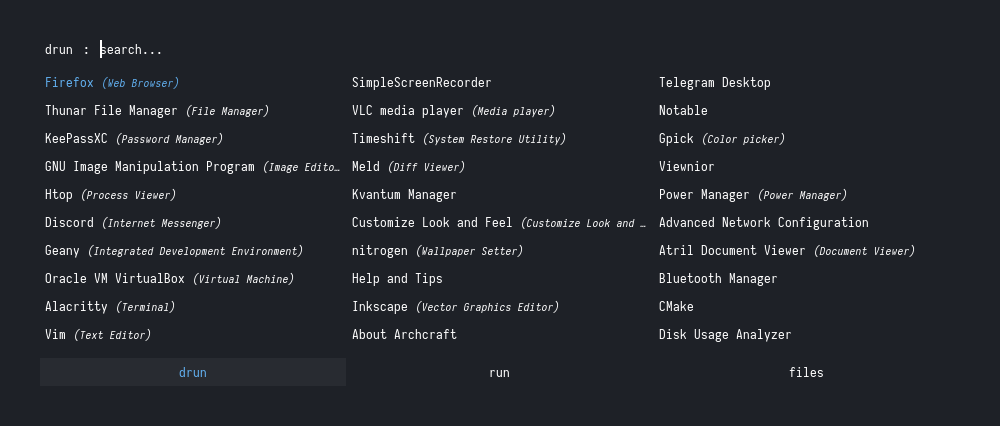|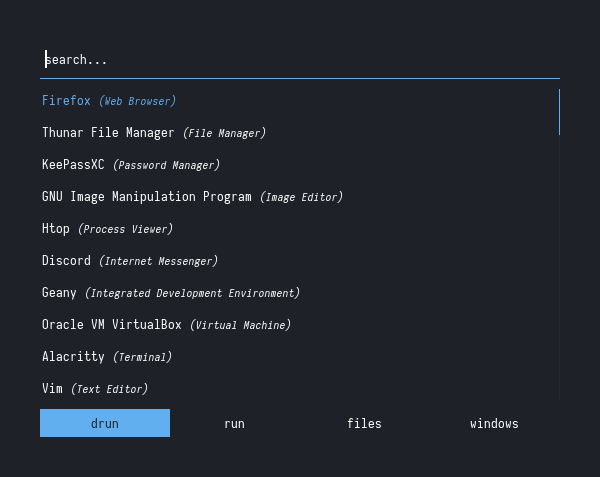||
Type 5
|Style 1|Style 2|Style 3|Style 4|Style 5|
|--|--|--|--|--|
||||||
Type 6
|Style 1|Style 2|Style 3|Style 4|Style 5|
|--|--|--|--|--|
||||||
|Style 6|Style 7|Style 8|Style 9|Style 10|
|--|--|--|--|--|
|||||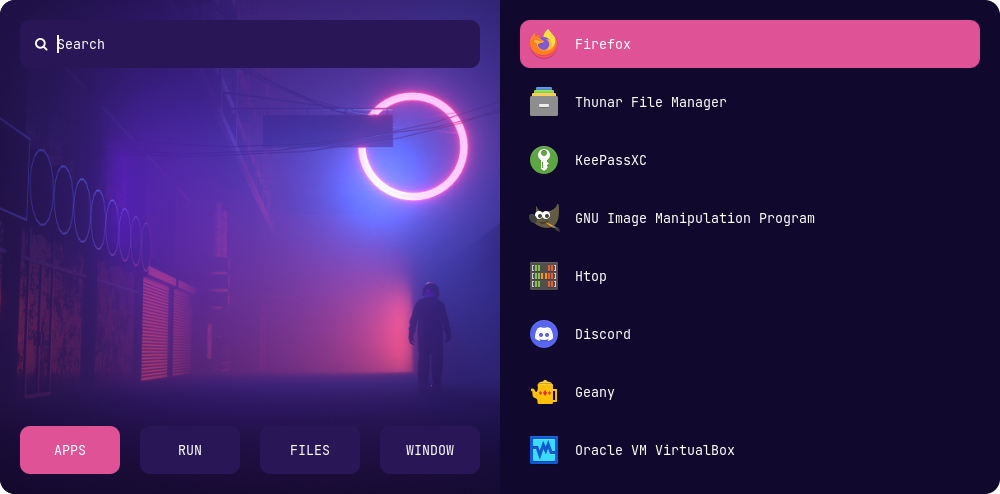|
Type 7
|Style 1|Style 2|Style 3|Style 4|Style 5|
|--|--|--|--|--|
|||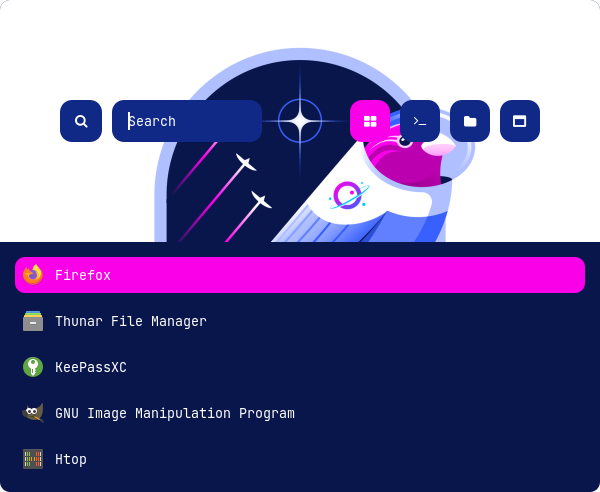|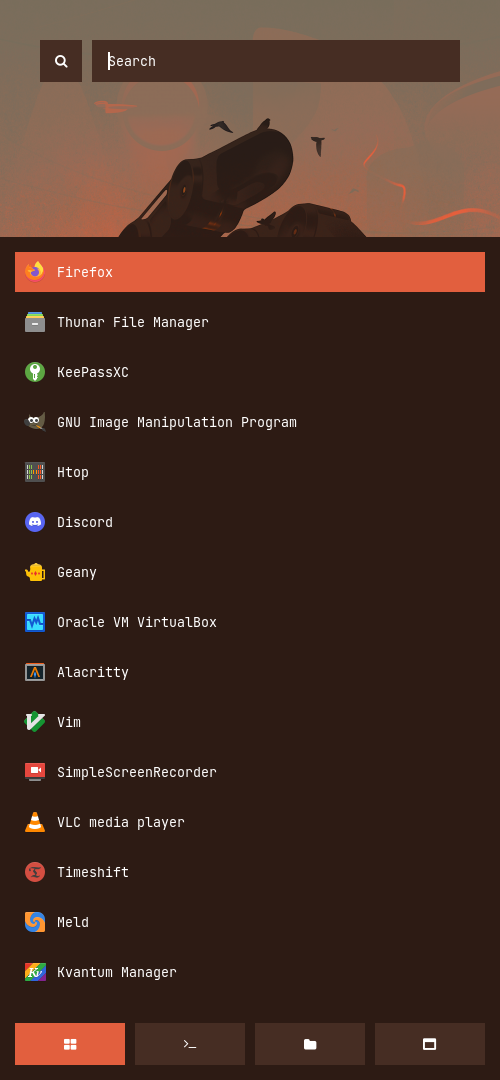|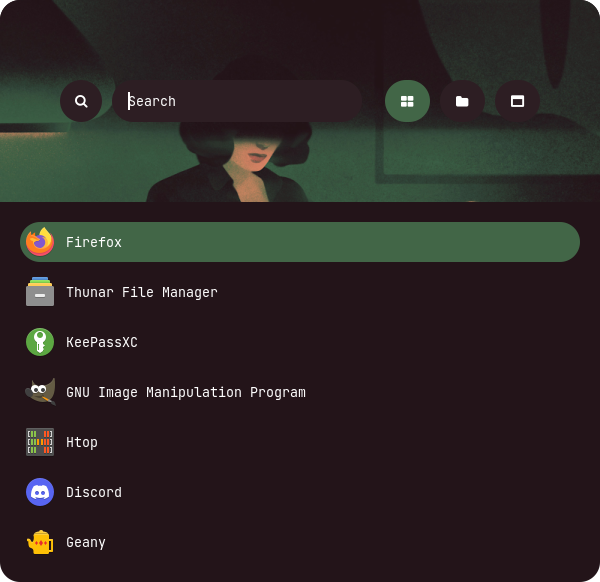|
|Style 6|Style 7|Style 8|Style 9|Style 10|
|--|--|--|--|--|
|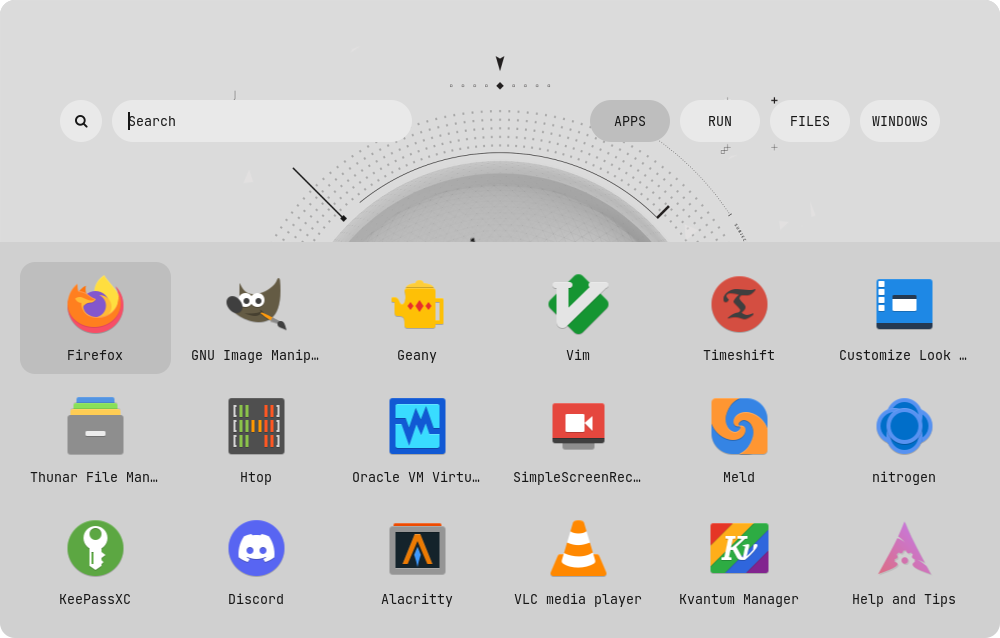|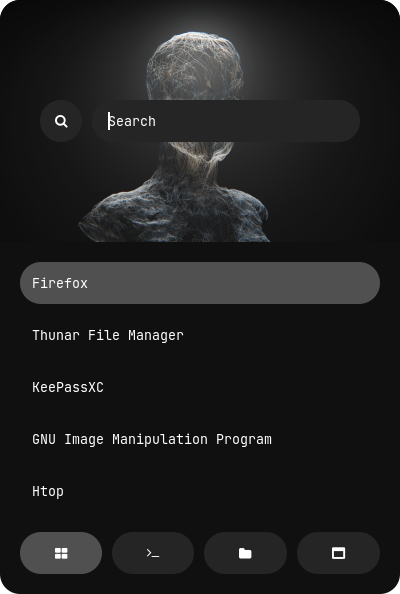|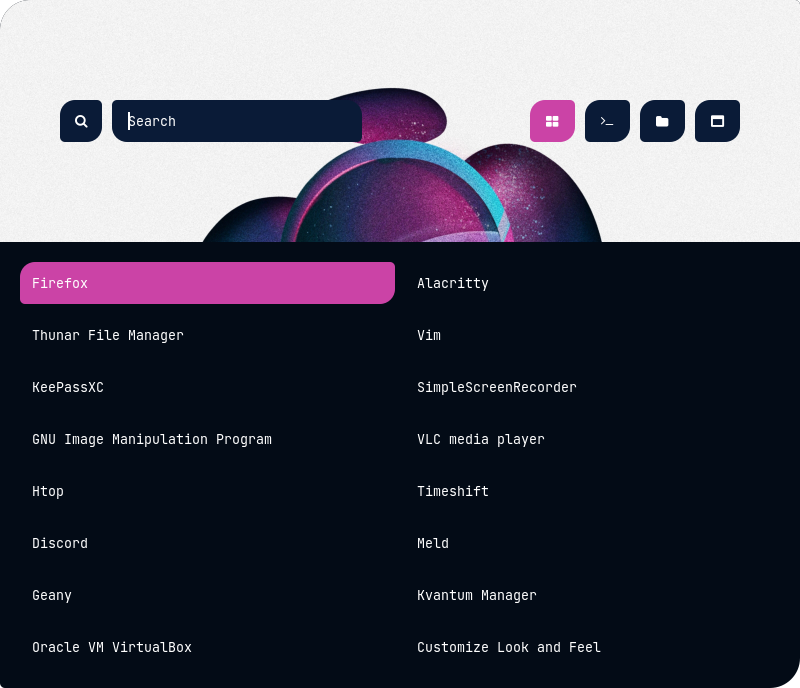|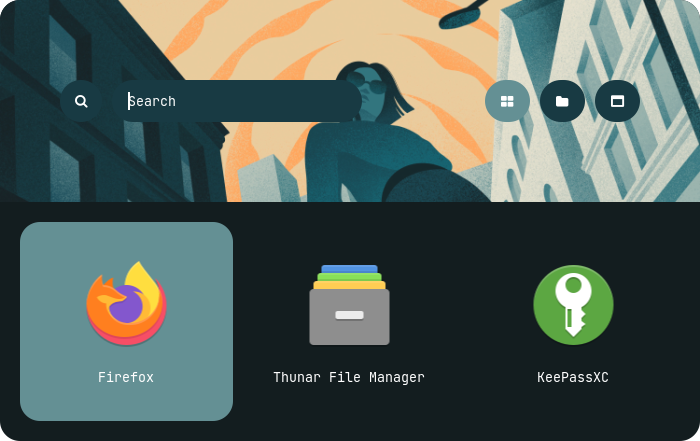|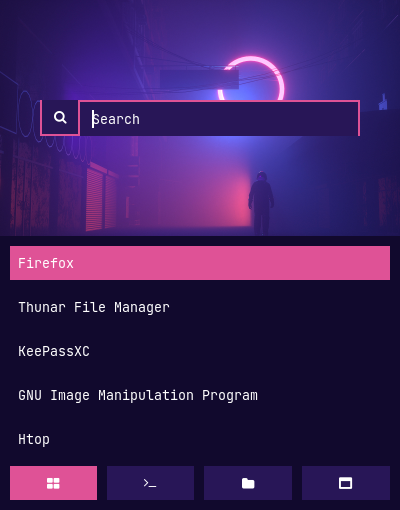|
---
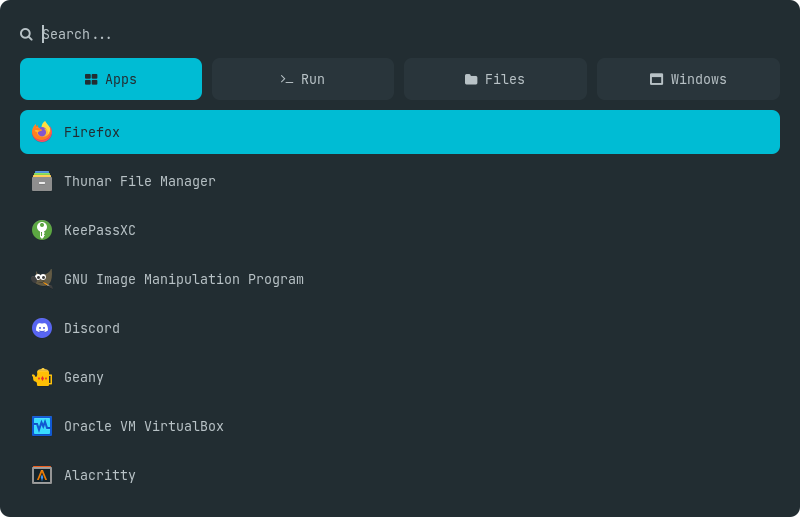
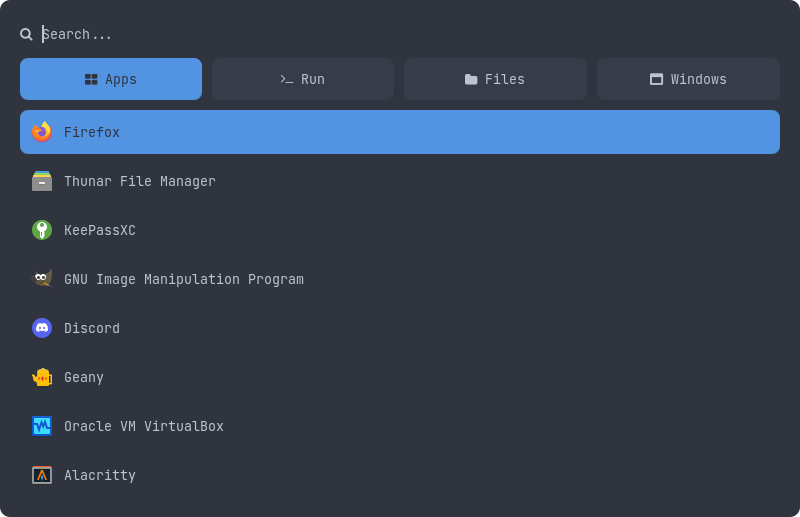
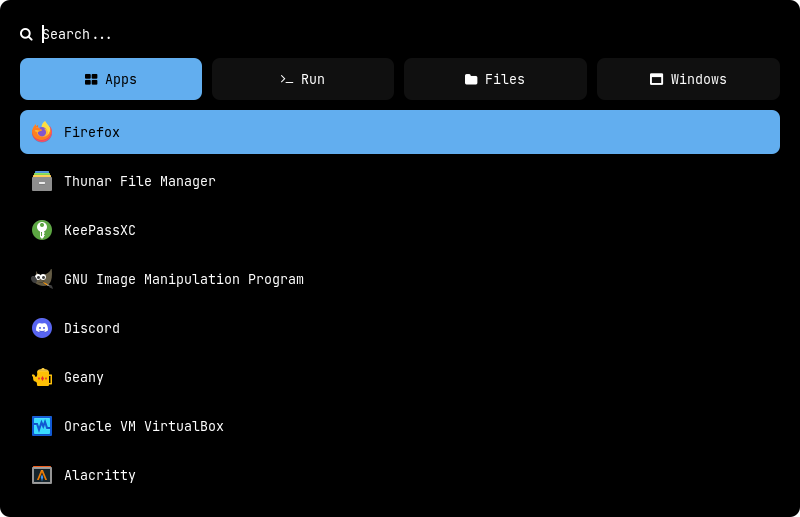
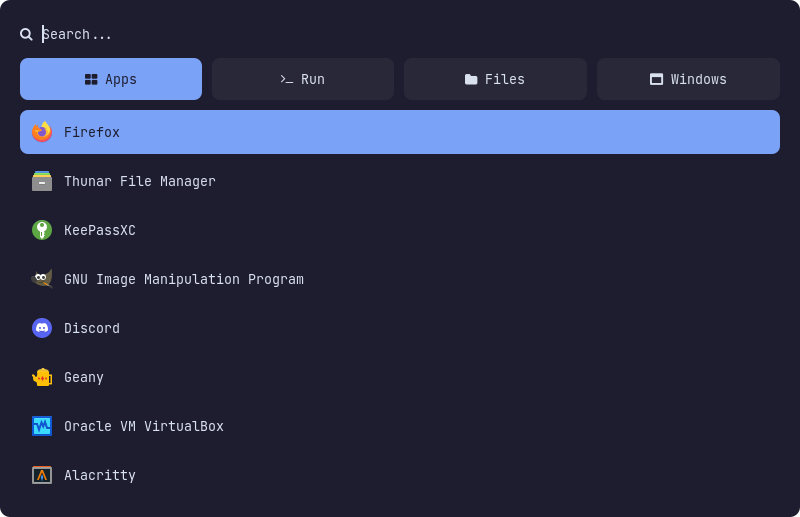
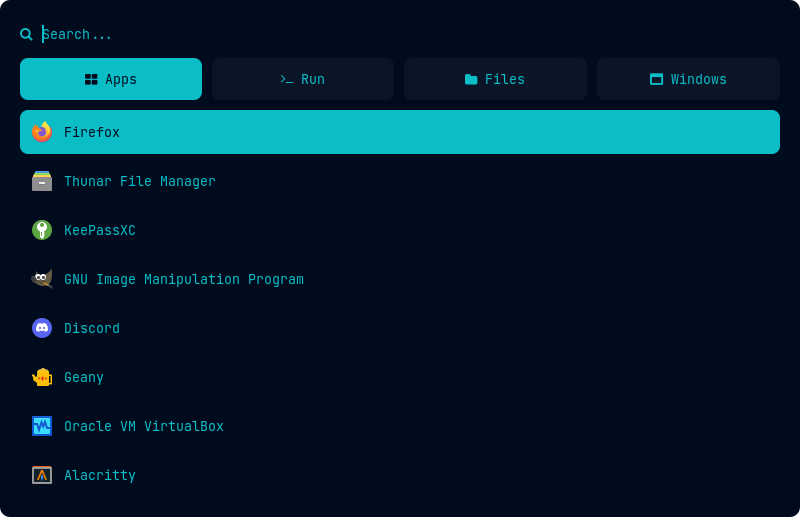
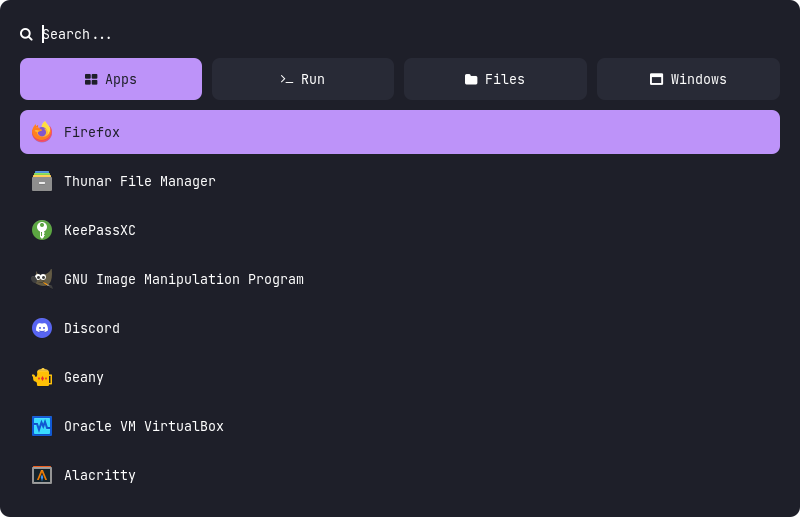
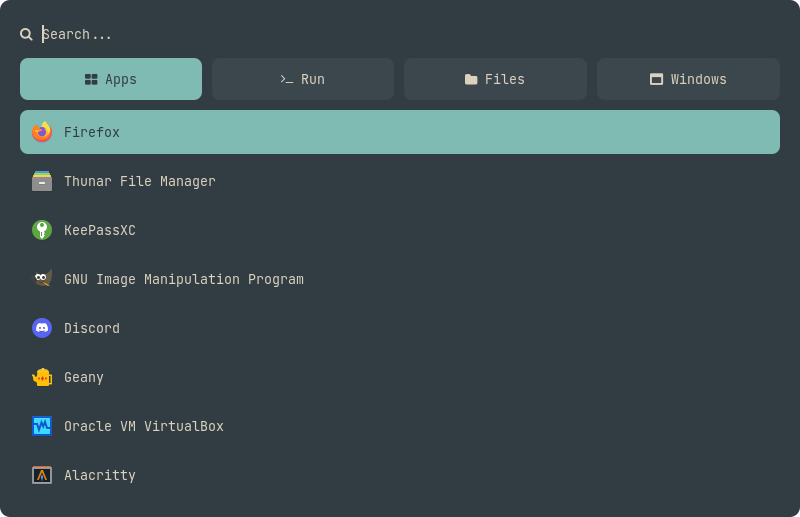
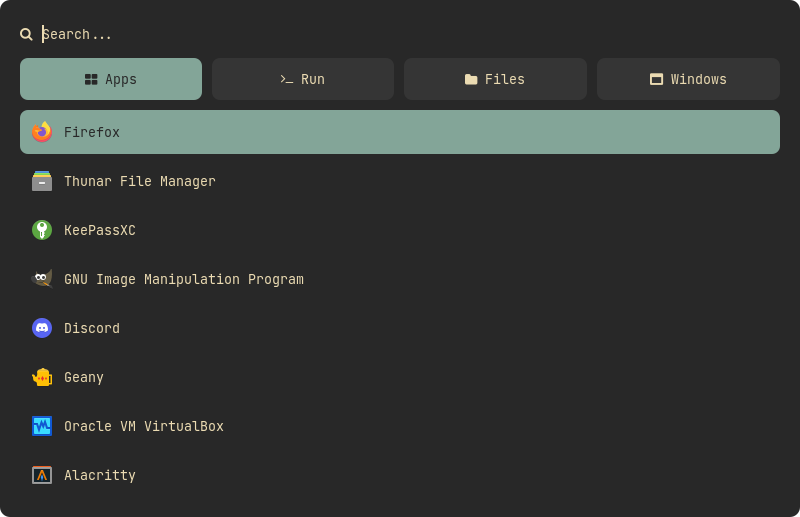
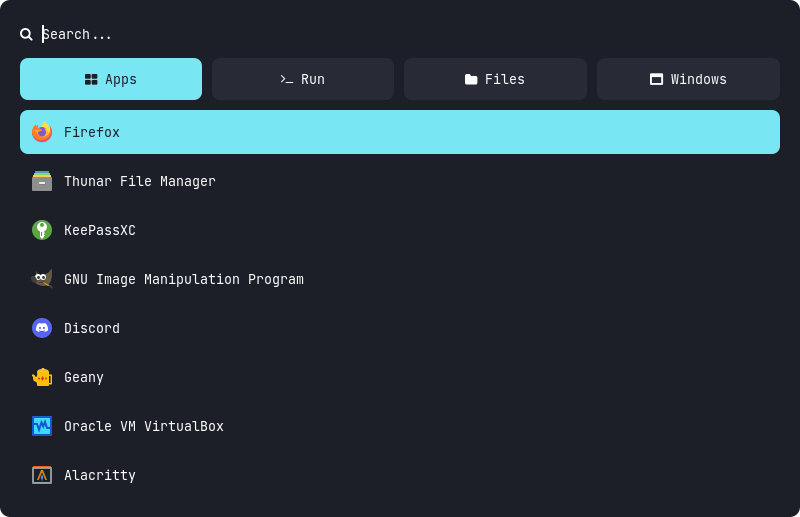
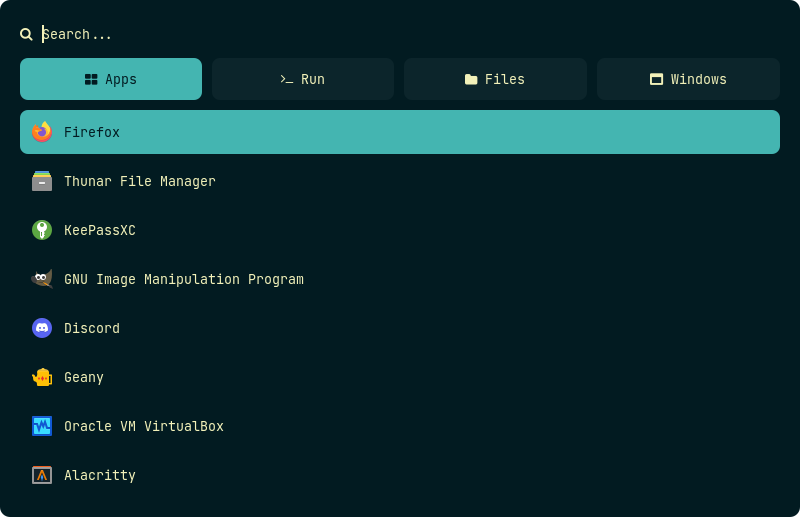
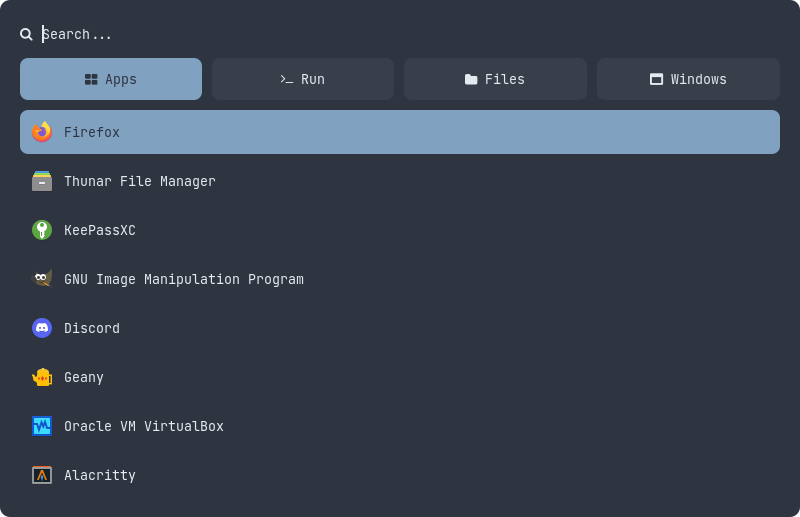
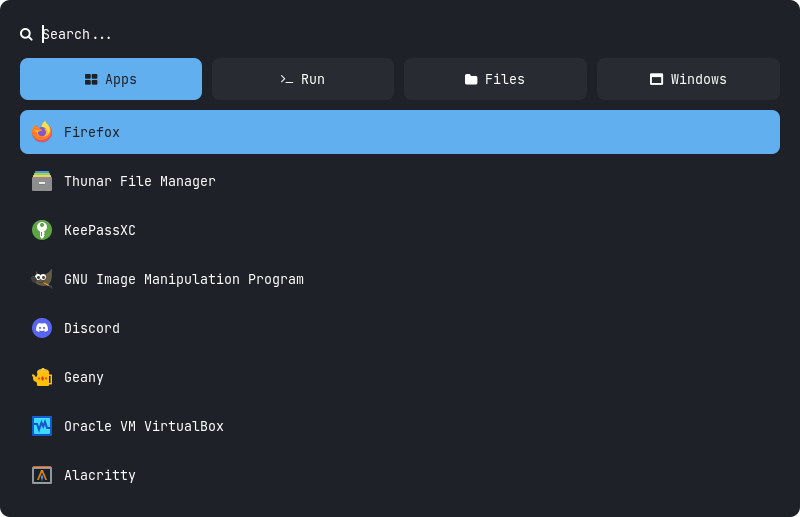
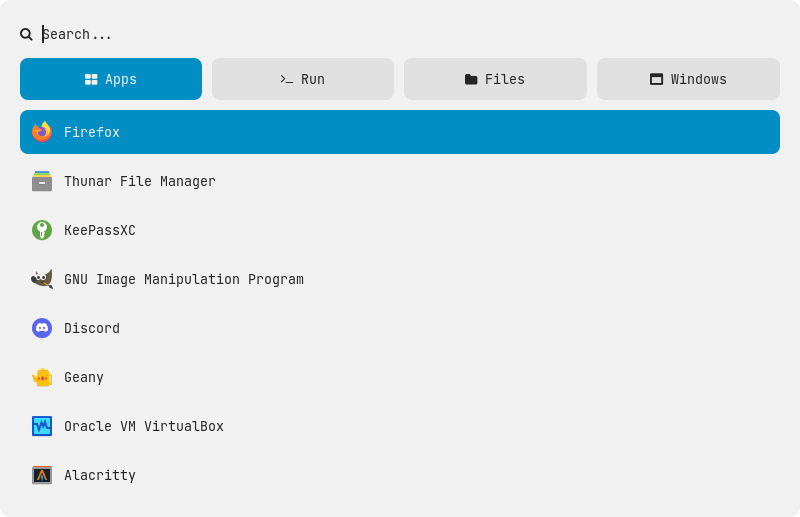
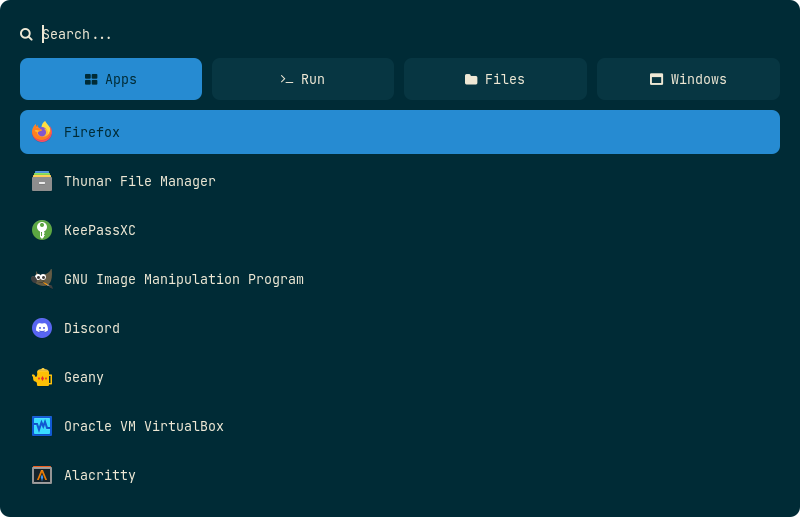
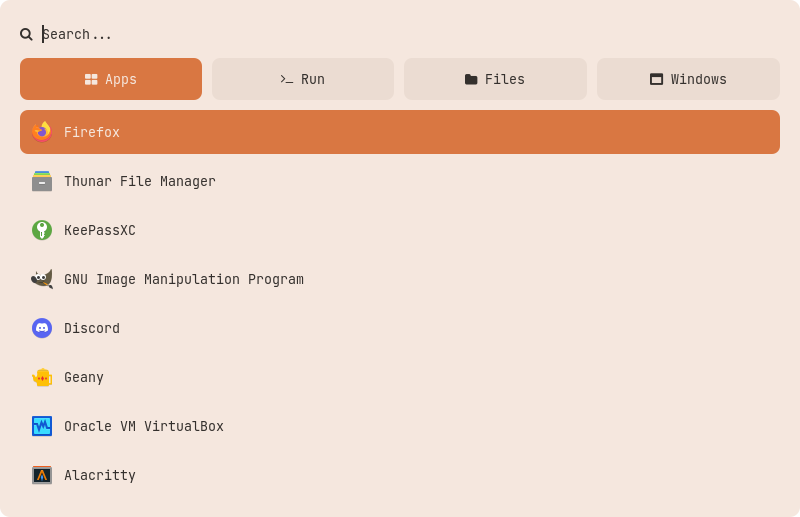
Color Schemes
|Adapta|Arc|Black|Catppuccin|Cyberpunk|
|--|--|--|--|--|
||||||
|Dracula|Everforest|Gruvbox|Lovelace|Navy|
|--|--|--|--|--|
||||||
|Nord|Onedark|Paper|Solarized|Yousai|
|--|--|--|--|--|
||||||
## Applets
|Applets|Description|Required Applications|
|:-|:-|:-|
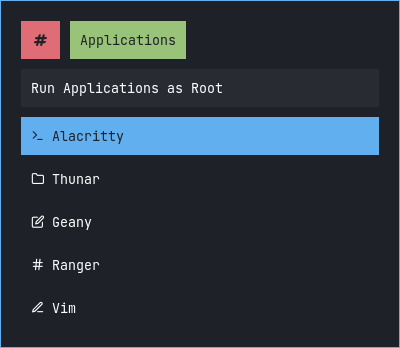
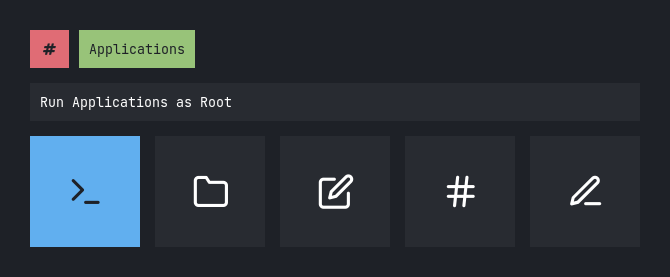
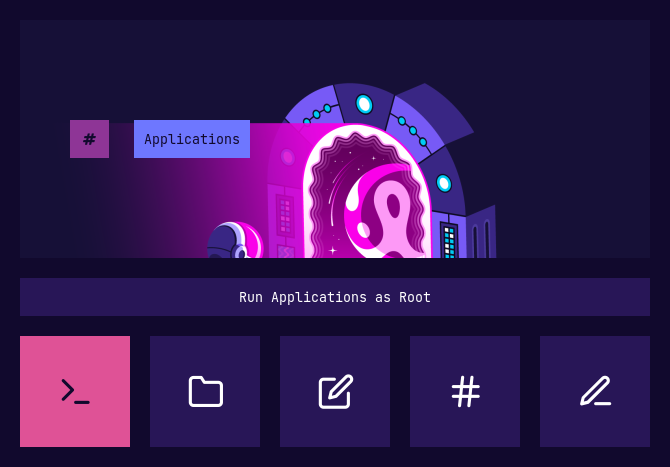
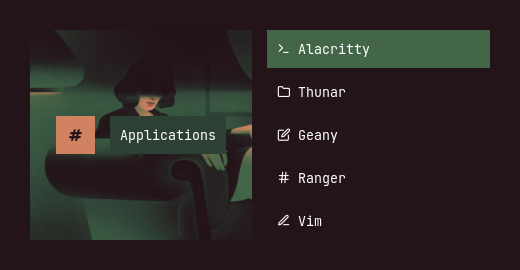
|**`Apps As Root`**|Open Applications as root|`pkexec` : `alacritty`, `thunar`, `geany`, `ranger`, `vim`|
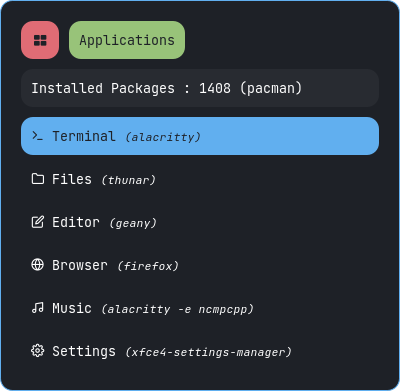
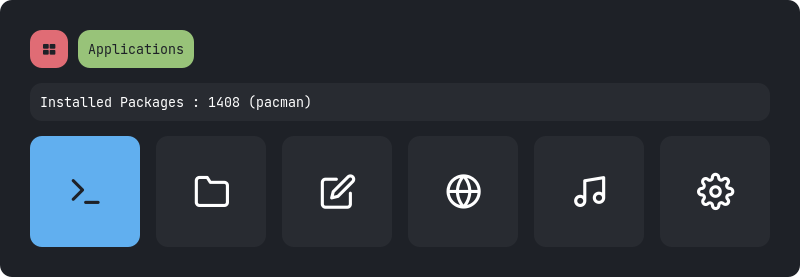
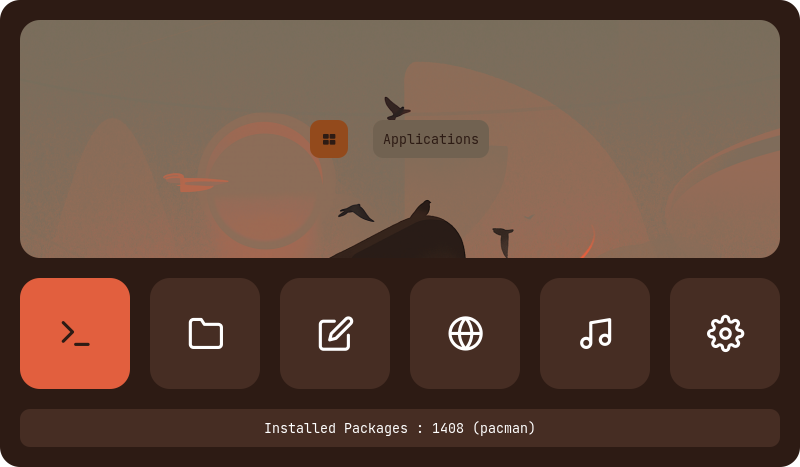
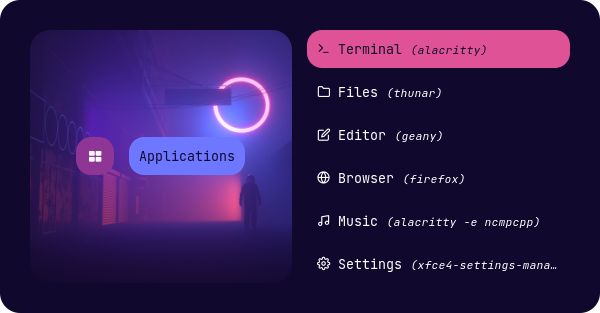
|**`Apps`**|Favorite or most used Applications|`alacritty`, `thunar`, `geany`, `firefox`, `ncmpcpp`, `xfce4-settings-manager`|
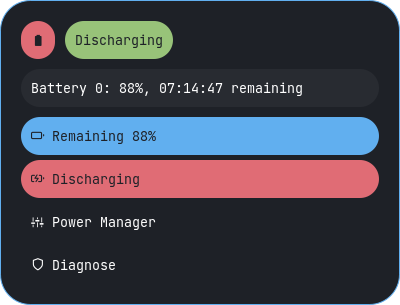
|**`Battery`**|Display battery percentage & charging status with dynamic icons|`pkexec`, `acpi`, `powertop` `xfce4-power-manager-settings`|
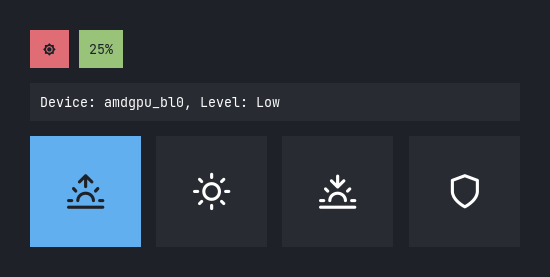
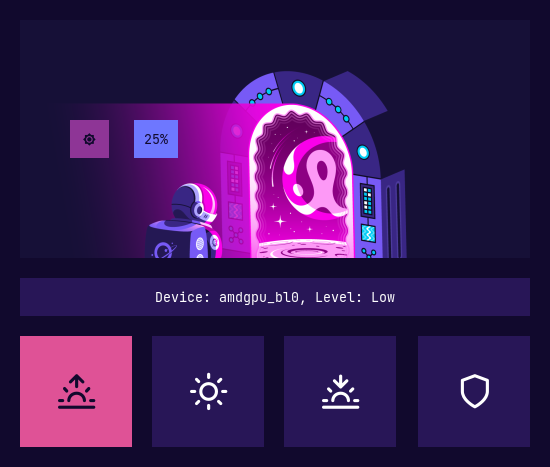
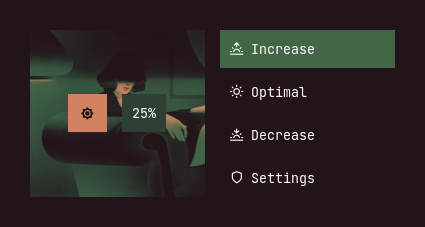
|**`Brightness`**|Display and adjust screen brightness|`light`, `xfce4-power-manager-settings`|
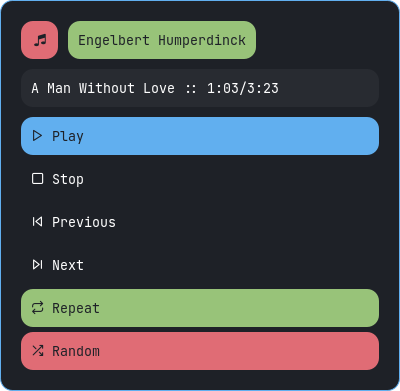
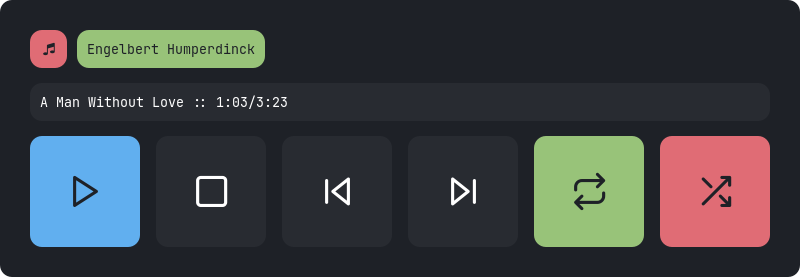
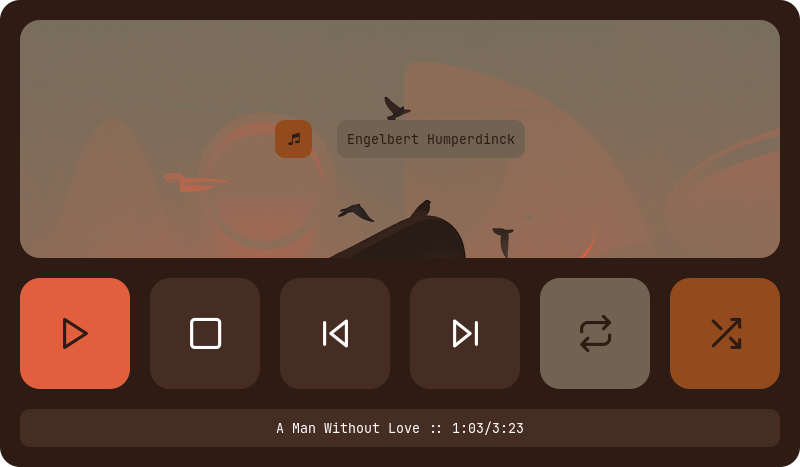
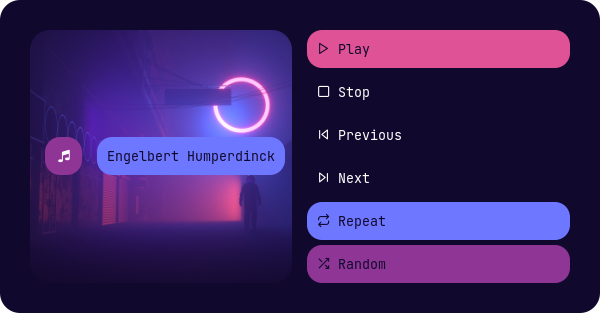
|**`MPD`**|Control the song play through **`mpd`**|`mpd`, `mpc`|
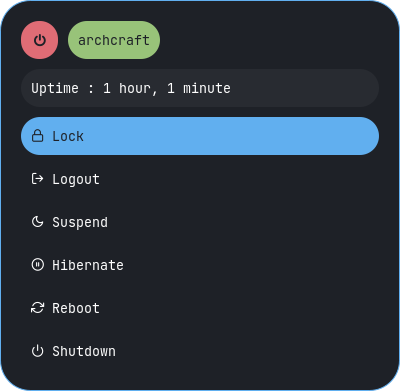
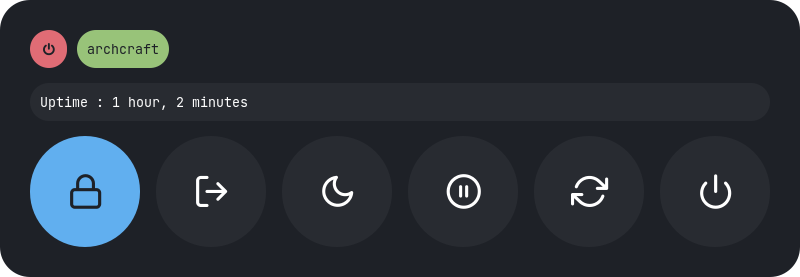
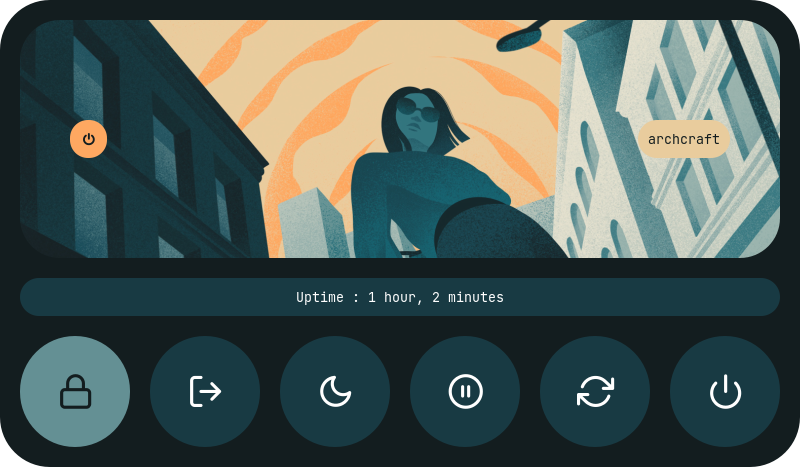
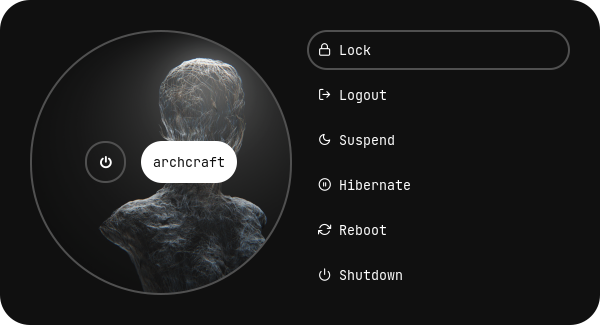
|**`Powermenu`**|A classic power menu, with Uptime|`systemd`, `betterlockscreen`|
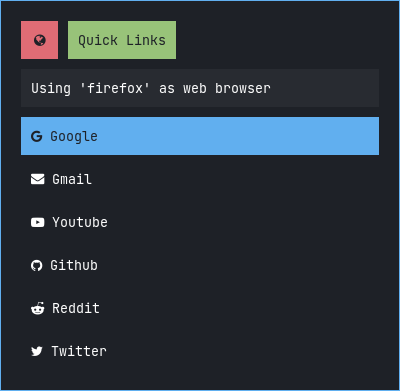
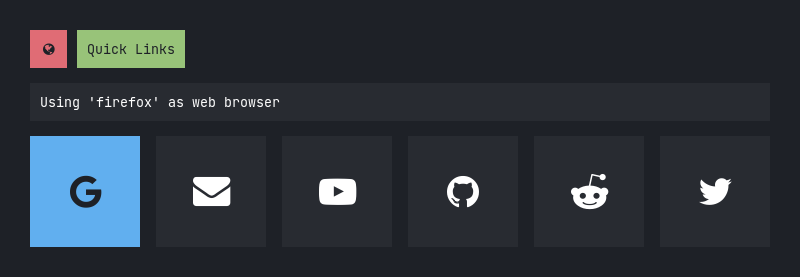
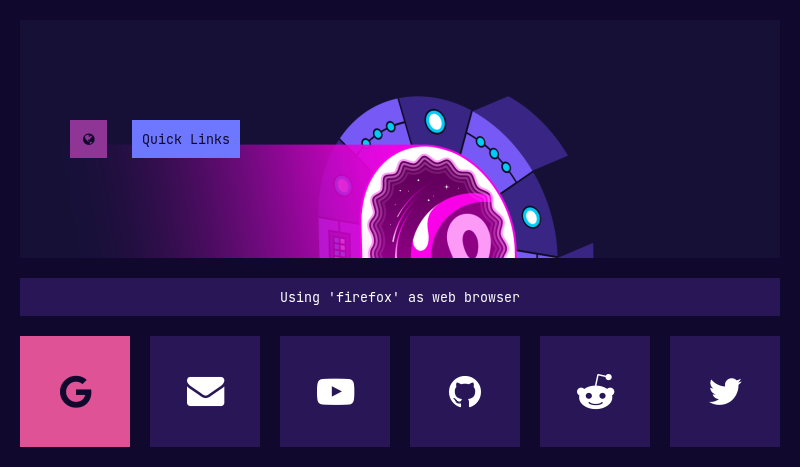
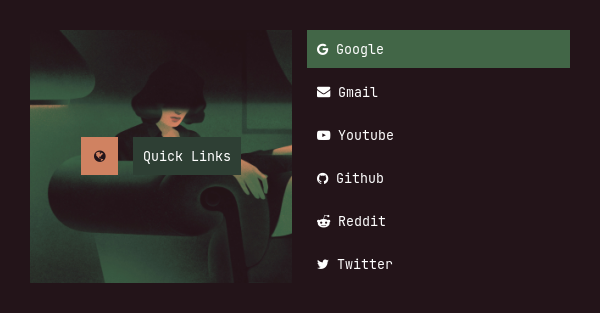
|**`Quicklinks`**|Bookmarks for most used websites|`firefox` or `chromium` or any other browser|
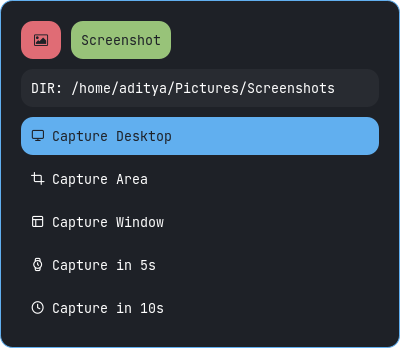
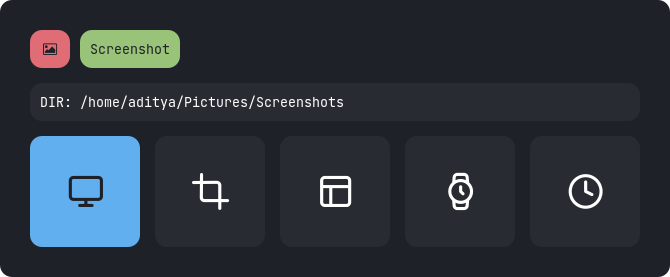
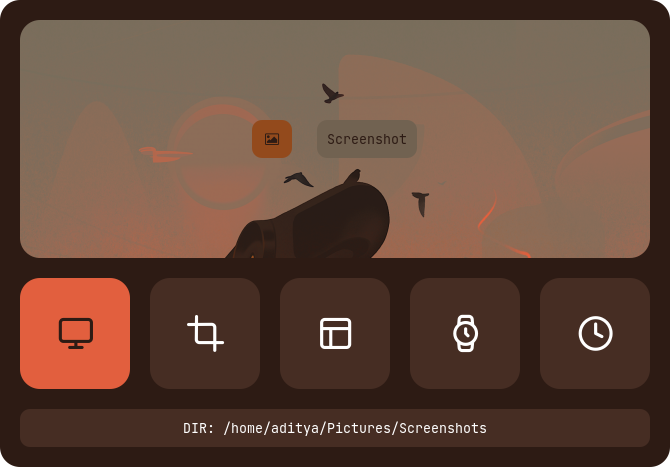
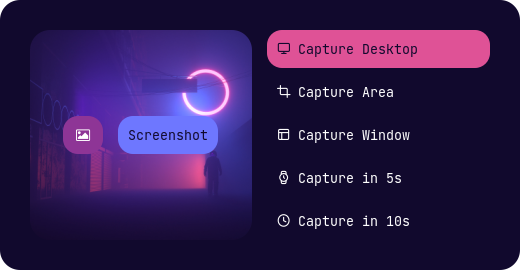
|**`Screenshot`**|Take screenshots using **`maim`**|`maim`, `xrandr`, `dunst`, `xclip`|
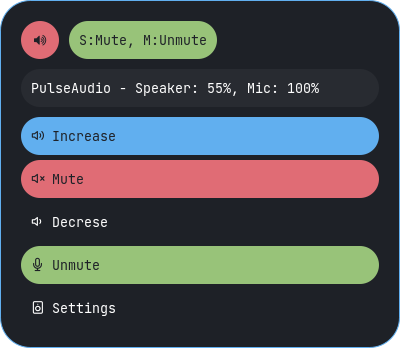
|**`Volume`**|Display and control volume with dynamic icons and mute status|`amixer` and `pavucontrol`|
> To use your programs with these applets, Edit the scripts in `~/.config/rofi/applets/bin` directory.
**`Change Theme` :** Edit `~/.config/rofi/applets/shared/theme.bash` script and edit the following line to use the type and style you like.
```ini
type="$HOME/.config/rofi/applets/type-1"
style='style-1.rasi'
```
**`Change Colors` :** Edit `~/.config/rofi/applets/shared/colors.rasi` file and edit the following line to use the color-scheme you like.
```css
@import "~/.config/rofi/colors/onedark.rasi"
```
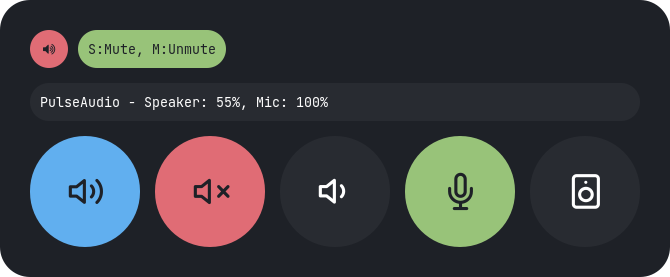
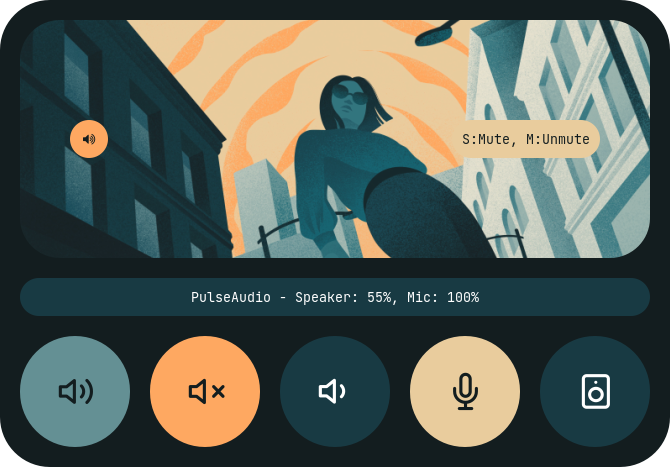
> Colors in `type-4` and `type-5` are hard-coded (based on image colors) and can be changed by editing the respective **`style-X.rasi`** file.
#### Previews
Apps as root
|Type 1|Type 2|Type 3|Type 4|Type 5|
|--|--|--|--|--|
||||||
Apps
|Type 1|Type 2|Type 3|Type 4|Type 5|
|--|--|--|--|--|
||||||
Battery
|Type 1|Type 2|Type 3|Type 4|Type 5|
|--|--|--|--|--|
||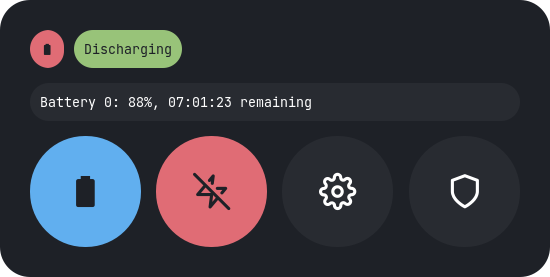||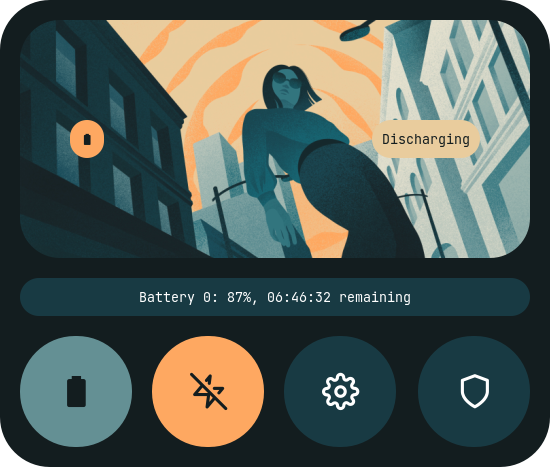|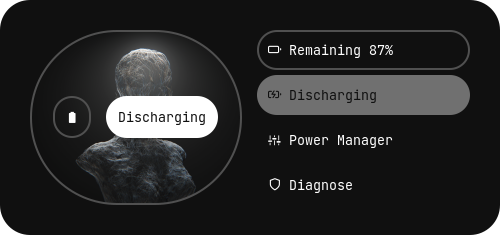|
Brightness
|Type 1|Type 2|Type 3|Type 4|Type 5|
|--|--|--|--|--|
|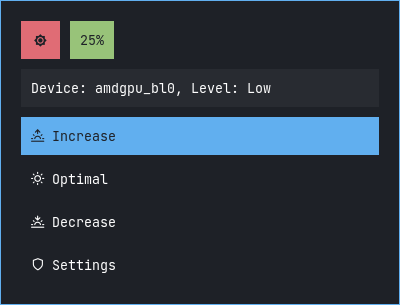|||||
MPD
|Type 1|Type 2|Type 3|Type 4|Type 5|
|--|--|--|--|--|
||||||
Powermenu
|Type 1|Type 2|Type 3|Type 4|Type 5|
|--|--|--|--|--|
||||||
Quicklinks
|Type 1|Type 2|Type 3|Type 4|Type 5|
|--|--|--|--|--|
||||||
Screenshot
|Type 1|Type 2|Type 3|Type 4|Type 5|
|--|--|--|--|--|
||||||
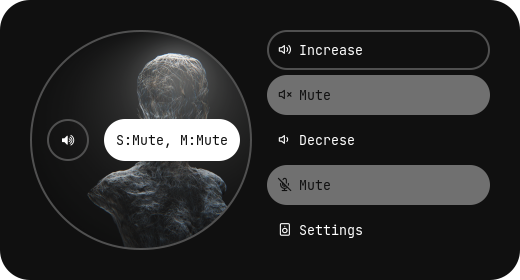
Volume
|Type 1|Type 2|Type 3|Type 4|Type 5|
|--|--|--|--|--|
||||||
## Powermenus
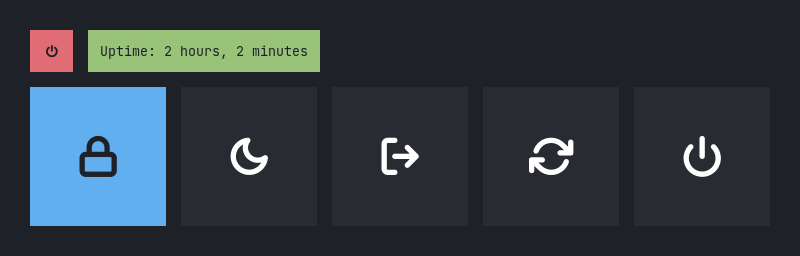
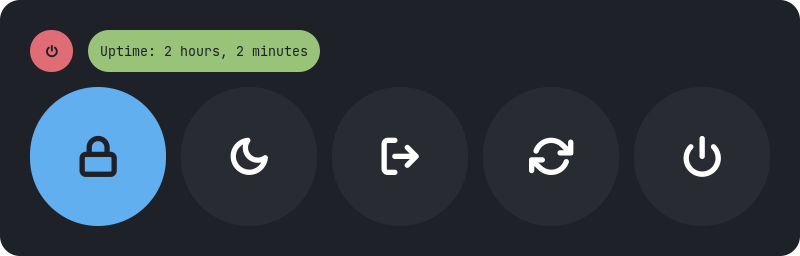
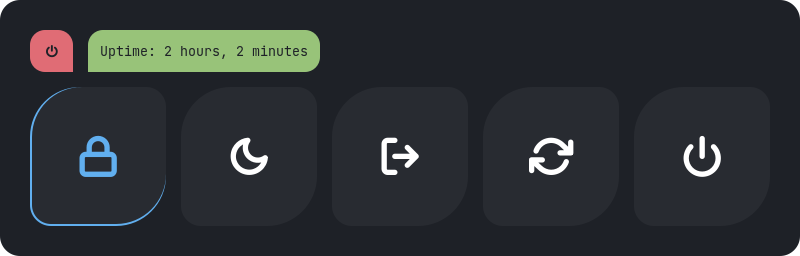
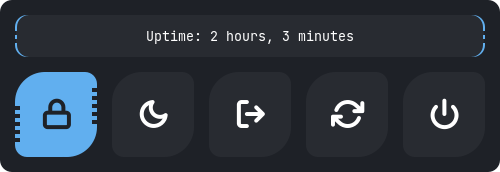
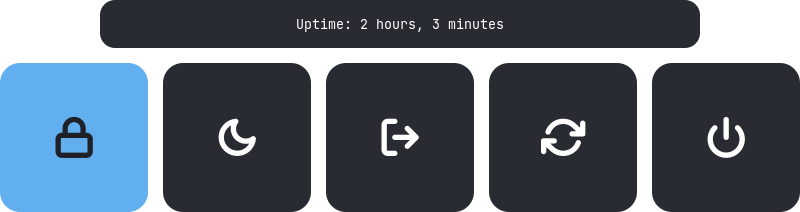
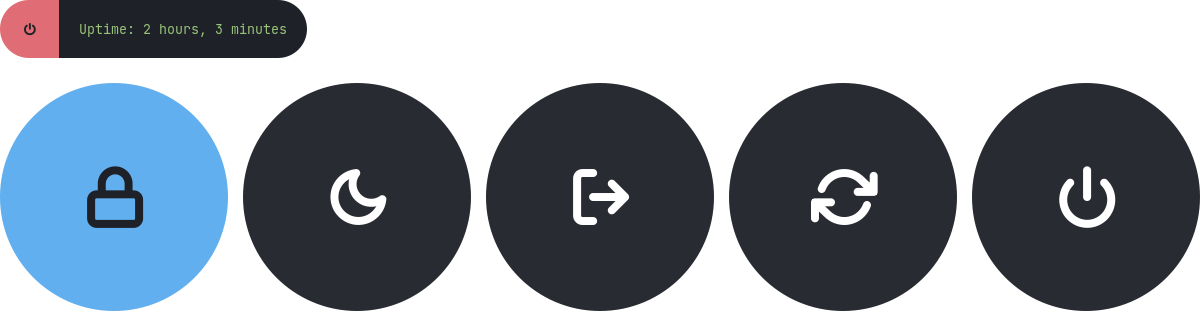
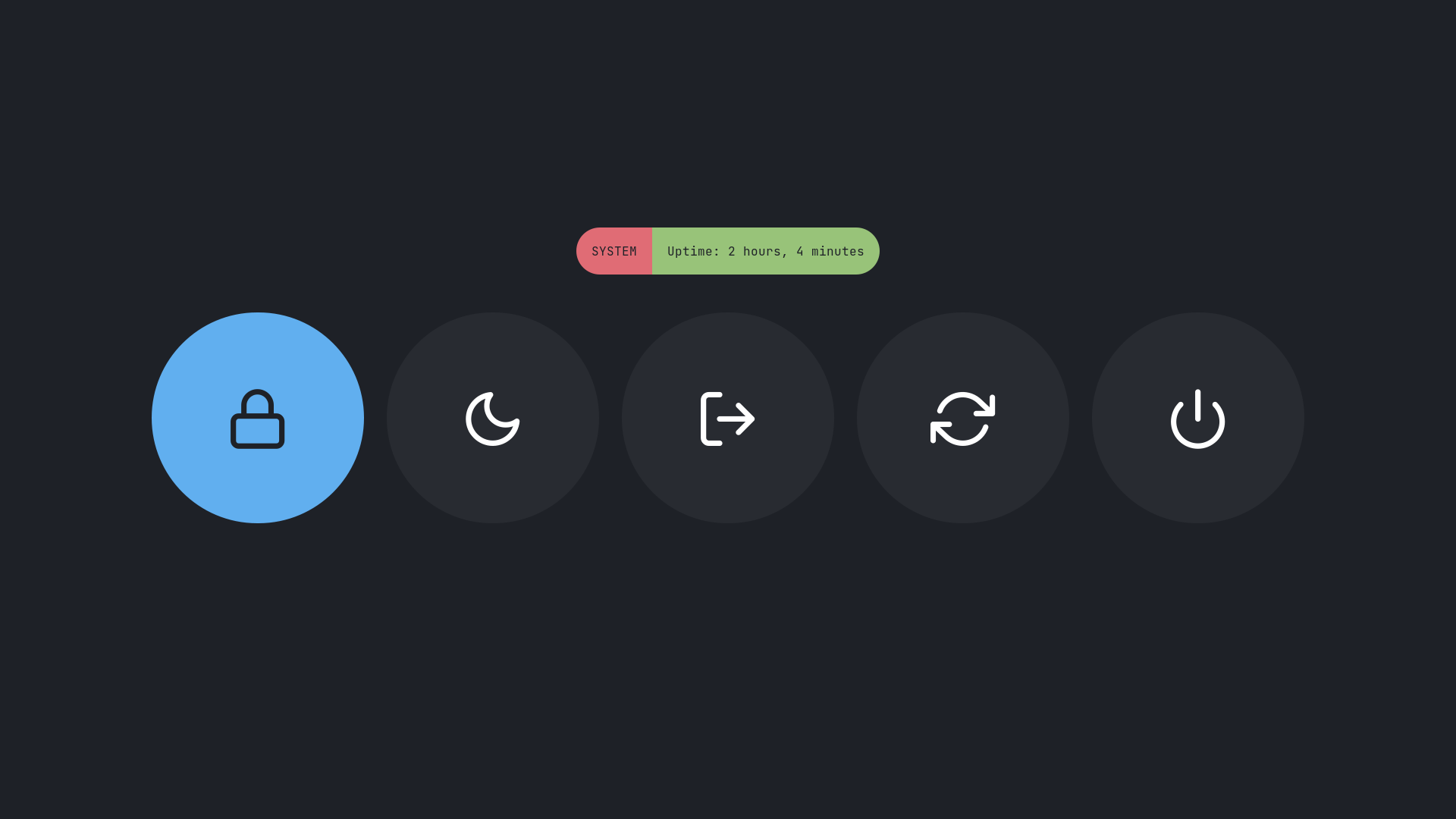
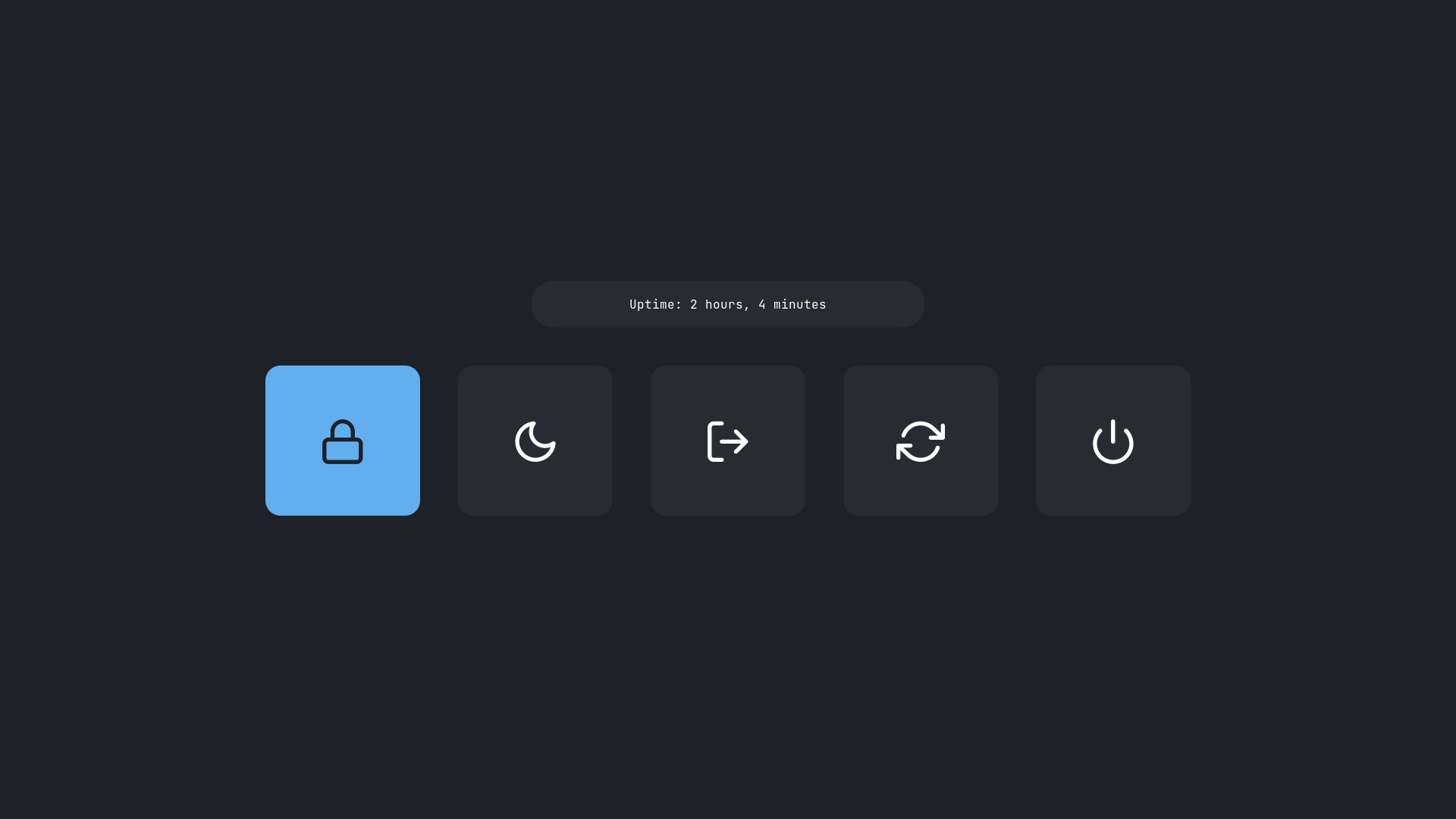
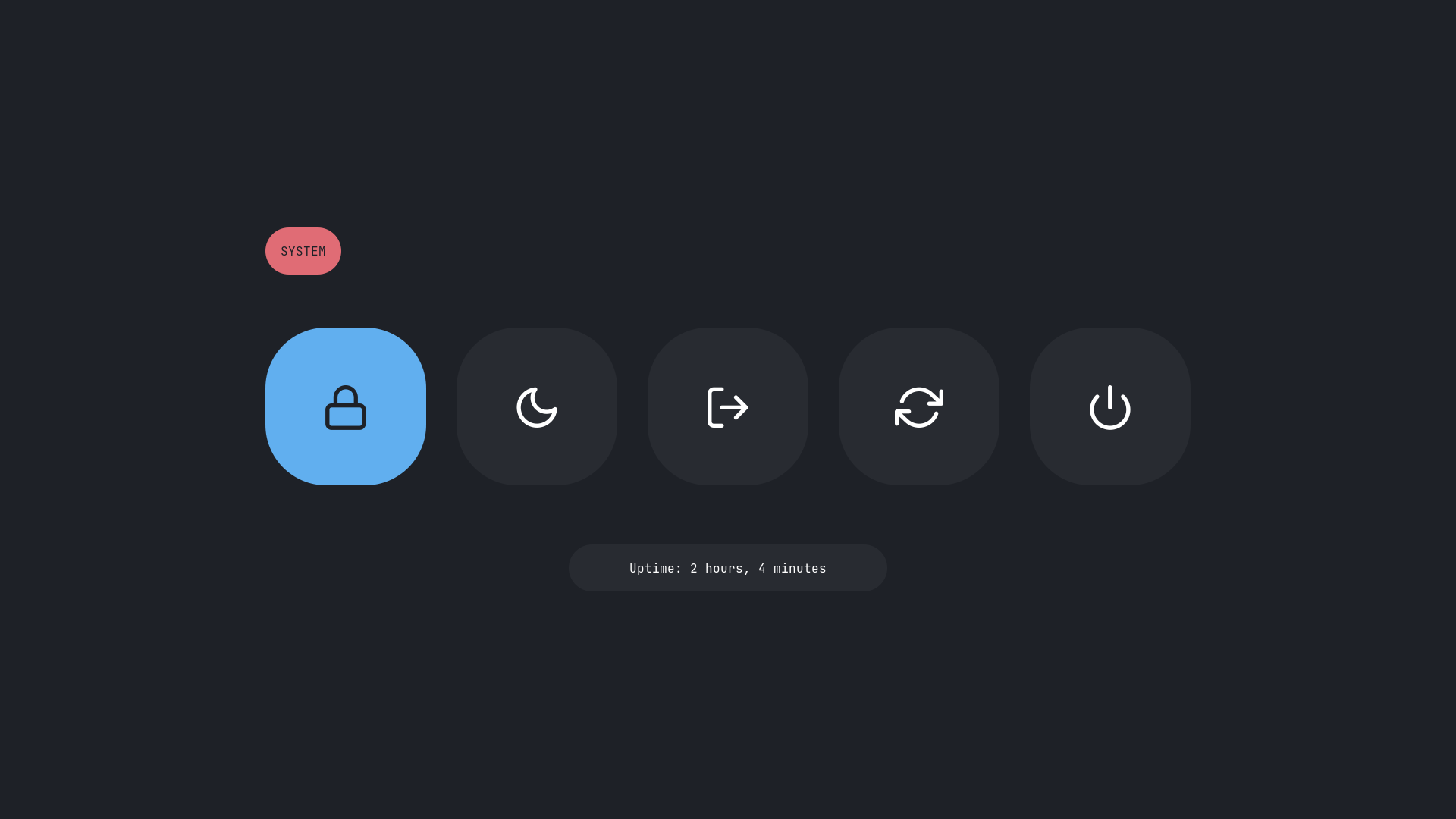
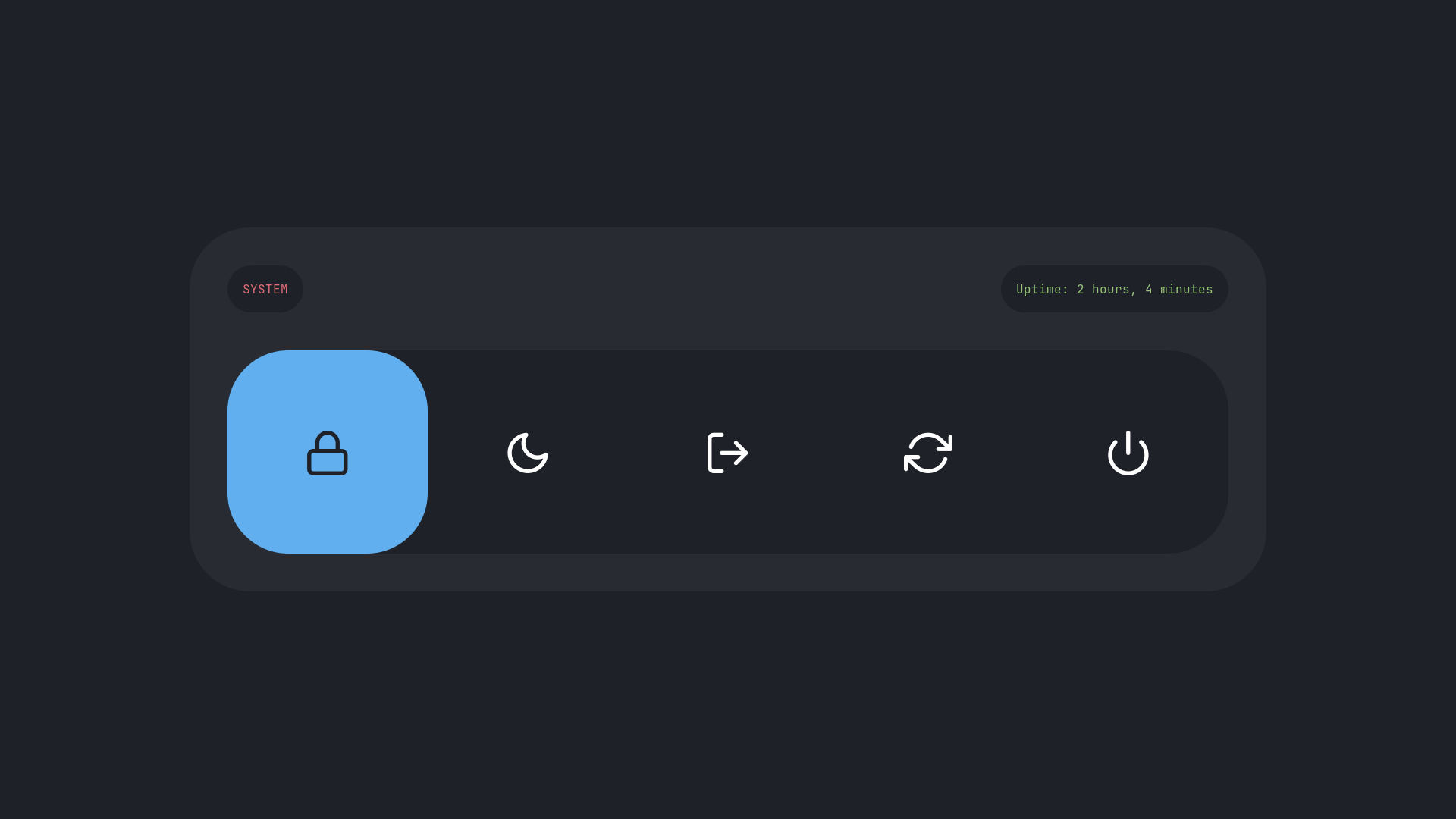
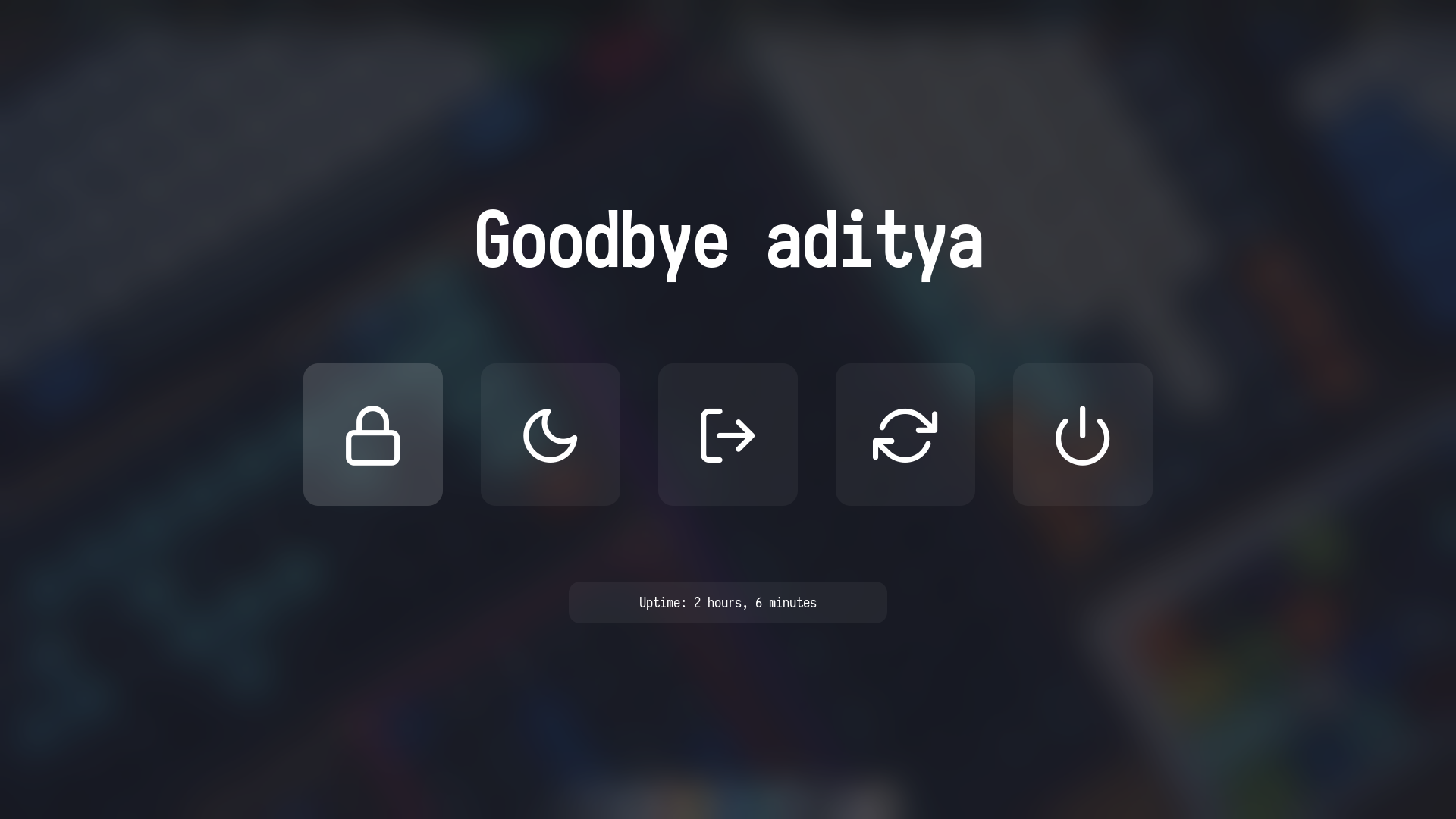
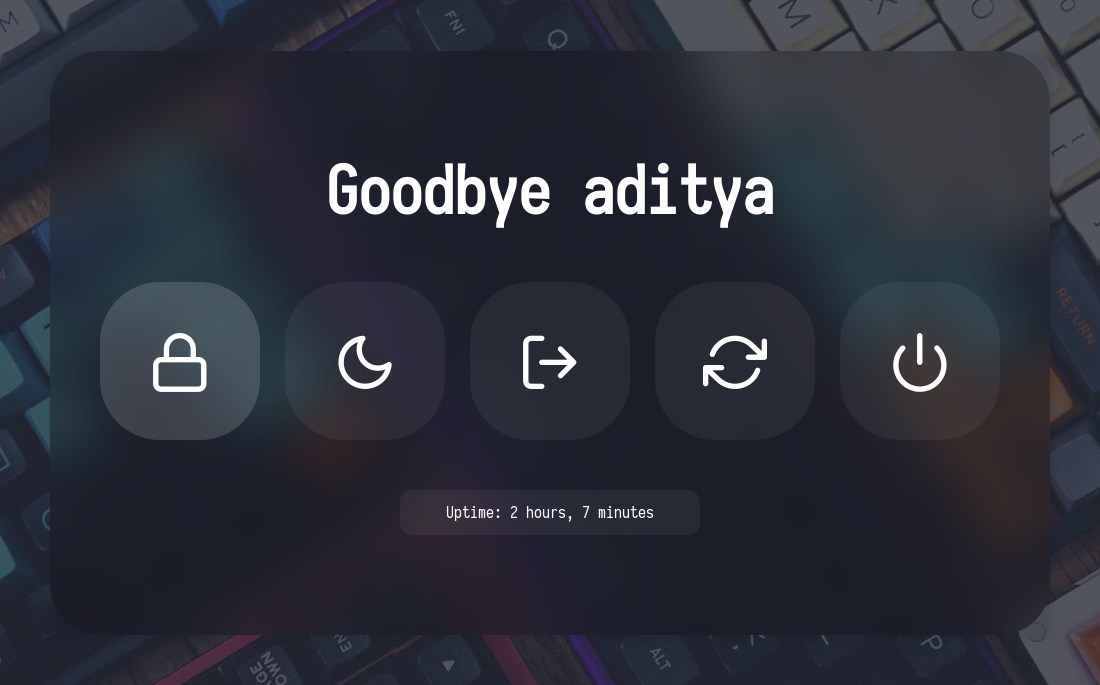
**`Change Style` :** Edit `~/.config/rofi/powermenu/type-X/powermenu.sh` script and edit the following line to use the style you like.
```
theme='style-1'
```
**`Change Colors` :** Edit `~/.config/rofi/powermenu/type-X/shared/colors.rasi` file and edit the following line to use the color-scheme you like.
```css
@import "~/.config/rofi/colors/onedark.rasi"
```
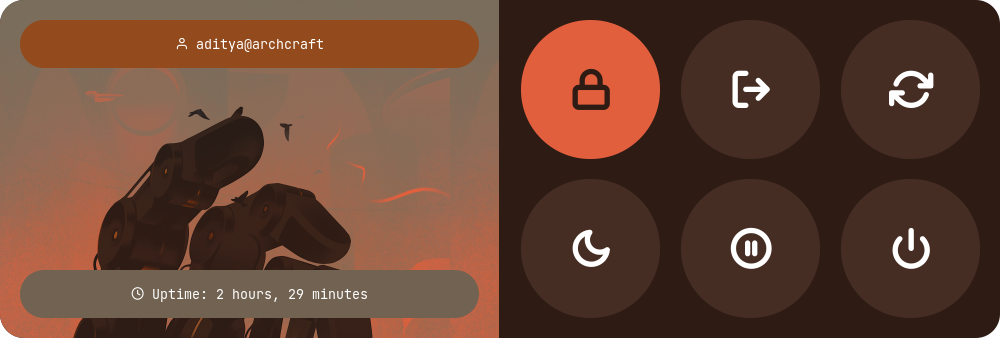
> Colors in `type-5` and `type-6` are hard-coded (based on image colors) and can be changed by editing the respective **`style-X.rasi`** file.
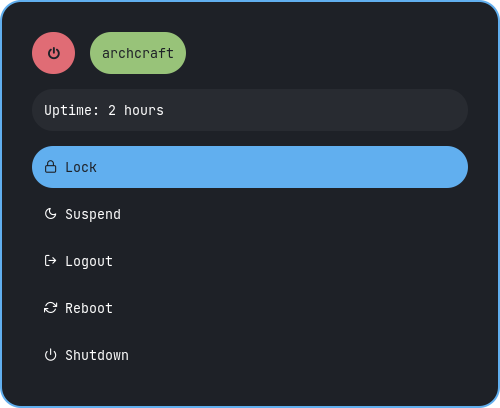
#### Previews
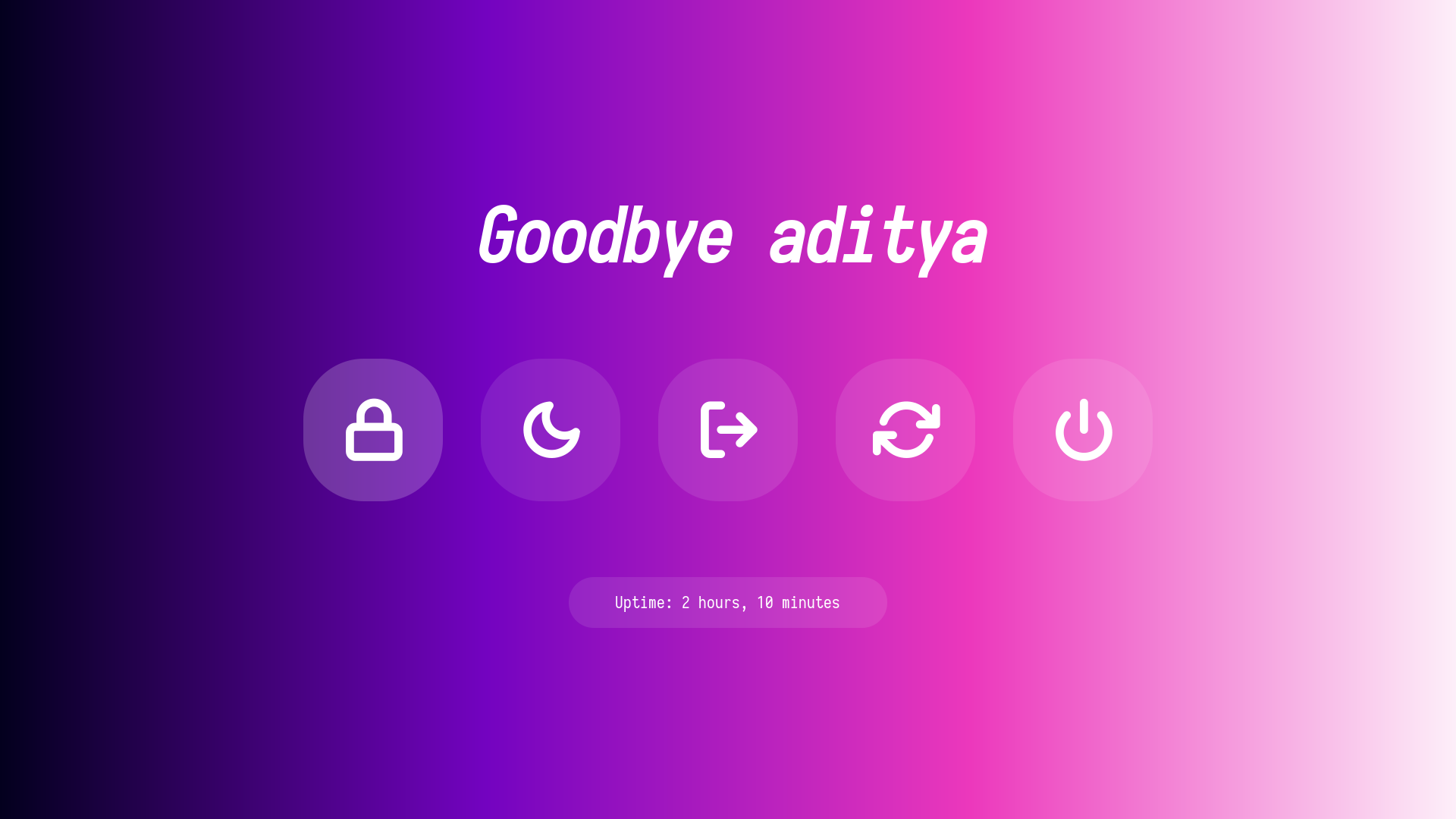
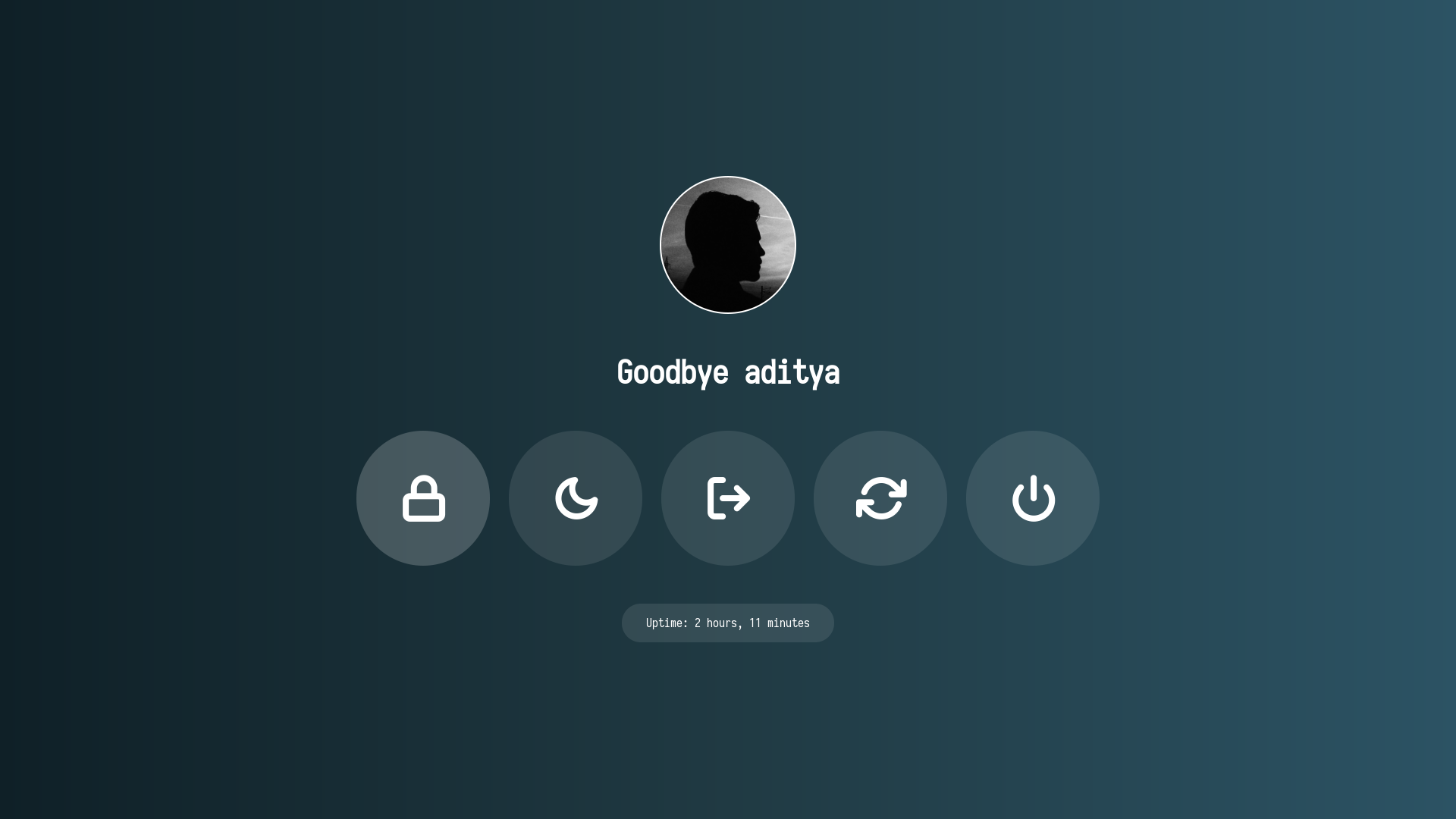
Type 1
|Style 1|Style 2|Style 3|Style 4|Style 5|
|--|--|--|--|--|
||||||
Type 2
|Style 1|Style 2|Style 3|Style 4|Style 5|
|--|--|--|--|--|
||||||
|Style 6|Style 7|Style 8|Style 9|Style 10|
|--|--|--|--|--|
||||||
Type 3
|Style 1|Style 2|Style 3|Style 4|Style 5|
|--|--|--|--|--|
||||||
Type 4
|Style 1|Style 2|Style 3|Style 4|Style 5|
|--|--|--|--|--|
||||||
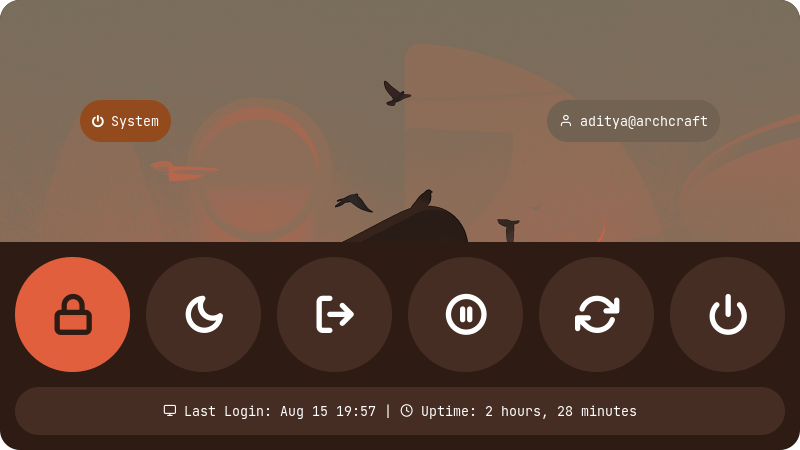
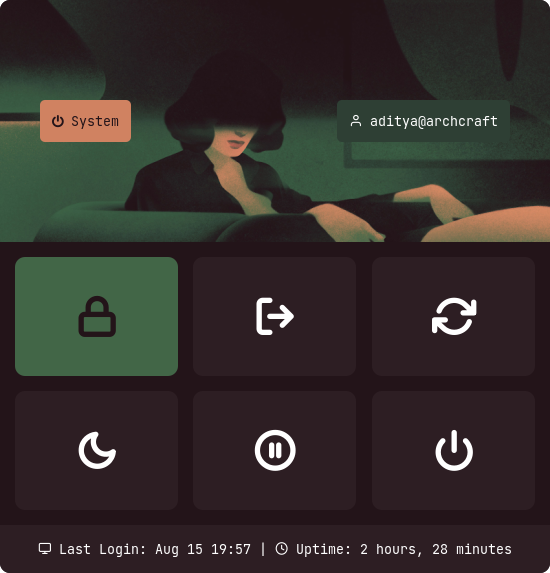
Type 5
|Style 1|Style 2|Style 3|Style 4|Style 5|
|--|--|--|--|--|
||||||
Type 6
|Style 1|Style 2|Style 3|Style 4|Style 5|
|--|--|--|--|--|
||||||
## Tips
#### Simple way to execute scripts
There's a `$HOME/.config/rofi/scripts` directory, which contains links to each script. you can execute these links to open any type of Launcher, Applet or Powermenu.
You can add `$HOME/.config/rofi/scripts` directory to your `$PATH` variable so that entering `t7_launcher` in the terminal (or executing this command) will summon the ***type-7 launcher***. you can do it by -
- In `bash`
``` bash
# Add directory to the $PATH variable
echo "PATH=$PATH:~/.config/rofi/scripts" >> ~/.profile
```
- In `zsh` (oh-my-zsh)
``` zsh
# Edit .zshrc and add this line
export PATH=$HOME/.config/rofi/scripts:$PATH
```
> **Warning:** After changing the shell files, Logout and Login back again to update the `$PATH` environment variable.
> **Nix users:** The [Home Manager module](#nixos--home-manager) adds the configured `launcher.commandName` and `powermenu.commandName` executables directly to your `PATH` — no manual `$PATH` editing needed.
## Usage
#### with polybar
You can use these `launchers`, `powermenus` or `applets` with polybar by simply adding a **module** like that:
```ini
;; Application Launcher Module
[module/launcher]
type = custom/text
content = 異
content-background = black
content-foreground = green
click-left = ~/.config/rofi/launchers/type-1/launcher.sh
click-right = launcher_t1
;; Power Menu Module
[module/powermenu]
type = custom/text
content = 襤
content-background = black
content-foreground = red
click-left = ~/.config/rofi/powermenu/type-1/powermenu.sh
click-right = powermenu_t1
```
If you are using the **[Home Manager module](#nixos--home-manager)**, use the command names configured in `launcher.commandName` and `powermenu.commandName` (defaults: `rofi-launcher` and `rofi-powermenu`):
```ini
[module/launcher]
type = custom/text
content = 異
content-background = black
content-foreground = green
click-left = rofi-launcher
[module/powermenu]
type = custom/text
content = 襤
content-background = black
content-foreground = red
click-left = rofi-powermenu
```
#### with i3wm
You can also use them with the `keybindings` on your **window manager**, For example:
```bash
set $mod Mod4
bindsym $mod+p exec --no-startup-id ~/.config/rofi/launchers/type-2/launcher.sh
bindsym $mod+x exec --no-startup-id powermenu_t2
```
With the **[Home Manager module](#nixos--home-manager)**:
```bash
set $mod Mod4
bindsym $mod+p exec --no-startup-id rofi-launcher
bindsym $mod+x exec --no-startup-id rofi-powermenu
```
#### with Openbox
Same thing can be done with `openbox` by adding these lines to **`rc.xml`** file:
```xml
launcher_t3
~/.config/rofi/powermenu/type-3/powermenu.sh
```
With the **[Home Manager module](#nixos--home-manager)**:
```xml
rofi-launcher
rofi-powermenu
```
## FYI
- For previous versions, check the respective branch, [1.7.0](https://github.com/adi1090x/rofi/tree/1.7.0) is the most recent branch.
- These themes are created on a display with **1920x1080** resolution. Everything should work fine on your display as well, except fullscreen themes. So Adjust the **`margin`** and **`padding`** by yourself.
- The purpose of this repository is to provide you a complete (almost) reference. So by using the files as reference, You can theme rofi by yourself.