# Rofi Applets & Menus





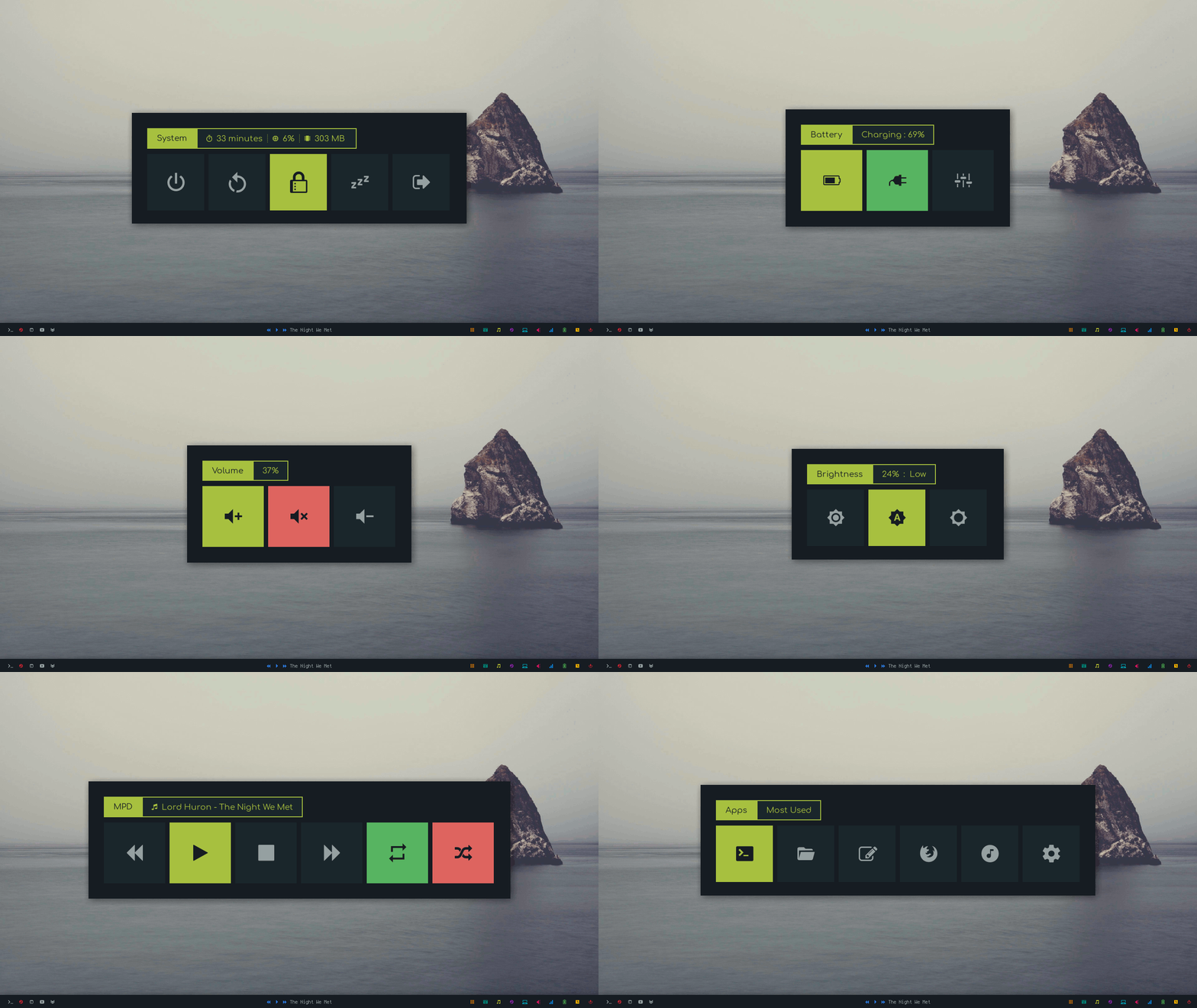
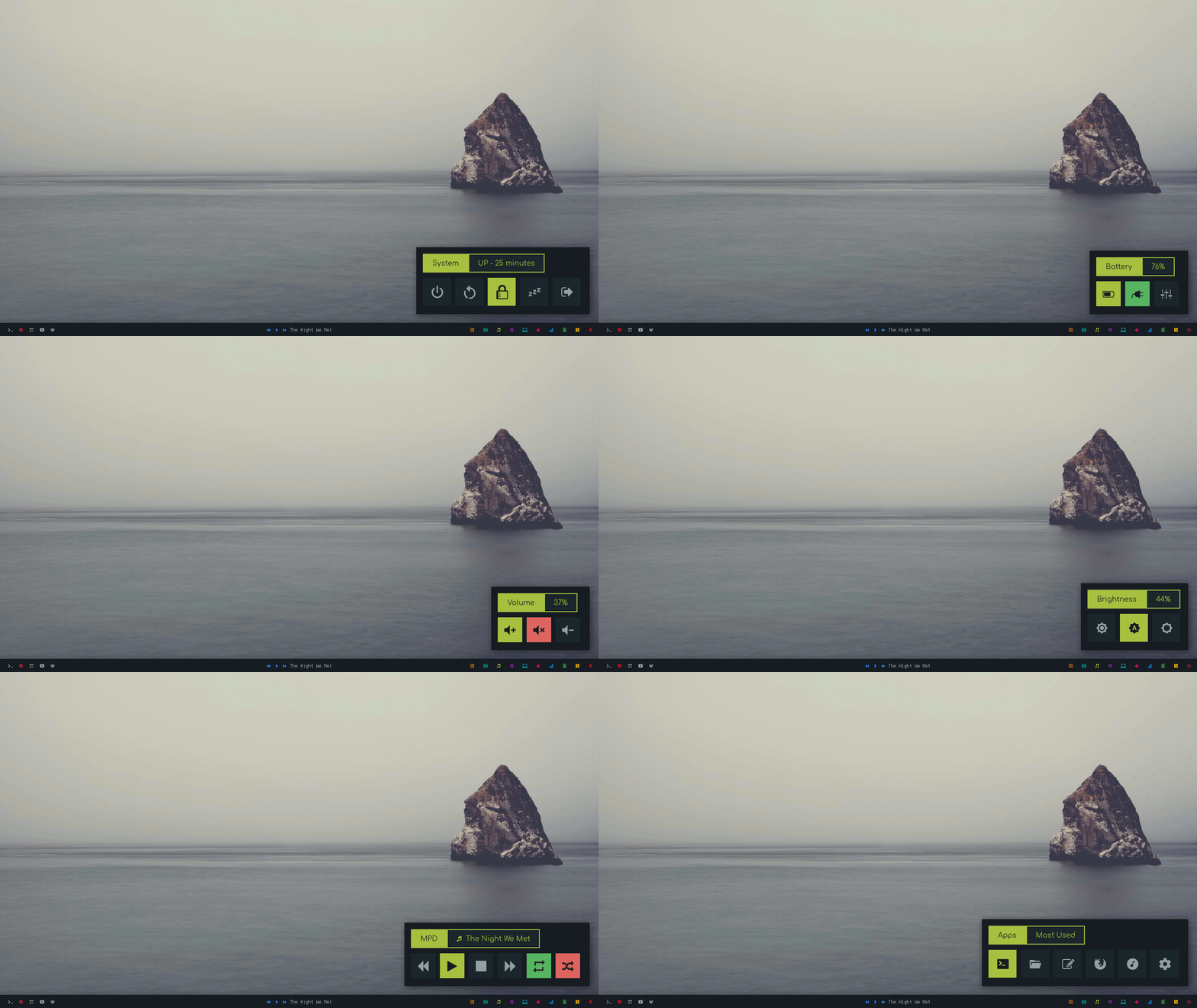
A collection of custom *applets* and *menus* made using [rofi](https://github.com/davatorium/rofi) and its dmenu emulation, inspired by [rofi-menus](https://gitlab.com/vahnrr/rofi-menus).
|Menus|Applets|
|-|-|
|||
Quick Links
- [Installation](https://github.com/adi1090x/rofi#installation)
- [Applets](https://github.com/adi1090x/rofi#applets)
- [Menus](https://github.com/adi1090x/rofi#menus)
- [Colorschemes](https://github.com/adi1090x/rofi#colorschemes)
- [Usage](https://github.com/adi1090x/rofi#tips)
* [Polybar](https://github.com/adi1090x/rofi#use-with-polybar)
* [I3wm](https://github.com/adi1090x/rofi#use-with-i3)
* [Openbox](https://github.com/adi1090x/rofi#use-with-openbox)
### Dependencies
| Applets/Menus | Package(s) | Note |
|------------|--------------------------------------------------------------|-----------|
| Apps | `termite`, `thunar`, `geany`, `firefox`, `lxmusic`, `xfce4-settings-manager` | Or any other softwares you use most, just change this in *~/.config/rofi/scripts/apps.sh* & also in *menu*.|
| Backlight | `xbacklight`, `dunst` | Adjust brightness & Notify. |
| Battery | `acpi` & `xfce4-power-manager-settings` | To get battery info & launch power manager.|
| MPD | `mpd` and `mpc` | `mpc` is a cli based client for `mpd`.|
| Network | `dnsutils`, `nmcli`, `nmtui`, `bmon`, `nm-connection-editor` & `termite` | `Termite` is required to open `nmtui` & `bmon`, or any other terminal you use, just change this in *~/.config/rofi/scripts/network.sh* & also in *menu*. |
| Powermenu | `systemctl`, `i3lock` | By default `systemctl` is used for most actions, `i3lock` is used for locking, `openbox --exit` is used to log out. you might want to change these commands to match your setup. |
| Quicklinks | `firefox` (or `chromium`) | By default `firefox` is used to open links, you can use any other browser if you want, change accordingly. |
| Screenshot | `scrot` `maim` & `viewnior` | `scrot` to take shot & `viewnior` to open it after taking screenshot, you can change to whatever you use. |
| Time | - | - |
| Volume | `amixer` | To set the volume. |
### Fonts
+ **Comfortaa** Used for normal text, ([preview](https://www.dafont.com/comfortaa.font) and [source](https://www.deviantart.com/aajohan/art/Comfortaa-font-105395949)).
+ **Hurmit Nerd Font Mono** Used for icons, ([preview](https://app.programmingfonts.org/#hermit) and [source](https://github.com/ryanoasis/nerd-fonts/tree/master/patched-fonts/Hermit)).
**Warning:** Do not change the `@icon-font` variable to another font, or you will end up messing with all applets/menus layout.
### Installation
+ First of all make sure you have `rofi` installed:
``` bash
# Arch / Arch-based
pacman -S rofi
# Debian / Ubuntu
apt-get install rofi
# Fedora
dnf install rofi
```
+ Then, clone this repository
```
# 1. Go in rofi's config folder
cd ~/.config/rofi
# 2. Clone this repo
git clone https://github.com/adi1090x/rofi.git
# 3. Make sure the scripts are executables
cd rofi && chmod +x scripts/*
# 4. Copy necessary files to the right location
cp -r bin scripts themes config.rasi ~/.config/rofi
# 5. Clean up rofi's config folder
cd .. && rm -r rofi
# 6. Call the scripts (from the scripts folder)
cd scripts
./backlight.sh
# (or from anywhere)
. ~/.config/rofi/scripts/backlight.sh
```
### Applets
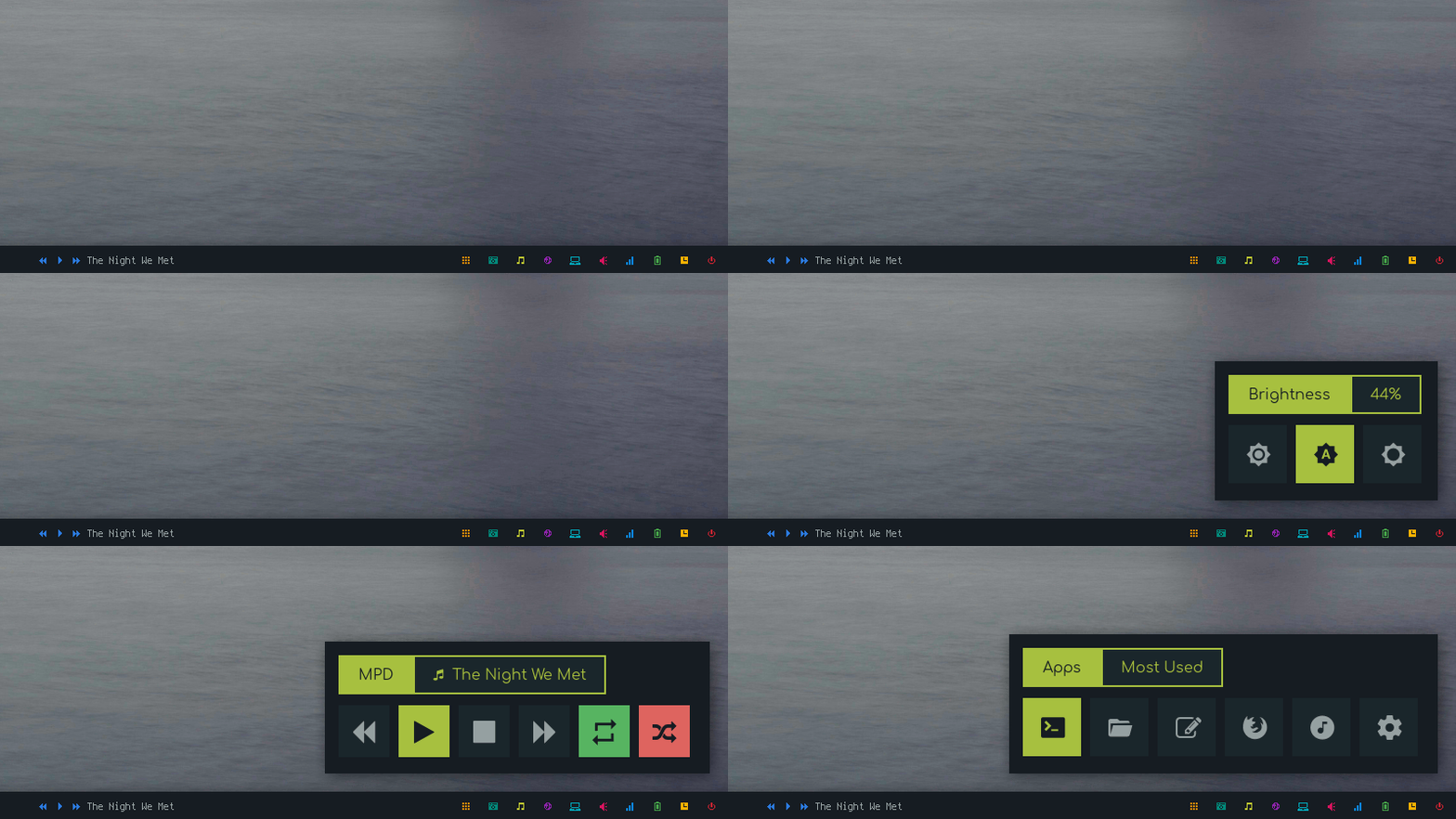
- **Apps:** Shortcuts for most used applications.
- **Backlight:** Display and adjust screen brightness.
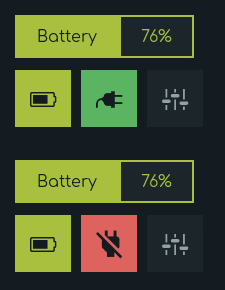
- **Battery:** Display battery percentage & charging-discharging status with dynamic icons.
- **MPD:** Control the song play through [mpd](https://github.com/MusicPlayerDaemon/).
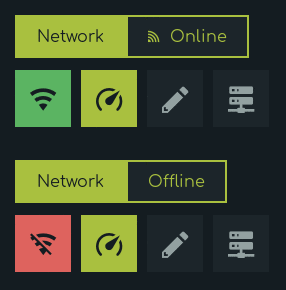
- **Network:** Display Online-Offline status with dynamic icons.
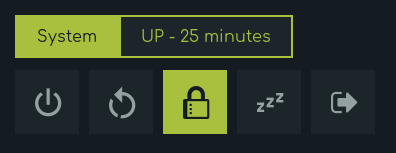
- **Powermenu:** A classic power penu, with Uptime.
- **Quicklinks:** Bookmarks shortcuts for most used sites.
- **Screenshot:** Take screenshots using [scrot](https://github.com/dreamer/scrot).
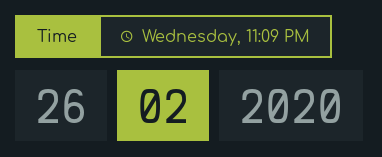
- **Time:** Display Time, Day & Date.
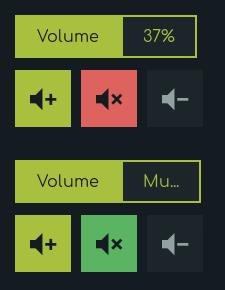
- **Volume:** Display and control volume with dynamic icons for mute status.
|Powermenu|Time|Network|Battery|
|--|--|--|--|
|||||
|Volume|Backlight|Screenshot|MPD|
|--|--|--|--|
||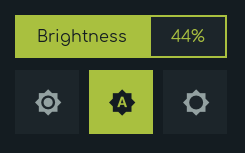|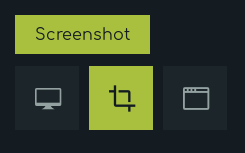|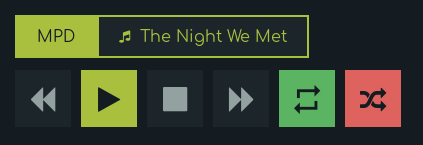|
|Quicklinks|Apps|
|--|--|
||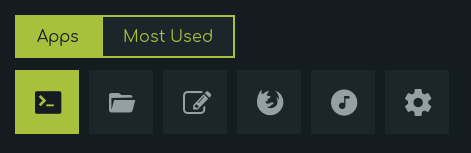|
### Menus

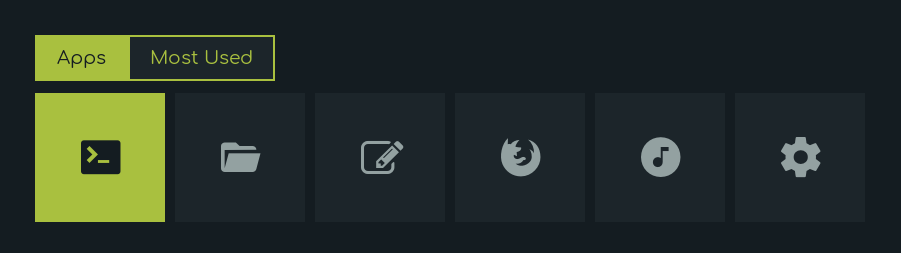
- **Apps:** Shortcuts for most used applications.
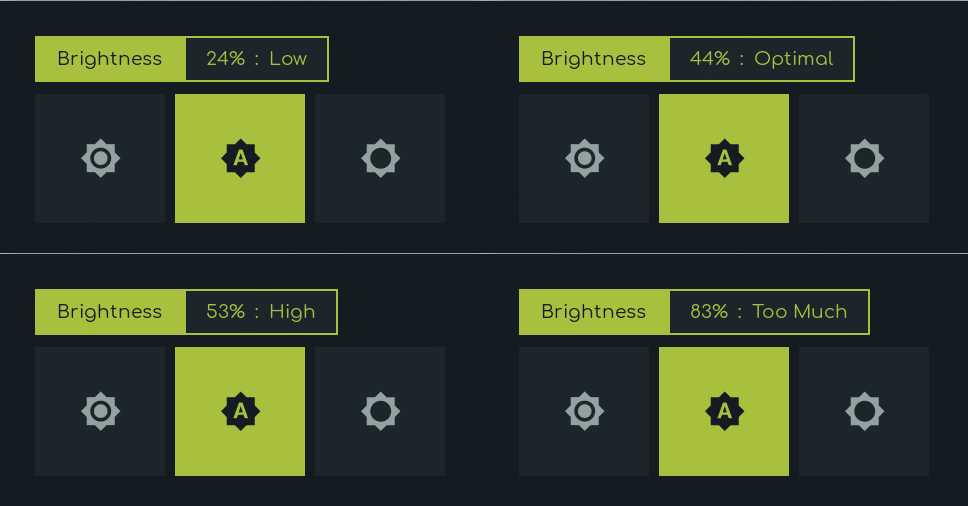
- **Backlight:** Display and adjust screen brightness.
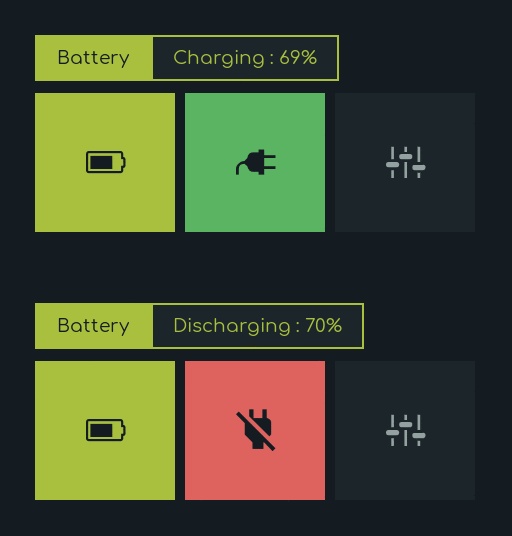
- **Battery:** Display battery percentage & charging-discharging status with dynamic icons.
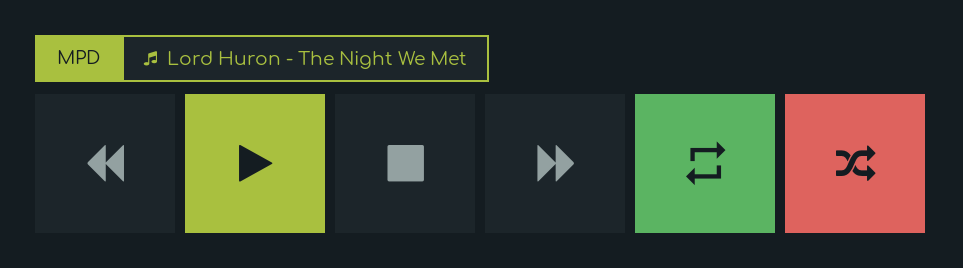
- **MPD:** Control the song play through [mpd](https://github.com/MusicPlayerDaemon/).
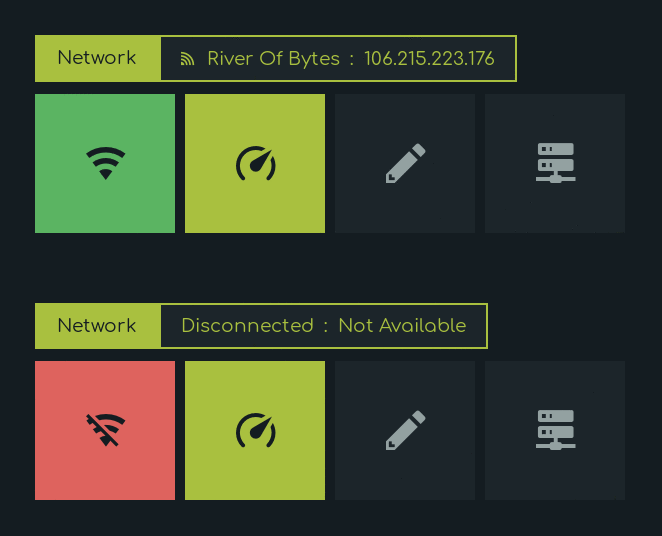
- **Network:** Display SSID, IP, Online-Offline status with dynamic icons.
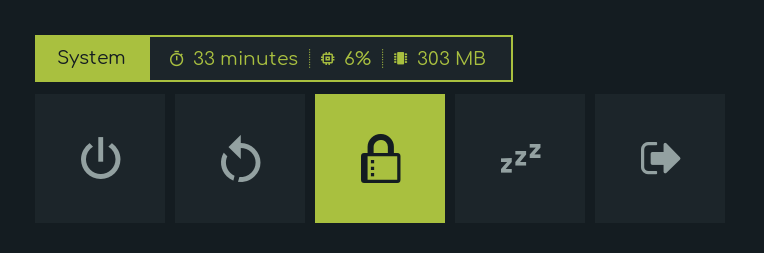
- **Powermenu:** A classic power penu, shows Uptime, CPU & Memory usages.
- **Quicklinks:** Bookmarks shortcuts for most used sites.
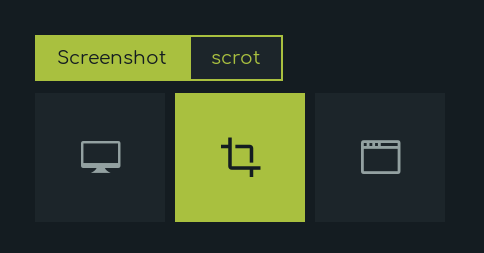
- **Screenshot:** Take screenshots using [scrot](https://github.com/dreamer/scrot).
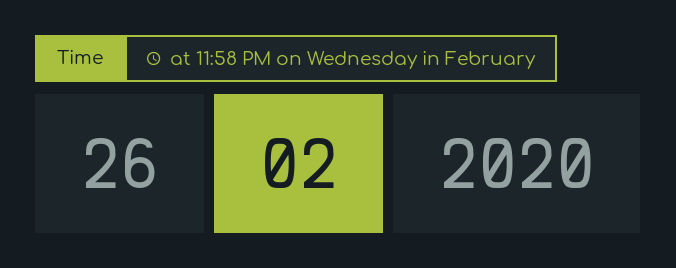
- **Time:** Display Time, Day, Month, Date.
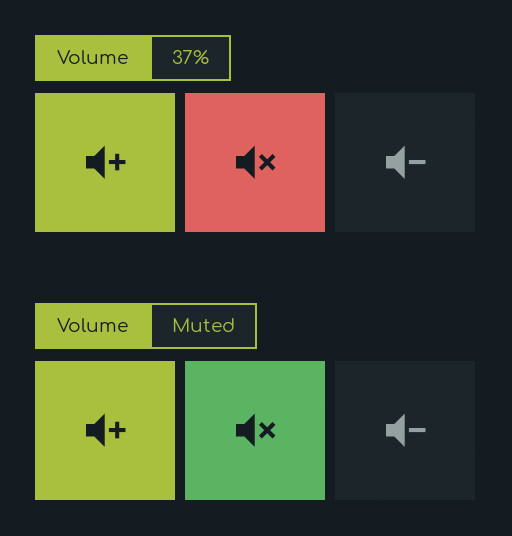
- **Volume:** Display and control volume with dynamic icons for mute status.
|Powermenu|Time|Network|Battery|
|--|--|--|--|
|||||
|Volume|Backlight|Screenshot|MPD|
|--|--|--|--|
|||||
|Quicklinks|Apps|
|--|--|
|||
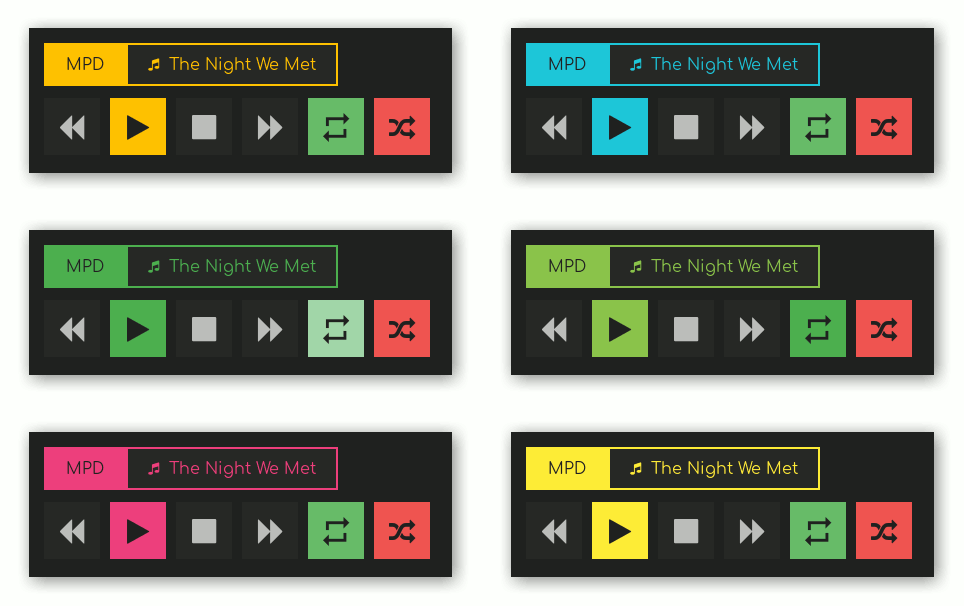
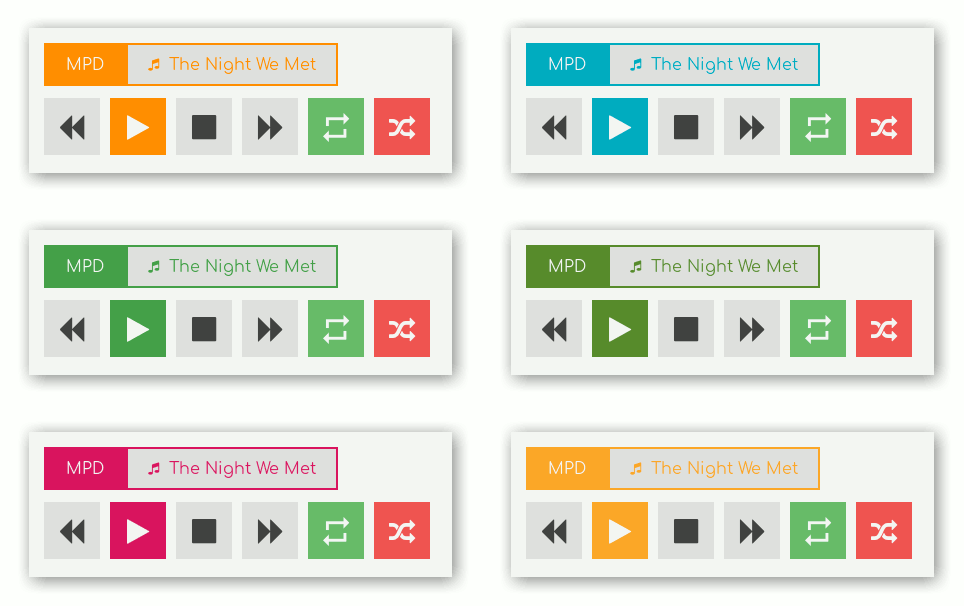
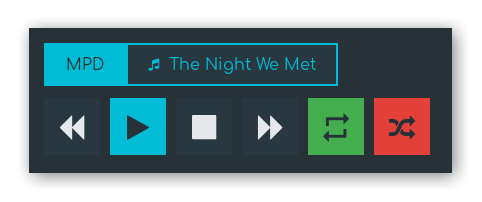
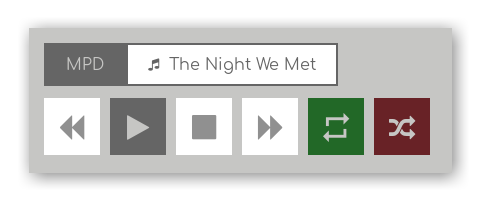
### Colorschemes
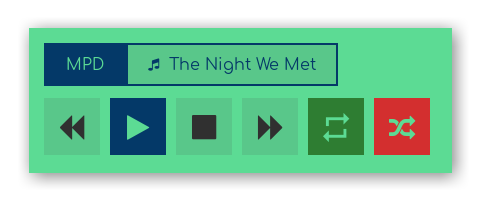
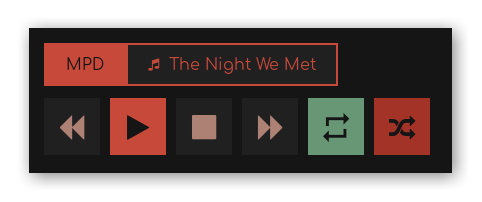
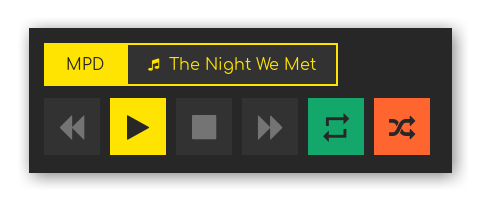
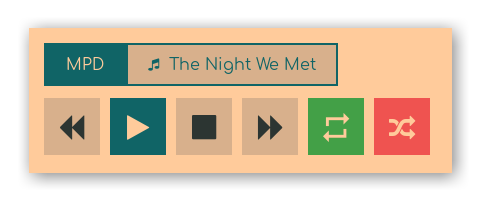
The files are stored in *~/.config/rofi/themes/colorschemes*.
To change the active colorscheme simply change the import line in *~/.config/rofi/themes/colors.rasi*.
If you wish to change the colorscheme for only one specific applet/menu, you can add the line below after `@import "colors.rasi"` to the *~/.config/rofi/themes/.rasi* or *~/.config/rofi/themes/menu/.rasi* file.
``` css
@import "colorschemes/.rasi"
```
|Material Dark|Material Light|
|--|--|
|||
|Adapta-Nokto|Adapta|Arc-Dark|Arc|
|--|--|--|--|
||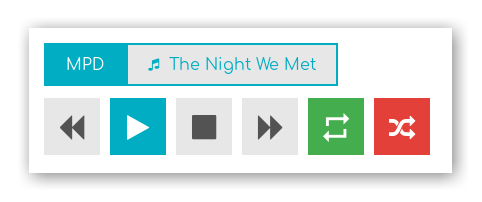|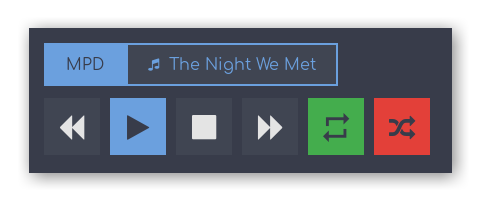|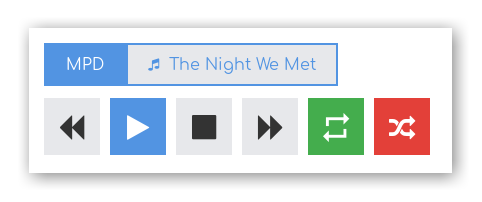|
|adwaita|gruvbox|dark|armchair|darkpink|
|--|--|--|--|--|
|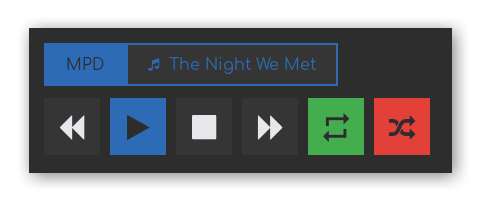|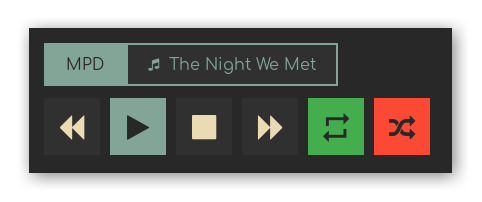|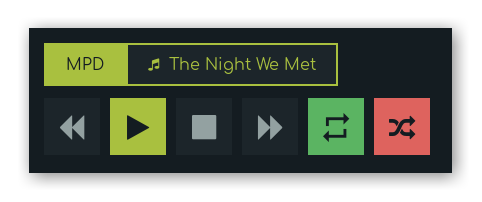|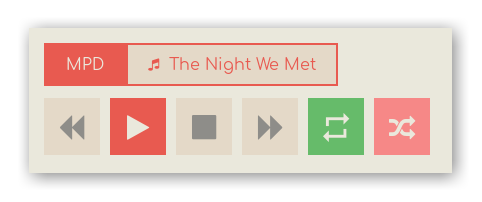|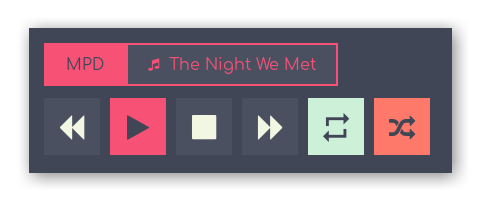|
|fresh|inside|party|sirin|minimo|
|--|--|--|--|--|
||||||
## Tips
### Simple way to execute applets/menus
You can copy links from `bin` folder to your `$PATH` variable so that entering `appsmenu` in the terminal (or executing this command) will summon the appsmenu. you can do it by -
``` bash
mkdir ~/.bin
cp -r ~/.config/rofi/bin/* ~/.bin
# Add folder to the $PATH variable
echo "PATH=$PATH:~/.bin" >> ~/.profile
```
**Note:** after doing this your `$PATH` variable won't be updated, so you will need to log out and then back in to be able to summon the menus this way.
### Use With polybar
This is a simple example on how can you use these applets with polybar by adding modules and giving full paths of selected applet like *~/.config/rofi/scripts/backlight.sh* or simply name if you followed the above method -
```bash
[module/backlight]
type = custom/text
content =
content-background = ${color.bg}
content-foreground = ${color.cyan}
click-left = ~/.config/rofi/scripts/backlight.sh
## Or...
[module/backlight]
type = custom/text
content =
content-background = ${color.bg}
content-foreground = ${color.green}
click-left = backlightmenu
```
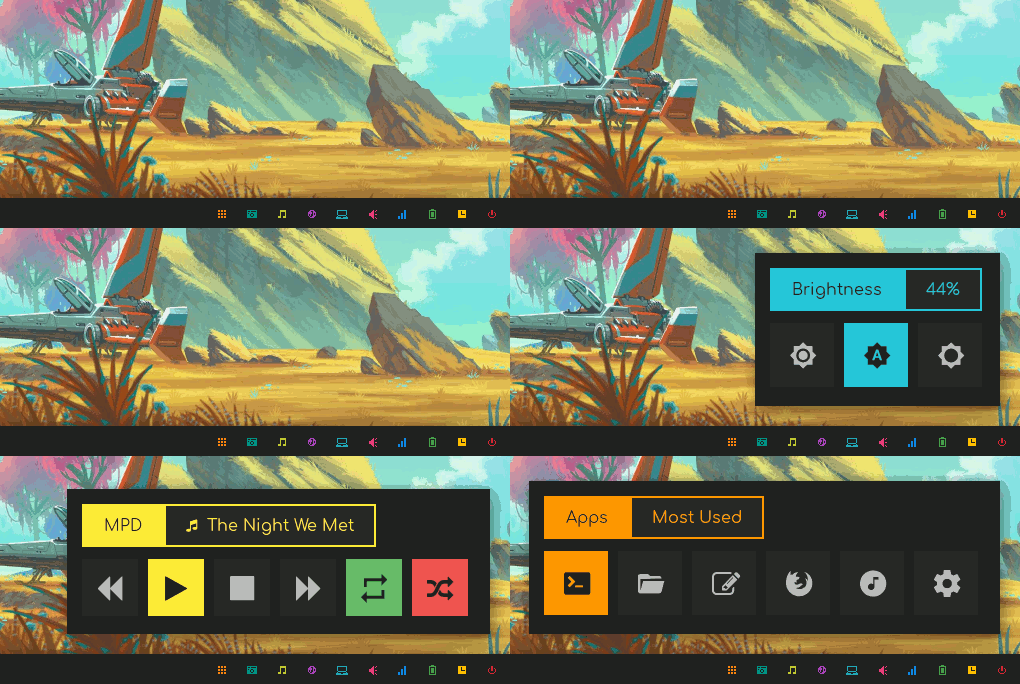
Here's How it looks on polybar with different colorschemes for each applet...
### Use With i3
You can call the scripts by giving their fulls paths like *~/.config/rofi/scripts/.sh* or follow method above to call the menus in one word. Then add these lines to your i3 config file:
```bash
set $mod Mod4
set $Alt Mod1
bindsym $mod+m exec --no-startup-id mpdmenu
bindsym $mod+n exec --no-startup-id networkmenu
bindsym $mod+p exec --no-startup-id ~/.config/rofi/scripts/powermenu.sh
#etc
```
### Use With Openbox
Same thing can be done with openbox by adding these lines to rc.xml file:
```xml
~/.config/rofi/scripts/mpd.sh
mpdmenu
```
### Support Me


### Bottom Line
+ PR's, Issues, Contributions are welcome.
+ Have Fun!